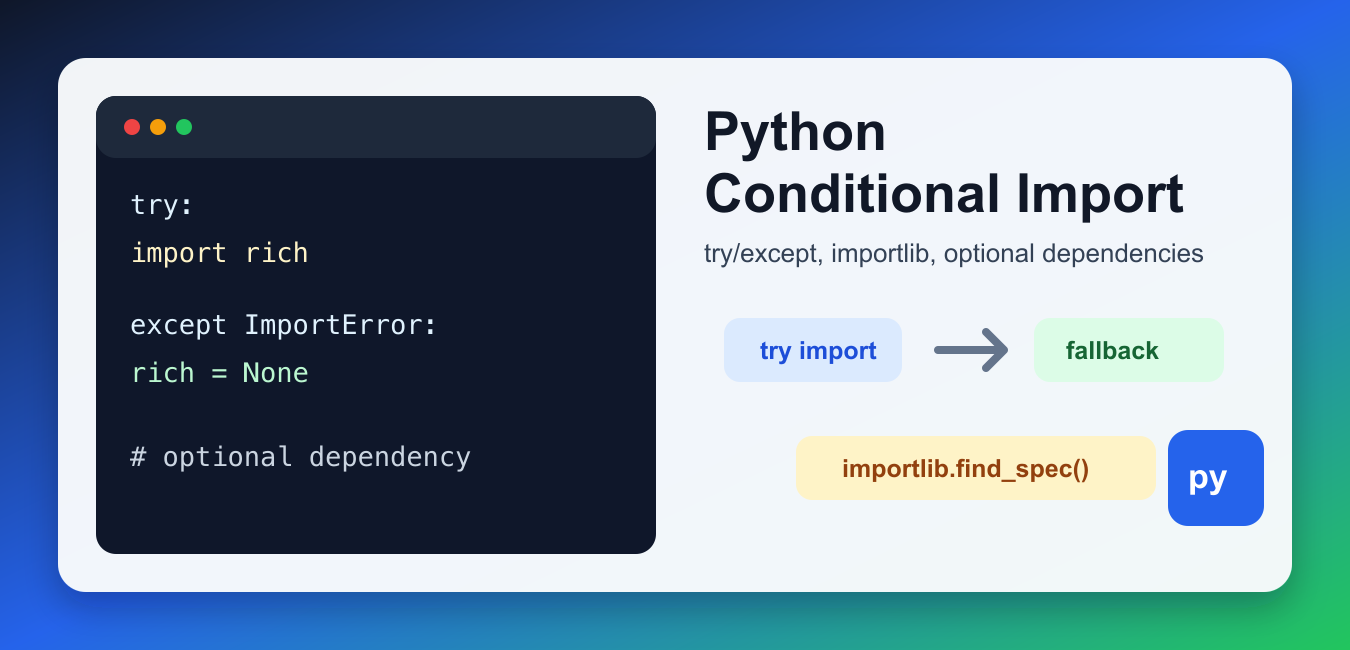
Quick answer: A good conditional import makes an optional feature explicit: handle only the missing dependency you expect, defer the import when useful, and report an actionable installation message at the feature boundary.
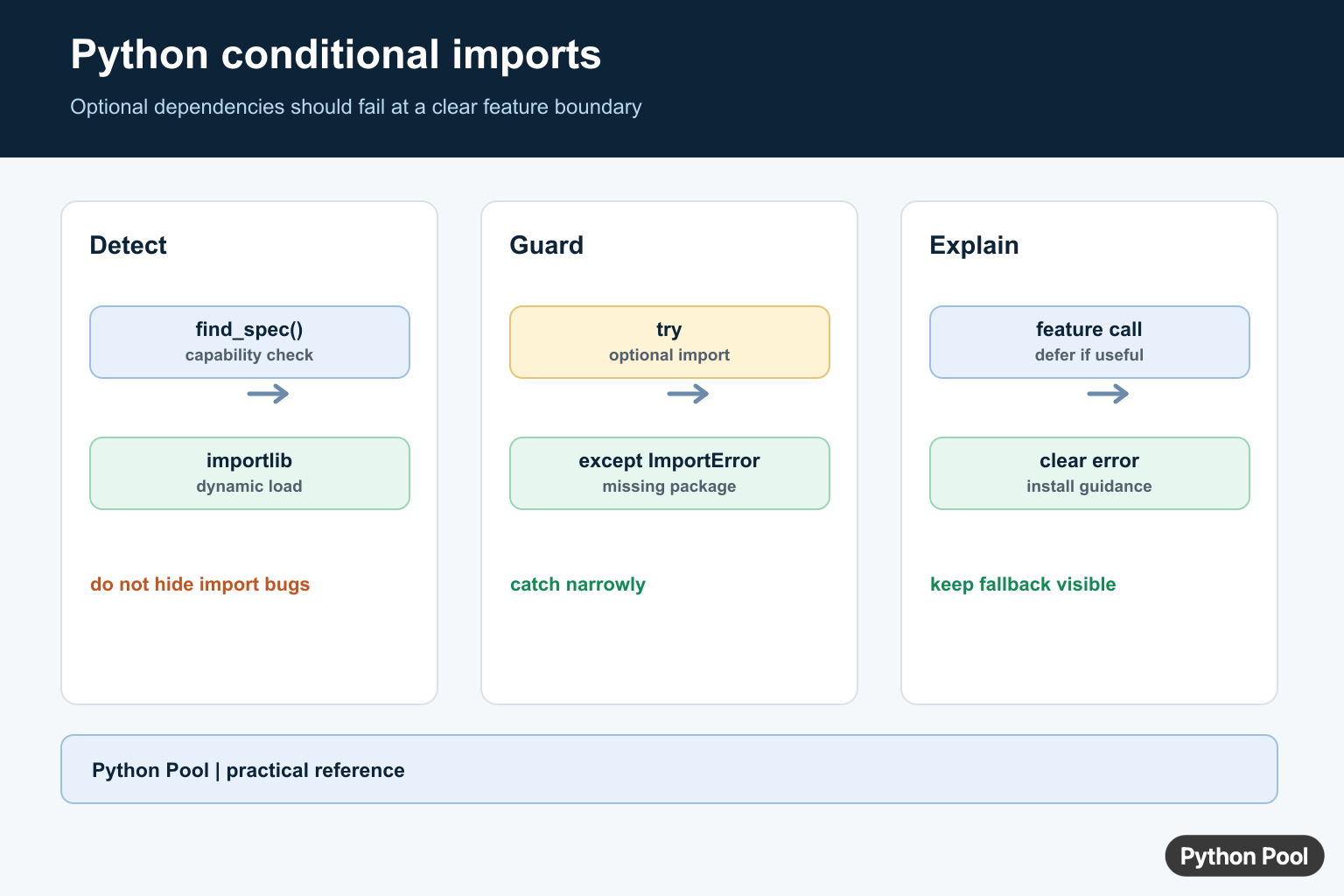
A Python conditional import loads a module only when a condition is true or when the module is available. This pattern is useful for optional dependencies, platform-specific modules, version-specific code, and fallback implementations.
The safest pattern is usually try with except ImportError around the optional import. For checking availability without importing the module, use importlib.util.find_spec(). Avoid hiding unrelated errors by catching too broadly.
Conditional imports should make code more portable, not harder to understand. Keep them near the code that needs the dependency, name fallback behavior clearly, and add a comment when the condition is not obvious.
Use this pattern deliberately. If the dependency is required for the whole program, a normal top-level import with a clear installation error is better. Conditional imports are most useful when the program can still do meaningful work without the module.
Use try/except for Optional Dependencies
Use ImportError when a package is optional. If the import fails, set a fallback value or use a simpler implementation.
try:
    import rich
except ImportError:
    rich = None

if rich is None:
    print("Using plain output")
else:
    print("Using rich output")
This keeps the program usable without the optional package. If the missing dependency is required, fail with a clear error instead of silently continuing. The fallback should be visible in logs or output when behavior changes.
Check a Module With importlib.find_spec()
Use importlib.util.find_spec() when you want to check whether a module can be imported before deciding what to do.
import importlib.util

has_numpy = importlib.util.find_spec("numpy") is not None

if has_numpy:
    print("NumPy is available")
else:
    print("Install NumPy for faster numeric code")
This is useful for feature flags, diagnostics, and optional speedups. If a user is seeing an actual missing-package error, the guide to No module named NumPy covers the installation side. Checking availability is not a substitute for declaring real project dependencies.
Import Different Code by Python Version
Use sys.version_info when the import depends on the Python version. Prefer feature detection when possible, but version checks are sometimes appropriate.
import sys

if sys.version_info >= (3, 11):
    from tomllib import loads
else:
    from tomli import loads

print(loads("name = 'pythonpool'"))
This example uses the standard library tomllib on newer Python versions and a backport on older versions. Keep the version boundary explicit so future maintainers know when the fallback can be removed. Version checks should be rare and tied to supported runtime policy.
Import Different Modules by Platform
Some modules only work on certain operating systems. Use platform or sys.platform to select platform-specific behavior.
import platform

system = platform.system()

if system == "Windows":
    module_name = "msvcrt"
else:
    module_name = "termios"

print(module_name)
This pattern is common in terminal input and system integration code. For a practical terminal-key example, see Python getch. Platform checks should be isolated because they are hard to test on every operating system from one machine.
Use Fallback Imports for Renamed APIs
When a function moved between modules, try the modern import first and fall back to the older location only when needed.
try:
    from collections.abc import Iterable
except ImportError:
    from collections import Iterable

print(Iterable)
This pattern can keep compatibility code small. Do not keep old fallbacks forever; remove them once your supported Python versions no longer need them. Compatibility branches should be tested, because they are easy to break when most developers run only the newest Python version.
Avoid Masking Real Import Bugs
Only catch ImportError around the import that is actually optional. Catching too much can hide errors inside the imported module.
try:
    import json
except ImportError as error:
    raise RuntimeError("json is required") from error

print(json.dumps({"ok": True}))
If an import fails because of a circular import or a wrong symbol, the fix is different. The guide to ImportError: cannot import name covers that class of problem. Keep exception handling narrow so real bugs still fail loudly.
When Should You Use Conditional Imports?
Use conditional imports for optional dependencies, compatibility code, platform-specific modules, and expensive imports that are only needed in rare paths. Avoid them when a normal top-level import would be clearer. If command-line options decide which feature runs, parse options first and import only the needed feature; Python getopt covers one older command-line parsing option.
For maintainability, keep fallback behavior explicit and test both branches when possible. A conditional import is still part of your runtime contract, so undocumented fallbacks can become confusing technical debt. Add dependency notes to project documentation when users may need to install optional extras. Clear errors save debugging time.
References
- Python docs: importlib.util.find_spec()
- Python docs: ImportError
- Python docs: sys.version_info
- Python docs: platform
Use A Narrow Optional Import
Catch ImportError only around the optional module. Do not wrap unrelated setup or application logic in the same try block, because an installed package can raise another error that should remain visible.
try:
    import orjson
except ImportError:
    orjson = None

def dump_payload(value):
    if orjson is None:
        raise RuntimeError("Install the optional json feature with pip install orjson")
    return orjson.dumps(value)
Defer The Import To The Feature
A function-local import prevents an optional dependency from affecting users who never call that feature. It also gives the error a natural place to explain what the user can install. Cache a loaded module when repeated dynamic imports would matter.
from importlib import import_module

def render_chart(data):
    try:
        pyplot = import_module("matplotlib.pyplot")
    except ImportError as error:
        raise RuntimeError("Install matplotlib to render charts") from error
    pyplot.plot(data)
    return pyplot.gcf()
Detect Without Importing
importlib.util.find_spec() can answer whether an importable module is discoverable, but it is not a substitute for handling import-time failures. Use detection for capability reporting and still keep the actual feature import guarded and specific.
from importlib.util import find_spec

if find_spec("pandas") is None:
    print("tabular features are unavailable")
else:
    print("tabular features can be enabled")
For dynamic loading and module discovery, use the standard library’s importlib documentation and document optional dependencies in the package metadata.
For larger import layouts, continue with imports from another directory, circular import diagnosis, and subdirectory imports.
Frequently Asked Questions
How do I conditionally import a Python module?
Use a narrow try/except ImportError around the optional import, or import it with importlib when the module name is dynamic.
Why should I not catch every exception during import?
A broad except can hide real bugs raised inside an installed module; only handle the missing optional dependency you expect.
How do I check whether an optional package is installed?
Attempt the import at the feature boundary or use importlib.util.find_spec() when you only need to detect availability.
Should optional imports happen at module scope?
Module-scope imports are fine when the feature is always needed after installation; defer them inside the feature function when the dependency is genuinely optional.