PyVirtualDisplay: Run Python GUI Tests Headlessly
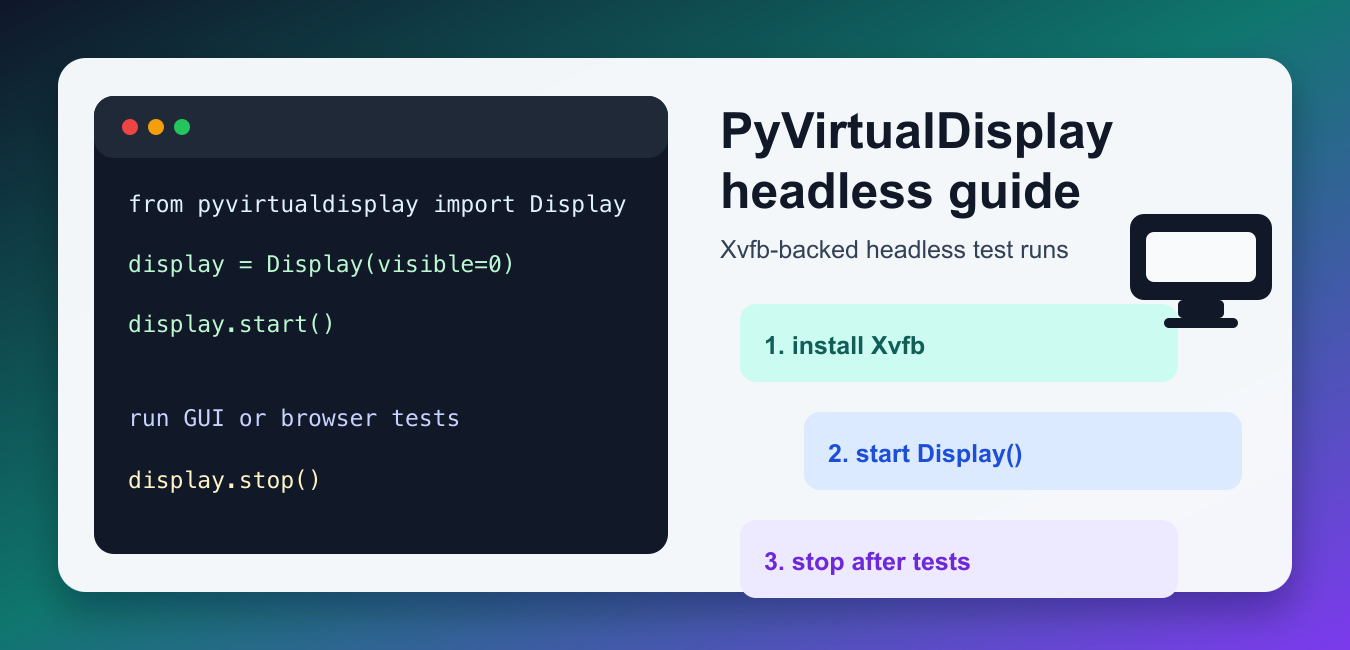
Run Linux GUI or browser tests without a physical monitor by starting an Xvfb display through PyVirtualDisplay and cleaning it up.
Explore Python module guides for standard-library and third-party tools, with installation notes, examples, common methods, and practical usage.
Run Linux GUI or browser tests without a physical monitor by starting an Xvfb display through PyVirtualDisplay and cleaning it up.
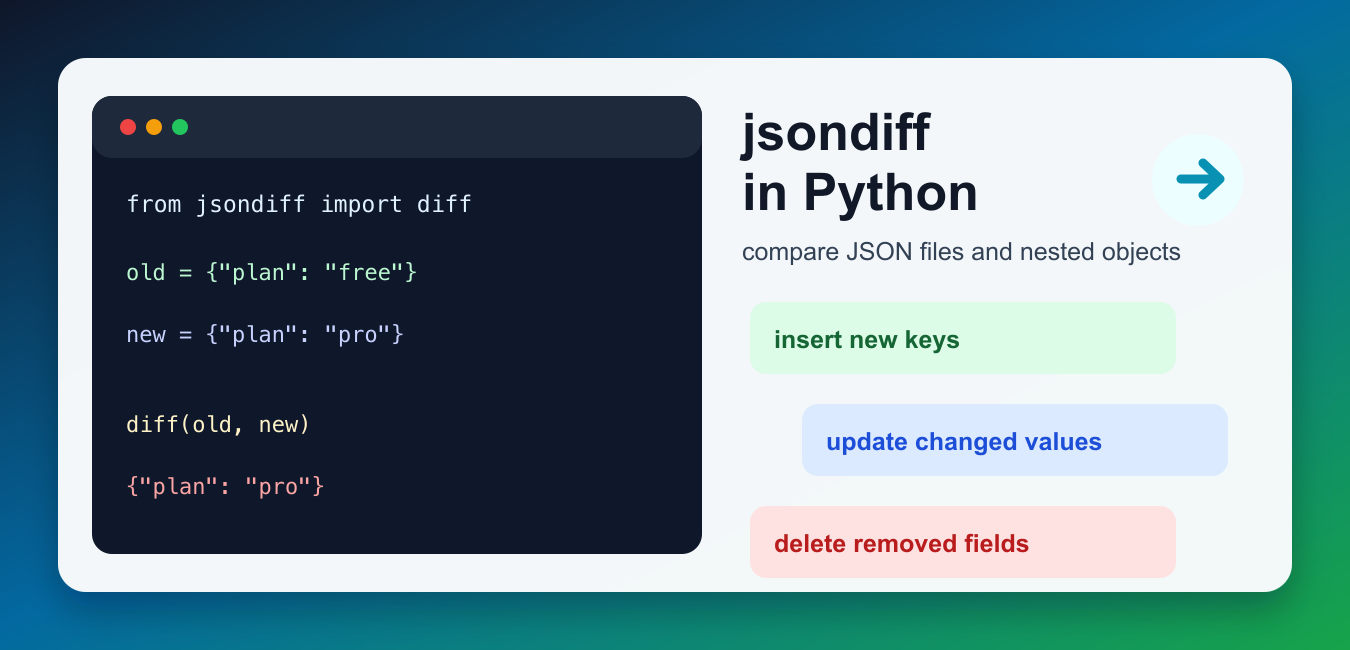
Use jsondiff in Python to compare nested JSON-like data, inspect additions and deletions, apply diffs, and review API or config changes.
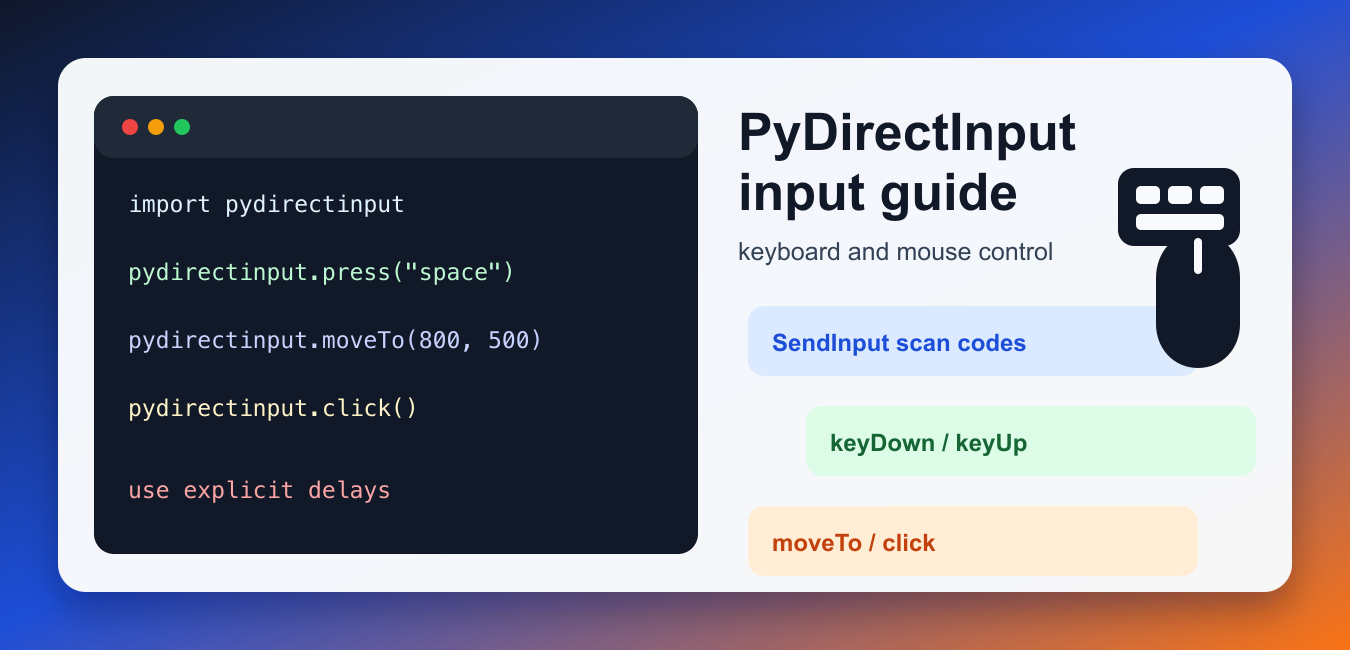
Automate keyboard and mouse input with PyDirectInput, while handling coordinates, timing, focus, and destructive actions safely.

Create animated bar chart races in Python with Raceplotly, tidy time-series data, labels, frames, rendering, and export considerations.
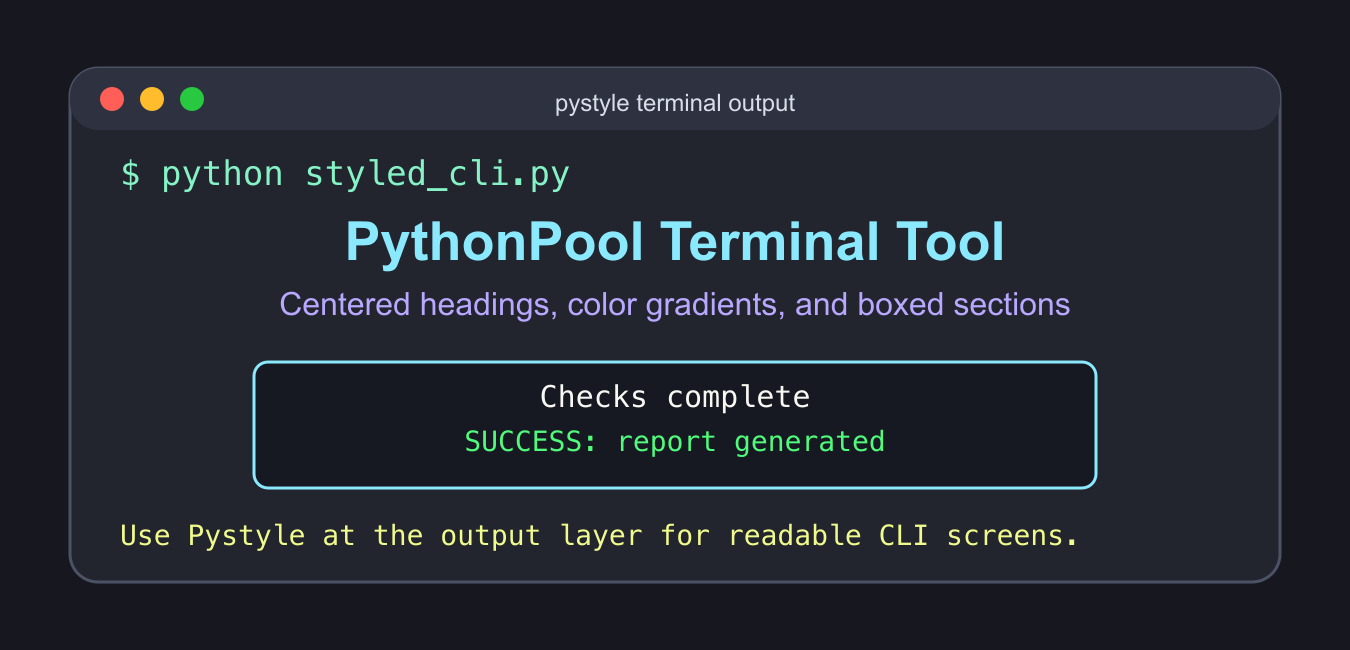
Build readable Pystyle terminal output with centered text, colors, boxes, and a plain-text fallback when styling is unavailable.

Use Sniffio to detect whether code runs under asyncio, Trio, Curio, or another async library, with safe fallback and error handling.
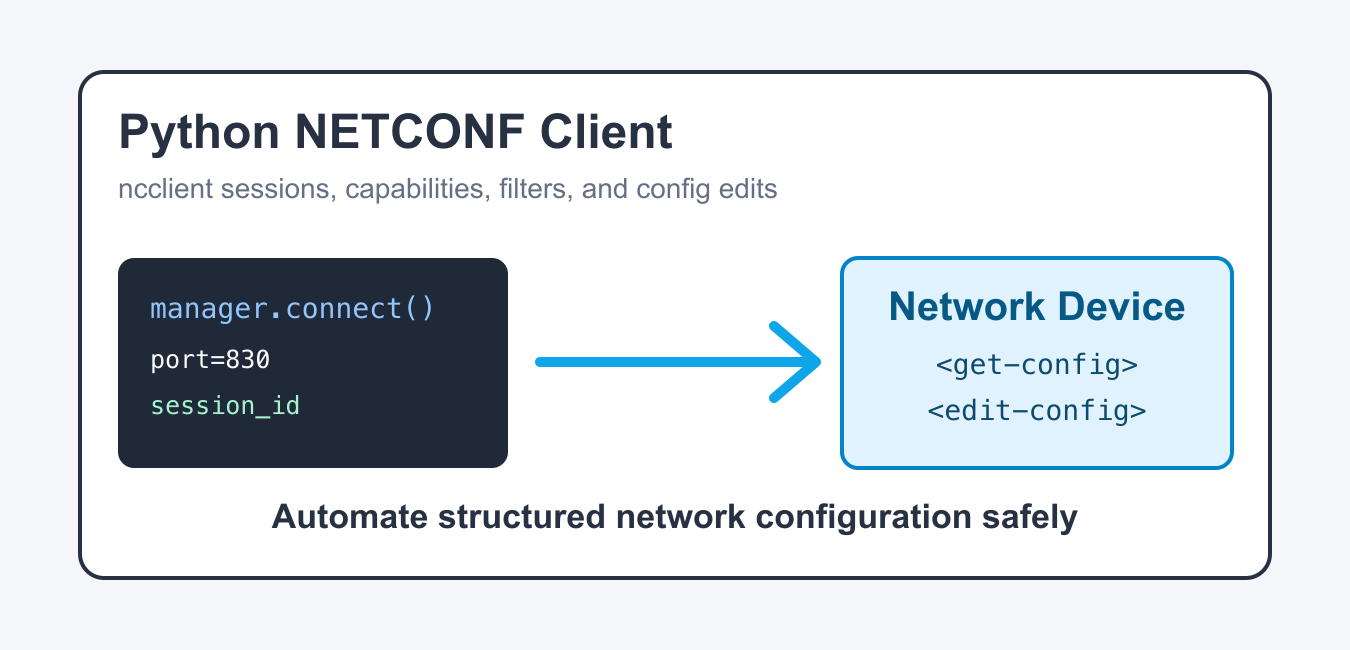
Build a Python NETCONF client with ncclient using SSH host verification, capabilities, explicit timeouts, XML filters, commits, and safe rollback.
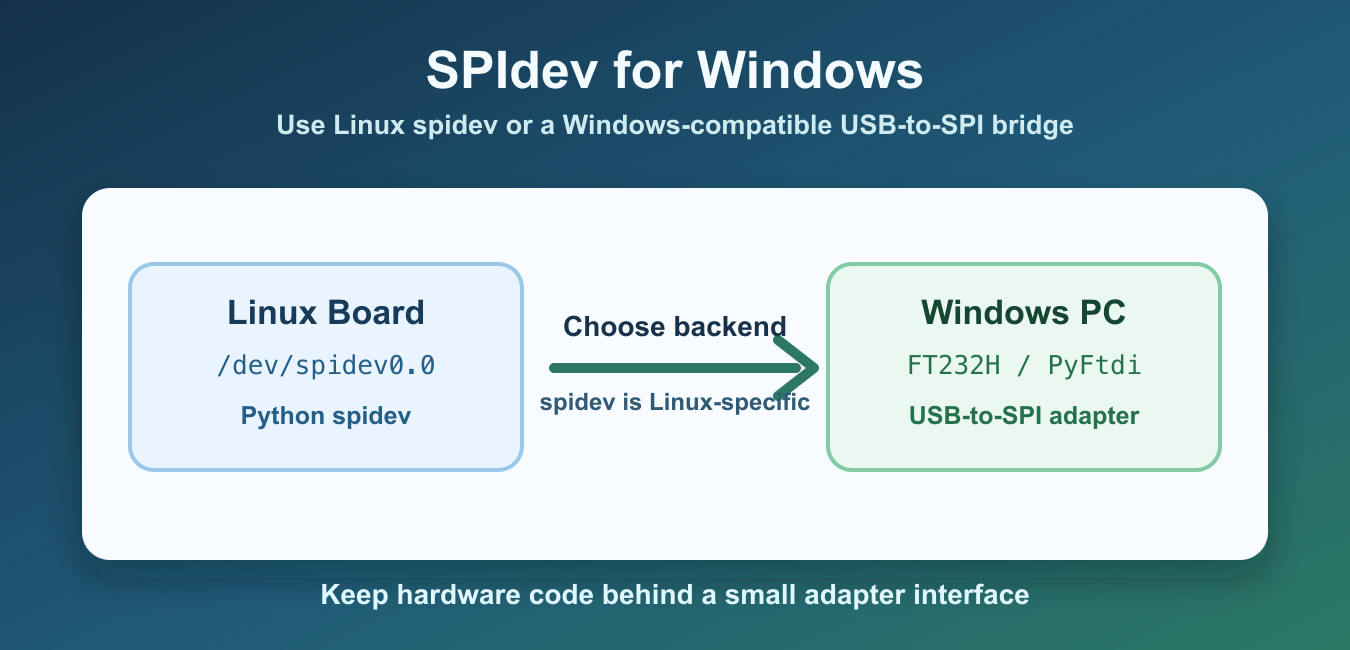
Use spidev on Linux and choose Windows SPI alternatives such as PyFtdi, serial bridges, vendor SDKs, and portable adapters.
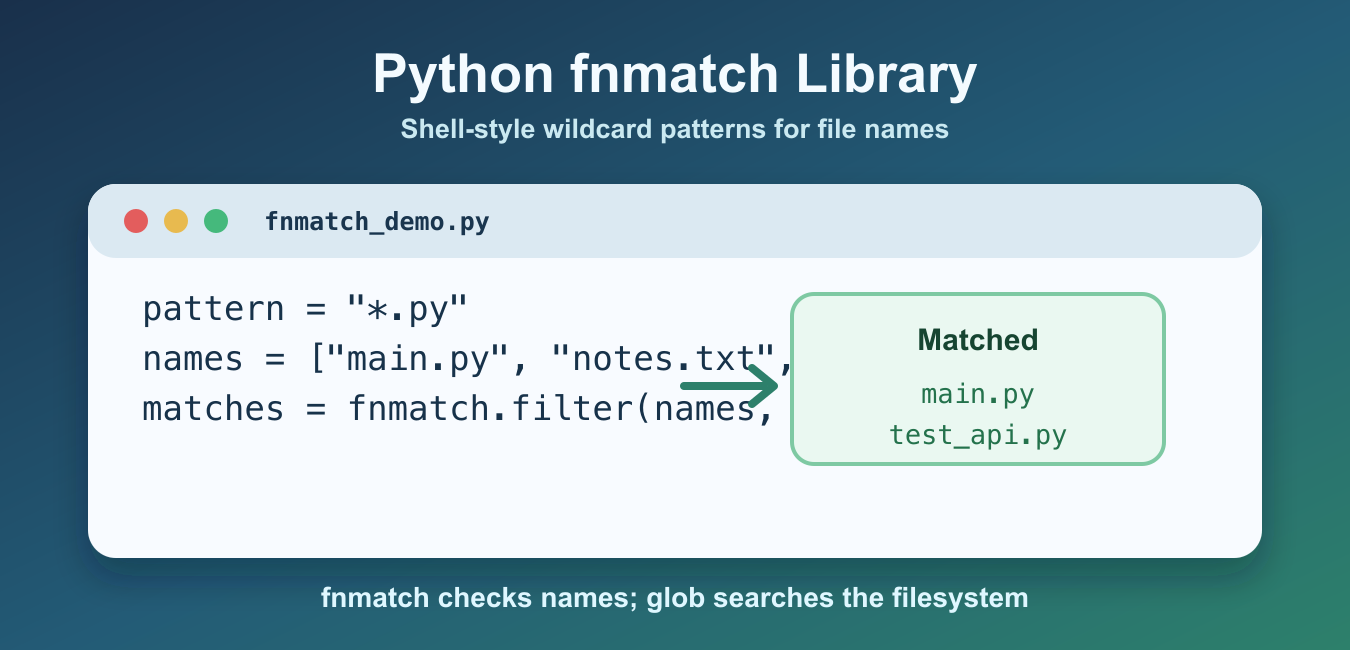
Use Python’s fnmatch library to match filenames with shell-style wildcards, filter lists, handle case rules, and avoid path mistakes.
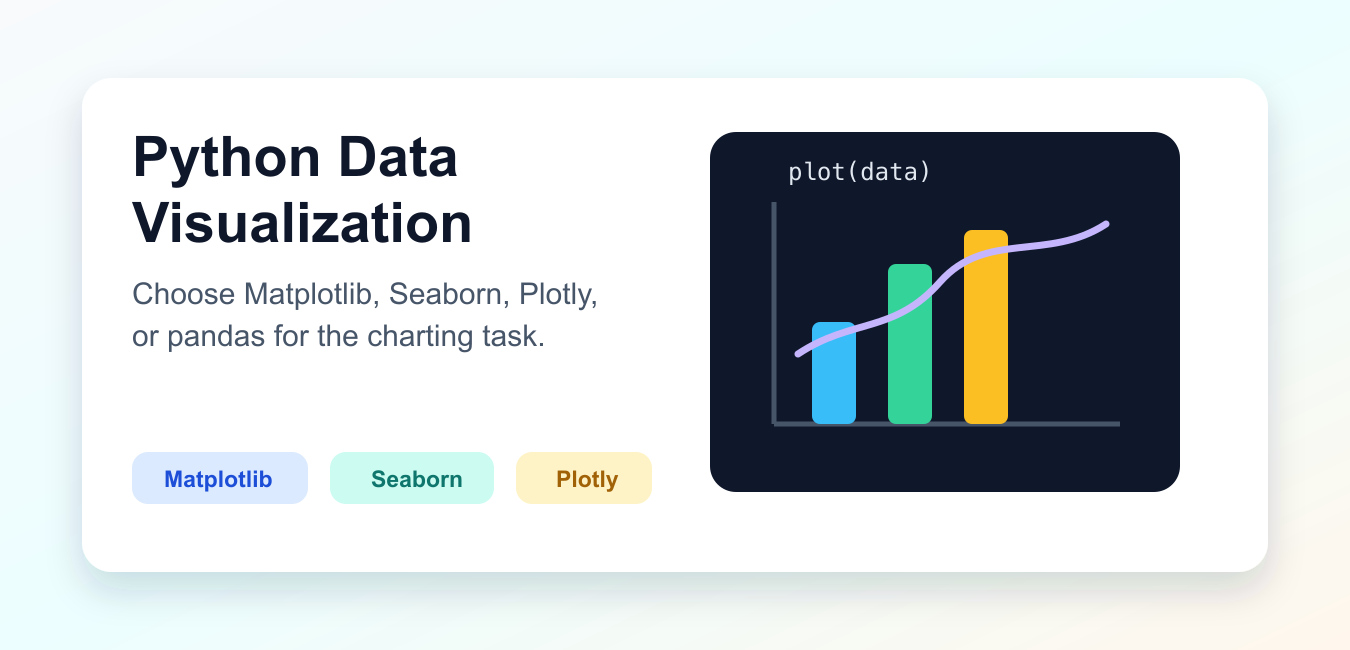
Compare Python visualization libraries including Matplotlib, Seaborn, Plotly, Altair, and Bokeh by static output, interactivity, grammar, and deployment.