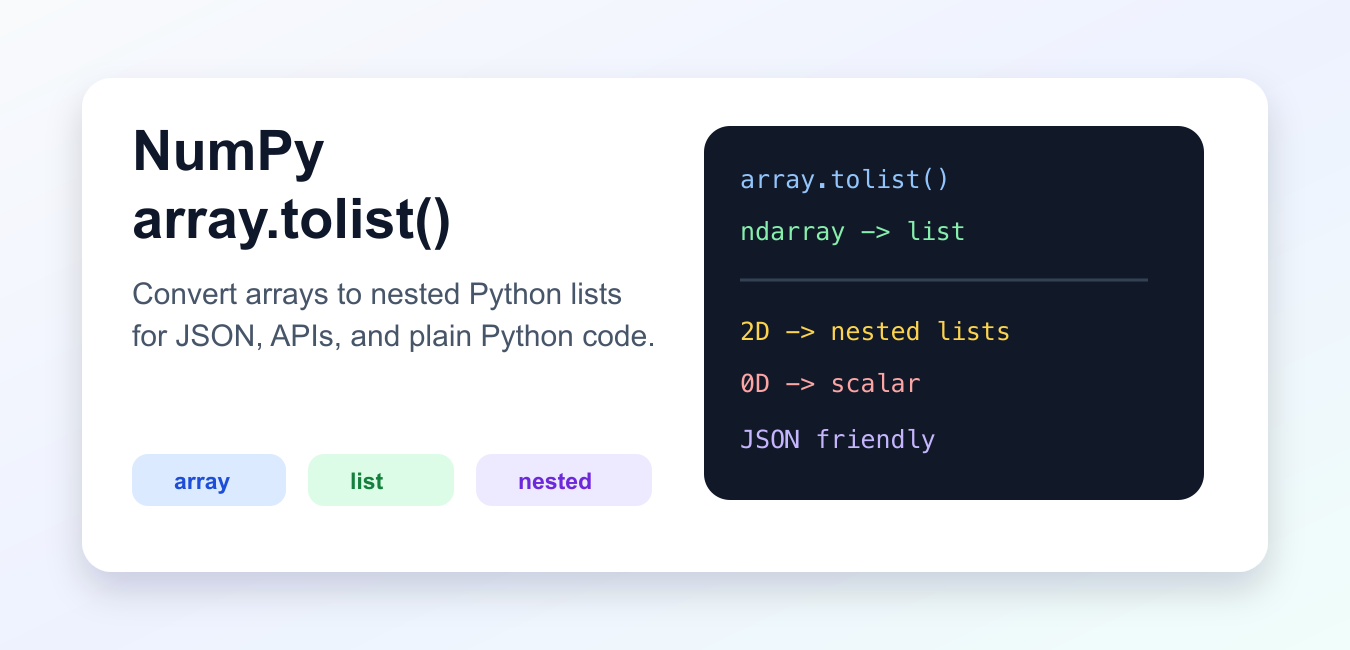
Quick answer: Call array.tolist() to convert a NumPy array into nested Python lists and compatible Python scalar values. Use it at an interoperability boundary such as JSON preparation, not as a replacement for vectorized NumPy operations.
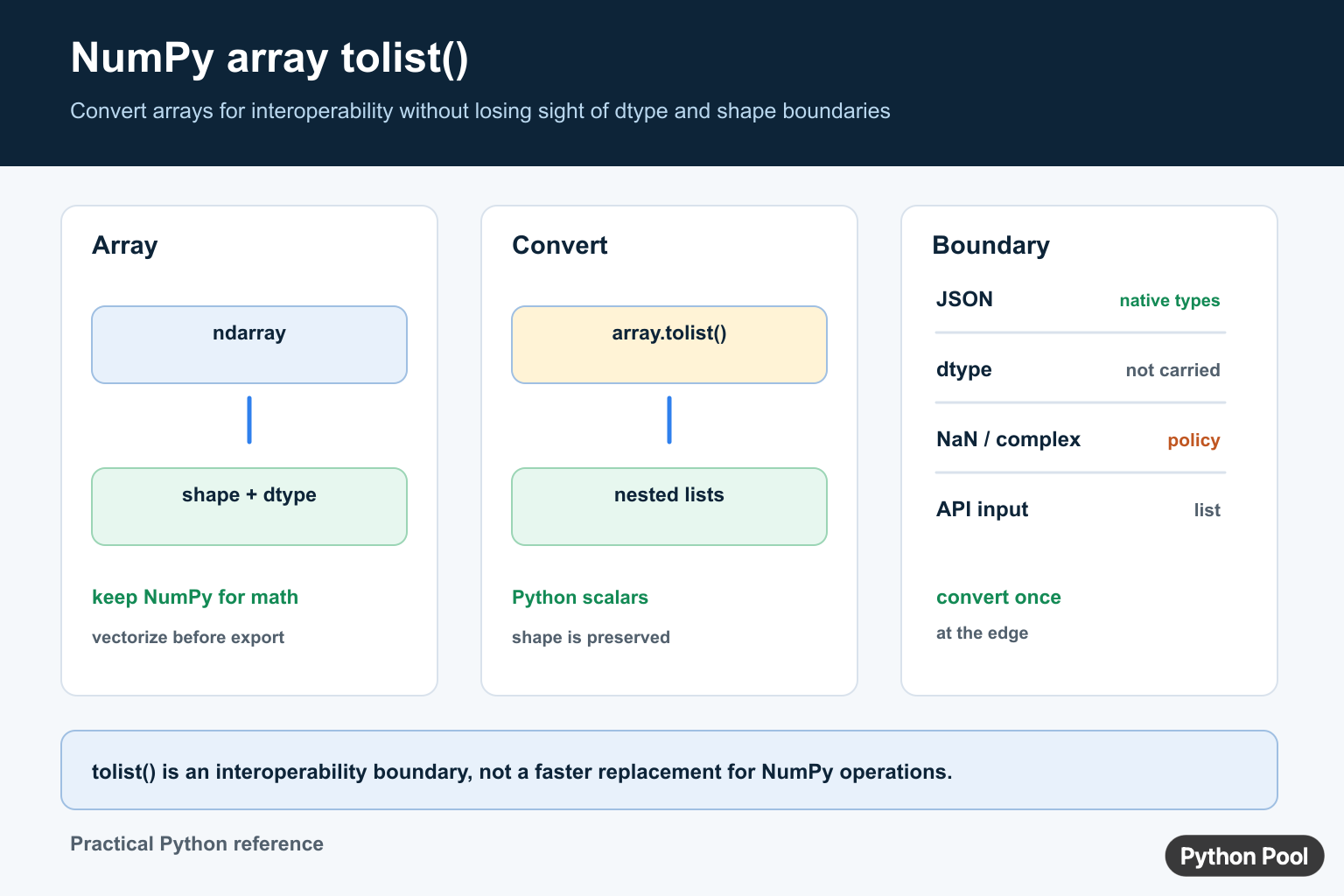
array.tolist() converts a NumPy array into normal Python objects. A one-dimensional array becomes a list. A two-dimensional array becomes a nested list. A zero-dimensional array becomes a Python scalar.
This method is useful when data must leave NumPy and move into plain Python code, JSON output, web APIs, or test assertions. It is not the best choice when you still need fast vectorized NumPy operations, because lists do not keep NumPy’s array behavior.
Treat tolist() as a boundary tool. Keep arrays as arrays while computing, filtering, reshaping, or aggregating. Convert only when the next layer expects plain Python containers.
The official NumPy ndarray.tolist documentation explains how array items are converted to nearest compatible Python scalar objects. Related NumPy references include asarray, array, and NumPy data types.
Convert A 1D Array
For a one-dimensional array, tolist() returns a flat Python list.
import numpy as np

arr = np.array([10, 20, 30])
items = arr.tolist()

print(items)
print(type(items))
The result is a normal list, so list methods and plain Python loops work as expected.
This is often helpful for small results, configuration output, or code that must call a library that does not understand NumPy arrays.
Convert A 2D Array
For a two-dimensional array, tolist() preserves the row structure as nested lists.
import numpy as np

matrix = np.array([
    [1, 2, 3],
    [4, 5, 6],
])

rows = matrix.tolist()

print(rows)
print(rows[0])
This is useful when sending table-like data to an API or when comparing expected rows in tests.
The nesting follows the original array shape. A three-dimensional array would produce lists inside lists inside lists, which can become hard to inspect by hand.
Handle A Scalar Array
A zero-dimensional NumPy array becomes a Python scalar rather than a list.
import numpy as np

score = np.array(42)
plain_score = score.tolist()

print(plain_score)
print(type(plain_score))
This behavior is correct but easy to forget. If the caller always expects a list, handle scalar arrays before conversion.
For APIs, document whether a scalar result is allowed. Predictable output shape is more important than saving one line of conversion code.
Prepare JSON Output
The standard json module cannot serialize many NumPy objects directly. Convert arrays to lists first.
import json
import numpy as np

payload = {
    "name": "samples",
    "values": np.array([0.1, 0.2, 0.3]).tolist(),
}

text = json.dumps(payload)
print(text)
For nested arrays, the same method produces nested lists that JSON can encode.
For very large arrays, JSON output can become expensive and bulky. Consider summaries, pagination, binary formats, or files when the payload is large.
Recreate An Array With dtype
When converting back to NumPy, pass dtype if the exact type matters.
import numpy as np

arr = np.array([1, 2, 3], dtype=np.int16)
items = arr.tolist()

restored = np.array(items, dtype=np.int16)

print(restored)
print(restored.dtype)
The list does not remember the original NumPy dtype. Recreate that dtype deliberately when it matters for storage, memory, or downstream libraries.
This is especially important for small integer types, unsigned values, and precise floating-point formats. Plain Python objects do not carry the same dtype metadata.
Compare list() And tolist()
list(array) only converts the outer level. tolist() converts nested NumPy arrays too.
import numpy as np

matrix = np.array([[1, 2], [3, 4]])

outer_only = list(matrix)
fully_plain = matrix.tolist()

print(type(outer_only[0]))
print(type(fully_plain[0]))
For nested data, prefer tolist() when the goal is plain Python lists all the way down.
This distinction matters in tests. A shallow list conversion may still contain NumPy arrays, so equality checks can behave differently than expected.
Practical Guidance
Use tolist() at boundaries: JSON output, API payloads, snapshots, simple assertions, and places where code no longer needs NumPy operations. Keep arrays as arrays while doing numeric work.
Be aware that NumPy scalar types become close Python scalar types. That is usually helpful, but converting back may not preserve the exact dtype unless you request it.
For large arrays, conversion can allocate a lot of Python objects. If the next step can handle NumPy arrays, avoid conversion and pass the array directly.
The safest workflow is to convert only at the boundary, document whether nested lists are expected, and restore dtype explicitly when converting back to NumPy.
That keeps numeric code fast while still giving APIs and plain Python callers the format they expect.
When returning lists from a function, document the shape of the result. A flat list, nested row list, and scalar value are different contracts. Clear shape expectations make callers easier to test and reduce surprises when an array changes from one dimension to two.
This matters most at package and API boundaries.
Use tolist At A Boundary
tolist() creates ordinary Python containers, so it is useful when an API, serializer, or template expects lists rather than an ndarray. The output preserves the array’s nesting shape, but it no longer carries NumPy’s dtype, strides, broadcasting behavior, or methods.
import json
import numpy as np

values = np.array([[1, 2], [3, 4]], dtype=np.int64)
payload = {"values": values.tolist()}
print(json.dumps(payload))
Do Not Convert Too Early
Keep data as an ndarray while filtering, reshaping, multiplying, or calculating statistics. Converting to lists too early can add Python-level loops and lose dtype information. Convert once when the next system genuinely requires Python-native containers.
When round-tripping through JSON, remember that JSON has fewer types than NumPy. NaN, infinities, complex values, datetime values, and object arrays need an explicit serialization policy instead of relying on a blind conversion.
Test the converted payload at the exact boundary where another library or service will consume it.
For array conversion workflows, compare tolist() with asarray() and DataFrame conversion. Read numpy asarray and numpy array to pandas dataframe for the related workflow.
Frequently Asked Questions
What does NumPy array.tolist() do?
tolist() converts an ndarray into a possibly nested Python list and converts array scalar values to compatible Python scalars where possible.
Does tolist() preserve the NumPy dtype?
No. The result is made of Python containers and scalar values, so dtype metadata and NumPy array behavior are not carried across.
How do I convert a NumPy array for JSON?
Call tolist() and place the resulting Python-native lists and scalars in the JSON payload, while defining policies for NaN, complex, or other unsupported values.
Should I call tolist() before NumPy calculations?
Usually no. Keep data as an ndarray for vectorized operations and convert only at the API, serializer, or template boundary that requires Python lists.