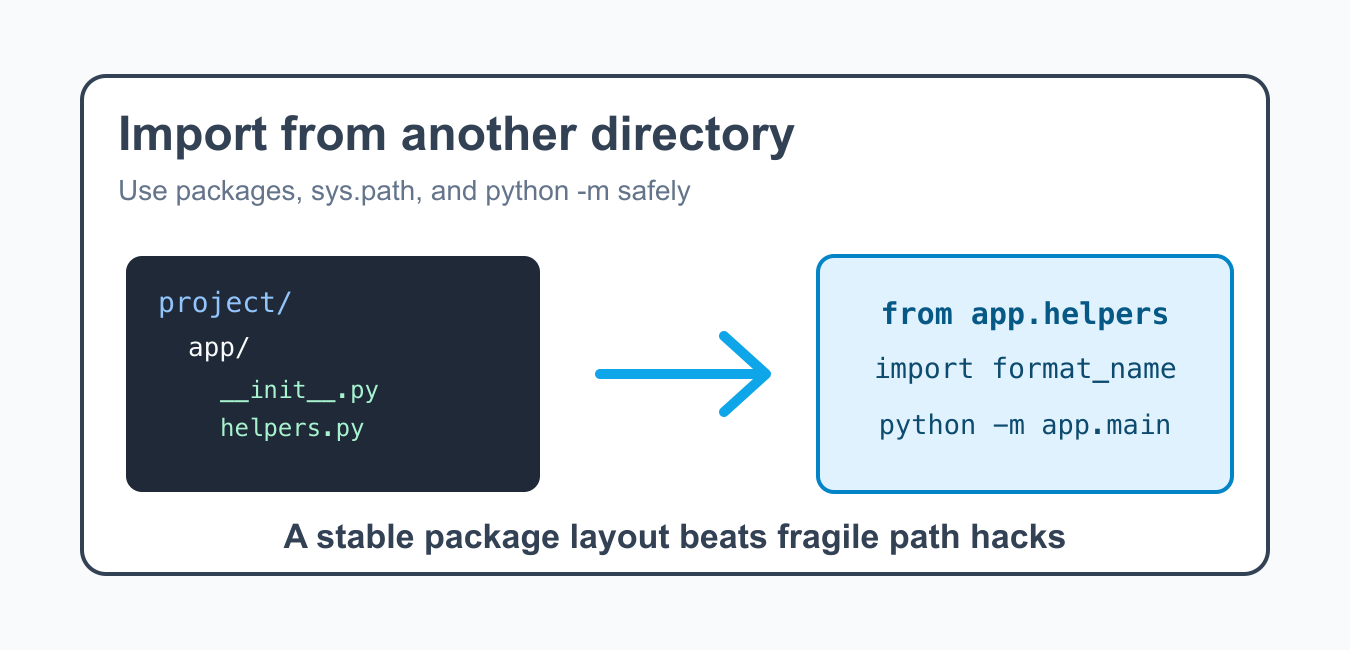
Quick answer: The maintainable way to import Python code from another directory is to define a package, use a qualified import, and run or install it with an explicit project configuration. Runtime sys.path edits can be useful for controlled tools but should not hide an unclear dependency layout.
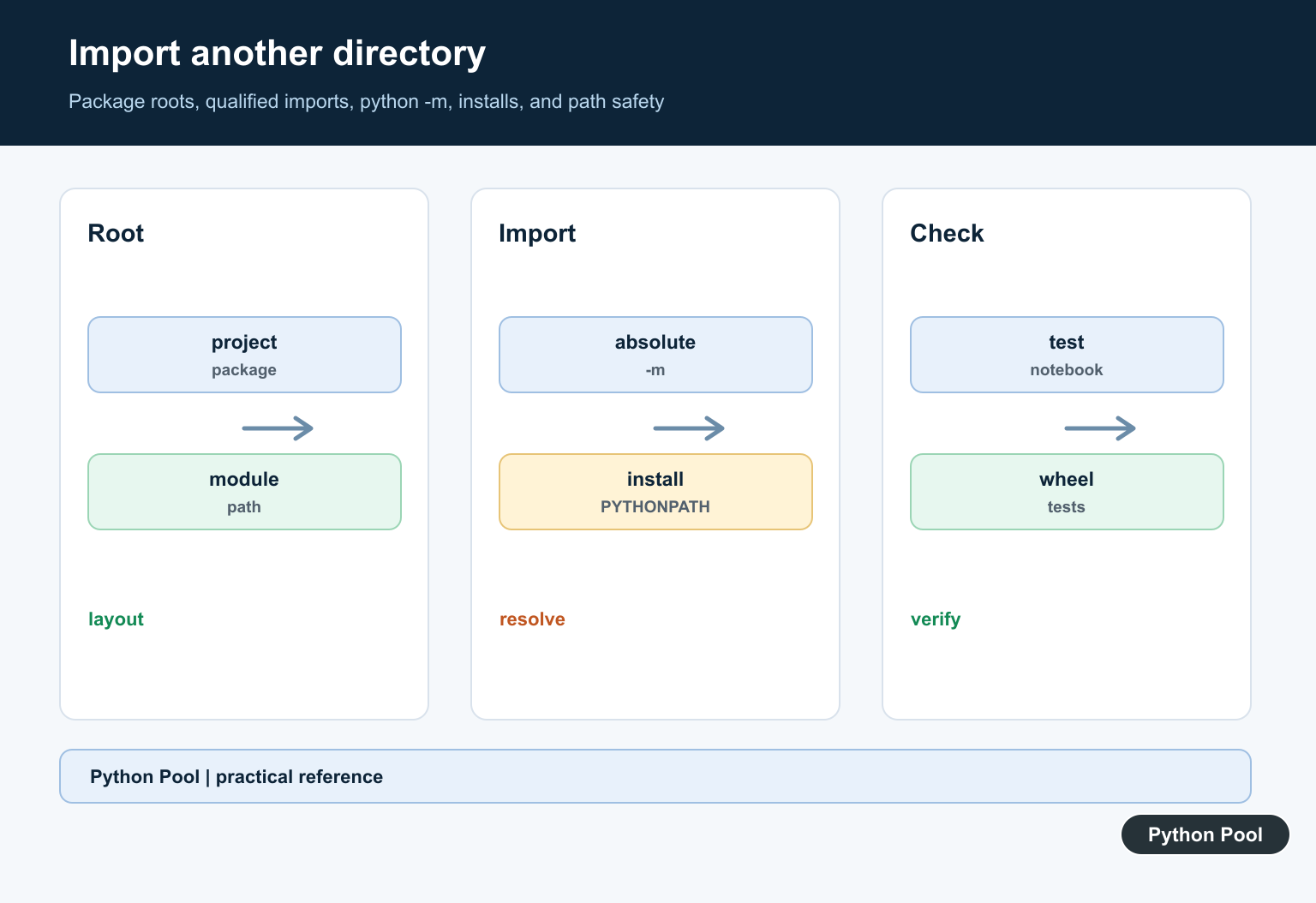
Importing a Python module from another directory works best when the project has a clear package layout. Quick path hacks can unblock a script, but a package structure is easier to run, test, and deploy.
The right method depends on what you are building. A one-off script can temporarily adjust sys.path. A real project should use packages, __init__.py files, absolute imports, relative imports inside packages, or an editable install.
Most import problems come from running code from the wrong working directory or treating a package file like an isolated script. The same file can behave differently depending on whether Python sees it as part of a package.
The official Python modules documentation explains module search behavior. For related topics, see the __init__.py guide and the import from subdirectory guide.
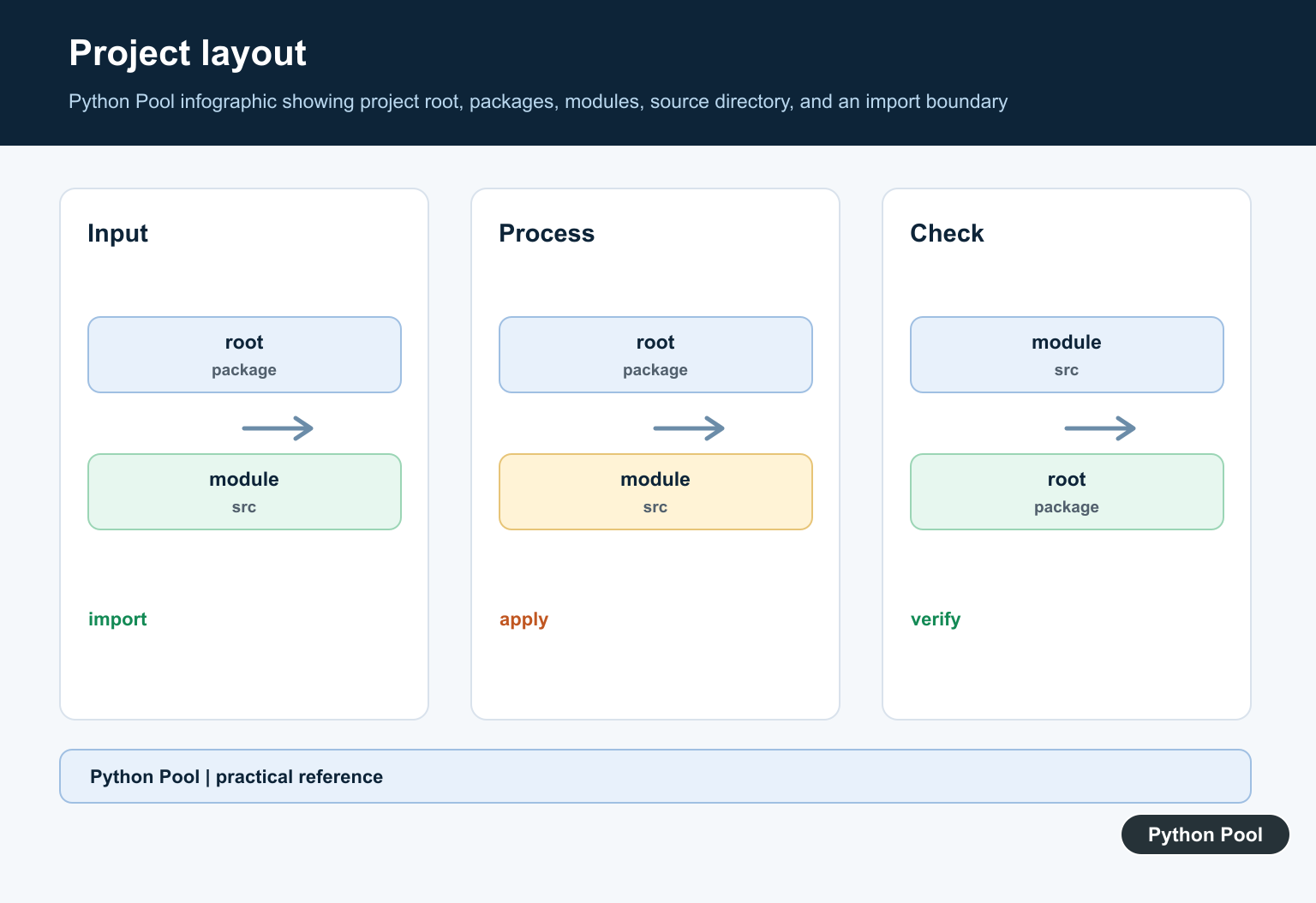
Understand The Project Layout
Start by choosing a layout where imports are predictable. A common pattern keeps application code under one package directory.
# Example layout:
# project/
#   app/
#     __init__.py
#     main.py
#     helpers.py
#   tests/
#     test_helpers.py

from app import helpers

print(helpers.__name__)
The __init__.py file tells Python that app is a package. Modern Python can use namespace packages too, but explicit package files are still clearer for many projects.
A clear layout also helps tests. When tests run from the project root, they can import the package the same way the application does, which avoids special-case test-only paths.
Use Absolute Imports
Absolute imports start from the package name. They are usually the clearest option for application code.
# app/main.py

from app.helpers import format_name

def run():
    name = format_name("ada lovelace")
    print(name)

run()
Run this from the project root or install the project so Python can find app. Running files from random nested directories is a common source of import failures.
Absolute imports are also easier to search and refactor. When a module moves, the import path tells you exactly which package boundary is involved.
Add A Directory To sys.path Carefully
For a small script, you can add a known directory to sys.path. Use an absolute path built from the current file, not a fragile relative path.
from pathlib import Path
import sys

project_root = Path(__file__).resolve().parents[1]
sys.path.insert(0, str(project_root))

from app.helpers import format_name

print(format_name("grace hopper"))
This is useful for scripts, migration tools, or quick diagnostics. For long-term application code, prefer a package install over repeated path edits.
If you do edit sys.path, insert the project root near the start and keep the change close to the script entry point. Hidden path edits deep inside library modules make debugging much harder.
Use Relative Imports Inside Packages
Inside a package, relative imports can reference nearby modules. They work when the code is executed as part of the package, not as a loose file.
# app/reports/monthly.py

from ..helpers import format_name

def build_title(owner):
    return f"Monthly report for {format_name(owner)}"

print(build_title("alan turing"))
If relative imports fail with “attempted relative import with no known parent package”, run the module through the package, such as with python -m app.reports.monthly.
Relative imports are best for internal package relationships. They are not a good way to reach across unrelated project folders.
Run A Module With -m
The -m flag tells Python to run a module by package name. That keeps package imports working.
import subprocess
import sys

command = [sys.executable, "-m", "app.main"]
result = subprocess.run(command, capture_output=True, text=True)

print(result.returncode)
print(result.stdout or result.stderr)
Use this style for package entry points during development. It avoids many problems caused by running a file directly from inside a package folder.
The -m form also matches how many console entry points behave. It encourages you to think in modules and packages instead of filesystem locations.
Inspect The Import Search Path
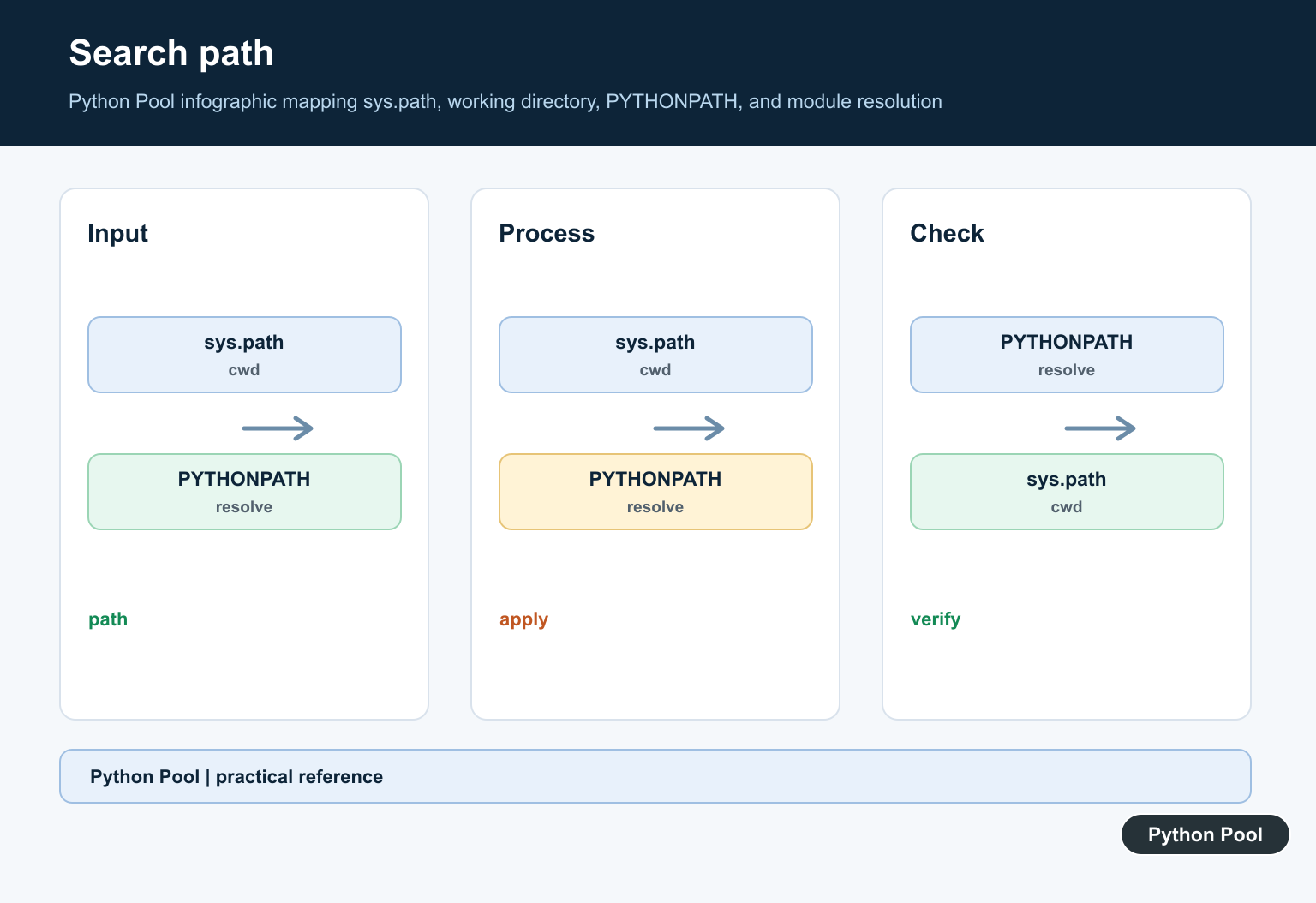
When imports are confusing, print the search path from the process that fails.
import sys

for index, path in enumerate(sys.path):
    print(index, path)

print("module search paths:", len(sys.path))
The first entries explain where Python looks first. If the project root is missing, the package cannot be imported by its top-level name.
Be careful with duplicate names. If a local file has the same name as an installed package, Python may import the local file first and produce confusing errors.
Best Practices
Use path edits only when they are local, explicit, and easy to remove. If several files need the same path edit, that is a sign the project should be packaged properly.
For applications and libraries, create a package, add __init__.py where appropriate, use absolute imports, and run modules from the project root. For tools that must be launched from anywhere, use an editable install or a console script entry point.
The reliable pattern is to design the package layout first, then choose the import style. That avoids brittle directory assumptions and makes the code behave the same way in local scripts, tests, notebooks, and deployment jobs.
Choose A Project Root
Decide which directory is the import root and keep package names below it. A consistent source layout prevents the same module from resolving differently in tests, notebooks, scripts, and services.
Prefer Package-qualified Imports
Import the reusable module through its package name rather than constructing a filesystem path at runtime. This makes dependencies visible to packaging, type checkers, and test tools.
Run Modules With -m
python -m package.module resolves the module within the package context from its parent directory. It is usually more reliable than executing a nested file path directly.
Use Packaging Or PYTHONPATH Deliberately
An editable install is a strong development option for an application package. PYTHONPATH can configure a controlled environment, but record it in deployment and test setup rather than relying on local shell state.
Avoid Name Collisions
A local file named json.py, typing.py, or another standard or third-party module can shadow the intended dependency. Inspect __file__ and the import spec when the resolved module is surprising.
Test Every Entry Point
Test direct package imports, python -m, installed entry points, notebooks if supported, the test runner, and built artifacts. Record cwd and interpreter in failure diagnostics without committing environment-specific paths.
Use the Python Packaging User Guide and the official python -m documentation. Related Python Pool references include tests and configuration.
For related package debugging, compare import tests, environment paths, and module sequences before editing sys.path.
Frequently Asked Questions
How do I import Python code from another directory?
Put the reusable code in a package, use its package-qualified import path, and run or install the project so the interpreter has a stable import root.
Why does changing sys.path feel fragile?
It makes imports depend on runtime mutation, working directory, and launch order, which can differ between tests, services, and deployed packages.
Can I use PYTHONPATH?
PYTHONPATH can configure a controlled development or deployment environment, but document it and prefer packaging when the dependency is part of the application.
What is the difference between python file.py and python -m?
file.py runs by filesystem path, while -m resolves and runs a module within its package context, which makes package-relative imports work consistently.