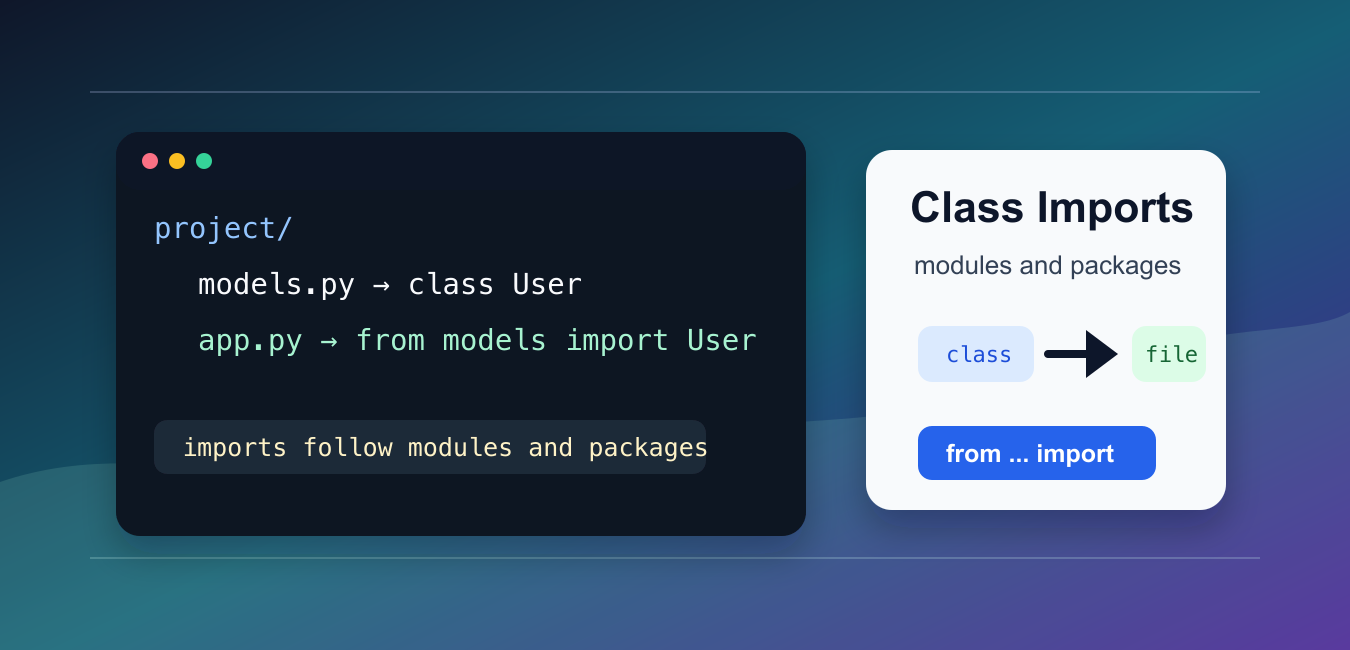
To import a class from another Python file, import it from the module where the class is defined. A file named models.py is imported as the module models.
The main references are Python’s modules tutorial, the import system reference, and the packages tutorial. Related PythonPool guides cover circular imports, class vs module, and Python expressions.
Imports work best when your project has a clear structure. Keep reusable classes in modules, then import those classes from scripts, tests, or other modules that need them.
Avoid changing sys.path as the first solution. Most import problems are better fixed by running the project from the correct folder or using a package layout.
Import From A File In The Same Folder
If two files are in the same folder, import the class from the other file’s module name.
# models.py
class User:
    def __init__(self, name):
        self.name = name

    def greet(self):
        return f"Hello, {self.name}"

# app.py
from models import User

user = User("Ada")
print(user.greet())
The file name is models.py, so the module name is models.
Run app.py from the folder that contains both files.
This pattern is simple and works well for small scripts.
If Python cannot find the module, check the command you used to run the script and the folder where the command started.
Import The Module Instead
You can import the module and access the class through the module name.
# app.py
import models

user = models.User("Grace")
print(user.greet())
This makes it obvious which module owns the class.
Module imports are useful when a file contains several related classes or functions.
This style can also make tests easier to patch because the module ownership stays visible in every call.
Use A Package Folder
For larger projects, place modules inside a package folder. Add __init__.py when you want a regular package.
# project layout
# app.py
# shop/__init__.py
# shop/models.py

from shop.models import Product

item = Product("Book")
print(item.name)
The import path follows the package and module names: shop.models.
Package imports are easier to maintain as the project grows.
A package folder lets you group related modules under one namespace. That reduces name clashes and makes imports clearer in larger projects.
Expose A Class From init
You can re-export a class from __init__.py to make imports shorter.
# shop/__init__.py
from .models import Product

# app.py
from shop import Product

item = Product("Notebook")
print(item.name)
This is useful for public package APIs. Keep __init__.py lightweight so importing the package does not trigger heavy work.
Use explicit re-exports only for names you want callers to use directly.
Do not import every internal class into __init__.py. A small public surface is easier to document and less likely to create circular imports.
Use An Alias For Name Clashes
If two modules define classes with the same name, import one with an alias.
from local_models import User as LocalUser
from remote_models import User as RemoteUser

local = LocalUser("Ada")
remote = RemoteUser("Grace")

print(local.name)
print(remote.name)
Aliases keep code readable when two imported names would otherwise collide.
Choose aliases that describe the role, not just shorter names.
Aliases are especially helpful in migration code, tests, and adapters where two systems expose classes with the same name.
Fix ModuleNotFoundError
If an import fails, confirm the module file exists and that Python is running from the expected project root.
Also check file names carefully. A local file named like a standard-library module can shadow the real module and create confusing import behavior.
For packages, prefer absolute imports from the package root in application code. Relative imports are useful inside packages, but they require the module to be run as part of the package.
Avoid Circular Imports
A circular import happens when two modules import each other while Python is still loading them.
# Better structure
# models.py defines data classes
# services.py imports models
# app.py imports services

from services import create_user

user = create_user("Ada")
print(user.name)
Move shared classes to a lower-level module that both sides can import. Keep top-level imports pointed in one direction.
The practical rule is to import from modules and packages, not from file paths. If imports fail, check the working folder, package layout, and circular dependencies before editing sys.path.
For repeatable projects, run modules with python -m package.module from the project root when package imports are involved.
Keep import statements at the top of the file unless a local import is needed to break a circular dependency or delay an optional dependency.
When sharing a project, include a short README command that shows how to run it from the project root. That prevents many import errors caused by starting from the wrong folder.
If a class is used across many modules, place it in a stable module with a clear name. That keeps imports consistent as the project grows.
Put a __init__.py file under the directory which has the py files you’re making the import statements.
Yes!