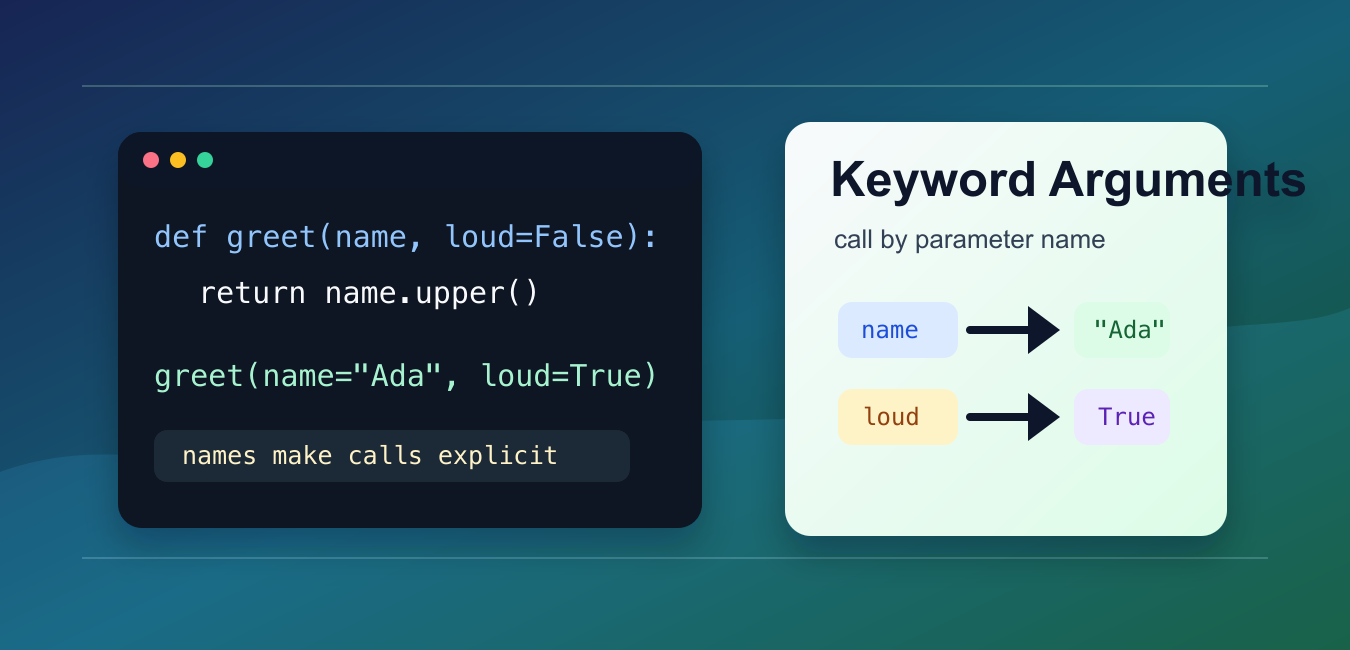
Quick answer: Keyword arguments pass values by parameter name, making calls easier to read and less sensitive to positional order. Use keyword-only parameters to clarify APIs, defaults that are safe and intentional, and **kwargs only when accepting a controlled extension surface.
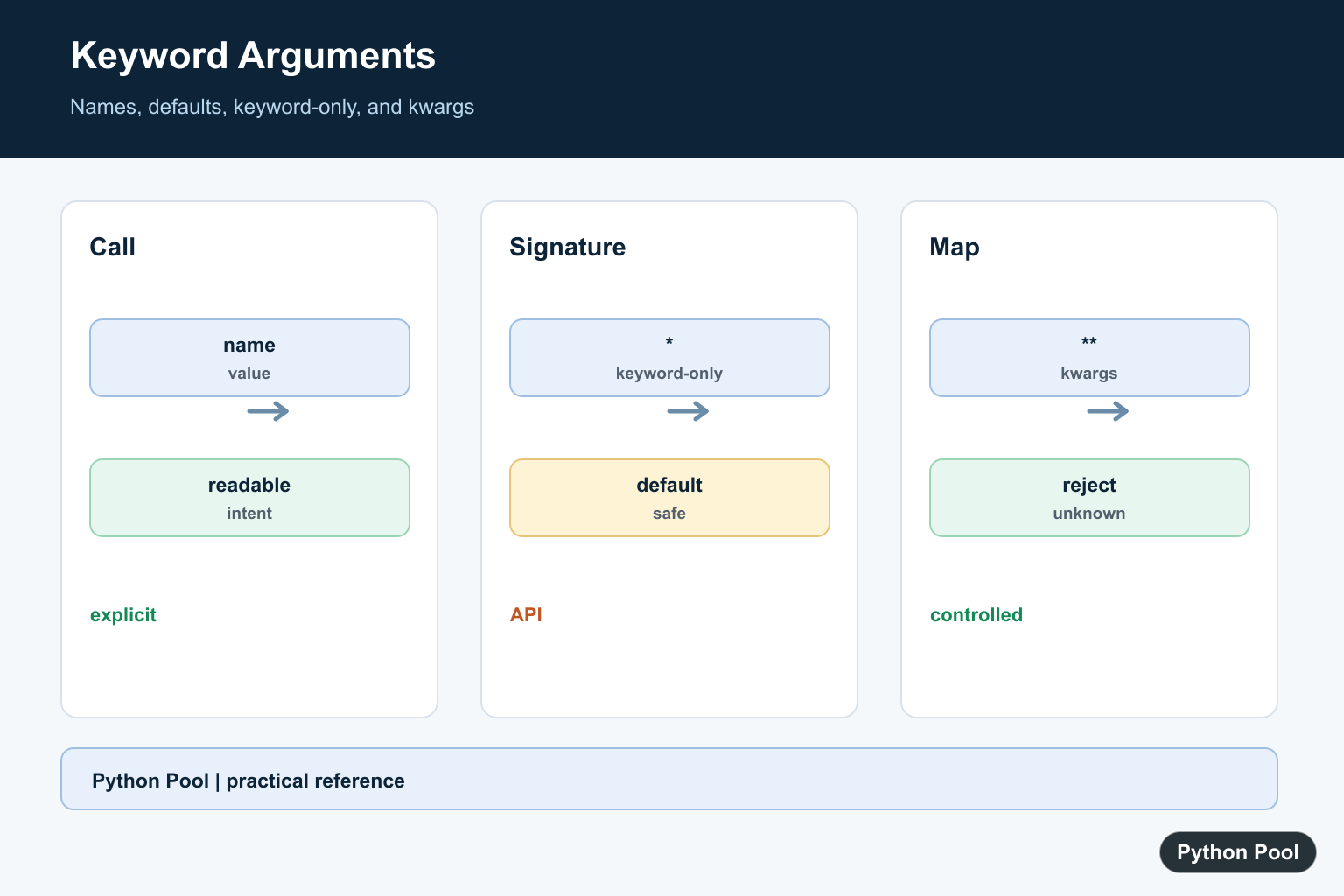
A Python keyword argument passes a value by parameter name. Instead of relying only on position, the call states which parameter receives each value.
The main references are Python’s keyword argument tutorial, the function call reference, and the arbitrary argument list guide.
Keyword arguments make call sites easier to read, especially when a function accepts several optional settings. They also reduce mistakes when two parameters have the same type or similar meaning.
The tradeoff is that callers must use the exact parameter names supported by the function. Renaming a public parameter can break code that calls it by keyword.
Keyword arguments are especially helpful in functions that accept booleans, limits, modes, or formatting options. A call like save(path, overwrite=True) explains itself better than a call where True appears without context.
They are also common in third-party libraries because keyword names make large APIs easier to discover and review. The clearer the call site, the fewer comments you need around it.
Call A Function By Name
Any normal parameter can usually be supplied by position or by keyword.
def describe_pet(name, animal):
    return f"{name} is a {animal}"

print(describe_pet("Milo", "cat"))
print(describe_pet(name="Milo", animal="cat"))
print(describe_pet(animal="cat", name="Milo"))
The keyword calls are explicit, and the order can change because each value is matched by name.
Use keyword syntax when the names add useful meaning. Very short calls with obvious arguments may still be clearer in positional form.
Combine Positional And Keyword Arguments
Positional arguments must come before keyword arguments in a function call.
def make_profile(username, role, active=True):
    return {
        "username": username,
        "role": role,
        "active": active,
    }

profile = make_profile("ada", role="admin", active=True)
print(profile)
This call passes username by position and the other two values by keyword.
After a keyword argument appears, later arguments in the same call also need keyword syntax unless they are unpacked with a supported form.
Python also prevents giving the same parameter twice. For example, passing a value by position and then using the same parameter name by keyword raises TypeError. That check protects the function from ambiguous input.
Use Defaults For Optional Settings
Default parameter values pair naturally with keyword arguments. Callers can override only the setting they care about.
def format_price(amount, currency="USD", decimals=2):
    rounded = round(amount, decimals)
    return f"{currency} {rounded:.{decimals}f}"

print(format_price(19.5))
print(format_price(19.5, currency="EUR"))
print(format_price(19.5, decimals=0))
This is clearer than forcing every caller to remember the position of each optional setting.
Be careful with mutable default objects such as lists or dictionaries. Use None as the default and create the object inside the function when needed.
Accept Extra Keywords With kwargs
**kwargs collects extra keyword arguments into a dictionary. It is useful for wrappers, logging helpers, and flexible configuration APIs. Inside a **kwargs function, Python kwargs get Guide for Keyword Arguments shows safe optional lookup, defaults, required-key checks, and validation.
def build_url(path, **kwargs):
    query = "&".join(f"{key}={value}" for key, value in kwargs.items())
    if query:
        return f"{path}?{query}"
    return path

print(build_url("/search", q="python", page=2))
print(build_url("/about"))
Inside the function, kwargs is a normal dictionary. Validate keys before using them when the input comes from callers you do not control.
A flexible signature is convenient, but too much flexibility can hide spelling mistakes. For stable public functions, named parameters are usually better than accepting any key.
Unpack A Dictionary Into Keywords
The ** operator can unpack a dictionary into keyword arguments during a call.
def connect(host, port, secure=False):
    protocol = "https" if secure else "http"
    return f"{protocol}://{host}:{port}"

options = {"host": "example.com", "port": 443, "secure": True}

print(connect(**options))
The dictionary keys must match parameter names. Extra or missing keys raise an error unless the function accepts them with **kwargs or provides defaults.
This pattern works well when configuration is already stored in a dictionary and the function signature is intentionally aligned with those keys.
Require Keyword-Only Parameters
A bare * in the function signature marks later parameters as keyword-only. Callers must name those parameters.
def resize(width, height, *, keep_ratio=True, quality=90):
    return {
        "width": width,
        "height": height,
        "keep_ratio": keep_ratio,
        "quality": quality,
    }

print(resize(800, 600, quality=80))
Keyword-only parameters are useful for flags and options that would be confusing as bare positional values.
The practical rule is to use positional arguments for the required core data and keyword arguments for optional behavior. That keeps calls compact while still making settings easy to review.
For public APIs, choose parameter names carefully and keep them stable. A good keyword name becomes part of the interface just like the function name itself.
Python also supports positional-only parameters with a / marker in the signature. You will see this in some built-in functions and advanced APIs. It means those parameters cannot be passed by keyword, even if their internal names appear in documentation.
When designing your own functions, start with the simplest readable signature. Add keyword-only parameters when flags or optional settings would be unclear by position. Add **kwargs only when you have a real reason to accept a flexible set of names.
For debugging, read the full TypeError message when a call fails. Python usually tells you whether a required parameter is missing, an unexpected keyword was supplied, or a parameter received more than one value.
Call By Name
A keyword call makes the role of each value visible and lets callers reorder arguments when the function signature permits it.
def connect(host, port, timeout=5):
    return host, port, timeout

print(connect(port=443, host="example.com"))
Define Keyword-Only Parameters
A bare asterisk forces following parameters to be named. This is useful for options whose meaning would be unclear or unsafe when passed positionally.
def request(url, *, timeout=10, verify=True):
    return url, timeout, verify

print(request("https://example.com", verify=False))
Unpack A Mapping
The double-star operator expands a mapping into keyword arguments. Validate the mapping keys at the boundary so a typo does not become a confusing downstream failure.
def configure(*, retries, timeout):
    return retries, timeout

options = {"retries": 3, "timeout": 5}
print(configure(**options))
Use kwargs Deliberately
**kwargs can support plugins or forwarding layers, but silently accepting every name hides misspellings. Pop known keys and reject the remainder when the API is strict.
def build(**kwargs):
    allowed = {"debug", "timeout"}
    unknown = set(kwargs) - allowed
    if unknown:
        raise TypeError(f"unknown options: {sorted(unknown)}")
    return kwargs

print(build(debug=True))
Python’s keyword argument documentation covers defaults, named calls, and unpacking. Related references include dynamic attributes, named field access, and iteration APIs.
For related API design, compare dynamic attributes, named field access, and iteration interfaces when defining parameters.
Frequently Asked Questions
What is a keyword argument in Python?
It passes a value by the parameter name, such as timeout=5, instead of relying only on positional order.
What does the asterisk mean in a function signature?
A bare * makes following parameters keyword-only, while *args collects extra positional arguments.
What does **kwargs do?
It collects extra keyword arguments into a dictionary or unpacks a mapping into a call.
Why do I get an unexpected keyword argument error?
The function signature does not define that name and does not accept **kwargs, or the name is misspelled.