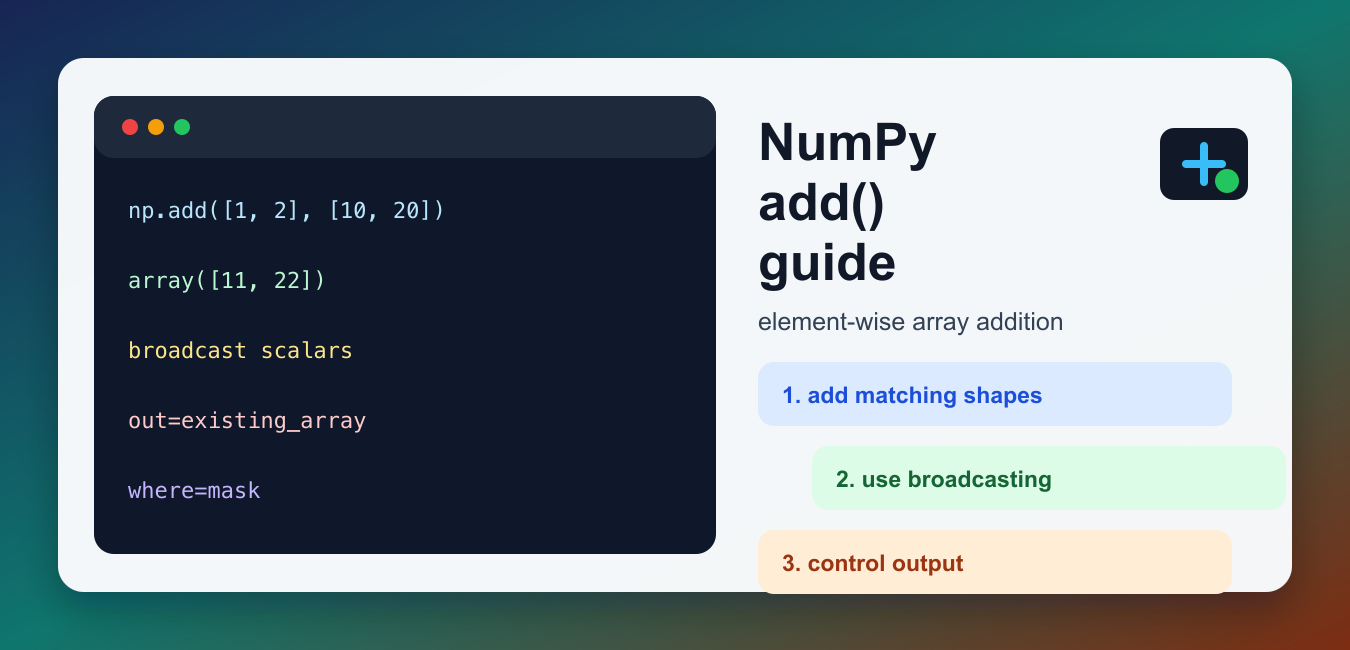
Quick answer: np.add performs element-wise addition and follows NumPy broadcasting. Treat output shape, dtype promotion, overflow, masks, and memory ownership as part of the operation’s contract rather than assuming that a successful call proves the calculation is correct.
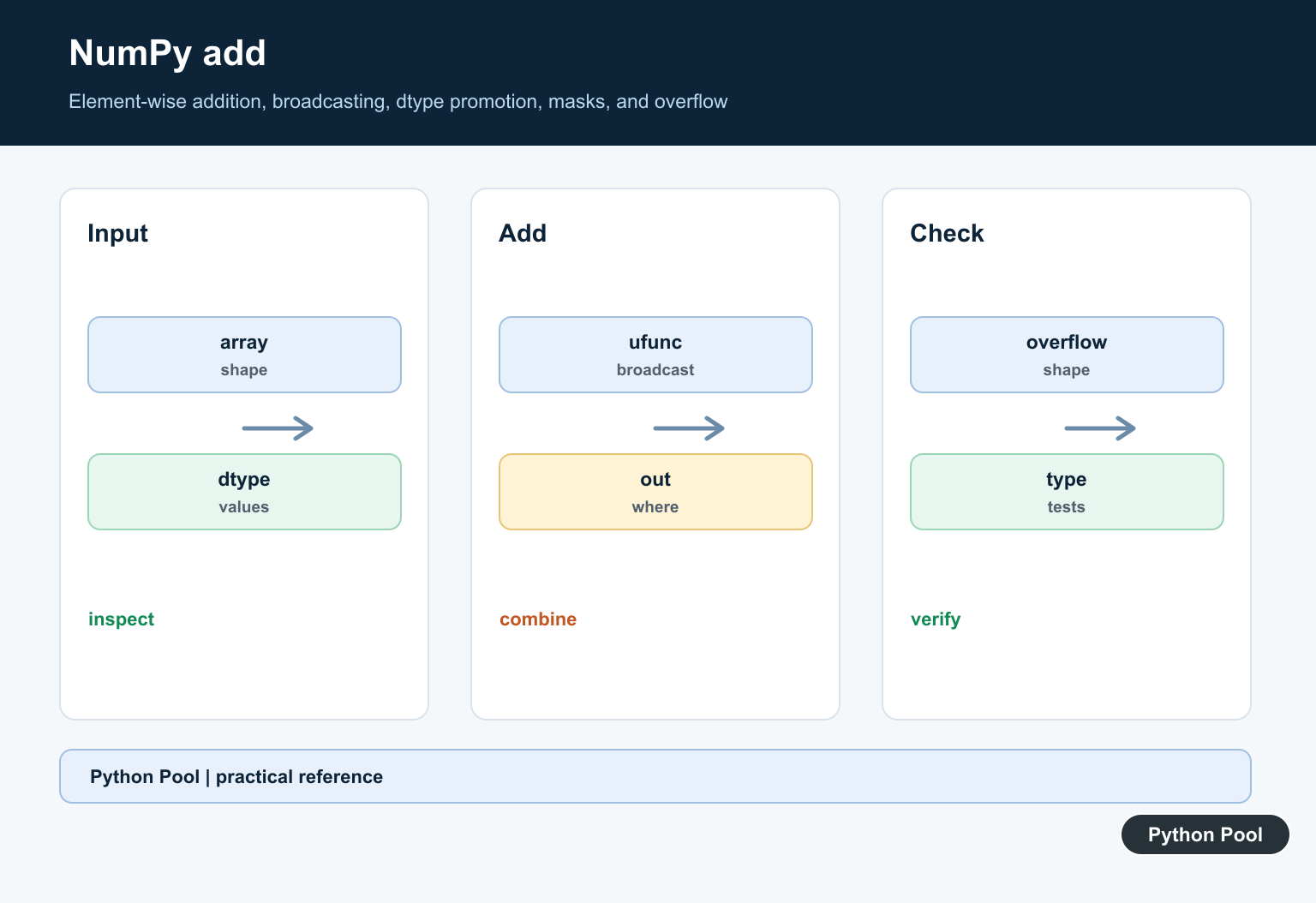
NumPy add() performs element-wise addition on arrays, scalars, and broadcastable inputs. In normal code, x + y is often the clearest way to add arrays. The value of np.add() is that it is a NumPy universal function, or ufunc, so it also gives you standard ufunc controls such as out, where, casting, dtype, and methods like reduce and accumulate. The official numpy.add documentation describes it as equivalent to x1 + x2 with array broadcasting.
Basic element-wise addition
The most common use is adding two arrays with the same shape. NumPy adds values at matching positions and returns a new array. This is not list concatenation; it is numeric addition. If you add Python lists with +, Python joins the lists. If you add NumPy arrays, NumPy performs element-wise math.
import numpy as np

left = np.array([1, 2, 3])
right = np.array([10, 20, 30])
print(np.add(left, right))
This is the core difference beginners need to remember. Convert data to arrays only when you want array math. For ordinary list operations, Python list methods may be more readable.
Adding a scalar to an array
np.add() follows NumPy broadcasting rules. A scalar can be added to every element of an array, which is useful for offsets, bonuses, unit conversions, and simple feature transformations.
import numpy as np

scores = np.array([72, 80, 91])
bonus = 5
print(np.add(scores, bonus))
Broadcasting is also why np.add(array, 5) and array + 5 give the same result. Use whichever form makes the surrounding code clearer. Use the function form when you need keyword arguments that the infix operator cannot express.
Broadcasting arrays with different shapes
Inputs do not always need identical shapes. They must be broadcastable to a common output shape. A typical case is adding a one-dimensional row of adjustments to every row of a two-dimensional array.
import numpy as np

matrix = np.array([[1, 2, 3], [4, 5, 6]])
row_bonus = np.array([10, 20, 30])
print(np.add(matrix, row_bonus))
If broadcasting fails, NumPy raises a shape error. Check the shapes before assuming a result. For related arithmetic operations, see the NumPy subtract guide, NumPy multiply guide, and NumPy divide guide.
Using the out parameter
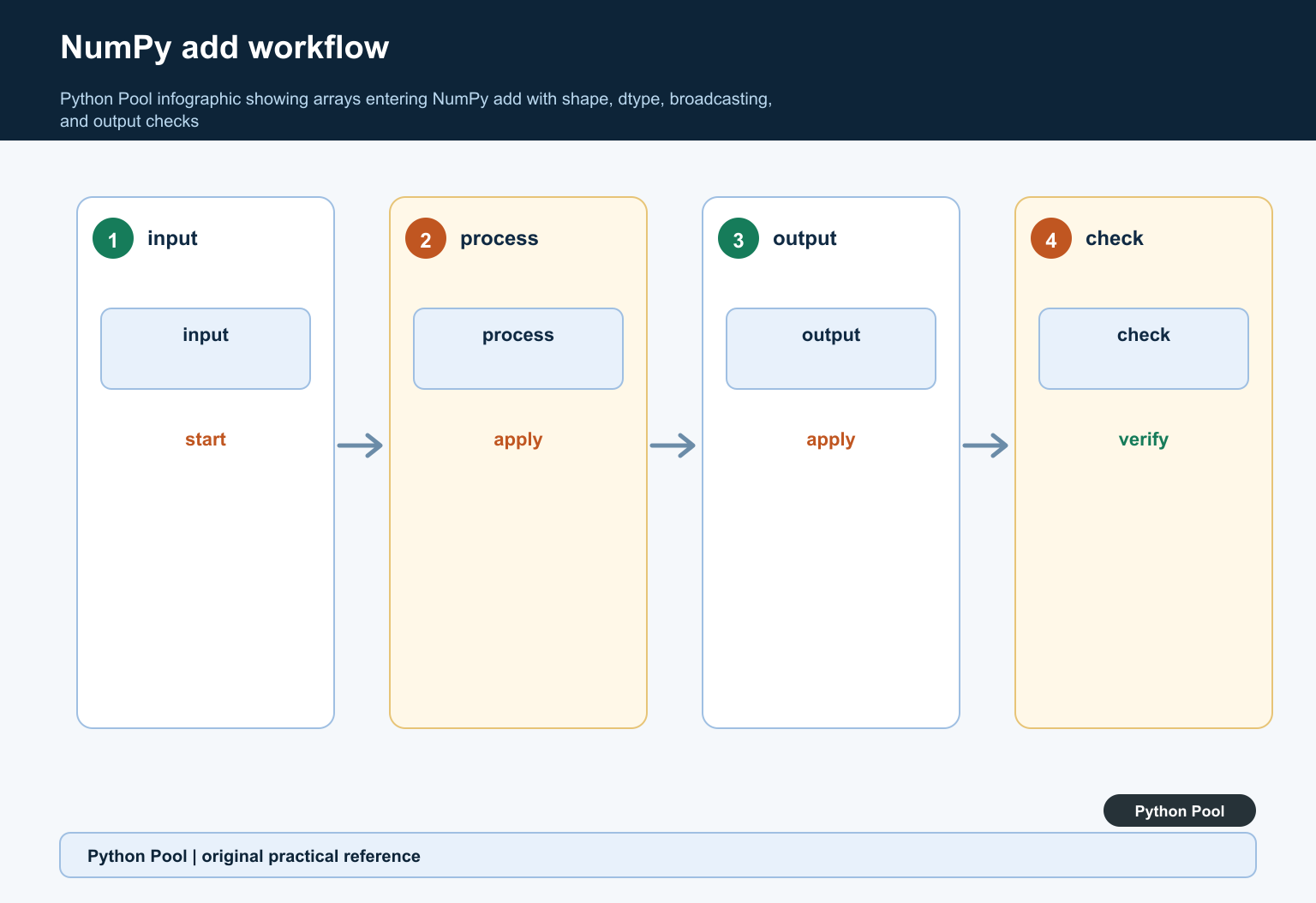
The out parameter lets you place the result in an existing array. This can reduce temporary allocations in repeated calculations and makes the destination explicit. The output array must have a compatible shape and dtype for the result.
import numpy as np

left = np.array([1.5, 2.5, 3.5])
right = np.array([1.0, 1.0, 1.0])
output = np.empty_like(left)
np.add(left, right, out=output)
print(output)
Use out when memory layout or repeated operations matter. For everyday scripts, returning a new array is often simpler and less error-prone.
Using where for conditional addition
The where argument controls which positions are calculated. Locations where the condition is true receive the ufunc result. Locations where the condition is false keep their existing value in the out array. This is why it is usually best to pass an initialized out array when using where.
import numpy as np

values = np.array([1, 2, 3, 4])
increase = np.array([10, 10, 10, 10])
mask = values % 2 == 0
result = values.copy()
np.add(values, increase, out=result, where=mask)
print(result)
Conditional ufuncs are useful for cleaning data without writing loops. For example, you can add a correction only where a mask is true, then leave other values untouched.
add.reduce and add.accumulate
Because np.add is a ufunc, it has ufunc methods. np.add.reduce() adds values along an axis and is closely related to summing. np.add.accumulate() returns running totals. These methods are useful when you want to stay in ufunc form or build generic code around ufuncs. For general averages after addition, use the NumPy mean guide.
import numpy as np

numbers = np.array([2, 4, 6, 8])
total = np.add.reduce(numbers)
running = np.add.accumulate(numbers)
print(total)
print(running)
Dtype and result details
The result dtype depends on the input dtypes and NumPy’s casting rules. Adding two integer arrays usually returns an integer array. Adding an integer array to a floating-point value usually produces floating-point results. If dtype matters, check the result with result.dtype and avoid assuming that every operation preserves the original dtype. This is especially important in data pipelines where a later step expects integers, or where floating-point values should not be silently rounded back into an integer output array.
When to use numpy.add
Use array + array for simple readable addition. Use np.add() when you want explicit ufunc behavior, such as out, where, broadcasting examples, or ufunc methods. Avoid using it as a replacement for every plus sign; the function is most helpful when its extra controls make the code clearer.
Also avoid confusing np.add() with string or list addition. NumPy arithmetic is designed for array-like numeric work. If your task is counting values after a calculation, the refreshed NumPy count guide explains a separate counting use case.
Debugging checklist
If np.add() fails, print the shapes of both inputs first. If the shapes are compatible, check dtypes next. If you are using where, make sure the mask broadcasts with the inputs and that out already contains the values you want to keep where the mask is false. These three checks solve most beginner issues with NumPy addition.
Check Shape Alignment
Broadcasting aligns trailing dimensions, which can be useful but can also pair values in an unintended way. Compare the input and expected output shapes before adding.
Understand Dtype Promotion
Integer, floating-point, complex, and mixed inputs can produce different output dtypes. Choose a type that represents the sum and test values near its limits.
Use Out Deliberately
The out parameter can reuse storage and reduce allocations, but the output must have a compatible shape and dtype and must not overlap inputs in an unsafe way.
Handle Overflow
Fixed-width integer addition can wrap according to dtype behavior. Use a wider or floating dtype, validate ranges, or define an overflow policy when input values are untrusted.
Compare + And np.add
The plus operator is concise for ordinary array addition; np.add makes a ufunc call explicit and supports controls such as out and where. Select the form that communicates the required behavior.
Test Broadcasting And Boundaries
Test scalars, equal shapes, broadcastable shapes, incompatible shapes, mixed dtypes, masks, output arrays, empty inputs, overflow boundaries, and numerical tolerances.
Use the official NumPy add documentation. Related Python Pool references include NumPy arrays and tests.
For related numerical operations, compare NumPy array shapes, broadcasting tests, and mask mappings before adding arrays.
Frequently Asked Questions
What does NumPy add do?
np.add adds corresponding elements of two arrays or values and follows NumPy broadcasting rules.
How is np.add different from the plus operator?
For arrays, + normally dispatches to the same element-wise addition behavior, while np.add makes the ufunc operation and its optional controls explicit.
Can NumPy add arrays with different shapes?
Yes, when the shapes are broadcast-compatible, but confirm that the resulting alignment represents the intended calculation.
How do I control the output dtype?
Use an appropriate input or output dtype and validate promotion, precision, and overflow for the numeric range your application supports.