
Quick answer: np.any reduces a boolean condition by asking whether at least one element is truthy. Pass axis to reduce rows or columns, keepdims=True when shape must remain broadcast-compatible, and handle NaN explicitly because NumPy treats NaN as truthy in a boolean reduction.
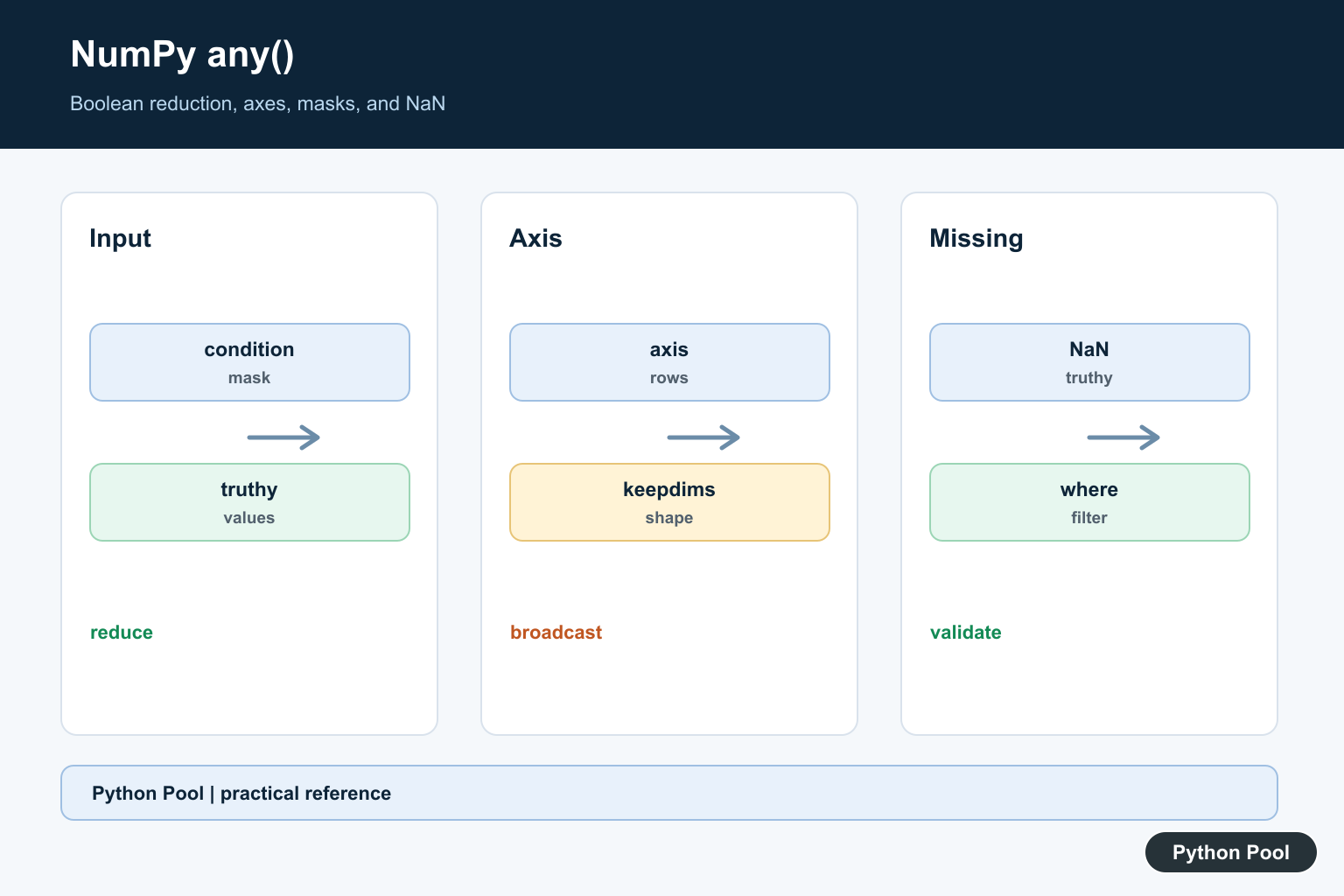
numpy.any() tests whether at least one element in an array is true. With no axis selected, it reduces the whole input to one Boolean result. With an axis selected, it returns one result for each slice along that axis. Before reducing membership results with any(), NumPy isin() Array Membership Guide creates the element-wise Boolean membership mask and supports inversion.
The official NumPy documentation covers numpy.any(), the broader logic routines, and numpy.all().
Use any() when one successful condition is enough. Use all() when every element must satisfy the condition. The difference is important for validation, filtering, and early warning checks.
The input does not have to be a Boolean array. Numeric arrays are converted by truth value: zero is false, and nonzero values are true. This makes np.any(values) a compact way to ask whether an array contains any nonzero value.
NaN, positive infinity, and negative infinity evaluate as true because they are not equal to zero. If your real goal is to check for finite values, missing values, or nonzero values, use an explicit condition such as np.isfinite(), np.isnan(), or values != 0.
The axis parameter controls the direction of the reduction. For a 2D array, axis=0 reduces down each column, while axis=1 reduces across each row. The output shape depends on the selected axis.
The keepdims parameter keeps reduced axes as size-one dimensions. That can make later broadcasting easier because the result still lines up with the original array shape.
The where parameter limits which elements participate in the reduction. It is useful when only part of an array should be checked without first building a smaller copy.
In NumPy 2.x, any() returns Boolean results for object dtype inputs. Older object-array behavior can still be reached through np.logical_or.reduce(), but most modern code should prefer the direct Boolean result.
The out parameter writes the result into an existing output array. Use it only when you are deliberately reusing storage and the output shape is clear.
Check A Boolean Array
The simplest use asks whether any element is true.
import numpy as np

checks = np.array([False, False, True])

result = np.any(checks)

print(result)
Because at least one element is true, the result is True.
If every element were false, the result would be False.
This pattern is common after a comparison such as values > threshold.
It reads clearly in validation code because it states that one passing element is enough.
Reduce Rows Or Columns
Select an axis when you need one Boolean result per row or per column.
import numpy as np

scores = np.array([
    [0, 0, 1],
    [0, 0, 0],
])

print(np.any(scores, axis=0))
print(np.any(scores, axis=1))
axis=0 checks each column.
axis=1 checks each row.
The integer values are treated as false for zero and true for nonzero.
When the output surprises you, print the input shape and confirm which axis represents rows, columns, batches, or features.
Keep Reduced Dimensions
Use keepdims=True when the result should remain broadcast-friendly.
import numpy as np

mask = np.array([
    [False, True, False],
    [False, False, False],
])

result = np.any(mask, axis=1, keepdims=True)

print(result)
print(result.shape)
The row axis is reduced, but the result keeps a size-one dimension.
This shape can broadcast against the original two-dimensional array.
Keeping dimensions is helpful when the next step uses the result as a mask or multiplier.
It also prevents accidental shape mismatches in longer array pipelines.
Limit The Check With where
The where parameter chooses which positions are included.
import numpy as np

values = np.array([0, 5, 0, 7])
use_positions = np.array([True, False, True, False])

result = np.any(values, where=use_positions)

print(result)
Only positions marked true in use_positions participate.
The values 5 and 7 are ignored here, so the result is False.
This is useful when a mask already defines the valid region of an array.
It also avoids making a temporary filtered copy just to run a Boolean reduction.
Understand NaN And Infinity
NaN and infinity are true in any() because they are nonzero values.
import numpy as np

values = np.array([0.0, np.nan, np.inf, -np.inf])

print(np.any(values))
print(values != 0)
The output is true because several entries are not equal to zero.
Do not use any() alone to ask whether an array is clean.
For data-quality checks, combine it with direct tests such as np.isnan(values).any() or np.isfinite(values).all().
This distinction matters in numerical code because NaN often means invalid data, not a successful condition.
Write Results Into out
The out parameter stores the reduction result in an existing array.
import numpy as np

values = np.array([
    [0, 1],
    [0, 0],
])

out = np.empty(2, dtype=bool)
np.any(values, axis=1, out=out)

print(out)
The output array must have the same shape as the reduction result.
For axis=1 on this 2D input, the result has one Boolean value per row.
Use out in tight loops or memory-sensitive code, not as a default style for ordinary scripts.
In short, use np.any() when one true or nonzero element is enough, select axes deliberately, use keepdims for broadcast-friendly shapes, use where for masked reductions, and write explicit conditions for NaN, infinity, or finite-value checks.
Use any As A Reduction
np.any(array) returns one boolean for the whole input. This is useful for a validation gate, while axis-specific reduction returns one result per selected row, column, or other dimension.
Choose The Axis And Shape
axis=0 reduces down rows and axis=1 reduces across columns for a two-dimensional array. keepdims=True preserves reduced dimensions with length one, which can make the result easier to broadcast back over the original array.
Build Masks Before Reducing
Conditions such as values < 0 or names == target produce boolean arrays. Reduce the mask with np.any when the question is whether any match exists, and use the mask itself when the matching positions are needed.
Treat Missing Values Intentionally
NaN is not zero, so it is truthy when converted to boolean. Use np.isnan, a finite-value check, or an explicit where mask when missing data should not count as a true condition.
Use where And out Carefully
Advanced calls can restrict which elements participate or write into an existing output array. Check dtype, shape, and initialization so ignored positions are not mistaken for newly computed results.
Compare Python any And NumPy any
Python’s any iterates Python objects, while np.any understands array axes and NumPy reduction behavior. Use the NumPy version when shape, dtype, broadcasting, or array performance is part of the operation.
Test Empty And Scalar Inputs
Test an empty array, scalar, one-dimensional data, axis reductions, NaN, masked conditions, and keepdims. Assert both boolean values and output shape, especially before using the result for indexing or assignment.
See the official numpy.any reference and NumPy broadcasting guide. Related guidance includes NumPy axes and array tests.
For related array reductions, compare axis selection, grid-shaped arrays, and shape tests when validating boolean conditions.
Frequently Asked Questions
What does NumPy any() do?
np.any tests whether at least one element of an array is truthy and returns a boolean or an array of booleans after an axis reduction.
How do I use any() along a NumPy axis?
Pass axis=0 or axis=1 to reduce columns or rows respectively, and use keepdims=True when the result should retain broadcast-compatible dimensions.
How does NumPy any() treat NaN?
NaN is not equal to zero, so it is treated as truthy in a boolean reduction; clean or mask missing values explicitly when that is not desired.
What is the difference between np.any() and Python any()?
Both test for any truthy item, but np.any operates on NumPy arrays with axis, broadcasting, dtype, where, and output controls.