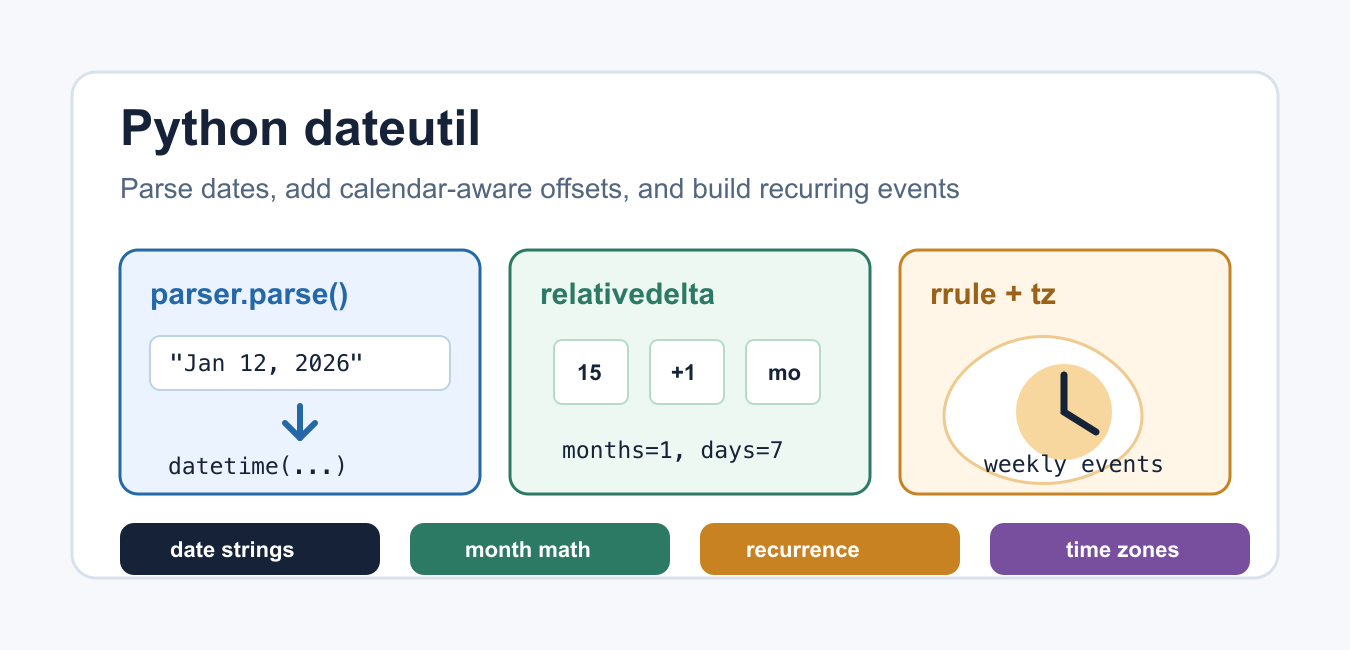
Quick answer: Python dateutil adds practical tools around datetime: flexible parsing, timezone objects, recurrence rules, and calendar-aware arithmetic. Use the narrowest tool for the input contract and keep timezone assumptions visible.
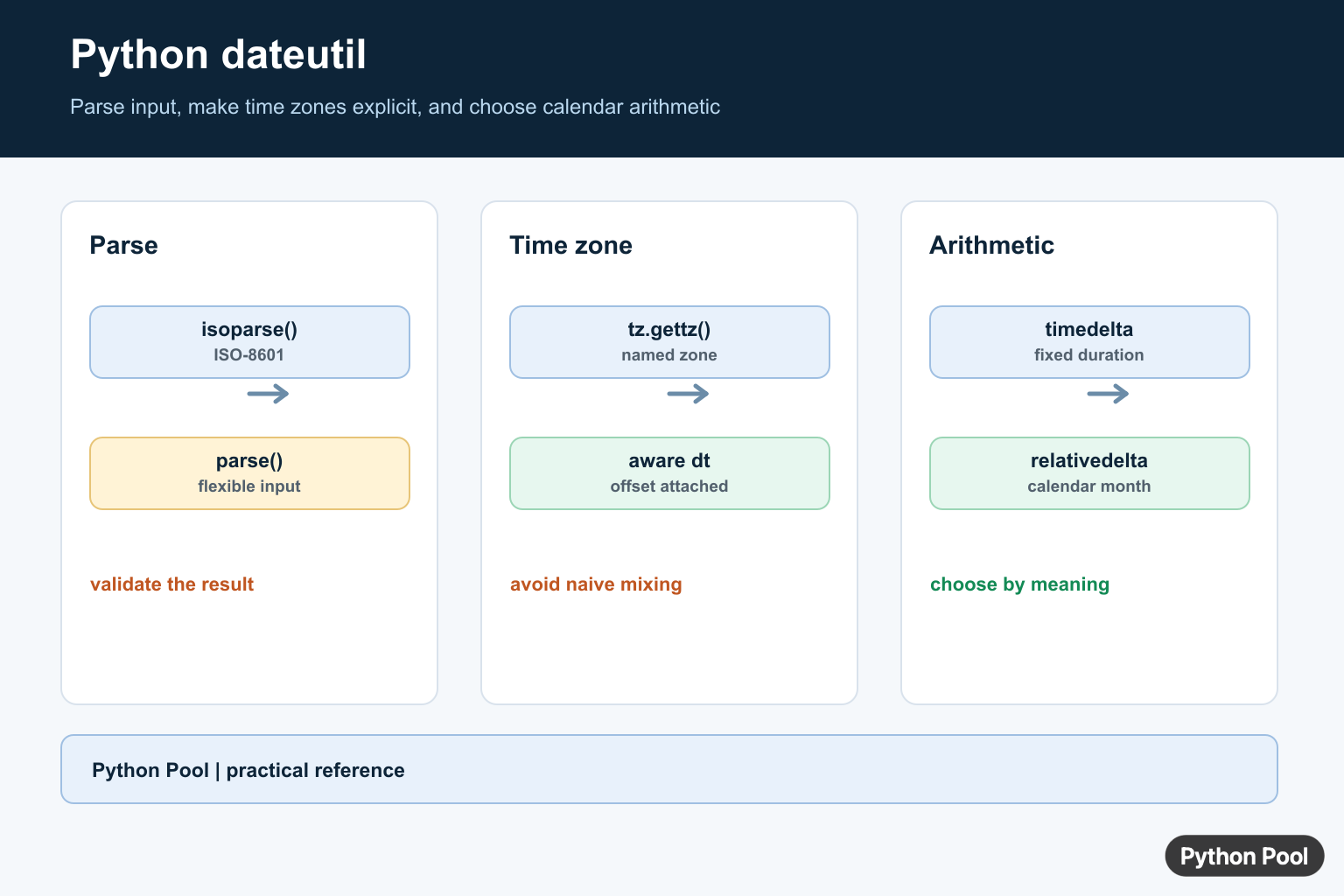
Python dateutil is a third-party package that extends the standard datetime module. It is useful when real-world date and time work gets awkward: parsing flexible date strings, adding calendar-aware months, building recurring schedules, and attaching time zones.
The package name is python-dateutil, but the import name is dateutil. Install it with pip, then import the parts you need. The official dateutil documentation groups the most common tools into parser, relativedelta, rrule, and tz modules.
Install and Import dateutil
Most environments install dateutil with pip install python-dateutil. After installation, import only the functions or classes used by your script. This keeps examples readable and avoids hiding where date behavior comes from.
from dateutil.parser import parse
from dateutil.relativedelta import relativedelta
from dateutil.rrule import rrule, WEEKLY
from dateutil.tz import gettz

print(parse("2026-01-15"))
If you are only formatting dates from known values, standard Python may be enough. For standard formatting examples, see Python Pool’s guide to strftime in Python.
Parse Date Strings With dateutil.parser
The dateutil parser accepts many common date strings and returns a datetime object. This is helpful when inputs come from logs, spreadsheets, APIs, or user-entered text.
from dateutil.parser import parse

values = [
    "2026-07-08",
    "July 8, 2026 10:30 PM",
    "08 Jul 2026 22:30",
]

for value in values:
    print(parse(value))
Parsing is intentionally flexible, so validate important input before trusting it. If your application requires one exact format, datetime.strptime() may be safer because it rejects strings that do not match the format.
Handle Ambiguous Dates Carefully
Date strings like 03/04/2026 are ambiguous because they can mean March 4 or April 3. dateutil supports options such as dayfirst and yearfirst, but you should still document the expected input format for users.
from dateutil.parser import parse

text = "03/04/2026"

print(parse(text))
print(parse(text, dayfirst=True))
print(parse(text, yearfirst=False))
Use explicit ISO-style input when you control the data. If you are converting Unix timestamps instead of free-form strings, this related guide explains how to convert Unix time to datetime in Python. Consistent input formats reduce silent parsing surprises.
Add Months and Years With relativedelta
Standard timedelta is great for fixed durations such as seconds, minutes, and days. Calendar math is different because months have different lengths. relativedelta handles month and year offsets more naturally.
from datetime import date
from dateutil.relativedelta import relativedelta

start = date(2026, 1, 31)
next_month = start + relativedelta(months=1)
next_quarter = start + relativedelta(months=3)

print(next_month)
print(next_quarter)
This is one of the main reasons developers choose dateutil. Adding one month to January 31 needs calendar-aware behavior, not a fixed number of days. For fixed duration conversion, see Python timedelta to seconds.
Find Differences Between Dates
relativedelta can also express the calendar difference between two dates. The result separates years, months, and days, which is often more useful than a raw day count.
from datetime import date
from dateutil.relativedelta import relativedelta

start = date(2024, 2, 29)
end = date(2026, 7, 8)

delta = relativedelta(end, start)
print(delta.years, delta.months, delta.days)
Use this for age calculations, subscription intervals, and reports where calendar units matter. For current timestamp examples, see Python datetime now.
Create Recurring Dates With rrule
The rrule module creates recurring dates using rules such as daily, weekly, or monthly intervals. This is useful for reminders, billing cycles, scheduled reports, and calendar-style features.
from datetime import datetime
from dateutil.rrule import rrule, WEEKLY

start = datetime(2026, 7, 8, 9, 0)
meetings = rrule(WEEKLY, count=4, dtstart=start)

for meeting in meetings:
    print(meeting)
Keep recurrence rules explicit. A short rule is easier to review than a custom loop that tries to handle month endings, leap years, and weekday constraints by hand. For calendar basics, see Python calendar.
Work With Time Zones
The dateutil tz module provides helpers for time zone-aware datetimes. Use gettz() when you need an IANA time zone name such as America/New_York or Asia/Kolkata.
from datetime import datetime
from dateutil.tz import gettz

kolkata = gettz("Asia/Kolkata")
new_york = gettz("America/New_York")

meeting = datetime(2026, 7, 8, 20, 0, tzinfo=kolkata)
print(meeting)
print(meeting.astimezone(new_york))
Always store or exchange timezone-aware values when a time refers to a real-world event. Naive datetimes are acceptable for pure dates or local-only calculations, but they are risky for scheduling across locations.
When Should You Use dateutil?
Use Python dateutil when input is flexible, month math matters, recurrence rules are needed, or time zones must be attached cleanly. Use the standard library when the task is simple and the input format is strict. The dateutil project is maintained publicly on GitHub, and its documentation includes more parser and recurrence examples.
The best pattern is to parse at the boundary, validate immediately, then pass clear datetime, date, or timezone-aware values through the rest of your code. That keeps date handling predictable and makes later formatting or storage much easier.
Conclusion
Python dateutil fills important gaps around date parsing, calendar arithmetic, recurrence rules, and time zones. Use parse() for flexible strings, relativedelta for calendar-aware offsets, rrule for repeated events, and tz helpers for timezone-aware datetimes. For strict formats, fixed durations, or simple date output, the standard datetime tools may still be the better choice. When strict ISO parsing rejects real-world input, Fix Invalid isoformat String in Python shows the failure cases and parser fallbacks.
Parse The Input You Actually Have
Use isoparse() when the input is ISO-8601 and parser.parse() when a controlled but flexible human-readable format is required. Parsing does not prove that a timestamp has the timezone semantics your application needs, so validate the result before storing it.
from dateutil.parser import isoparse, parse

iso_value = isoparse("2026-07-11T10:30:00+00:00")
label_value = parse("July 11, 2026 10:30 AM")
print(iso_value, label_value)
Make Time Zones Explicit
A naive datetime has no attached timezone. For an incoming local time, attach the timezone that the source actually means; for a timestamp that already has an offset, preserve that offset or normalize it deliberately. Mixing naive and aware values makes comparisons fail or, worse, encourages silent assumptions.
from datetime import datetime
from dateutil import tz

new_york = tz.gettz("America/New_York")
meeting = datetime(2026, 7, 11, 10, 30, tzinfo=new_york)
print(meeting.isoformat())
Use Calendar Arithmetic Carefully
timedelta(days=30) means a fixed duration, not one calendar month. relativedelta(months=1) advances the calendar and applies end-of-month rules. Choose based on whether the requirement is elapsed time or a human calendar boundary.
from datetime import date, timedelta
from dateutil.relativedelta import relativedelta

start = date(2026, 1, 31)
print(start + timedelta(days=30))
print(start + relativedelta(months=1))
For implementation details, compare the python-dateutil documentation with the timezone and timestamp rules of the system that supplies your input.
For related timestamp work, compare datetime.now(), Unix time conversion, and fromtimestamp() before choosing a representation.
For the authoritative API and current behavior, consult the python-dateutil documentation.
Frequently Asked Questions
What is Python dateutil used for?
python-dateutil extends datetime with flexible parsing, time-zone helpers, recurrence rules, and calendar-aware arithmetic.
How do I parse an ISO date with dateutil?
Use dateutil.parser.isoparse() for ISO-8601 input; use parser.parse() only when the input format is flexible and controlled.
How do I add months in Python?
Use dateutil.relativedelta(months=1) when calendar months matter; timedelta is better for a fixed number of elapsed days.
Should Python datetimes be timezone-aware?
For timestamps that cross systems or locations, use timezone-aware datetimes and define the input timezone instead of silently treating local time as UTC.