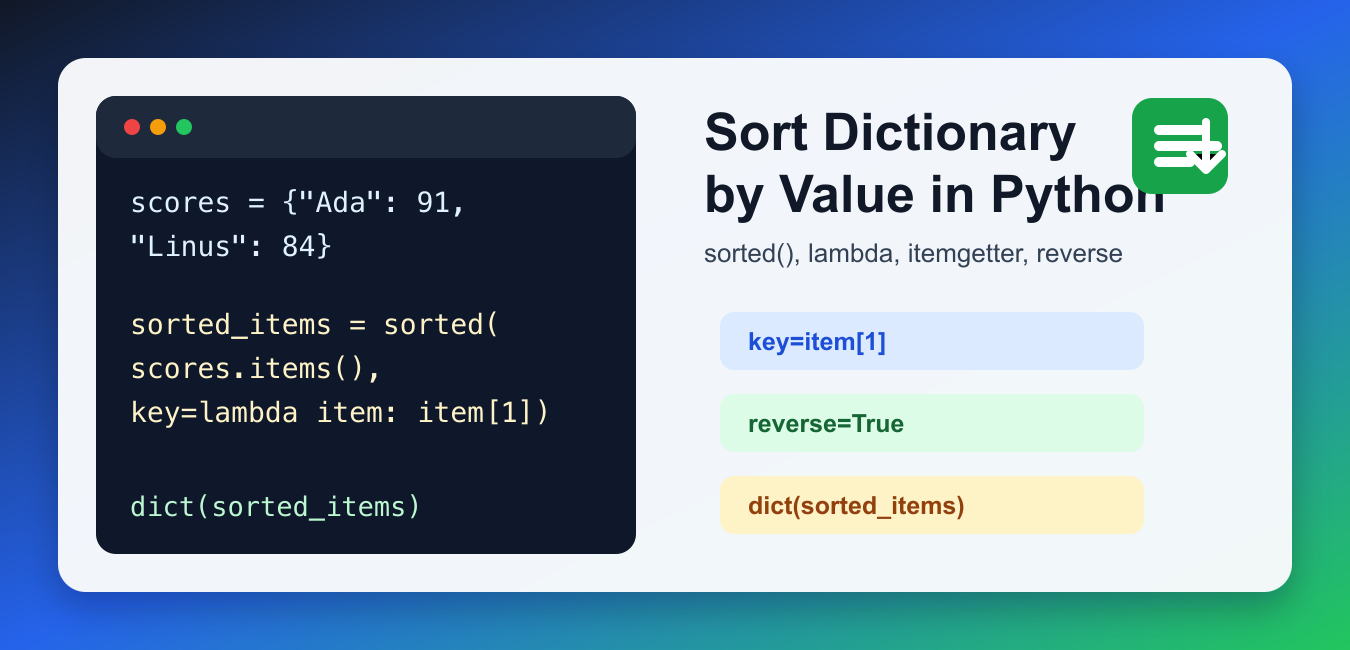
Quick answer: Sort dictionary items by passing a key function to sorted(). Use item[1] or operator.itemgetter(1) for the value, reverse=True for descending order, and a tuple key when ties need a deterministic secondary rule.
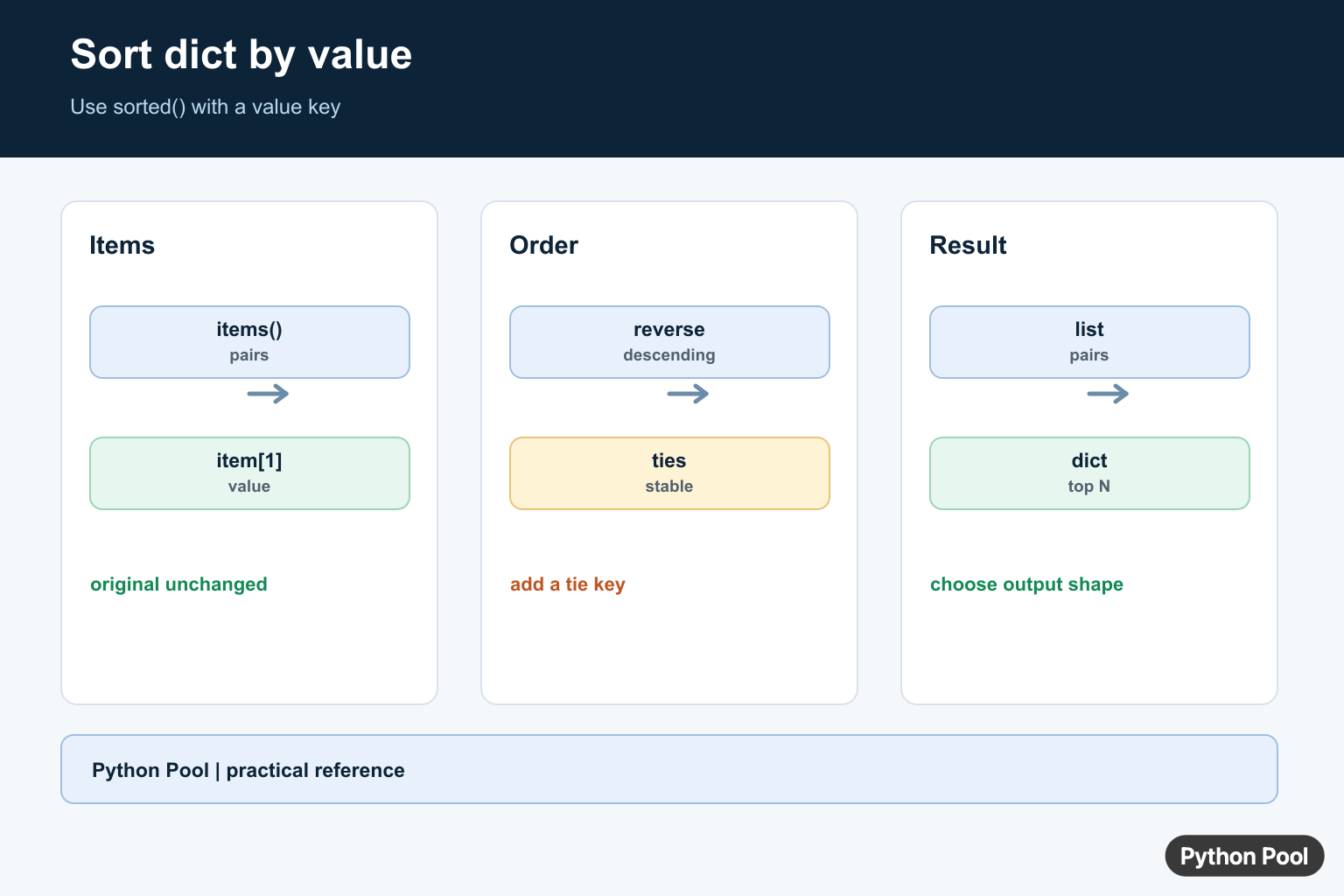
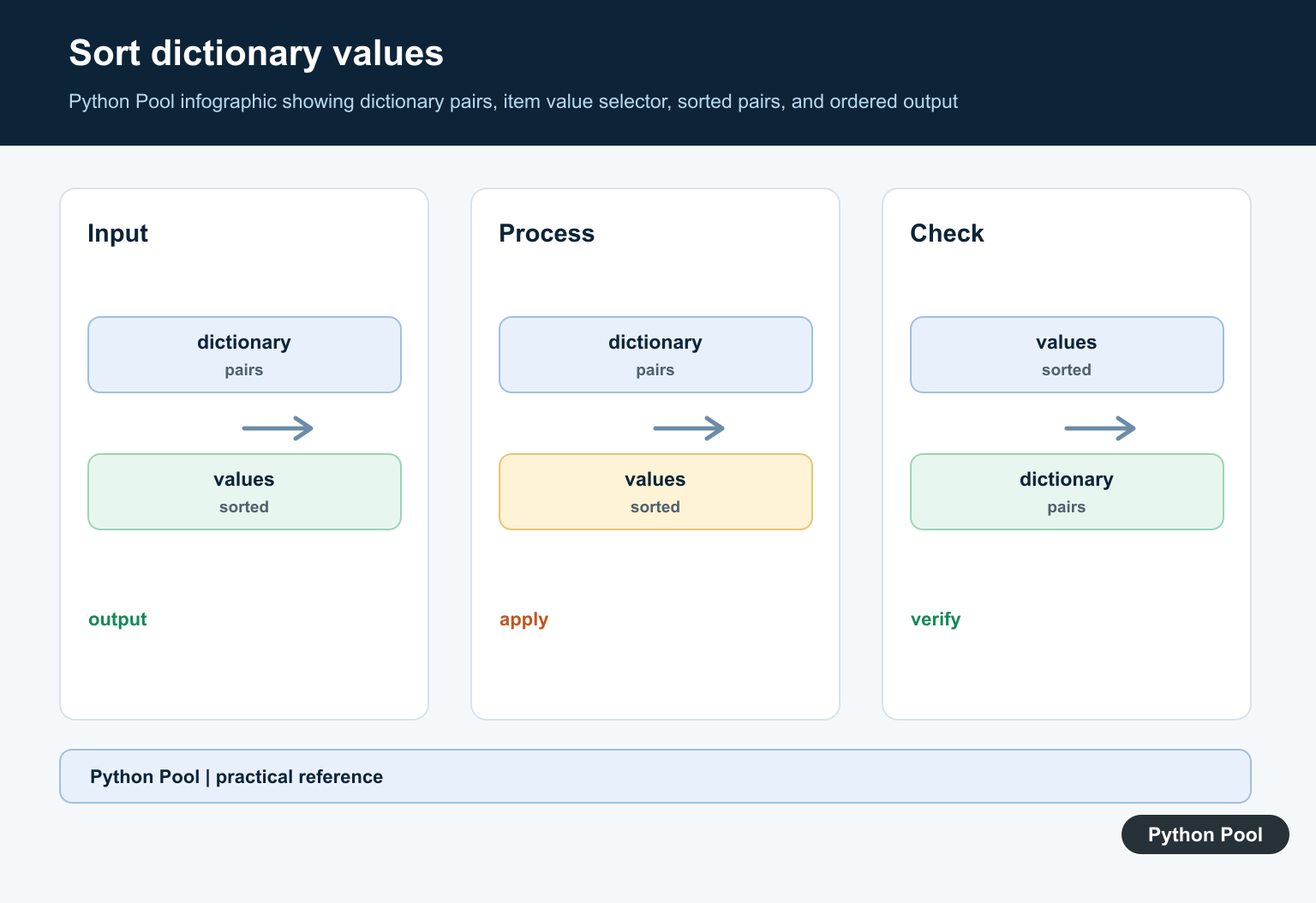
To sort a dictionary by value in Python, call sorted() on dictionary.items() and use a key function that returns each value. Wrap the result with dict() when you want a dictionary back, or keep the sorted list of tuples when you need to preserve every pair explicitly.
Python dictionaries preserve insertion order, so a new dictionary created from sorted pairs will iterate in sorted order. The original dictionary is not rearranged in place; you build a new ordered result from the existing key-value pairs. That distinction matters in functions because callers may still hold a reference to the original dictionary.
Sort a Dictionary by Value Ascending
The most common method uses sorted(), dict.items(), and a small lambda. Each item is a tuple like (key, value), so item[1] means the value.
scores = {"Ada": 91, "Linus": 84, "Grace": 97}

sorted_scores = dict(sorted(scores.items(), key=lambda item: item[1]))
print(sorted_scores)
This returns a new dictionary ordered from the smallest value to the largest value. If the values are numbers, the result is numeric order. If the values are strings, Python uses lexicographic string order. Keep value types consistent; mixing numbers and strings in the same sort usually causes a TypeError or produces unclear intent.
Sort by Value Descending
Add reverse=True when you want the largest values first. This is useful for leaderboards, counts, rankings, frequency dictionaries, API metrics, and report tables.
scores = {"Ada": 91, "Linus": 84, "Grace": 97}

ranked = dict(sorted(scores.items(), key=lambda item: item[1], reverse=True))
print(ranked)
If you only need the first result after sorting, keep the sorted pairs as a list and read index 0. That avoids confusing the sorted order with a normal unsorted dictionary literal. It also makes the output easier to pass into templates or table rows because each element is already a (key, value) pair.
Use itemgetter Instead of lambda
The operator.itemgetter() function can replace the lambda. It is compact when you repeatedly sort tuples by position.
from operator import itemgetter

prices = {"book": 12, "pen": 3, "bag": 35}

sorted_prices = dict(sorted(prices.items(), key=itemgetter(1)))
print(sorted_prices)
Both lambda and itemgetter(1) are valid. Use the one your team finds easier to read. For related tuple ordering examples, see sort a list of tuples in Python. That pattern is the same shape because dictionary items become tuples during sorting.
Break Ties Predictably
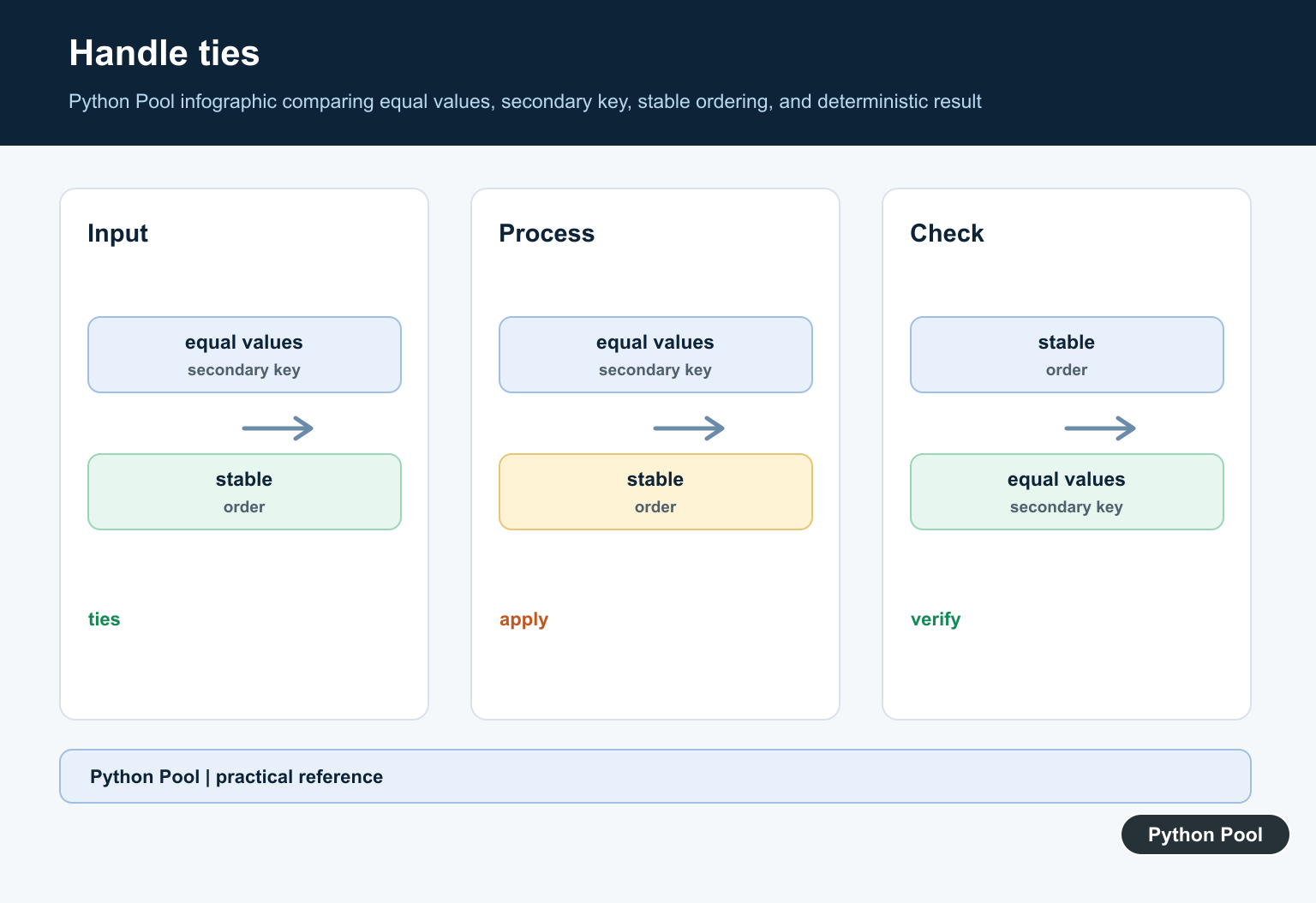
When two values are equal, Python keeps the original relative order because sorting is stable. If you want a predictable secondary order, sort by a tuple such as (value, key).
scores = {"zoe": 90, "ada": 90, "linus": 84}

sorted_scores = dict(sorted(scores.items(), key=lambda item: (item[1], item[0])))
print(sorted_scores)
This sorts by value first and key second. Tie-breakers are important for tests, reports, and pages where the same input should always produce the same order. They also make code reviews easier because the expected output does not depend on how the original dictionary was assembled.
Get Only the Top Values
Sometimes you do not need a whole dictionary back. Keep the sorted pairs and slice the first few items to get the top values.
views = {"home": 420, "docs": 980, "blog": 610, "about": 120}

sorted_views = sorted(views.items(), key=lambda item: item[1], reverse=True)
top_two = sorted_views[:2]

print(top_two)
This returns a list of tuples, which is often better for display. If you later need a dictionary, call dict(top_two). For memory considerations with bigger mappings, see Python dictionary size. For very large datasets, avoid sorting everything if you only need a few maximum values; specialized heap operations can be more efficient.
Sort Nested Dictionary Values
If each dictionary value is another dictionary, point the key function at the nested field you care about. Use dict.get() with a default if some nested values may be missing.
people = {
    "ada": {"score": 91},
    "linus": {"score": 84},
    "grace": {"score": 97},
}

ranked = dict(sorted(people.items(), key=lambda item: item[1].get("score", 0), reverse=True))
print(ranked)
This pattern is common when sorting API responses or JSON-like data. If you are inspecting object attributes or dictionaries created from objects, Python vars() explains how object dictionaries work. Be explicit about missing nested values so they do not silently appear in the wrong part of the result.
Should You Use OrderedDict?
For most modern Python code, a regular dict is enough because dictionaries preserve insertion order. OrderedDict is still useful when you need its extra order-specific methods, but it is not required just to iterate over sorted pairs. If your goal is simply to print or loop through data by value, a list of sorted tuples may be the clearest output.
Choose the returned shape intentionally. A dictionary is convenient for later lookups, while a list of tuples is usually clearer for ranked output, slicing, and displaying duplicate values.
References
Sort Items By Value
A dictionary iterates over keys, so call items() when the key and value must be available to the sorting key. sorted() returns a list of pairs, leaving the original mapping unchanged. This is usually the clearest result for reporting or further filtering.
scores = {"Ada": 91, "Grace": 98, "Karan": 87}
ordered_items = sorted(scores.items(), key=lambda item: item[1])
print(ordered_items)
Reverse The Order Or Use itemgetter
reverse=True reverses the final ordering. operator.itemgetter(1) expresses the same value selection without a lambda and can be convenient when the rule is reused. Choose ascending or descending explicitly because a ranking and a low-to-high report have different intent.
from operator import itemgetter

scores = {"Ada": 91, "Grace": 98, "Karan": 87}
print(sorted(scores.items(), key=itemgetter(1), reverse=True))
Break Ties Predictably
If two entries share a value, Python’s sort is stable and preserves their input order when the key values compare equal. Add the dictionary key to the key tuple when you need a deterministic secondary order, while remembering that mixed key types may not be directly comparable.
scores = {"Zoe": 90, "Ada": 90, "Ben": 85}
ordered = sorted(scores.items(), key=lambda item: (item[1], item[0]))
print(ordered)
print(sorted(scores.items(), key=lambda item: item[1]))
Return A Mapping Or Only The Top Values
dict(sorted(…)) creates a new insertion-ordered dictionary in modern Python. If you only need the top few entries, sort in descending order and slice, or use heapq.nlargest for a large mapping where materializing every sorted item is unnecessary.
scores = {"Ada": 91, "Grace": 98, "Karan": 87}
by_value = dict(sorted(scores.items(), key=lambda item: item[1]))
top_two = dict(sorted(scores.items(), key=lambda item: item[1], reverse=True)[:2])
print(by_value)
print(top_two)
Python’s official sorted() documentation defines key and reverse, while the heapq.nlargest() reference covers a top-N alternative.
For related ordering tools, compare sorting by dictionary key, operator.itemgetter, and heapq top-N selection when ordering mapping data.
Frequently Asked Questions
How do I sort a dictionary by value in Python?
Use sorted(mapping.items(), key=lambda item: item[1]) to return key-value pairs ordered by their values.
How do I sort dictionary values in descending order?
Pass reverse=True to sorted() when sorting by the value key.
Can I convert the sorted pairs back to a dictionary?
Yes. dict(sorted(mapping.items(), key=lambda item: item[1])) creates a dictionary that preserves that insertion order in modern Python.
How do I break ties while sorting by value?
Use a tuple key such as key=lambda item: (item[1], item[0]) to sort by value first and key second.
Hi,
Yes, this module can also be used to sort dict by value. However, I don’t recommend installing a whole module to sort a dictionary. You can simply use 2-3 lines of code provided in the post to achieve it.
Regards,
Pratik
It depends on your use case. If your dict is changing over the time, and you need to access its values any time, this module is the way to go. I use it to keep leader boards up to date in my chess variant server: Pychess.org(/)players
Yes, correct. I agree with your point here. It’s an easy plug-and-go module.
If your dictionary changes over time, it’ll be a little more tricky for new programmers to handle the changes. This module is definitely useful when your dict changes over time.
Regards,
Pratik