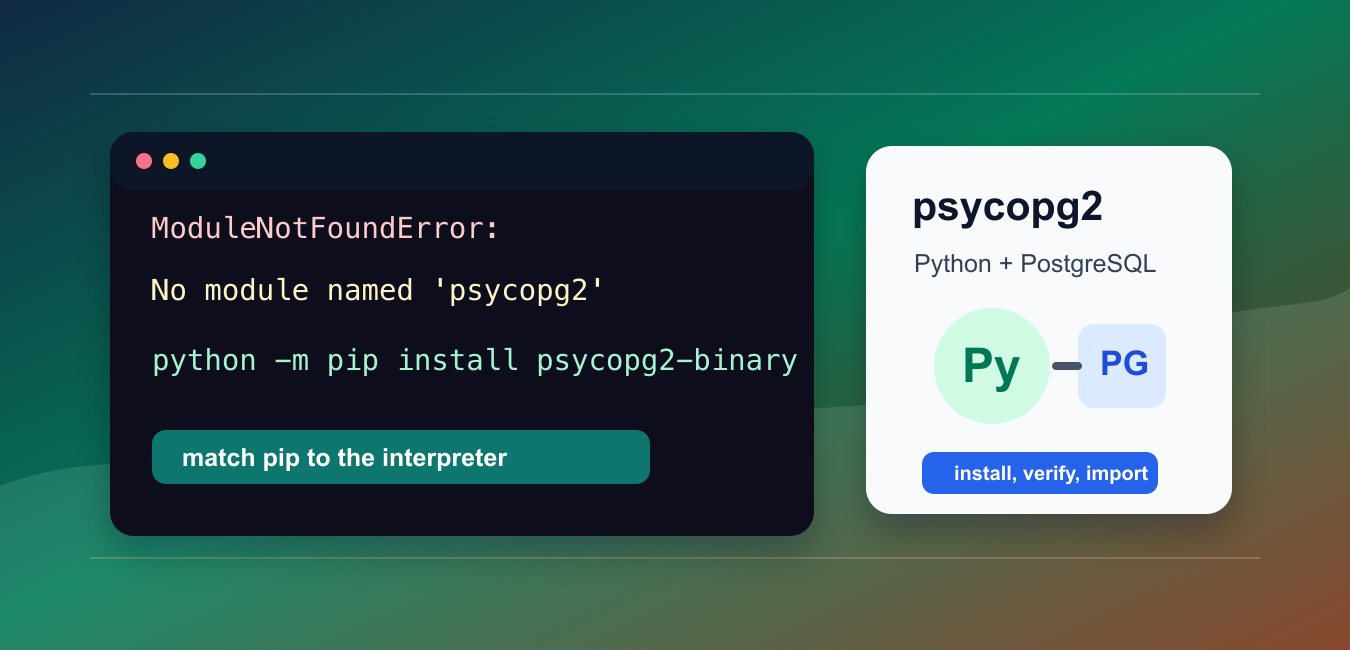
Quick answer: The psycopg2 import error means the active interpreter cannot find a package that provides that module. Verify sys.executable, run python -m pip in the same environment, choose the driver generation supported by the application, and separate wheel installation problems from PostgreSQL connection problems.
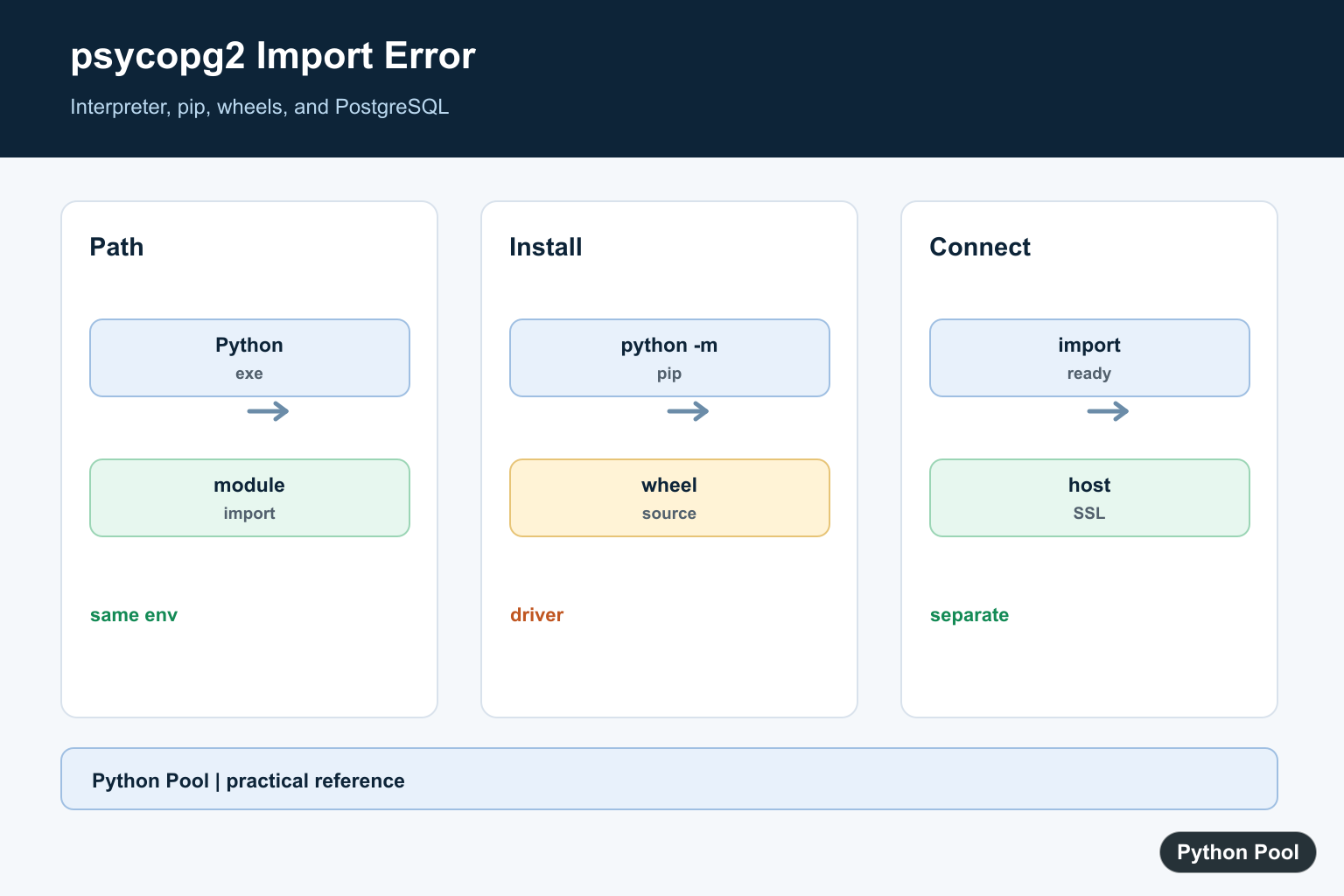
The error ModuleNotFoundError: No module named 'psycopg2' means the Python interpreter running your code cannot import the PostgreSQL adapter package. The package may be missing, installed into a different environment, or installed under the newer Psycopg 3 package name.
The main references are the official Psycopg 2 installation guide, the Psycopg 3 installation guide, and Python’s sys.executable documentation.
For existing code that imports psycopg2, install psycopg2-binary for local development or install psycopg2 from source when you need production builds tied to system libraries. For new projects, consider Psycopg 3, installed as psycopg.
Avoid old unofficial wheel pages as the main fix. Current pip and PyPI packages should be the first path unless your platform has a special build constraint.
Also avoid copying old compatibility claims from older tutorials. The supported Python and PostgreSQL versions change over time, so treat the official Psycopg installation page as the source of truth when deciding whether your runtime is supported.
The fix should answer two questions: which interpreter is running the code, and which package name that code expects. Once those are clear, the error is usually straightforward to solve.
Confirm The Failing Import
Start by reproducing the import in the same environment that runs your application.
try:
    import psycopg2
except ModuleNotFoundError as error:
    print(error)
else:
    print(psycopg2.__version__)
If this code prints the module version, the adapter is available to that interpreter. If it prints the missing-module error, install the package into that same interpreter.
Do not rely on a different terminal, notebook kernel, or IDE interpreter until you have checked the interpreter path directly.
This matters because a computer can have several Python installs at once: system Python, Homebrew Python, Conda, virtual environments, Docker images, and notebook kernels. Installing into one of them does not make the package visible in all of them.
Check The Active Python Executable
The most common cause is installing with one Python command and running with another.
import sys

print(sys.executable)
print(sys.version)
Use the printed executable path to guide installation. The reliable command pattern is python -m pip install psycopg2-binary, using the same python command that starts your app.
In a virtual environment, activate the environment first, then run python -m pip install psycopg2-binary. In Jupyter, install into the kernel interpreter, not only the system interpreter.
If pip show psycopg2-binary reports a location but Python still cannot import it, compare that location with the executable path printed by sys.executable. A mismatch means pip and Python are looking at different environments.
Install The psycopg2 Package
After installing, verify the import from Python instead of assuming pip output is enough.
import importlib.util

spec = importlib.util.find_spec("psycopg2")

if spec is None:
    print("psycopg2 is not importable")
else:
    print(spec.origin)
For local development, psycopg2-binary is the quick path because it ships a precompiled package. For production packages, the Psycopg documentation advises using the source distribution so system library updates can apply normally.
If a source install fails, check for PostgreSQL client development headers, Python development headers, a C compiler, and pg_config. On Debian or Ubuntu, those usually come from packages such as libpq-dev and python3-dev.
Container builds should install these system packages before running pip. That keeps the Python package install repeatable and prevents a deployment from depending on files that happened to exist on a developer machine.
Test A Minimal Connection Import
Once the import works, keep the connection test small and explicit.
import psycopg2

dsn = "dbname=appdb user=appuser host=localhost"

with psycopg2.connect(dsn) as connection:
    with connection.cursor() as cursor:
        cursor.execute("SELECT 1")
        print(cursor.fetchone())
If this import works but the connection fails, the missing-module problem is solved. The remaining issue is database access, connection settings, authentication, or network reachability.
Separate those problems so you do not keep reinstalling a package that Python can already import.
Connection errors often include messages about host names, roles, credentials, SSL, or server reachability. Those errors need database troubleshooting, not another psycopg2 reinstall.
Use Psycopg 3 For New Code
Psycopg 3 is installed with the package name psycopg, not psycopg3.
try:
    import psycopg
except ModuleNotFoundError:
    print("Install Psycopg 3 with: python -m pip install psycopg[binary]")
else:
    print(psycopg.__version__)
Use Psycopg 3 when starting a new project and your dependencies support it. Keep using psycopg2 when maintaining older code that imports psycopg2 or depends on its exact API behavior.
Do not install psycopg and expect import psycopg2 to work. They are different import names.
Fix Notebook And IDE Mismatches
In notebooks and editors, the shell command may point to one Python while the running kernel points to another. Inspect the runtime path before installing.
import sys

install_command = f'"{sys.executable}" -m pip install psycopg2-binary'

print(install_command)
Run the printed command in a terminal, restart the kernel or interpreter, and import again. Restarting matters because long-running Python processes do not always pick up new packages immediately.
The practical sequence is: confirm the failing import, print sys.executable, install with python -m pip for that interpreter, restart the runtime, and verify with a direct import. That fixes the package-location problem without relying on outdated wheel sources.
After the import works, pin dependencies in your project files so future installs use the same adapter family. For existing psycopg2 code, keep the psycopg2 package name. For new Psycopg 3 code, update imports to psycopg deliberately instead of mixing both names by accident.
Check The Active Environment
A successful install in one terminal does not prove that the application uses the same Python. Print the executable and package metadata from the failing process, especially inside a virtual environment, notebook kernel, service, or container.
Install Through The Interpreter
Use python -m pip so the package manager is tied to the interpreter that will import it. Choose psycopg2, psycopg2-binary, or psycopg according to the application’s compatibility and deployment policy rather than installing every package variant.
Understand Wheel And Source Builds
A binary wheel can avoid local compiler and PostgreSQL header requirements. Production builds may prefer psycopg2 from source or modern psycopg with dependencies explicitly managed. A build failure is distinct from an import failure.
Test Import Separately From Connection
First verify that the module imports. Then test credentials, host, SSL, and database availability; those are different failure layers and should not be conflated. Record the exact driver major version in deployment documentation.
Keep Environments Reproducible
Lock the dependency in requirements or a project configuration, rebuild the same environment in CI, and avoid fixing a service by changing only a developer machine. Reproducibility is part of the import-error fix.
Psycopg’s installation documentation covers modern psycopg, while the application’s compatibility policy determines whether psycopg2 is required. Related references include interpreter and pip selection, package metadata, and import diagnosis.
For related environment diagnosis, compare interpreter and pip selection, package metadata, and import compatibility when fixing a driver installation.
Frequently Asked Questions
Why does Python say no module named psycopg2?
The active interpreter cannot find a package that provides the psycopg2 module, often because pip installed into another environment.
Should I install psycopg2-binary or psycopg?
Use the package and major version supported by the application; psycopg is the modern package while psycopg2-binary can simplify local development.
How do I verify the installation environment?
Print sys.executable and run pip through that interpreter with python -m pip.
Why can source installation fail?
A source build may require PostgreSQL client headers and a compiler, while a compatible wheel avoids those system build dependencies.
Package
build essentialshould bebuild-essentialGreat catch! I’ve updated the post.
I am sorry to say, it still does not work on one Windows 10. It worked on Windows 11 (laptop) straight with pip install spycopg2in the virtual environment. In the Windows 10 I uninstalled and reinstalled PostgreSQL too. Installed spycopg2 with binary and still get the same error message “No Module Named psycopg2”. It’s disappointing not to have it on the PC I use the most. I tried to do exactly the same on both pc.
Are you sure your PostgreSQL is up and running?