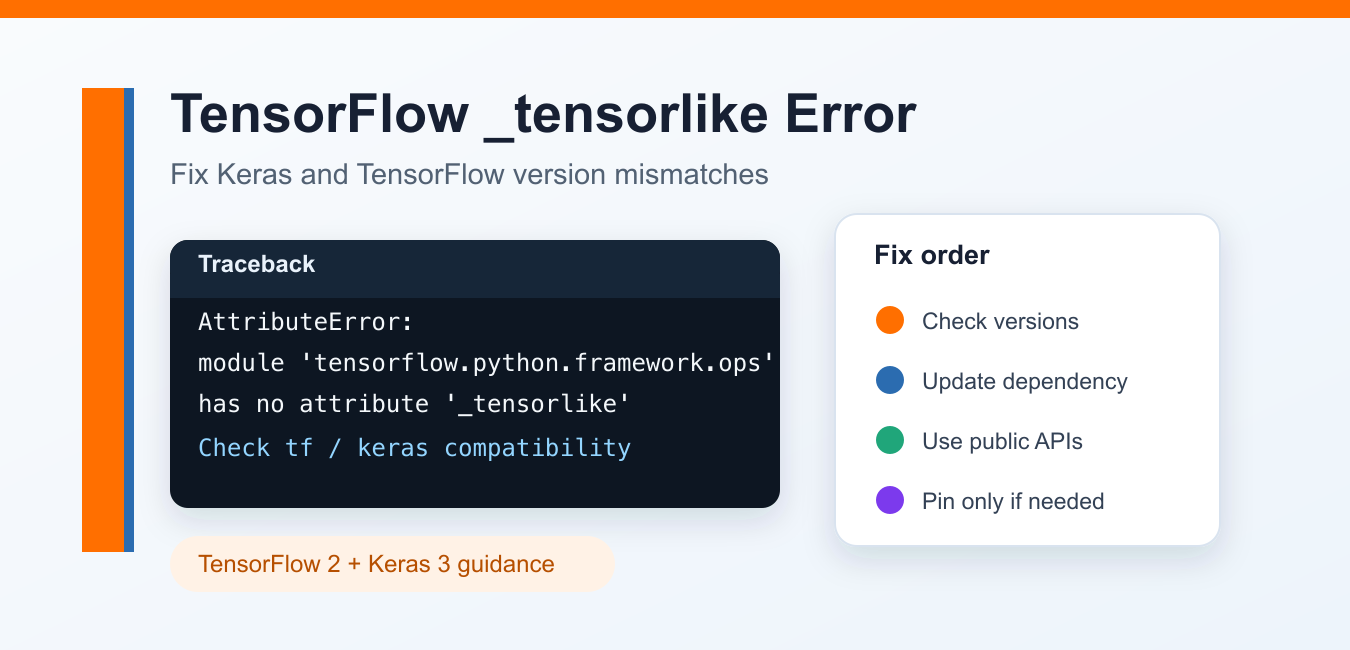
Quick answer: A TensorFlow _tensorlike AttributeError usually indicates a version or dependency mismatch, a stale interpreter environment, or code that relies on a private internal name. Check the runtime package set and move to documented public tensor APIs instead of patching the private attribute.
The error AttributeError: module 'tensorflow.python.framework.ops' has no attribute '_tensorlike' usually means some code is depending on a private TensorFlow internal attribute that is not available in your installed TensorFlow/Keras combination. It often appears after upgrading TensorFlow, mixing standalone keras with tf.keras, or running an older third-party package against a newer TensorFlow release.
The most reliable fix is not to patch TensorFlow files manually. First identify your installed versions, then either upgrade the package that triggers the error or use a compatible TensorFlow/Keras environment for that project.
Quick diagnosis
Run this in the same virtual environment, notebook kernel, or runtime where the error appears:
import sys
import tensorflow as tf

print(sys.version)
print("TensorFlow:", tf.__version__)
print("tf.keras:", tf.keras.__version__ if hasattr(tf.keras, "__version__") else "bundled")

try:
    import keras
    print("standalone keras:", keras.__version__)
except ImportError:
    print("standalone keras: not installed")
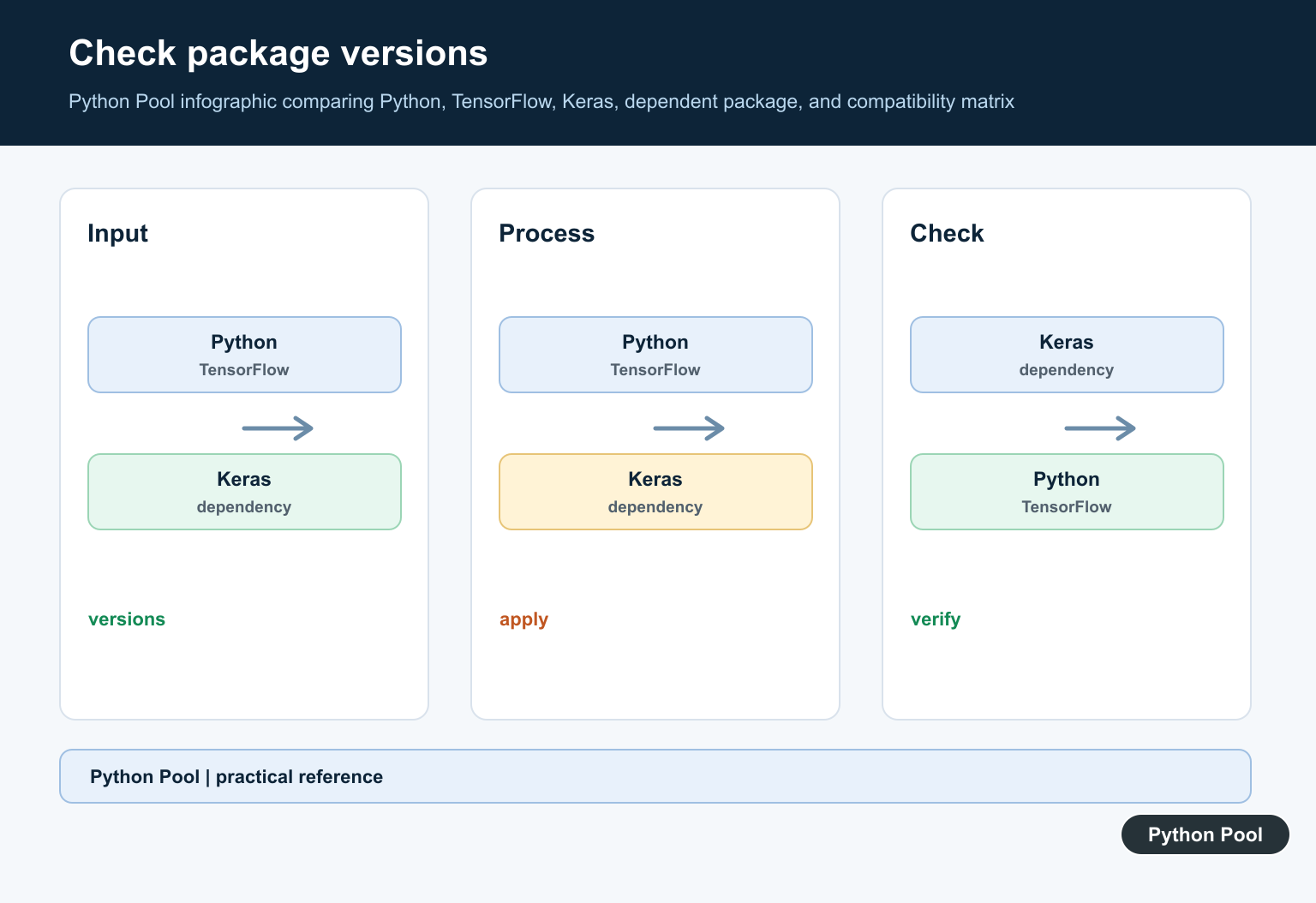
If the script shows both tensorflow and standalone keras, check whether your code or dependency expects Keras 2, Keras 3, or tf.keras. TensorFlow 2.16 and newer made Keras 3 the default Keras version, while legacy Keras 2 support moved to the tf-keras package.
Fix 1: Update TensorFlow, Keras, and the failing package
For most users, start by updating the packages in a clean environment:
python -m pip install --upgrade pip
python -m pip install --upgrade tensorflow keras
Then update the package that imports TensorFlow internals. For example, if the traceback points to mtcnn, bert4keras, tensorlayer, or another wrapper library, upgrade that package too:
python -m pip install --upgrade mtcnn
python -m pip install --upgrade tensorlayer
Use the package name shown in your traceback. After upgrading, restart the notebook kernel or Python process so the old modules are no longer loaded.
Fix 2: Stop mixing incompatible Keras imports
Choose one Keras path for the project. Modern TensorFlow examples commonly use tf.keras or Keras 3 imports, but old code may mix both styles:
# Avoid mixing these styles in the same project unless the dependency docs require it.
from tensorflow import keras
import keras
If your project is current and supports Keras 3, prefer Keras 3 style imports:
import keras
from keras import layers
If the project is tied to TensorFlow’s Keras API, keep the imports consistent:
import tensorflow as tf

model = tf.keras.Sequential([
    tf.keras.layers.Dense(16, activation="relu"),
    tf.keras.layers.Dense(1),
])
Fix 3: Use legacy Keras only when a dependency requires it
Some older libraries still expect Keras 2 behavior. TensorFlow’s 2.16 release notes explain that Keras 2 remains available through the tf-keras package. Use this only for projects that have not migrated yet:
python -m pip install "tf-keras~=2.16"If the dependency specifically says to use legacy tf.keras, set the environment variable before importing TensorFlow:
import os
os.environ["TF_USE_LEGACY_KERAS"] = "1"

import tensorflow as tf
This setting affects the Python process, so use a separate virtual environment for older projects. Do not set it globally across unrelated TensorFlow work.
Fix 4: Replace private TensorFlow checks in your own code
If the failing line is in your own code and it references tensorflow.python.framework.ops._tensorlike or _TensorLike, replace that private check with public TensorFlow APIs. For example:
import tensorflow as tf

def ensure_tensor(value):
    if not tf.is_tensor(value):
        value = tf.convert_to_tensor(value)
    return value
tf.is_tensor() and tf.convert_to_tensor() are public APIs. Private paths under tensorflow.python can change between releases, so code that imports from those paths is more likely to break.
Fix 5: Pin versions only as a temporary workaround
If a library has not released a compatible update, pinning versions can unblock a project temporarily:
python -m venv .venv
source .venv/bin/activate  # Windows: .venv\Scripts\activate
python -m pip install --upgrade pip
python -m pip install "tensorflow==2.15.*" "keras<3"
Use this as a project-specific workaround, not a permanent system-wide fix. Record the reason in requirements.txt and revisit the pin when the package supports newer TensorFlow/Keras versions.
When the error appears in MTCNN, bert4keras, or TensorLayer
For third-party packages, read the traceback from bottom to top and identify the first non-TensorFlow package path. That package is usually the one importing a private TensorFlow symbol. The fix is normally one of these:
- Upgrade the package to a version that supports your TensorFlow/Keras release.
- Install the package's documented TensorFlow version in a clean virtual environment.
- Use legacy
tf-kerasonly if the package has not migrated to Keras 3. - Open an issue or patch the dependency if it still imports
tensorflow.python.framework.ops._tensorlike.
For general Python AttributeError debugging patterns, see our guide to Python AttributeError examples.
Official references
- TensorFlow Keras guide
- TensorFlow 2.16 release notes for Keras 3 and legacy tf-keras
- Keras 3 migration guide
- Official TensorFlow pip installation guide
- TensorFlow
tf.is_tensor()API
Conclusion
The tensorflow.python.framework.ops _tensorlike error is usually a compatibility problem, not a missing line you should add to TensorFlow. Update the failing dependency first, keep Keras imports consistent, and use legacy tf-keras only when an older project requires it. If your own code imports TensorFlow internals, replace those imports with public APIs such as tf.is_tensor() and tf.convert_to_tensor().
Reproduce In The Real Environment
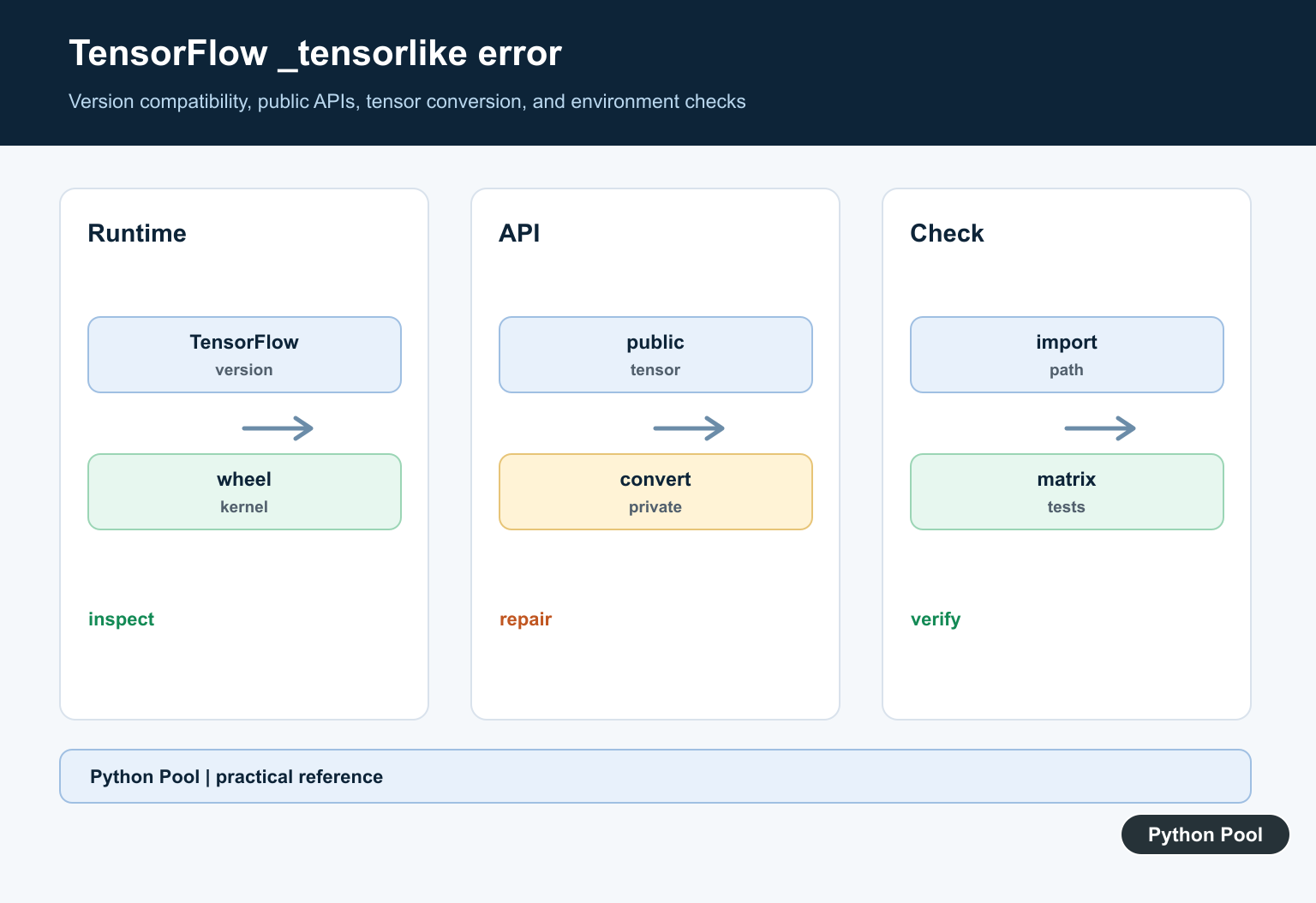
Print the TensorFlow version, Python executable, package location, and dependent versions from the interpreter or notebook that fails. A different kernel or virtual environment can make a correct reinstall appear ineffective.
Separate Public And Private APIs
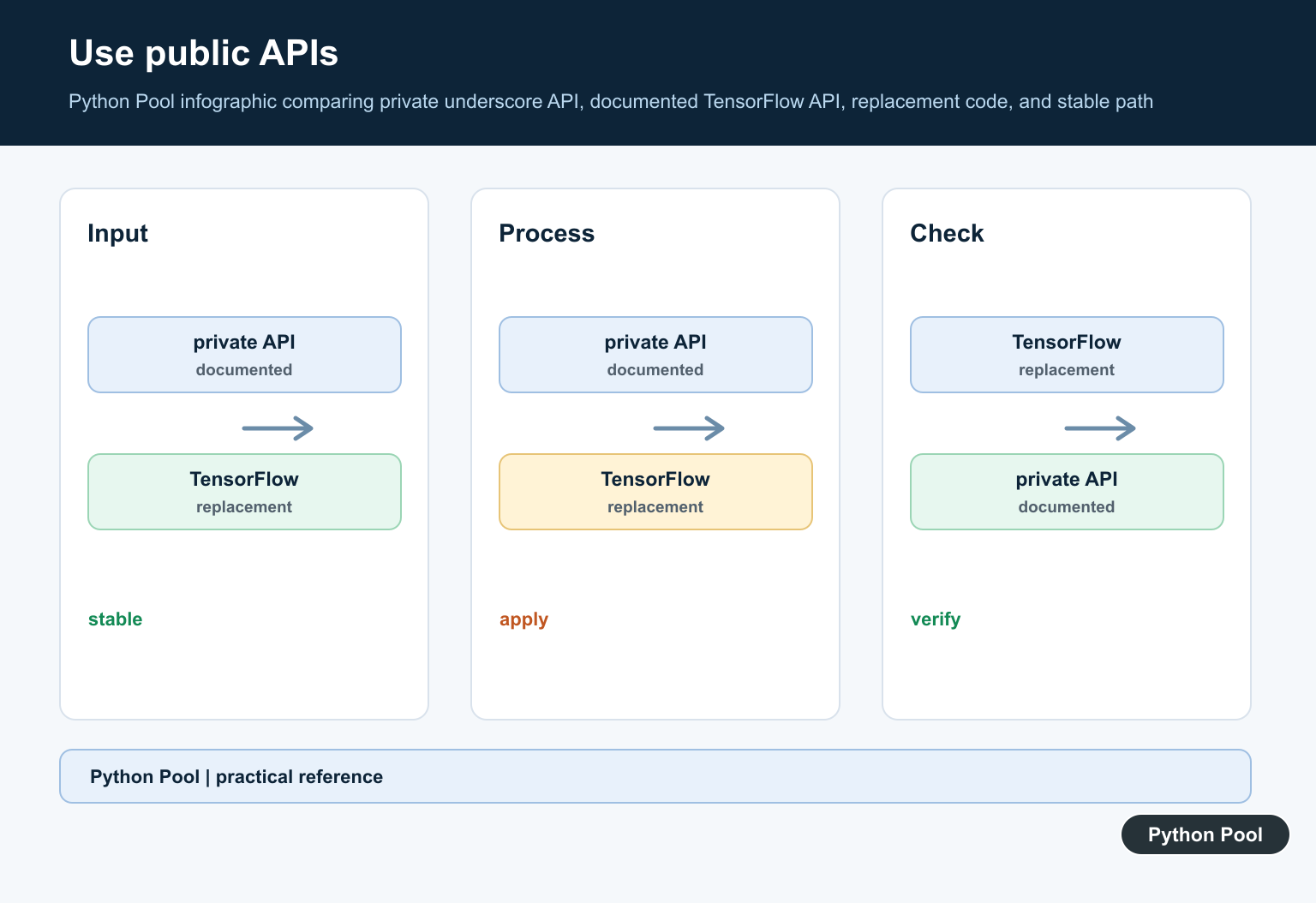
Names beginning with an underscore are implementation details and may change between releases. Search the traceback and project code for direct private imports, then identify the documented public conversion function that expresses the intended operation.
Check Compatibility Together
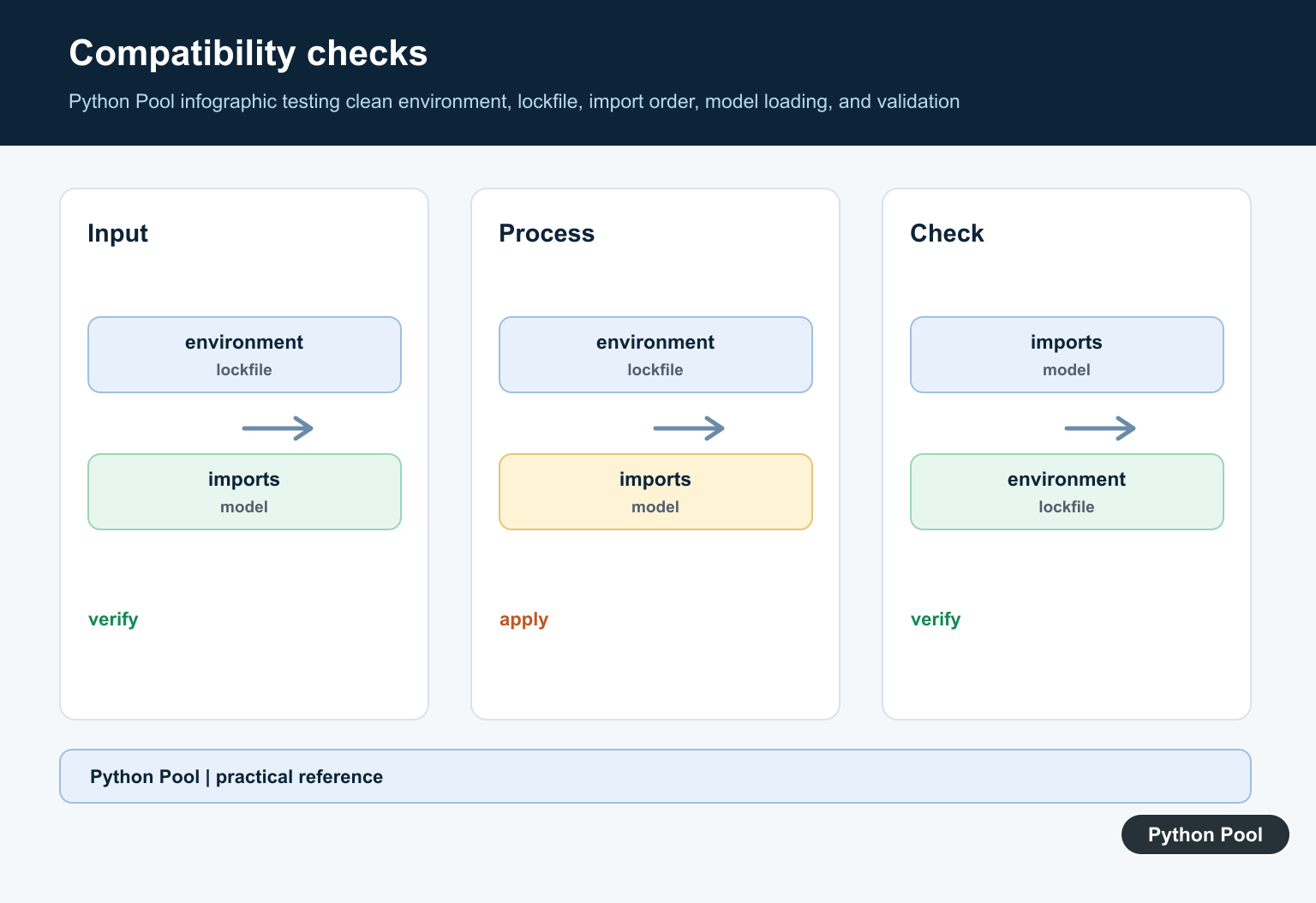
TensorFlow, NumPy, protobuf, Keras, and platform wheels must form a compatible set. Compare the supported versions for the project and recreate the environment from a lockfile when possible.
Clear Stale Installations
Multiple site-packages locations, cached notebooks, and partially upgraded dependencies can leave mixed modules in memory. Restart the process after changes and verify the imported file paths before testing again.
Avoid Monkey Patching
Adding a fake internal attribute can hide the first error while corrupting tensor conversion later. Use a supported release, a compatibility shim with tests, or an explicit migration path.
Test A Minimal Import
Reduce the failure to a small import and tensor-conversion example. Test clean environments, CPU and accelerator variants where relevant, serialization, and the exact versions used in deployment.
Use the current official TensorFlow API documentation for public operations and compatibility guidance. Related Python Pool references include tests and diagnostics.
For related dependency work, compare environment tests, import diagnostics, and version configuration before changing TensorFlow internals.
For the authoritative API and current behavior, consult the TensorFlow upgrade guide.
Frequently Asked Questions
What causes a TensorFlow _tensorlike AttributeError?
It commonly comes from incompatible TensorFlow and dependent-package versions, stale installations, or code that relies on a private internal attribute.
Should I call TensorFlow private _tensorlike directly?
No. Prefer documented public conversion and tensor APIs because private names can change between releases.
How do I check the installed TensorFlow version?
Print the runtime version and dependency metadata from the same interpreter that runs the failing code, then compare it with the supported package matrix.
Why does reinstalling sometimes not fix it?
The process may be using a different environment, cached wheel, kernel, or dependency set than the one you repaired; reproduce the import path and package locations first.