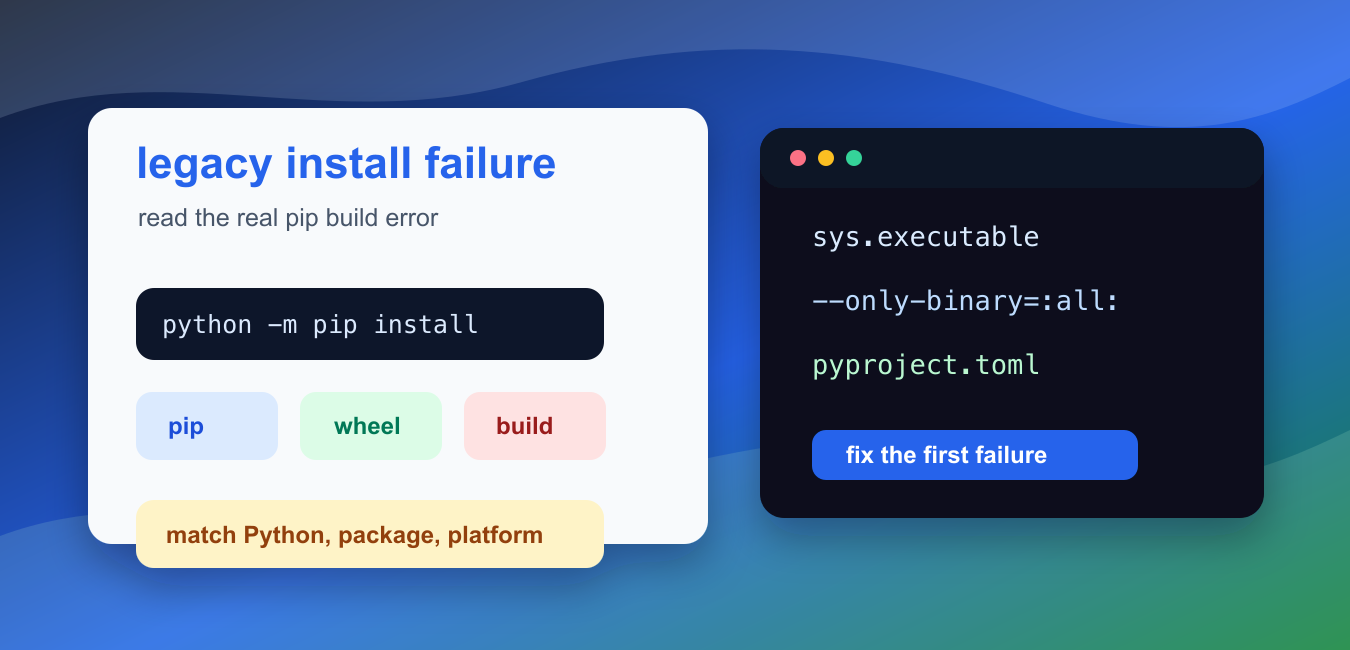
Quick answer: error: legacy-install-failure is a summary from pip, not the root cause. Read upward to the first build, compiler, dependency, or compatibility error; then reproduce inside a fresh virtual environment with known packaging-tool and Python versions before changing a global installation.
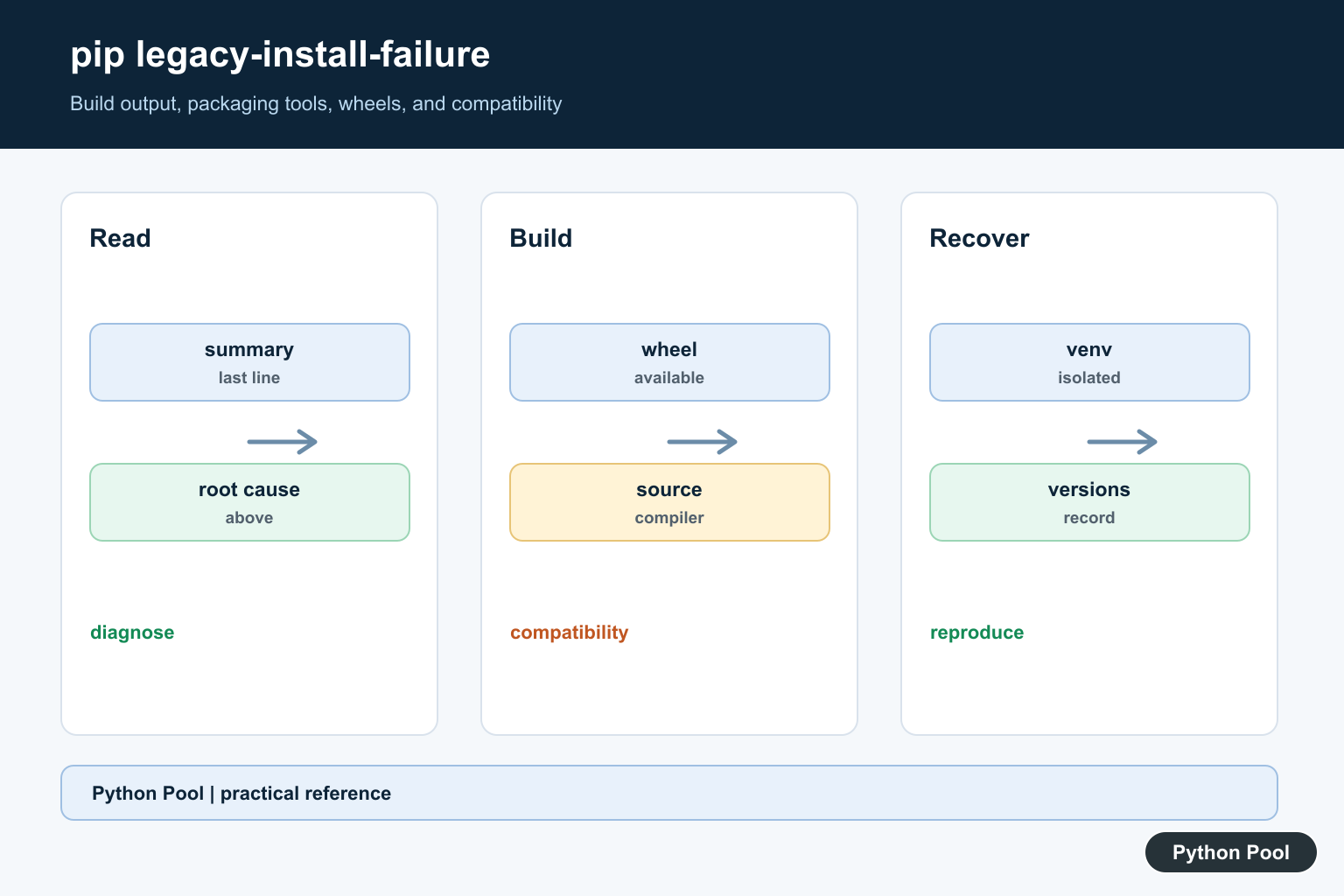
error: legacy-install-failure appears when pip tries an older source-build path for a package and the build fails. The message is usually a symptom, not the root cause. The real cause is often a missing wheel for your Python version, an outdated build tool, a missing compiler, or a missing native library required by the package.
Do not solve this by trying random package names. First identify the Python interpreter, the pip version, the package version, and the line above the failure. Pip often prints a more specific error before the final legacy-install-failure line.
The official pip install documentation explains install behavior, and the Python Packaging User Guide covers installing packages.
The most reliable repair path is to upgrade pip tooling in the same environment, choose a package version with a wheel for your platform, or install the operating-system build dependencies required by that package. If the package has not released wheels for a new Python version yet, using an older supported Python can be faster than compiling from source.
Wheel availability depends on several details at once: Python version, operating system, CPU architecture, and package release. A package may install cleanly on Python 3.11 but fail on Python 3.13 until maintainers publish newer wheels. That is why a clean virtual environment with a supported Python version is often the quickest way to confirm whether the problem is your system or the package release.
Source builds are normal for some packages, but they need more local tooling. If pip falls back to source, you may need a compiler, Python headers, Rust, CMake, pkg-config, or library headers such as libffi, OpenSSL, MySQL, or image codecs. The exact requirement depends on the package, so the line above the final failure matters.
Confirm The Interpreter Pip Uses
Always run pip through the interpreter that will run your code. This avoids installing into one Python while your application uses another.
import sys

pip_command = [sys.executable, "-m", "pip", "install", "package-name"]

print(sys.executable)
print(" ".join(pip_command))
Use the printed command shape in terminals, notebooks, CI jobs, and editor tasks. Replace package-name with the package you actually need.
If a tutorial says pip install, translate it to python -m pip install for the active interpreter.
Check pip And Build Tool Versions
An old pip can miss available wheels or use older build behavior. Check the version before debugging deeper.
import subprocess
import sys

result = subprocess.run(
    [sys.executable, "-m", "pip", "--version"],
    capture_output=True,
    text=True,
)

print(result.returncode)
print(result.stdout.strip())
If pip, setuptools, or wheel is old, upgrade them in the same environment and retry. For isolated projects, do this inside the virtual environment rather than globally.
After upgrading tools, restart the notebook kernel, editor terminal, or service process if it keeps a long-running Python session. Otherwise it may keep using an older process even though the command-line environment is now repaired.
Read The Real Error Line
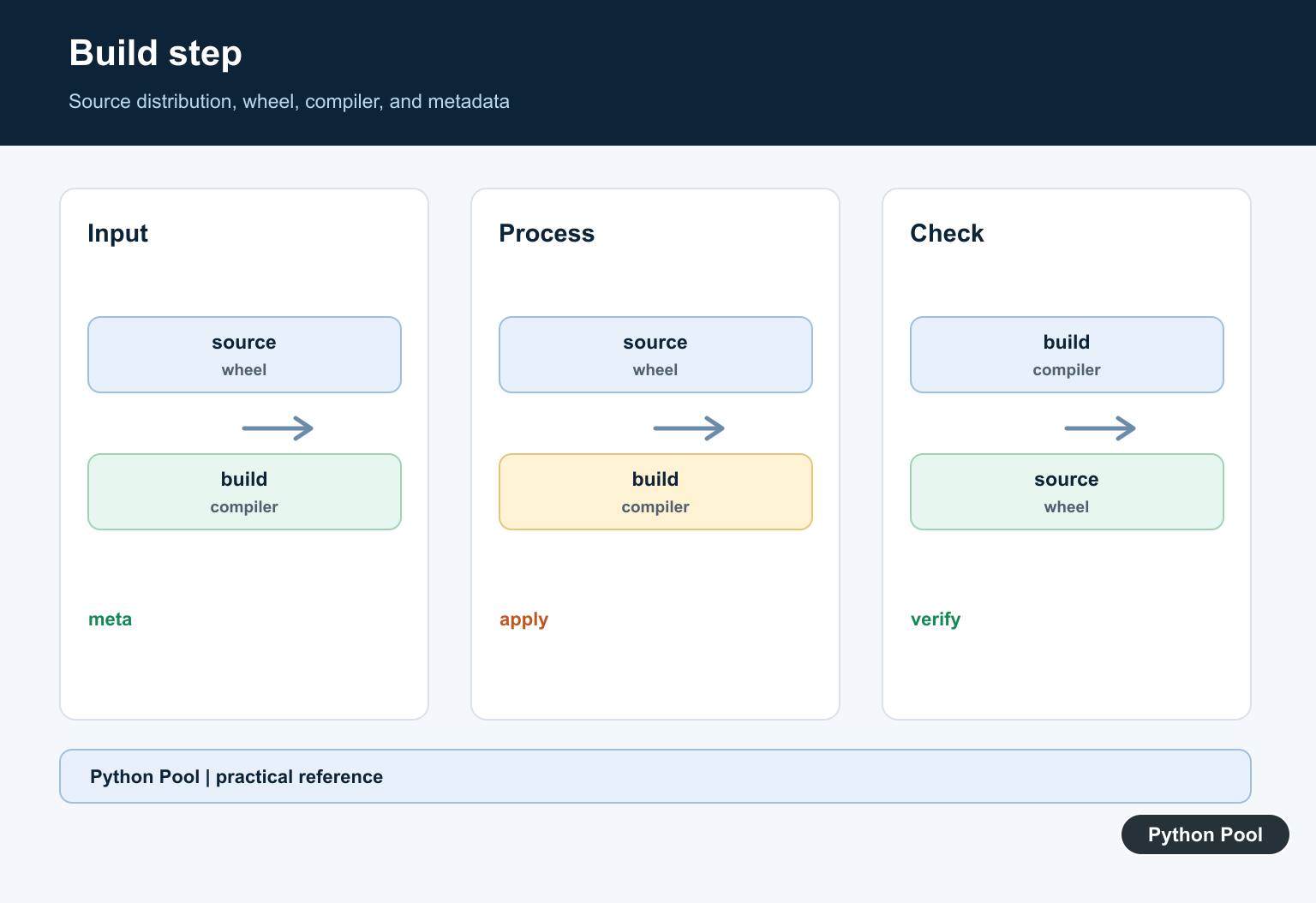
The final line may be generic. Search the build output for compiler errors, missing headers, unsupported Python versions, or package-specific messages.
log_text = """
building wheel for example
fatal error: ffi.h: No such file or directory
error: legacy-install-failure
"""

for line in log_text.splitlines():
    if "fatal error" in line or "legacy-install-failure" in line:
        print(line.strip())
In this example, the useful clue is ffi.h, which points to a missing native dependency. The final legacy error only says that the build path failed.
Check Whether A Wheel Is Available
If a wheel exists for your Python and platform, pip can install without compiling the package locally. You can build the safest command shape in Python and run it manually.
import sys

package = "example-package"
command = [
    sys.executable,
    "-m",
    "pip",
    "install",
    "--only-binary=:all:",
    package,
]

print(" ".join(command))
If this command says no matching distribution is available, the package may not provide a wheel for your Python version or operating system. Try a supported package version, a supported Python version, or follow the package’s source-build instructions.
Inspect pyproject Build Requirements
Modern packages declare build requirements in pyproject.toml. Reading them helps you understand what pip needs during installation.
import tomllib

pyproject = b"""
[build-system]
requires = ["setuptools>=68", "wheel"]
build-backend = "setuptools.build_meta"
"""

data = tomllib.loads(pyproject.decode("utf-8"))

print(data["build-system"]["requires"])
print(data["build-system"]["build-backend"])
If a package needs Cython, NumPy, Rust, or another build dependency, install instructions should come from that package’s documentation. Avoid guessing from the final pip error alone.
Check Native Build Clues
Packages with C or C++ extensions need headers and a compiler. You can check whether Python knows its include path and whether a compiler command is visible.
import os
import shutil
import sysconfig

include_dir = sysconfig.get_path("include")
compiler = shutil.which("gcc") or shutil.which("clang")

print(os.path.isdir(include_dir))
print(bool(compiler))
A missing compiler or missing system headers can cause source builds to fail. Install the package-specific build dependencies, then retry inside the same environment.
For packages such as pandas, NumPy, SciPy, Pillow, mysqlclient, wxPython, and basemap, source builds can require platform-specific libraries. If you do not need to compile from source, prefer a wheel-compatible Python version and package version.
In short, fix legacy-install-failure by reading the earlier error line, upgrading pip tooling, confirming the active interpreter, checking wheel availability, and installing native build dependencies only when source builds are required.
Read The First Actionable Error
The final legacy-install-failure line often only reports that a subprocess failed. Look earlier for a missing header, compiler failure, unsupported Python version, unavailable wheel, dependency conflict, or build-backend exception. Fixing the summary alone cannot repair the build.
Upgrade Packaging Tools Carefully
Inside the active virtual environment, record Python, pip, setuptools, and wheel versions. Upgrade them when the project supports a modern build path, but do not blindly change a production lockfile or assume the newest tool can make an unsupported package compatible.
Check Wheels And Python Compatibility
A package may install on one interpreter because a wheel exists and fail on another because pip must build from source. Compare the package’s supported Python versions, platform, architecture, and available wheels before trying compiler flags or unrelated fixes.
Isolate System Dependencies
Build failures can require a compiler, development headers, SDK, Rust toolchain, or external library. Install only the documented dependency for the target environment, and keep the environment reproducible rather than adding random packages until pip stops failing.
Prefer Reproducible Recovery
Use a fresh virtual environment, a pinned requirement, verbose logs, and a small reproduction. If a package is abandoned, choose a maintained compatible release or replacement after reviewing behavior and security rather than suppressing the build error.
The official pip build-system reference explains isolated builds and PEP 517. The Python Packaging User Guide covers modern package structure. Related guidance includes setuptools environments and reproducible tests.
For related packaging failures, compare wheel build errors, setuptools environments, and pip versus pip3 before changing a system installation.
For the authoritative API and current behavior, consult the pip build-system documentation.
Frequently Asked Questions
What does pip error legacy-install-failure mean?
It means a package’s legacy build or install step failed; the useful diagnosis is usually earlier in the pip output.
Should I upgrade pip and setuptools?
Often yes inside the active virtual environment, but record the versions and review the package’s supported Python versions before changing a production environment.
Why does a package fail on one Python version?
The package may lack a compatible wheel, use deprecated build assumptions, or depend on a compiler or library that is unavailable for that interpreter.
Is –use-pep517 always the fix?
No. It can select a modern build path when a project supports it, but it cannot repair missing system dependencies or an unsupported package version.