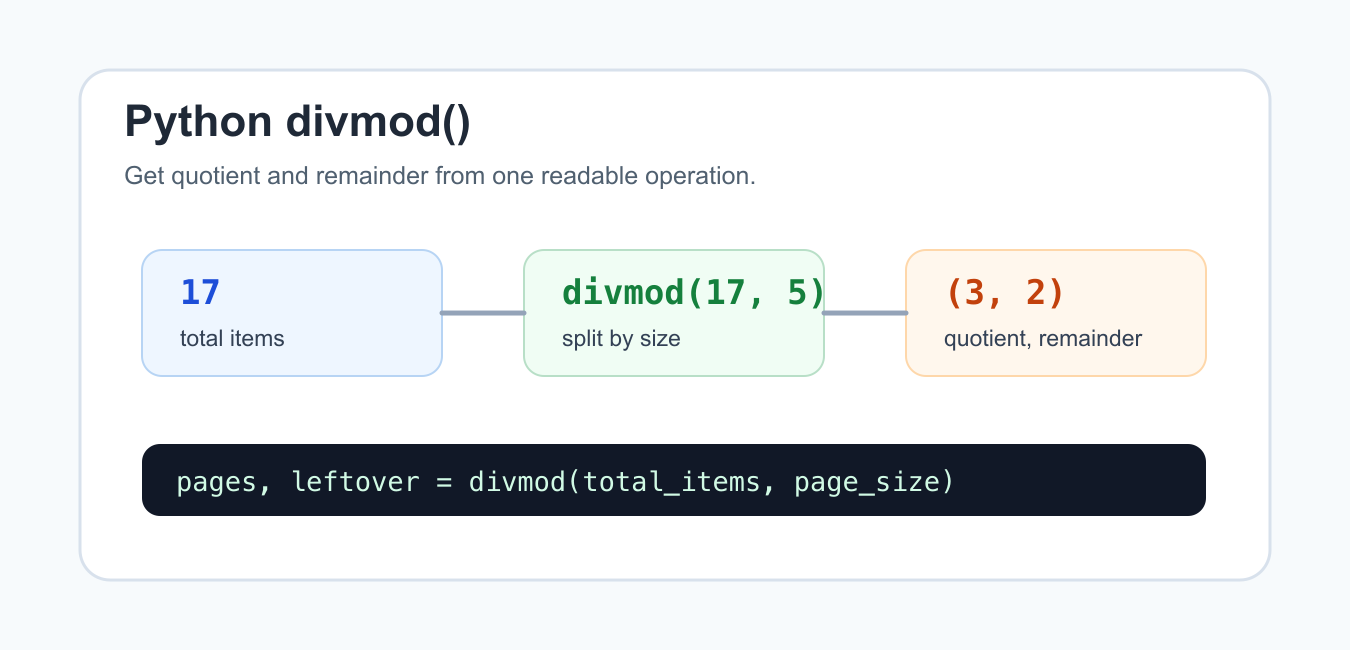
Quick answer: divmod(a, b) returns the quotient and remainder together, equivalent to (a // b, a % b) for integers. The quotient uses floor division, so negative operands follow Python’s modulo identity rather than truncation toward zero. Use clear domain names, guard against a zero divisor, and prefer Decimal when exact decimal business rules matter.
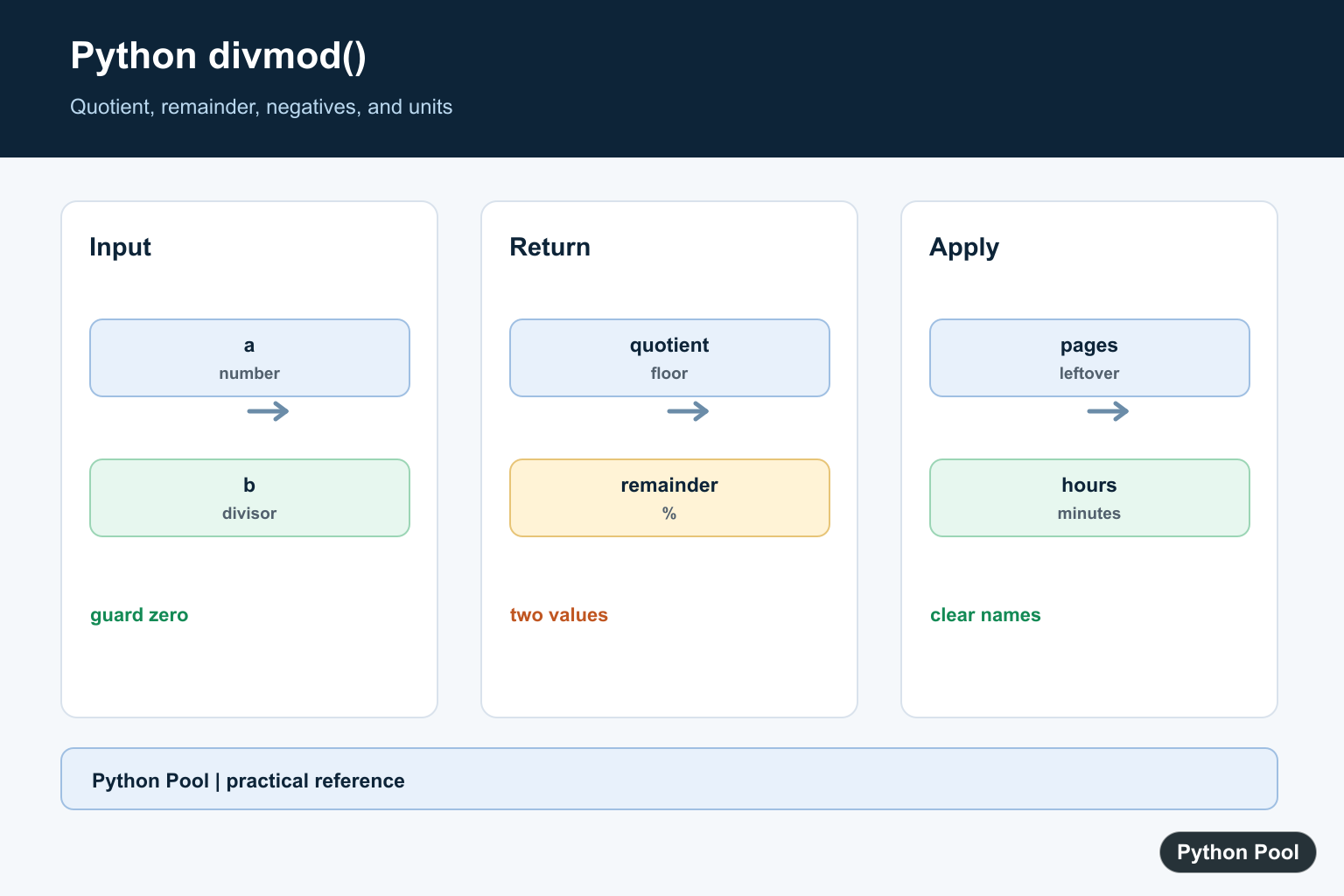
divmod() is a built-in Python function that returns two results at once: the quotient from floor division and the remainder from modulo. In other words, divmod(a, b) gives the same pair as (a // b, a % b), but it makes the intent clear when you need both values.
The official Python documentation for divmod() defines the function for two non-complex numbers. The binary arithmetic operations reference explains related operators such as // and %. These are the primary rules to rely on when behavior with negative numbers matters.
Use divmod() when the quotient and remainder are both part of the result you care about. It keeps a pagination calculation, clock conversion, or chunking operation in one expression instead of repeating the divisor twice.
The function raises an error if the divisor is zero, just like // and %. Validate or guard the divisor before calling it when the number comes from user input, configuration, or external data.
For integers, the result is usually straightforward. For floats, divmod() still follows Python’s floor-division and modulo rules, but floating-point precision can make the result less suitable for financial or exact decimal work. Use integers for counts and the decimal module for exact decimal rules.
Good names make divmod() easier to read. Instead of naming the outputs a and b, use names such as full_pages and leftover, minutes and seconds_left, or boxes and remaining_items. The function is compact, so the surrounding names should explain the business meaning.
Basic divmod Usage
The return value is a two-item tuple: quotient first, remainder second.
result = divmod(17, 5)

print(result)
print(result[0])
print(result[1])
Here, 17 // 5 is 3 and 17 % 5 is 2, so divmod(17, 5) returns (3, 2).
This is clearer than calling floor division and modulo on separate lines when both values describe one calculation.
The tuple order never changes. Quotient comes first, remainder comes second. If later code looks wrong, check that the unpacked names still match that order.
Unpack Quotient And Remainder
Most code immediately unpacks the tuple into meaningful names.
items = 17
box_size = 5

full_boxes, remaining_items = divmod(items, box_size)

print(full_boxes)
print(remaining_items)
Readable names matter because quotient and remainder are easy to mix up in later code. Put the quotient name first and the remainder name second to match the function result.
If you only need one of the two results, use // or % directly. divmod() is best when both outputs are useful.
This also helps avoid repeated calculations. A line such as q, r = divmod(items, box_size) makes it obvious that both values came from the same divisor.
Use divmod For Pagination
Pagination often needs a full-page count and a leftover count.
total_items = 47
page_size = 10

full_pages, leftover = divmod(total_items, page_size)
total_pages = full_pages + (1 if leftover else 0)

print(full_pages)
print(leftover)
print(total_pages)
This avoids floating-point division and rounding. The remainder directly tells you whether an additional partial page is needed.
Use the same idea for batches, boxes, pages, rows, or any fixed-size grouping. The names should describe the domain rather than only saying quotient and remainder.
When the page size is configurable, validate that it is positive before calling divmod(). A zero or negative page size usually means the configuration is invalid, even if Python can technically compute some negative-divisor cases.
Convert Seconds To Minutes
Time conversion is another natural use case.
seconds = 367

minutes, seconds_left = divmod(seconds, 60)

print(f"{minutes} minute(s)")
print(f"{seconds_left} second(s)")
You can chain this pattern to convert seconds into hours, minutes, and seconds without manual subtraction.
For production date and time work, use the datetime module when calendar rules, time zones, or durations across dates are involved. divmod() is best for simple arithmetic units.
The same pattern works for hours and minutes: divide total seconds by 3600, then divide the leftover seconds by 60. Chaining the function is often clearer than writing several subtraction steps by hand.
Handle Negative Numbers Carefully
Python’s floor division rules affect divmod() for negative numbers.
samples = [(17, 5), (-17, 5), (17, -5), (-17, -5)]

for left, right in samples:
    print(left, right, divmod(left, right))
The quotient is based on floor division, not truncation toward zero. That means results can surprise people coming from languages where integer division truncates.
When negative inputs are possible, add tests that lock in the behavior you expect. Do not assume that quotient and remainder signs will match another language or a spreadsheet formula.
If your domain should never contain negative counts, reject them before the calculation. That is often better than allowing mathematically valid output that has no business meaning.
Compare With Operators
divmod(a, b) matches a // b and a % b for supported numeric types.
a = 29
b = 6

quotient, remainder = divmod(a, b)

print(quotient == a // b)
print(remainder == a % b)
This equivalence makes divmod() easy to test. If a reader only needs one result, the operator form may be more obvious. If both results belong together, divmod() avoids duplicated arithmetic.
In short, use divmod() when quotient and remainder are a pair in your logic. It improves readability in pagination, chunking, and time conversion, while still following the same floor-division and modulo rules as Python’s arithmetic operators.
Name The Quotient And Remainder
The two-item tuple is easiest to read when its variables describe the domain. This avoids repeating the divisor and makes pagination, chunking, and time conversion obvious.
total_items = 17
page_size = 5
full_pages, leftover = divmod(total_items, page_size)
print(full_pages, leftover)
Understand Negative Operands
For integers, divmod satisfies x == (x // y) * y + (x % y). The remainder has the sign of the divisor, which differs from languages that truncate division toward zero.
for left, right in [(-17, 5), (17, -5), (-17, -5)]:
    quotient, remainder = divmod(left, right)
    print(left, right, quotient, remainder)
    print(left == quotient * right + remainder)
Guard The Divisor
A zero divisor raises ZeroDivisionError. Validate input at the boundary when the divisor comes from a request, configuration, or user entry instead of allowing a generic failure deep in a calculation.
def split_items(total, size):
    if size == 0:
        raise ValueError("size must not be zero")
    return divmod(total, size)

print(split_items(23, 4))
Convert Time With divmod
Repeated divmod calls can break a total into larger units while keeping each remainder in its expected range. Keep the unit order explicit and use integers when the values represent counts.
total_seconds = 3671
hours, remainder = divmod(total_seconds, 3600)
minutes, seconds = divmod(remainder, 60)
print(hours, minutes, seconds)
Python’s official divmod() reference and the binary arithmetic documentation define its quotient, remainder, and negative-number rules. Related references include rounding down, integer limits, and integer division.
For related integer arithmetic, compare floor rounding, maximum integers, and integer division when deciding how to handle quotients and remainders.
Frequently Asked Questions
What does Python divmod return?
divmod(a, b) returns a two-item pair equivalent to (a // b, a % b) for integers.
Why can divmod with negatives look surprising?
Python uses floor division and a remainder whose sign follows the divisor, so test negative cases against the identity x == (x//y)*y + x%y.
How do I use divmod for time conversion?
Use divmod(total_seconds, 60) or similar to obtain a larger unit and a remainder in one operation.
What happens when the divisor is zero?
divmod raises ZeroDivisionError, so validate external or user-provided divisors first.