Python Truncate: Files, Numbers, Strings, and Lists

Use Python truncate() for files, os.truncate() for paths, math.trunc() for numbers, and slicing for strings and lists.
Browse practical Python tutorials, error fixes, library guides, data science examples, and project ideas from Python Pool.
Use Python truncate() for files, os.truncate() for paths, math.trunc() for numbers, and slicing for strings and lists.
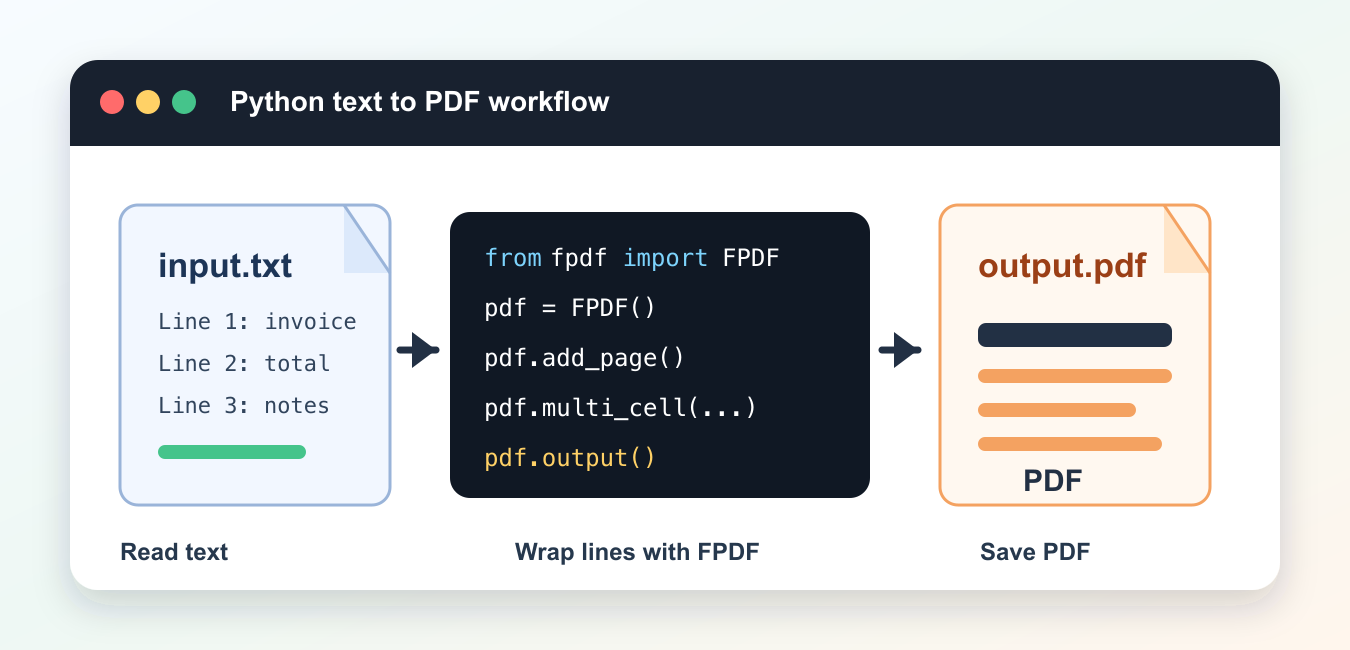
Convert text to PDF in Python with layout, fonts, Unicode, page breaks, libraries, and repeatable output validation.
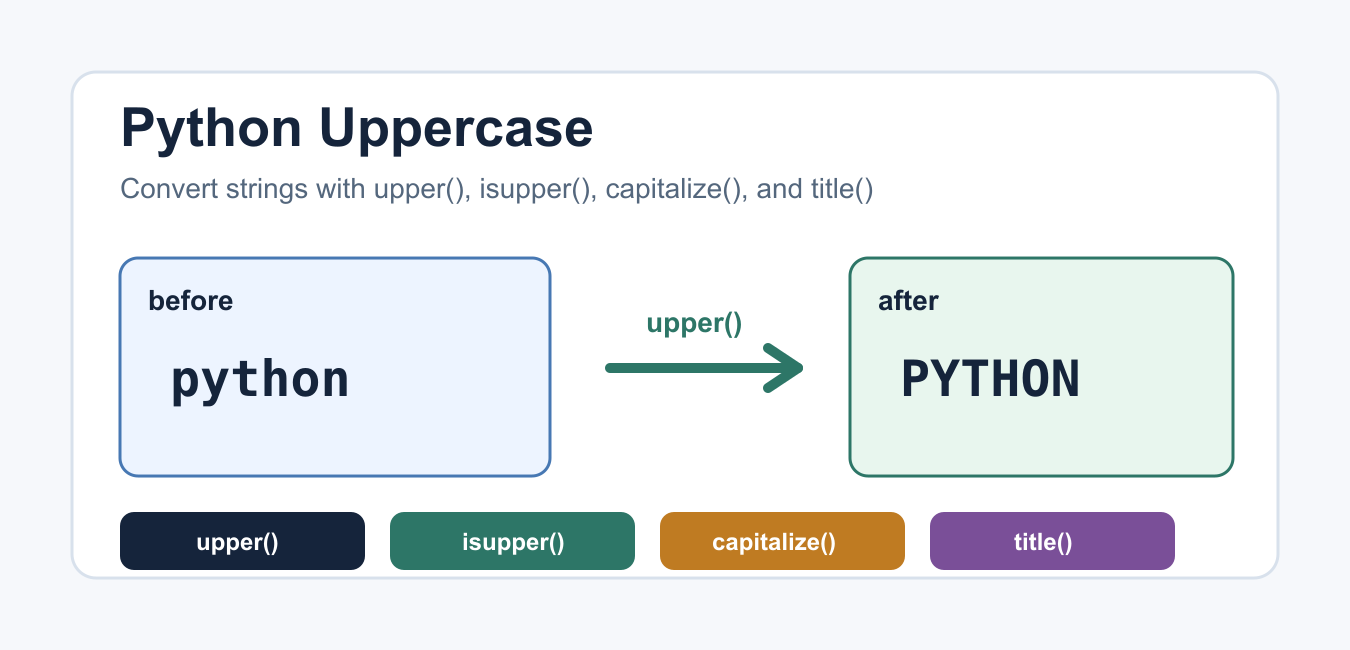
Convert strings with upper(), test case with isupper(), compare safely with casefold(), and handle Unicode case behavior.

Learn Python super() for cooperative inheritance, method resolution order, multiple inheritance, constructors, and reliable class design.
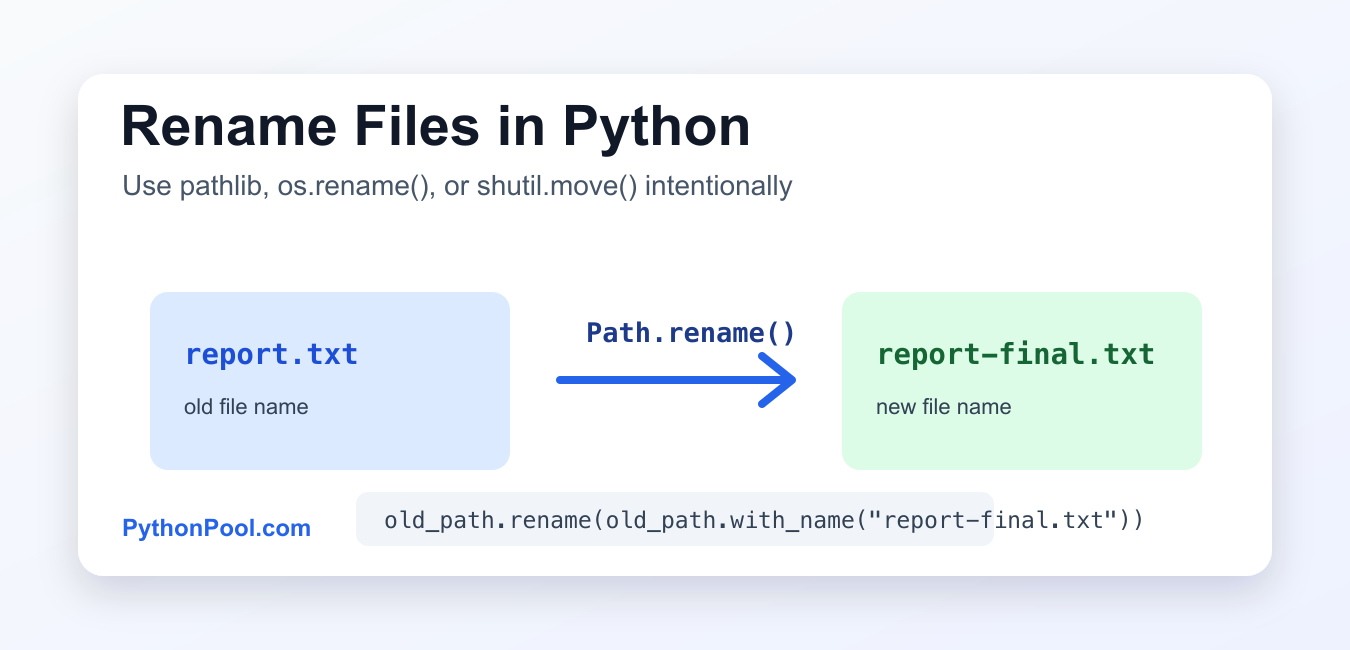
Rename Python files safely by deciding collision, replacement, filesystem, permissions, and batch rollback behavior before changing paths.
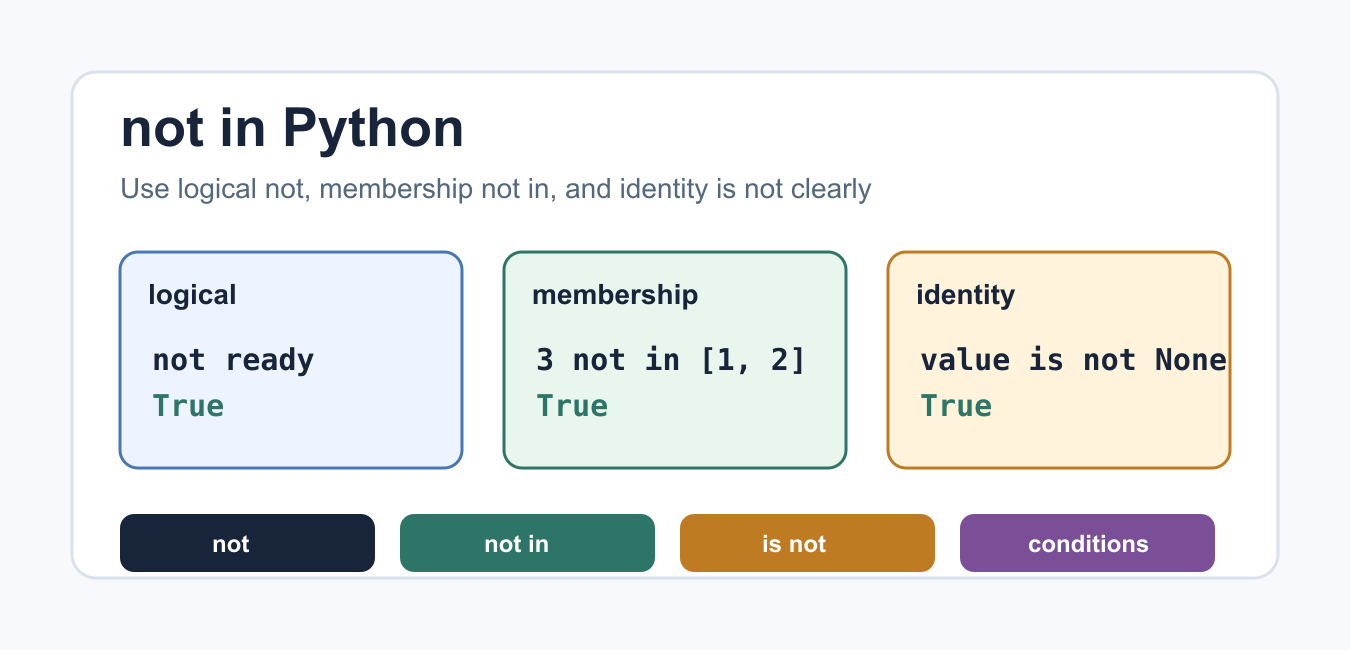
Use Python not in for absence, not for Boolean negation, and is not for identity checks across common containers.
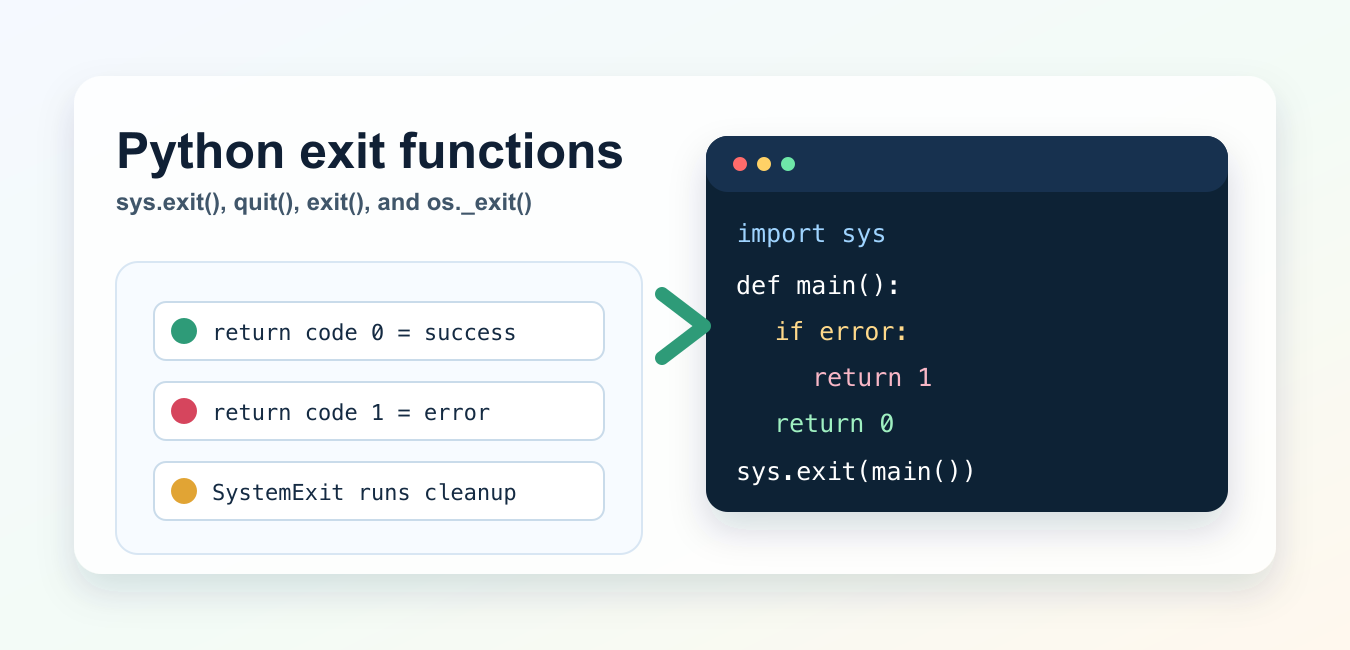
Stop a Python program cleanly with sys.exit() or a returned main status, while keeping cleanup and failure codes predictable.
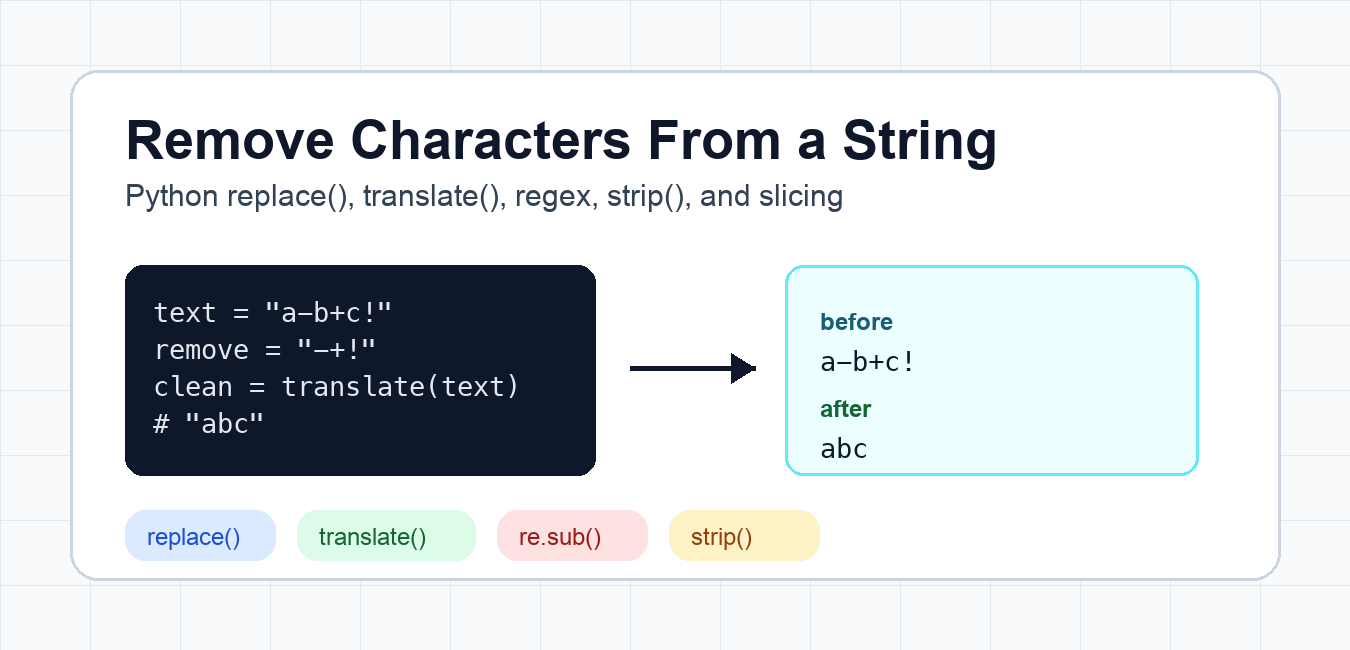
Remove unwanted characters from Python strings with replace(), translate(), generator expressions, and regular expressions.

Use Python’s bisect module to find insertion points, keep lists sorted, handle duplicates, and choose between bisect and a sorted collection.

Use Python max() for numbers and records, define comparison with key, handle empty iterables with default, and avoid mixed-type errors.