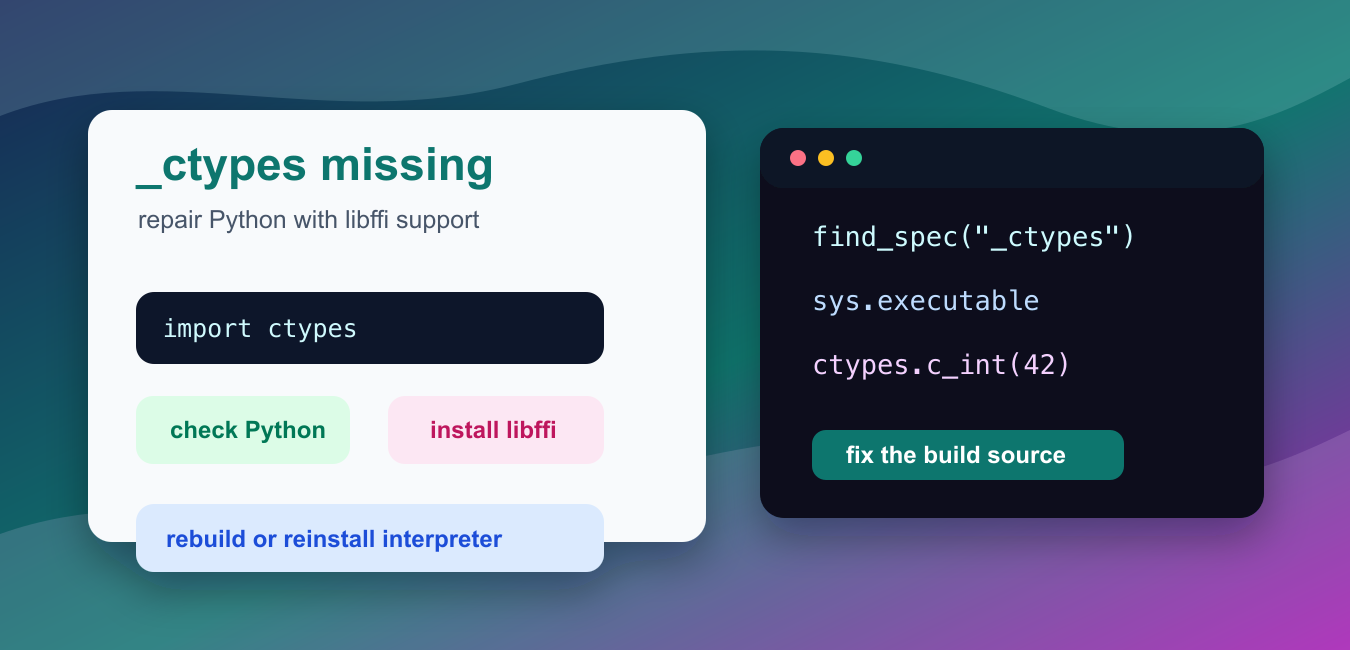
Quick answer: _ctypes is normally part of a supported Python build. If import _ctypes fails, check the exact interpreter, how Python was built, whether libffi development support was available, and whether a virtual environment still points to a broken base installation.
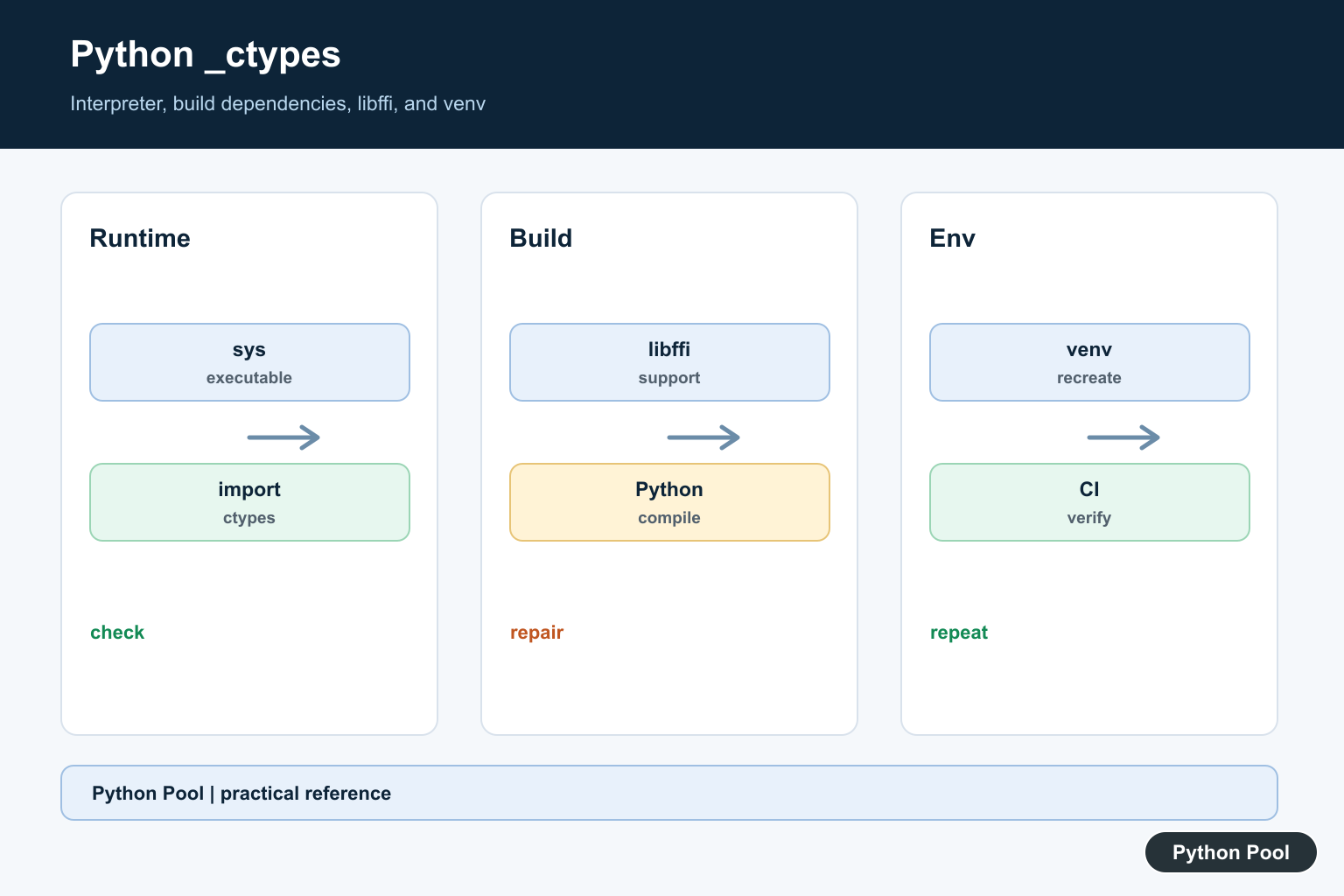
ModuleNotFoundError: No module named '_ctypes' means the Python interpreter cannot load the compiled extension behind the standard ctypes module. This is not usually fixed by installing a pip package named _ctypes. The missing piece is normally libffi support in the Python build.
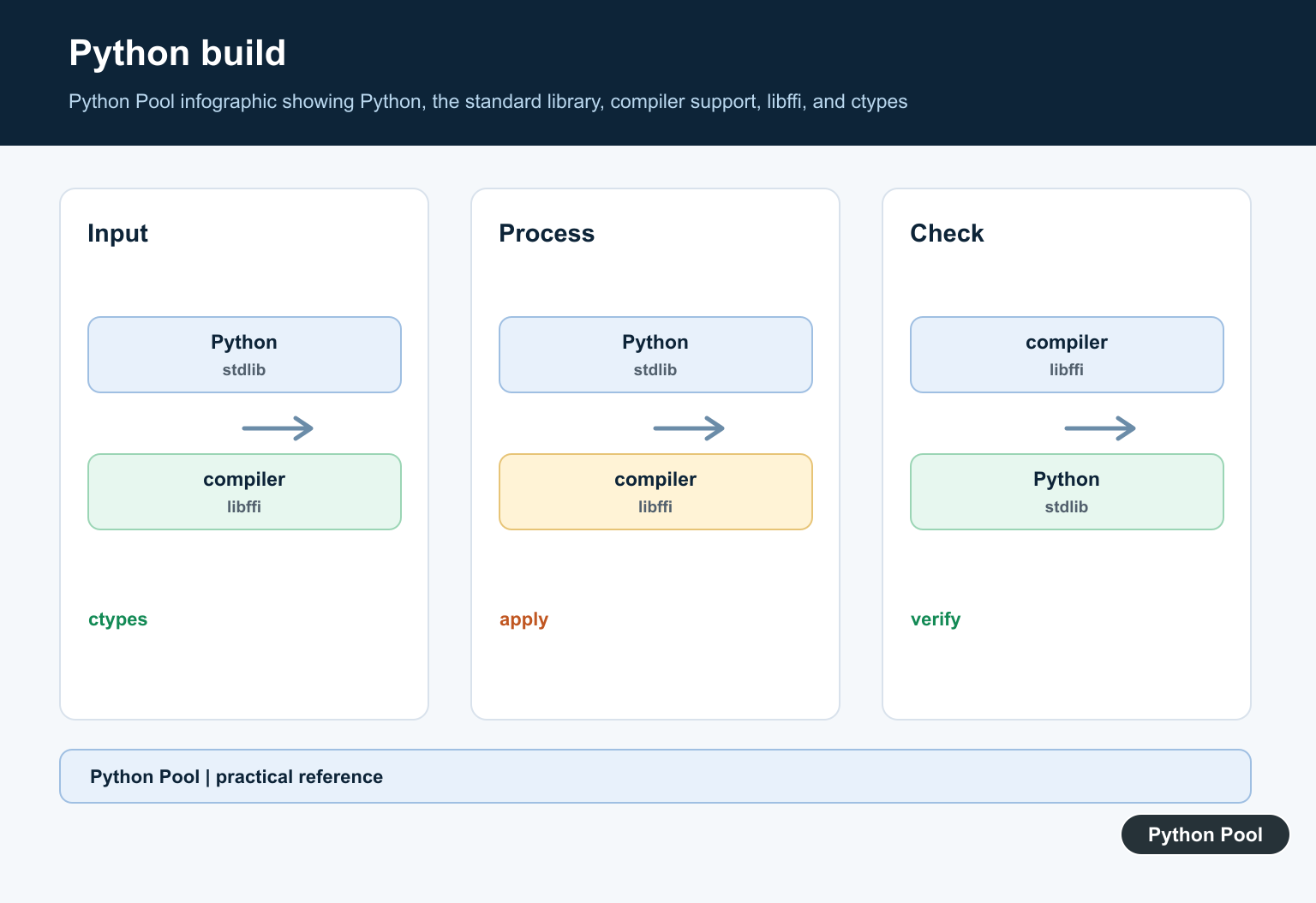
ctypes is part of Python’s standard library, but it depends on a native extension that is built when Python itself is compiled. If libffi headers are missing during that build, Python can install successfully while import ctypes fails later.
This often appears on source-built Python installs, pyenv builds, minimal Linux containers, CI images, and servers where dependencies were installed after Python was already compiled. The Python executable is present, but one optional native extension was skipped.
The official Python documentation covers ctypes. The Python Developer’s Guide explains building CPython.
The important rule is to fix the Python that actually runs your application. A laptop may have several Python executables from system packages, Homebrew, pyenv, Conda, Docker, and IDE kernels. Repairing the wrong one leaves the error unchanged.
Confirm The ctypes Import
Start with the same interpreter that runs the failing script. A direct import check tells you whether the standard module can load.
try:
    import ctypes
except ModuleNotFoundError as error:
    print(error)
else:
    print("ctypes is available")
    print(ctypes.__name__)
If this fails, the problem belongs to that Python installation. Another interpreter on the same machine may still import ctypes correctly.
Do this check inside the failing shell, service, notebook kernel, container, or deployment job whenever possible.
Check The Exact Python Executable
Print the executable path and version before rebuilding anything. This prevents fixing one Python while your program uses another.
import platform
import sys

print(sys.executable)
print(sys.version.split()[0])
print(platform.platform())
The path shown by sys.executable is the Python that needs attention. With pyenv, Conda, Docker, and IDEs, this detail is often the fastest way to find the mismatch.
Check ctypes And _ctypes Specs
The public module is ctypes. The lower-level extension is _ctypes. A healthy build should discover both.
import importlib.util

for module_name in ["ctypes", "_ctypes"]:
    spec = importlib.util.find_spec(module_name)
    print(module_name, spec is not None)
If ctypes exists but _ctypes is missing, the wrapper files are visible but the compiled extension could not be built or loaded.
That is why pip is usually the wrong repair path. The missing part belongs to the Python build, not to your project dependencies.
Verify A Fresh Process
A child-process import check avoids relying on anything already loaded in the current process.
import subprocess
import sys

result = subprocess.run(
    [sys.executable, "-c", "import ctypes; print(ctypes.c_int(7).value)"],
    capture_output=True,
    text=True,
)

print(result.returncode)
print(result.stdout.strip() or result.stderr.strip())
A zero return code means a fresh Python process can import and use ctypes. A nonzero return code confirms that the interpreter itself needs repair.
Test A Simple ctypes Object
After repairing Python, run a tiny ctypes operation to confirm the module is usable, not just importable.
import ctypes

number = ctypes.c_int(42)
buffer = ctypes.create_string_buffer(b"pythonpool")

print(number.value)
print(buffer.value.decode("utf-8"))
This checks common ctypes features without loading an external shared library. It is a safe smoke test after reinstalling Python.
Inspect Build Configuration
Build metadata can help identify a source-built Python and the prefix it was installed under.
import sysconfig

print(sysconfig.get_config_var("CONFIG_ARGS"))
print(sysconfig.get_config_var("LIBDIR"))
This output does not fix the error by itself, but it helps you document which Python build failed. Keep it with the executable path and version when opening an issue or debugging a CI image.
Install libffi And Rebuild Python
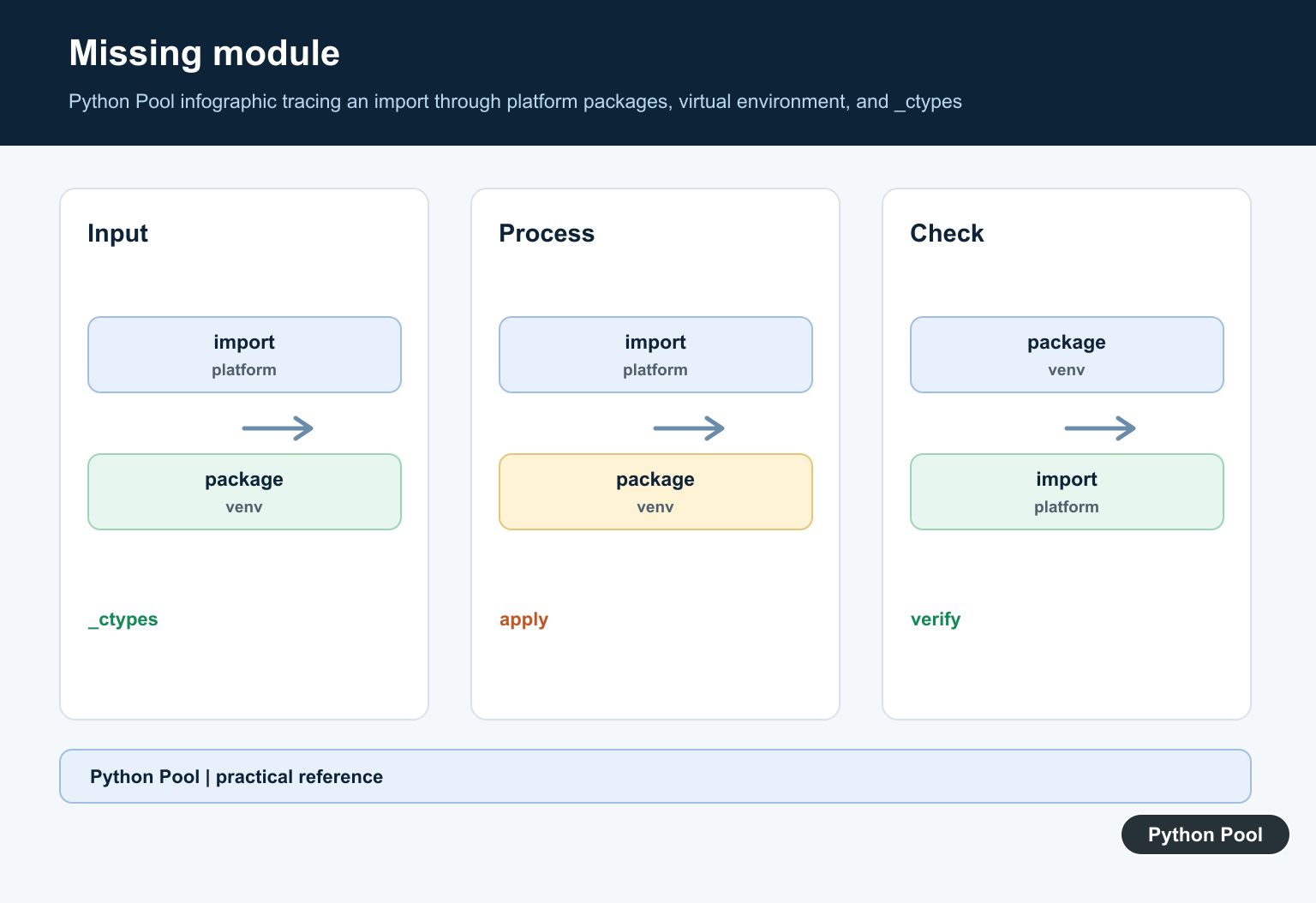
On Debian or Ubuntu systems, install the libffi development package before building Python. On Fedora-style systems, install the matching libffi development package for that distribution. On macOS, install or repair libffi through the package manager used for your Python, then reinstall the affected Python.
If you use pyenv, install libffi first and then reinstall the specific Python version. If you use Conda, prefer creating or repairing the Conda environment through Conda so Python and native dependencies stay aligned. If the error appears in Docker, add the libffi package before the Python build step and rebuild the image from a clean layer.
Do not copy _ctypes files from another machine. Native extension files are tied to the Python version, platform, architecture, and build settings. Copying them can replace one import error with a crash or a harder-to-debug loader failure.
After the repair, rerun the direct import test, the fresh-process check, and the same application command that failed before. The reliable fix is to rebuild or reinstall the affected interpreter with libffi support present.
Check The Failing Interpreter
Print sys.executable and sys.version from the process that raises the error. A shell, IDE, notebook, service, and virtual environment may each invoke a different Python, so a successful import elsewhere is not proof for the failing process.
Understand The Build Boundary
_ctypes is an extension built with Python rather than a normal application package. On source-built systems, missing libffi headers or libraries during configure and compilation can leave the extension unavailable.
Prefer A Supported Python Distribution
A package-manager or official Python build is often safer than repairing a partial custom build. Record the required Python version and platform, then verify the replacement before recreating project environments.
Recreate The Virtual Environment
A venv uses the base interpreter’s standard library and extensions. Repair the base first, remove and recreate the venv, reinstall declared dependencies, and avoid copying a venv between machines or Python builds.
Do Not Install A Random ctypes Package
Installing an unrelated package with a similar name does not repair a missing standard extension and can introduce confusion or security risk. Fix the interpreter and its build dependencies instead.
Verify The Whole Runtime
Run a minimal import, inspect sys.path and sys.executable, and exercise the application entry point, not only an interactive shell. Include the check in environment validation or CI when the extension is required.
Document Platform Differences
Build flags, package managers, Python versions, and native dependencies differ across systems. Record the supported installation path and the command that proves _ctypes is available so future upgrades are repeatable.
Use the official ctypes documentation, Python build configuration guide, and venv reference. Related guidance includes interpreter checks and environment tests.
For related interpreter repair, compare version checks, environment metadata, and runtime tests before rebuilding Python.
Frequently Asked Questions
Why does No module named _ctypes happen?
The Python interpreter was built without the _ctypes extension, often because libffi development support was missing during compilation or the wrong interpreter is running.
How do I check whether _ctypes is available?
Run a small import with the same Python executable used by the application and print sys.executable before changing environments.
Can reinstalling a package fix _ctypes?
Usually no. _ctypes is part of the Python build, so repair or replace the interpreter and its build dependencies rather than installing an unrelated package.
Why does a virtual environment still show the error?
A venv uses the underlying Python installation; recreate it after repairing the base interpreter and verify the venv’s executable and import path.
I’m using Linux /// I’ve installed libfidev. I hope it works