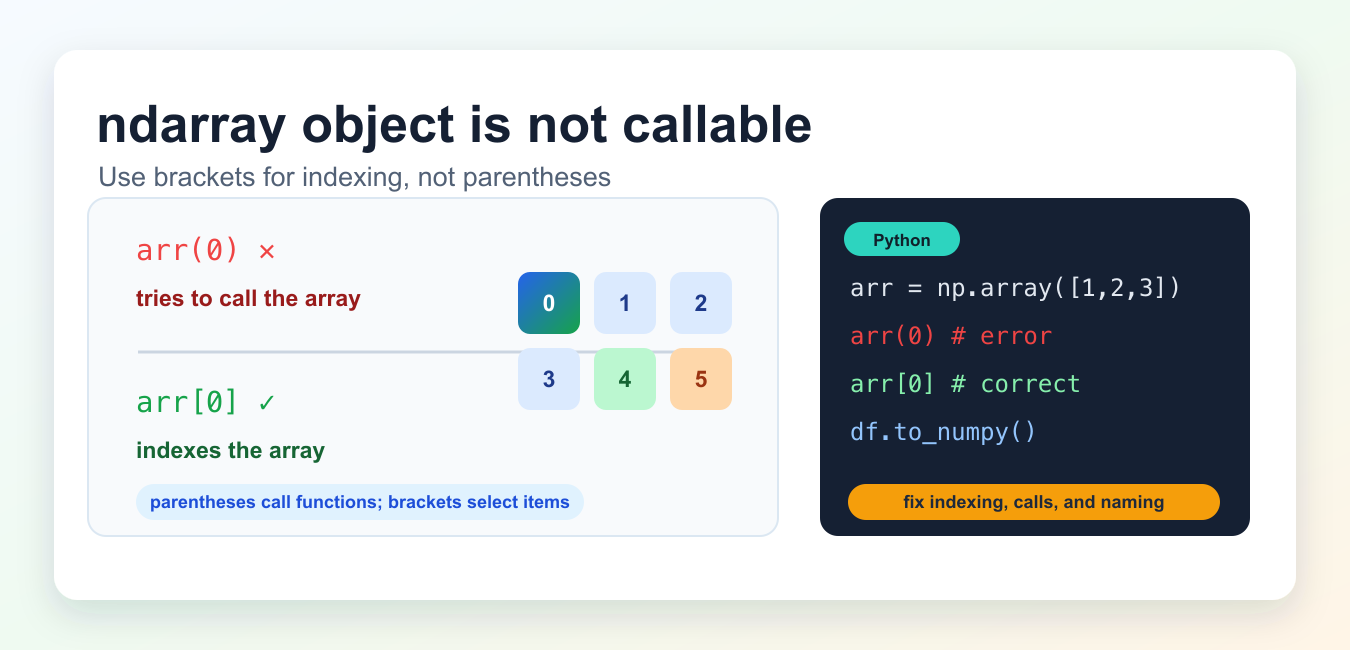
Quick answer: An ndarray is data, not a callable function. The usual fix for arr(0) is arr[0], while a multidimensional access uses matrix[row, column]. Also inspect whether a variable that used to hold a function was overwritten by an array.
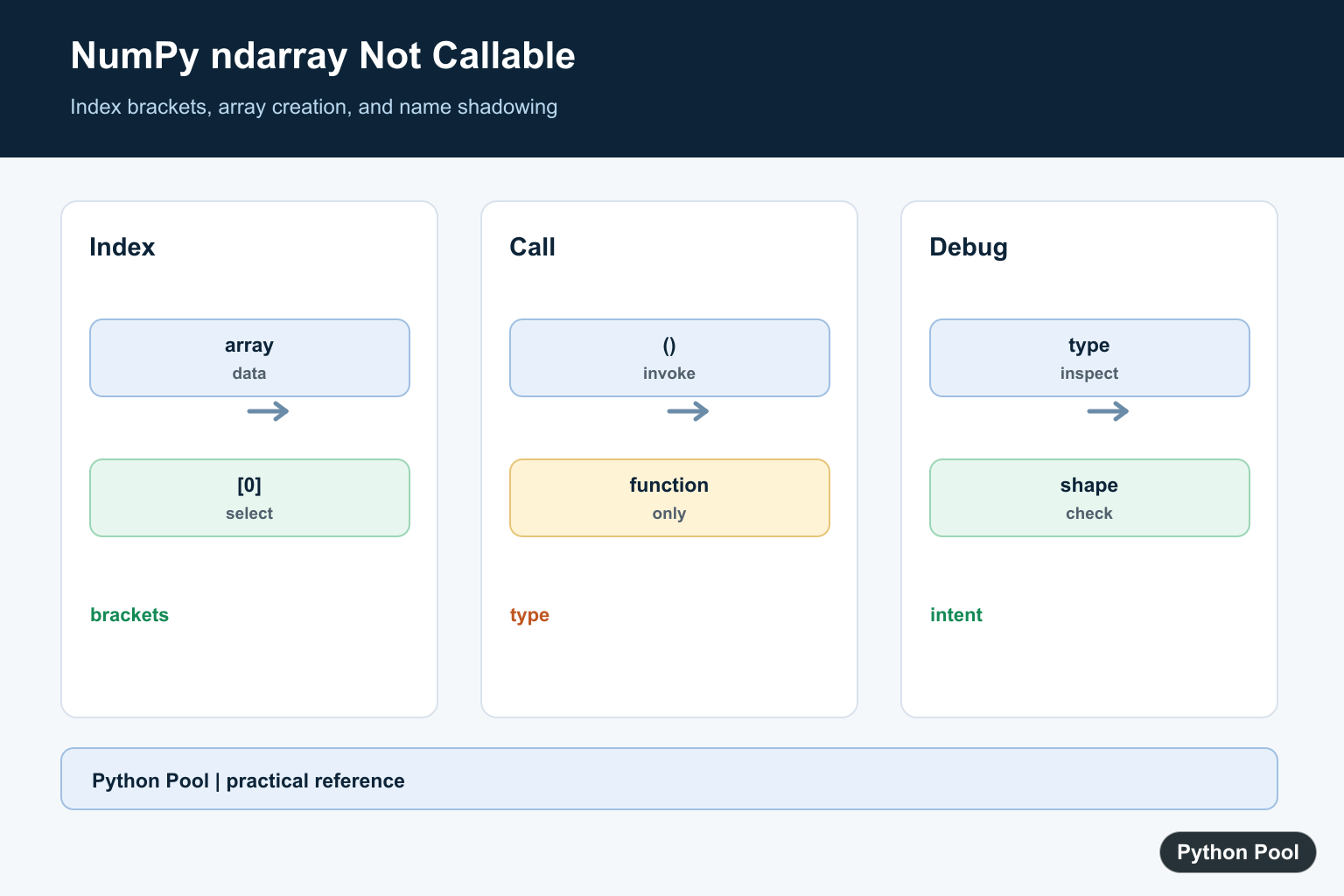
TypeError: 'numpy.ndarray' object is not callable means Python tried to call a NumPy array like a function. Arrays hold data and support indexing, slicing, and methods, but an ndarray object is not something you call with parentheses.
Quick fix
Use square brackets for indexing. Use parentheses only when calling a function or method.
import numpy as np

arr = np.array([10, 20, 30])

# Wrong
# first = arr(0)

# Correct
first = arr[0]
print(first)
NumPy indexing is zero-based, so arr[0] selects the first item. Parentheses such as arr(0) tell Python to call arr, which raises the error.
Cause 1: Parentheses used for indexing
The most common cause is writing array access as if the array were a function.
matrix = np.array([[1, 2, 3], [4, 5, 6]])

# Wrong
# value = matrix(1, 2)

# Correct
value = matrix[1, 2]
print(value)  # 6
For multidimensional arrays, NumPy supports comma-separated indices inside one pair of square brackets. That is the preferred form for element access.
Cause 2: Extra parentheses after np.array()
This error can also happen when code accidentally adds another pair of parentheses after creating an array.
# Wrong
# numbers = np.array([1, 2, 3])()

# Correct
numbers = np.array([1, 2, 3])
The first version creates an array and then immediately tries to call the returned array object.
Cause 3: A function name was overwritten by an array
If a variable name used to point to a function and later points to an array, calling that name will fail.
def scores():
    return [95, 88]

scores = np.array([95, 88])

# Wrong now: scores()
print(scores[0])
Use descriptive variable names such as scores_array or score_values so you do not replace a callable function name with an array.
Cause 4: Confusing pandas values with to_numpy()
In pandas workflows, use df.to_numpy() when you want a NumPy array from a DataFrame. Do not call the resulting array as if it were a function.
import pandas as pd

df = pd.DataFrame({"score": [95, 88]})
arr = df.to_numpy()

print(arr[0, 0])
If you are creating a DataFrame first, see our guide to fixing module pandas has no attribute dataframe. If you are converting between NumPy and pandas, read NumPy array to pandas DataFrame.
How to debug the error
- Look at the line named in the traceback.
- Find the object immediately before the parentheses.
- Print
type(object_name)to confirm whether it is anumpy.ndarray. - Replace indexing calls like
arr(0)witharr[0]. - Rename variables that accidentally replaced a function.
print(type(arr))
print(callable(arr))  # False for a normal ndarray
Python’s callable() helper tells you whether an object appears callable. A normal NumPy array should be indexed or passed into functions, not called directly.
Methods are callable, arrays are not
The error does not mean every expression near an array is wrong. Array methods such as reshape(), astype(), sum(), and tolist() are callable because they are methods. The array object itself is different.
arr = np.array([1, 2, 3, 4])

reshaped = arr.reshape(2, 2)  # method call: correct
first = arr[0]                # indexing: correct

# arr(0)                      # array call: wrong
A quick way to decide is to ask what is before the parentheses. If it is a method name like reshape, parentheses are expected. If it is the array variable itself, use brackets to select data.
Common mistakes
- Using
arr(i)instead ofarr[i]. - Using
matrix(row, col)instead ofmatrix[row, col]. - Adding
()afternp.array(...). - Overwriting a function name with an array variable.
- Calling the array returned by
df.to_numpy().
Related NumPy guides
Official references
- NumPy documentation for ndarray
- NumPy indexing documentation
- Python documentation for callable()
- pandas documentation for DataFrame.to_numpy()
Use Brackets For Indexing
Parentheses after an object request a call. Square brackets select an element, slice, or coordinate from an ndarray, so arr[0] and matrix[1, 2] express the intended operation.
Check Accidental Calls
An extra pair of parentheses after np.array(…) can call the newly returned array immediately. Remove the extra call unless the expression before it really returns a function.
Look For Overwritten Names
A function or callable can be replaced by an array through a later assignment. Inspect type(value) immediately before the failing expression and search for the assignment that changed the name.
Distinguish Methods And Data
Some array operations are methods and need parentheses, while indexing and attributes are not calls. Read the API contract and check whether the expression is a function, method, property, or ndarray.
Test Shape And Intent
Cover scalar, vector, and matrix inputs, boundary indexes, slices, and a name-shadowing case. The fix should preserve the intended shape and should not merely silence the exception. Include a small diagnostic that records the expression’s type and shape before the failing operation, then remove that diagnostic once the interface contract is clear. Check whether a property or method was expected, and make the distinction visible in the variable name. This avoids repeatedly changing brackets and parentheses without confirming the data model. If a callback is expected, assert callable(value) before invoking it; if an ndarray is expected, assert its dtype and ndim. Keep the failing example minimal so a future refactor can distinguish an indexing error from a variable-shadowing error. Record the expected result shape in the test.
NumPy’s indexing documentation explains bracket access and shapes. Related references include callable checks, axes, and array tests.
For related array interfaces, compare callable checks, axes, and array tests when separating indexing from invocation.
Frequently Asked Questions
Why does NumPy ndarray object is not callable happen?
Code used parentheses on an array, such as arr(0), instead of square brackets for indexing.
How do I index a NumPy array?
Use arr[0] for one dimension or arr[row, column] for a multidimensional array.
Can a variable name cause this error?
Yes. Assigning an array to a name that previously referenced a function makes later calls use the array instead.
How do I debug the object type?
Print or inspect type(value) immediately before the call and verify whether the expression is meant to be invoked or indexed.
You used at problem 2 the same picture again. That’s really confusing
No, they’re different if you look closely.
don’t know it looks the same to me. i’m confused too