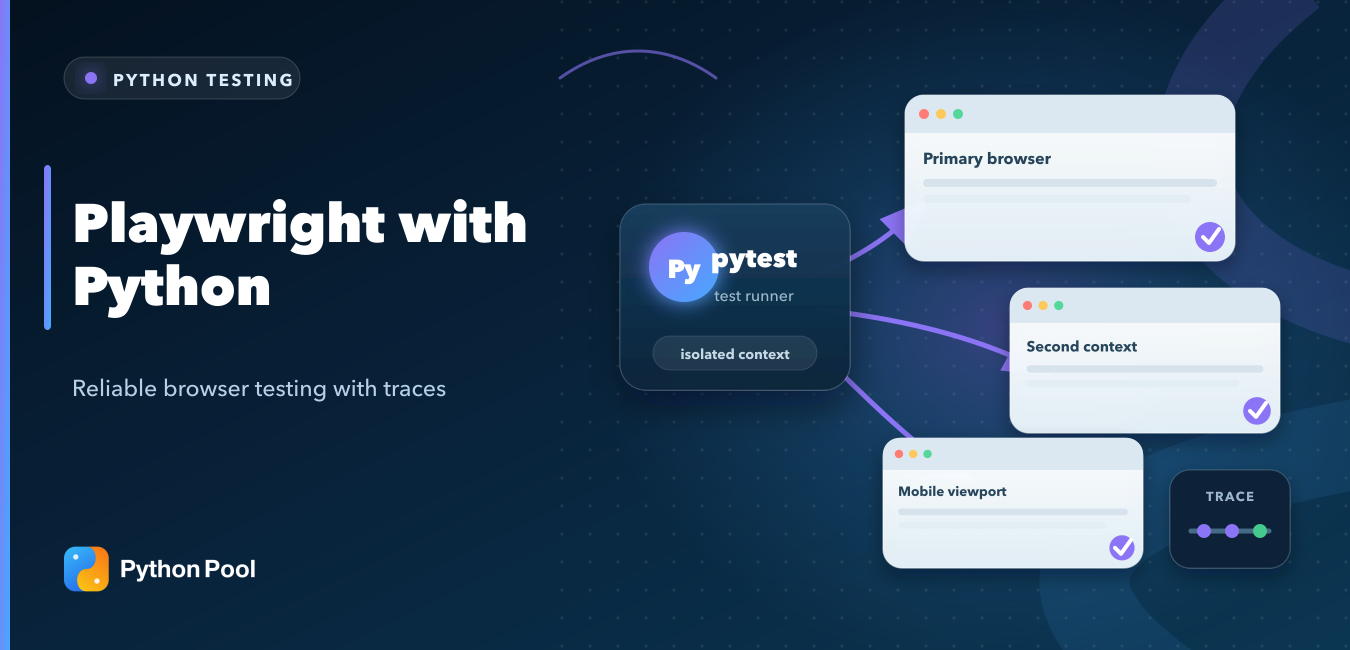
Quick answer: install the Playwright package and browser binaries, launch a browser with the synchronous or asynchronous API, locate elements by user-visible role or a stable test ID, and verify outcomes with Playwright’s waiting assertions. For maintainable testing, use the pytest plugin, isolated browser contexts, and traces retained on failure.
Playwright with Python automates Chromium, Firefox, and WebKit through one API. It is useful for end-to-end tests, browser workflows, screenshots, controlled scraping, and reproducing user journeys. The most reliable tests describe observable behavior instead of depending on CSS structure or fixed delays.
If your project already uses WebDriver, Python Pool’s Selenium with Python guide remains relevant. Playwright is a separate automation stack with browser contexts, auto-waiting locators, tracing, and first-party pytest integration.

Reliable browser tests arrange known state, act through stable locators, assert outcomes, and retain diagnostic evidence.
Install Playwright for Python
Install the library, then install the managed browser binaries. These are separate steps.
python -m pip install playwright
python -m playwright install
For pytest-based tests, install the plugin as well:
python -m pip install pytest-playwright
python -m playwright install
The official Playwright Python library guide documents pip, Poetry, and uv installation. In Linux CI, use python -m playwright install --with-deps when the runner also needs operating-system browser dependencies.
Run a First Browser Script
The context manager starts Playwright and stops it cleanly. Close the browser even if later actions fail.
from playwright.sync_api import sync_playwright

with sync_playwright() as playwright:
    browser = playwright.chromium.launch(headless=True)
    page = browser.new_page()
    page.goto("https://example.com", wait_until="domcontentloaded")
    print(page.title())
    page.screenshot(path="example-page.png", full_page=True)
    browser.close()
Playwright runs headless by default. Set headless=False during local debugging when seeing the browser is useful, but keep the test assertions independent of whether a window is visible.
Write a Pytest Test
The pytest plugin supplies a fresh page fixture. Assertions from playwright.sync_api wait for the expected condition instead of checking only once.
import re

from playwright.sync_api import Page, expect

def test_example_domain(page: Page) -> None:
    page.goto("https://example.com")

    heading = page.get_by_role("heading", name="Example Domain")
    more_link = page.get_by_role("link", name="More information...")

    expect(page).to_have_title(re.compile("Example Domain"))
    expect(heading).to_be_visible()
    expect(more_link).to_have_attribute(
        "href",
        re.compile("iana.org"),
    )
Run the test with pytest. Add --headed for a visible browser or --browser firefox to choose a browser. Python Pool’s unittest vs pytest comparison explains broader test-runner differences.
Prefer User-Facing Locators
Role, label, placeholder, text, and test-ID locators describe how a person or test contract identifies an element. Long CSS chains are fragile because layout refactoring can break them without changing behavior.
from playwright.sync_api import Page, expect

def test_profile_form(page: Page) -> None:
    page.goto("https://app.example.test/profile")

    page.get_by_label("Display name").fill("Ada")
    page.get_by_role("button", name="Save profile").click()

    expect(page.get_by_role("status")).to_have_text("Profile saved")
This example uses a placeholder domain and assumes the application exposes accessible labels and a status region. For a real suite, point tests at a controlled environment and seed known data before the assertion.
Organize a Larger Suite with Page Objects
A Playwright Python tutorial can keep tests inline, but repeated workflows become easier to maintain when a small page object wraps one part of the application. Keep assertions about business outcomes in the test and give the page object intent-based methods.
from playwright.sync_api import Page

class CheckoutPage:
    def __init__(self, page: Page) -> None:
        self.page = page
        self.email = page.get_by_label("Email")
        self.submit = page.get_by_role(
            "button",
            name="Place order",
        )

    def open(self) -> None:
        self.page.goto("https://app.example.test/checkout")

    def place_order(self, email: str) -> None:
        self.email.fill(email)
        self.submit.click()
Do not build a page-object method for every click. Useful methods describe user intent, centralize stable locators, and remain small enough that a failed Playwright test still reveals what happened. See the official Playwright Python page-object guide.
Do Not Add Fixed Sleeps
Playwright waits for elements to become actionable before clicking, filling, or typing. Its assertions also retry until they pass or time out. A fixed time.sleep() makes fast runs slower and slow runs flaky.
Wait for an observable state: a response, URL, visible message, enabled button, or expected text. The official auto-waiting documentation lists the checks performed before actions.
Use Browser Contexts for Isolation
A browser context behaves like an independent incognito profile. Cookies and local storage do not leak between contexts, making them suitable for separate users or test cases.
from playwright.sync_api import sync_playwright

with sync_playwright() as playwright:
    browser = playwright.chromium.launch()

    first_context = browser.new_context()
    second_context = browser.new_context()

    first_page = first_context.new_page()
    second_page = second_context.new_page()

    first_page.goto("https://example.com")
    second_page.goto("https://example.com")

    first_context.close()
    second_context.close()
    browser.close()
Reuse a browser process for speed, but give tests fresh contexts unless shared state is intentional. If authentication is expensive, create a trusted storage-state file during setup and keep it out of version control because it may contain impersonation-capable cookies.
Reuse Authentication State Safely
After a controlled setup logs in, save its cookies and local storage, then load that state into a new isolated browser context. This avoids repeating the login UI in every end-to-end test.
from pathlib import Path

auth_file = Path("playwright/.auth/user.json")
auth_file.parent.mkdir(parents=True, exist_ok=True)

# Run this after the setup context has completed login.
context.storage_state(path=auth_file)

signed_in_context = browser.new_context(
    storage_state=auth_file,
)
signed_in_page = signed_in_context.new_page()
Add playwright/.auth/ to .gitignore. A storage-state file can contain session cookies or tokens, so treat it like a credential, use dedicated test accounts, and regenerate it when authentication expires. The official Playwright authentication guide covers reusable state and multiple roles.
Mock a Network Response
Route interception can make a UI test deterministic when the backend scenario is difficult to reproduce. Keep at least some end-to-end coverage against the real service so mocks do not drift from production contracts.
from playwright.sync_api import Page, Route

def test_empty_results(page: Page) -> None:
    def fulfill_empty(route: Route) -> None:
        route.fulfill(
            status=200,
            content_type="application/json",
            body='{"items": []}',
        )

    page.route("**/api/search**", fulfill_empty)
    page.goto("https://app.example.test/search")
    page.get_by_role("button", name="Search").click()
    page.get_by_text("No results").wait_for()
The official Playwright API mocking guide covers request interception, responses, and HAR-based replay.
Wait for Pop-ups and New Tabs Explicitly
A click that opens a new page is an event, not an ordinary navigation on the current page. Start waiting before the click so Playwright cannot miss a fast pop-up.
from playwright.sync_api import Page, expect

def test_help_popup(page: Page) -> None:
    page.goto("https://app.example.test")

    with page.expect_popup() as popup_info:
        page.get_by_role("link", name="Open help").click()

    popup = popup_info.value
    expect(popup).to_have_url("https://help.example.test/")
    expect(popup.get_by_role("heading")).to_contain_text("Help")
Use the same event-first pattern for downloads and other actions that return an event object. It produces more reliable Python browser automation than clicking first and searching for a new tab afterward.
Use the Async API in Async Applications
Choose one API style for each module. Use the asynchronous API when your application or test harness already uses asyncio; do not wrap synchronous Playwright calls inside an event loop.
import asyncio

from playwright.async_api import async_playwright

async def main() -> None:
    async with async_playwright() as playwright:
        browser = await playwright.firefox.launch()
        page = await browser.new_page()
        await page.goto("https://example.com")
        print(await page.title())
        await browser.close()

asyncio.run(main())
Debug Failures with Traces
Run pytest with --tracing=retain-on-failure so failed tests keep a trace while successful ones remain lightweight. A trace can include actions, DOM snapshots, network activity, console messages, and screenshots. The official Trace Viewer guide explains how to inspect it.
In CI, install the required browser and dependencies, run tests headlessly, and upload traces or screenshots only when needed. Avoid embedding secrets in URLs, screenshots, logs, or storage-state files.
Run Playwright Python Tests in CI
A minimal Linux CI job installs the Python packages, installs only the browser engine the job needs, then runs pytest with evidence retained for failures.
python -m pip install pytest-playwright
python -m playwright install --with-deps chromium
pytest --browser chromium \
  --tracing retain-on-failure \
  --screenshot only-on-failure
Pin project dependencies, cache only safe artifacts, and upload the test-results directory when a job fails. Add Firefox and WebKit as separate jobs or a deliberate matrix when cross-browser behavior matters. The official Playwright Python CI guide includes examples for common providers and containers.
Common Causes of Flaky Tests
- Using fixed sleeps instead of waiting for an observable state.
- Locating elements through layout-dependent CSS chains.
- Sharing cookies or mutable data between tests.
- Testing against an uncontrolled production environment.
- Ignoring pop-ups, downloads, navigation, or new pages that need explicit event handling.
- Failing to preserve trace evidence for intermittent failures.
A good browser test has a small contract: arrange known state, perform a user action, assert a visible outcome, and retain enough evidence to diagnose failure.
Frequently Asked Questions
Does Playwright Python support Chromium, Firefox, and WebKit?
Yes. The same Python API can launch all three browser engines after their managed binaries are installed.
Should I use sync or async Playwright?
Use the synchronous API for ordinary scripts and synchronous pytest suites. Use the async API when the surrounding application already uses asyncio.
Why should Playwright tests avoid time.sleep?
Fixed waits are either longer than necessary or too short under load. Playwright actions and assertions can wait for the actual condition.
How do I debug a failed Playwright test?
Retain traces on failure, then inspect actions, page snapshots, network activity, and screenshots with Trace Viewer.
How do I keep a Playwright test logged in?
Save an authenticated context with storage_state(), keep the file out of version control, and create fresh contexts from that state for trusted test accounts.
Can Playwright with Python run in CI?
Yes. Install the package, the required browser binaries and system dependencies, run pytest headlessly, and preserve traces or screenshots when tests fail.