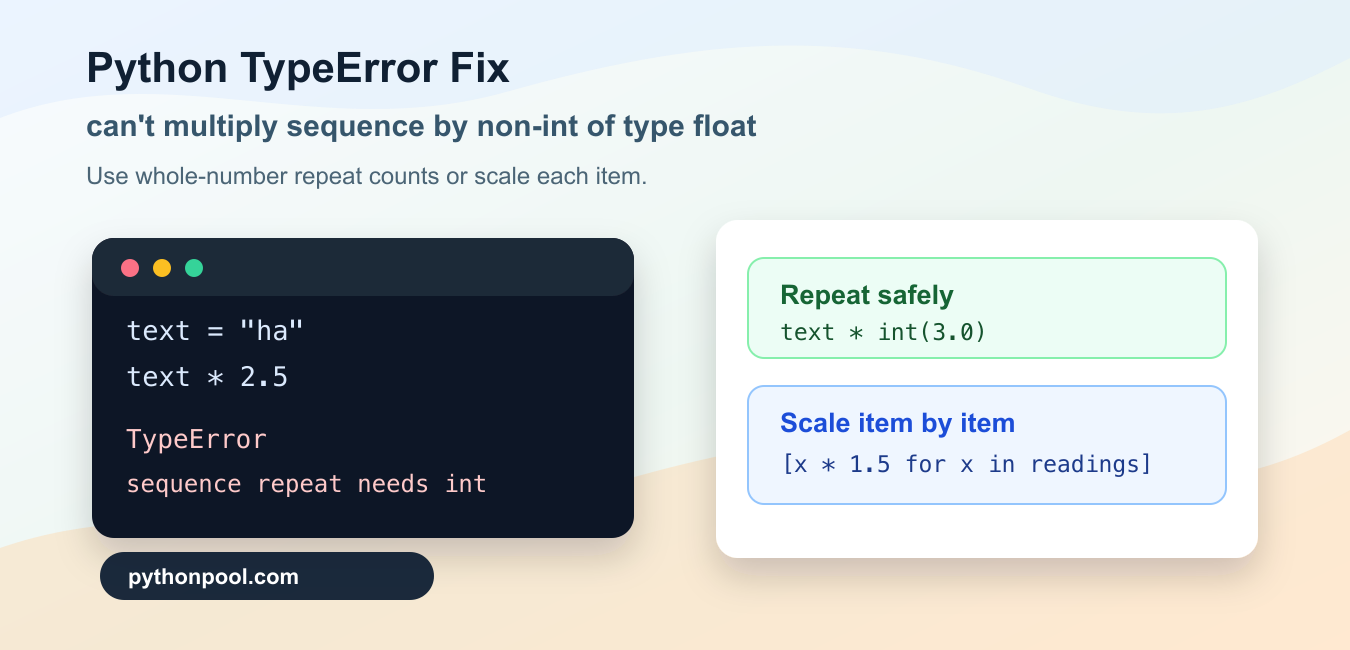
Quick answer: Python lets strings, lists, and tuples repeat when multiplied by an integer, but a float is not a valid repetition count. If the goal is numeric scaling, convert the values to numbers and multiply each item; if the goal is repetition, validate and convert a whole-number count explicitly.
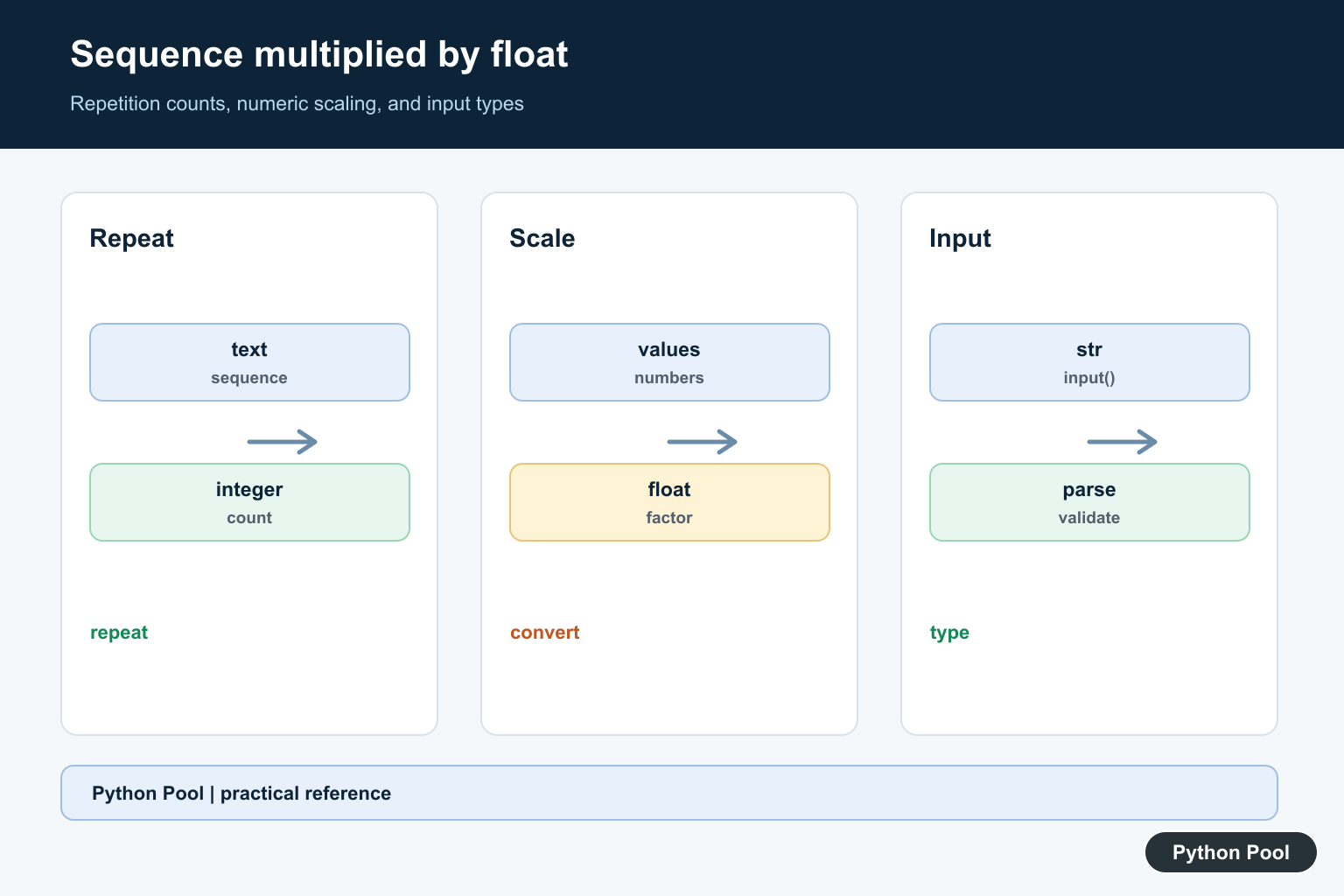
TypeError: can't multiply sequence by non-int of type 'float' means Python received a sequence on the left side of * and a floating-point number on the right side. Strings, lists, tuples, bytes, and ranges are sequence types. They can be repeated with an integer count, but they cannot be repeated with 2.5, 3.0, or any other float.
The fix depends on what the code is trying to do. If the goal is repetition, convert the count to an integer only after checking that it is a whole number. If the goal is numeric math, convert the items inside the sequence to numbers or multiply each item separately. The official Python sequence operations documentation shows that repetition uses an integer count.
Do not patch this by wrapping every float in int(). That can silently change 2.9 into 2, which may hide a bad input rule. First decide whether the right side should be a repeat count or a numeric scale. Then make that rule explicit in the code.
The traceback usually points at a line with *. Read both operands on that line. When the left operand is text, a list, or another sequence, Python treats * as repetition. When both operands are numbers, Python treats * as numeric multiplication. The same symbol is valid in both cases, so the types on each side matter.
Reproduce The Error
A string can be repeated with 3, but not with 2.5. This small example catches the exception so the script keeps running while you inspect the message.
text = "ha"
repeat_count = 2.5

try:
    print(text * repeat_count)
except TypeError as exc:
    print(exc)
The string is a sequence, and repeat_count is a float. Python will not guess whether 2.5 should mean two repeats, three repeats, or something else. It raises the TypeError instead.
You can see the same behavior with a list or tuple. A repeat count must be an integer object. A float that happens to display as 3.0 is still a float, so it is rejected for sequence repetition.
Use int Only After A Whole-Number Check
If the repeat count can arrive as a float, check whether it represents a whole number before converting it. float.is_integer() is useful for this boundary check.
text = "na"
count_value = 3.0

if count_value.is_integer():
    repeat_count = int(count_value)
    print(text * repeat_count)
else:
    raise ValueError("repeat count must be a whole number")
This preserves the intended rule. 3.0 becomes 3, while 3.5 can be rejected with a clear message. That is better than truncating any float and hoping the result still makes sense.
Use this pattern when form input, configuration, JSON data, or command-line options may produce a numeric value before repetition happens. It keeps validation close to the point where a sequence repeat count is needed.
Parse Text Counts Safely
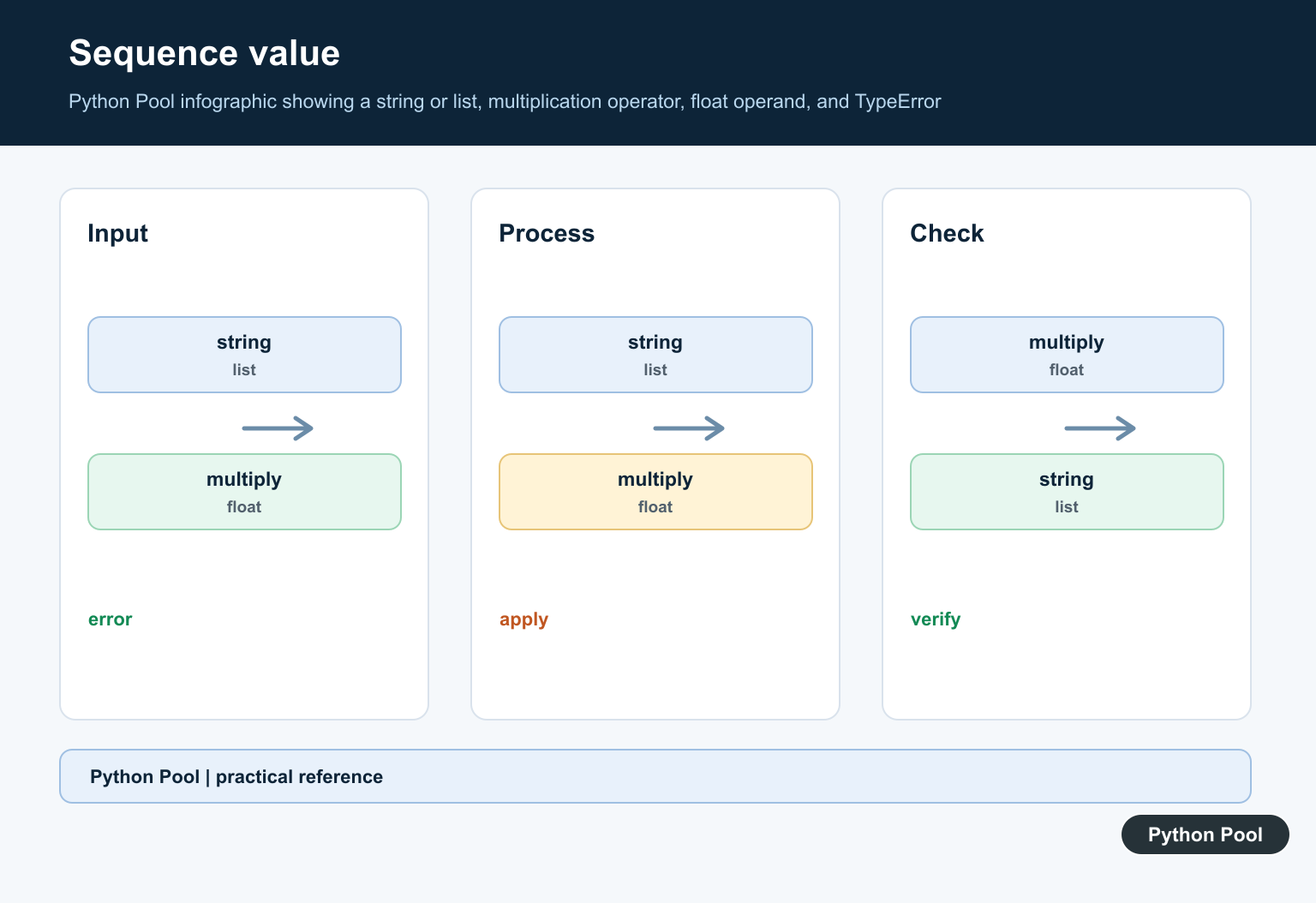
User input often arrives as text. If the text may contain a decimal form such as "3.0", parse it, require a whole number, and only then repeat the sequence.
def repeat_text(piece, raw_count):
    count_value = float(raw_count)

    if not count_value.is_integer():
        raise ValueError("repeat count must be a whole number")

    return piece * int(count_value)


print(repeat_text("go", "3.0"))
This helper accepts "3.0" because it represents a whole repeat count. It rejects "3.5" instead of producing a surprising result. For user-facing code, catch the ValueError near the input boundary and show a useful validation message.
If the input format should only allow plain integer text, use int(raw_count) directly and let decimal text fail. The important part is to choose one rule and keep it visible.
Convert Sequence Items Before Numeric Math
Sometimes the sequence itself contains numeric text, and the code is trying to multiply each item by a float. In that case, convert each item and apply the float to each converted number. Do not multiply the whole list by the float.
prices = ["2.50", "4.00", "5.25"]
tax_rate = 1.08

totals = [round(float(price) * tax_rate, 2) for price in prices]

print(totals)
Here, the list is just a container. The multiplication belongs inside the comprehension where each item is a number. This is common when values come from CSV files, forms, APIs, or scraped tables as text.
Keep the conversion step close to the data boundary. After conversion, later code can work with numbers instead of repeatedly checking whether a string has slipped into a calculation.
Scale A List Item By Item
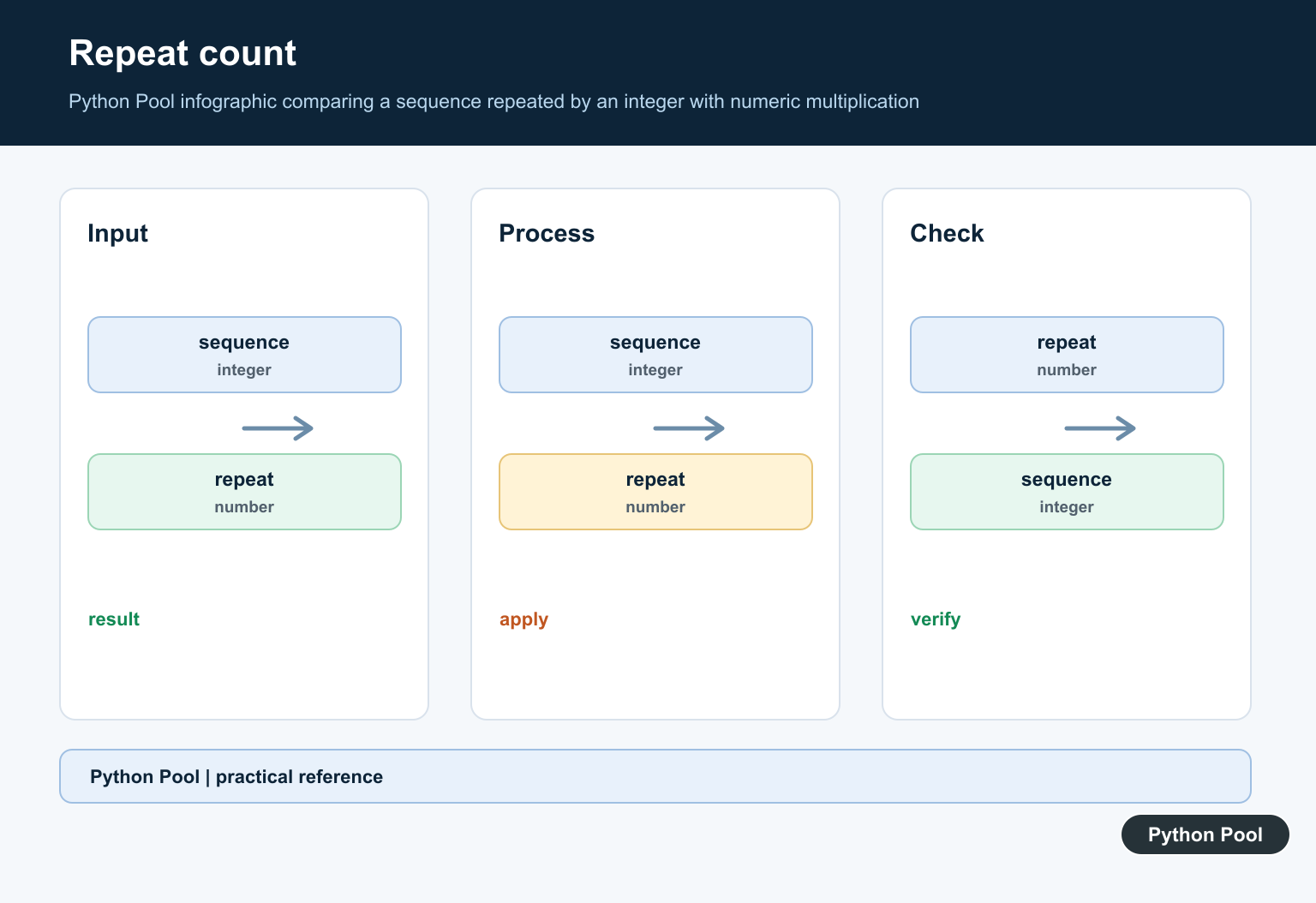
A list multiplied by an integer repeats the list. A list multiplied by a float raises the TypeError. If the intended operation is scaling, loop over the items and multiply each one.
readings = [10, 20, 30]
scale = 1.5

scaled_readings = [reading * scale for reading in readings]

print(scaled_readings)
This returns a new list with scaled numeric values. The original list shape is preserved, and the float is used in normal numeric multiplication for each item. The same approach works for tuples when you build a new tuple from a generator expression.
For larger numeric workloads, an array library can make elementwise scaling concise. For plain Python lists, a comprehension is clear, fast enough for many scripts, and easy to debug.
Wrap Repetition Rules In A Helper
If several parts of the code repeat strings or lists, put the count rule in one helper. That prevents each caller from making a different choice about floats.
def safe_repeat(sequence, count):
    count_value = float(count)

    if not count_value.is_integer():
        raise ValueError("sequence repetition needs a whole number")

    return sequence * int(count_value)


print(safe_repeat("ab", "2.0"))
print(safe_repeat([1, 2], 2))
The helper accepts text or numeric counts that represent whole numbers. It also gives one clear error path for fractional counts. That makes tests easier to write and keeps the TypeError from appearing deep inside unrelated code.
To fix can't multiply sequence by non-int of type 'float', identify whether the operation is sequence repetition or numeric scaling. Use an integer for repetition, reject fractional repeat counts, convert text items before math, and apply floats item by item when scaling a list or tuple.
Separate Repetition From Scaling
"hello" * 3 repeats a sequence, while 2.5 * 3.0 is numeric arithmetic. A sequence has no single numeric magnitude for Python to scale, so the error protects you from an ambiguous operation. Decide whether the data represents text, a collection of values, or a count before changing the expression.
Parse Input At The Boundary
input() returns a string. Convert a numeric field with int() or float() at the point where it enters the program, validate its range and format, and keep the rest of the code working with the declared type. Delaying conversion creates confusing failures far from the original input.
Validate Repetition Counts
If a user supplies 3.0 as a count, decide whether whole-valued floats should be accepted. Check value.is_integer(), convert to int, and reject negative or unreasonably large counts before repeating a sequence. Never silently truncate 3.7 into 3 when the discarded fraction matters.
Scale Items Numerically
For a list of numbers, use a comprehension such as [value * factor for value in values] after validating each value. NumPy arrays or another numeric structure can express vectorized scaling when the data is large and the shape contract is clear.
Test Types And Boundaries
Cover strings, lists, tuples, numeric scalars, integer counts, whole-number floats, fractional counts, negative counts, empty sequences, and malformed text. Assert both the returned type and the intended behavior so a future refactor does not confuse repetition with arithmetic.
Python’s sequence operation documentation defines repetition by integer counts. The input() reference explains its string result. Related guidance includes numeric array conversion and type-boundary tests.
For related input boundaries, compare input parsing, numeric array conversion, and type tests when separating repetition from scaling.
Frequently Asked Questions
Why can’t Python multiply a sequence by a float?
Strings, lists, and tuples support repetition by integers, not numeric scaling by floating-point values.
How do I repeat a sequence a number of times?
Use an integer count, after validating that the requested count is a whole number and within a safe range.
How do I scale numbers stored in a list?
Convert each item to a numeric type and multiply the items individually, or use a numerical array operation when appropriate.
Why does input() cause this error?
input() returns text, so arithmetic may be attempted between a string and a float unless the value is parsed first.
Thanks for your answer very clearly. Nice article