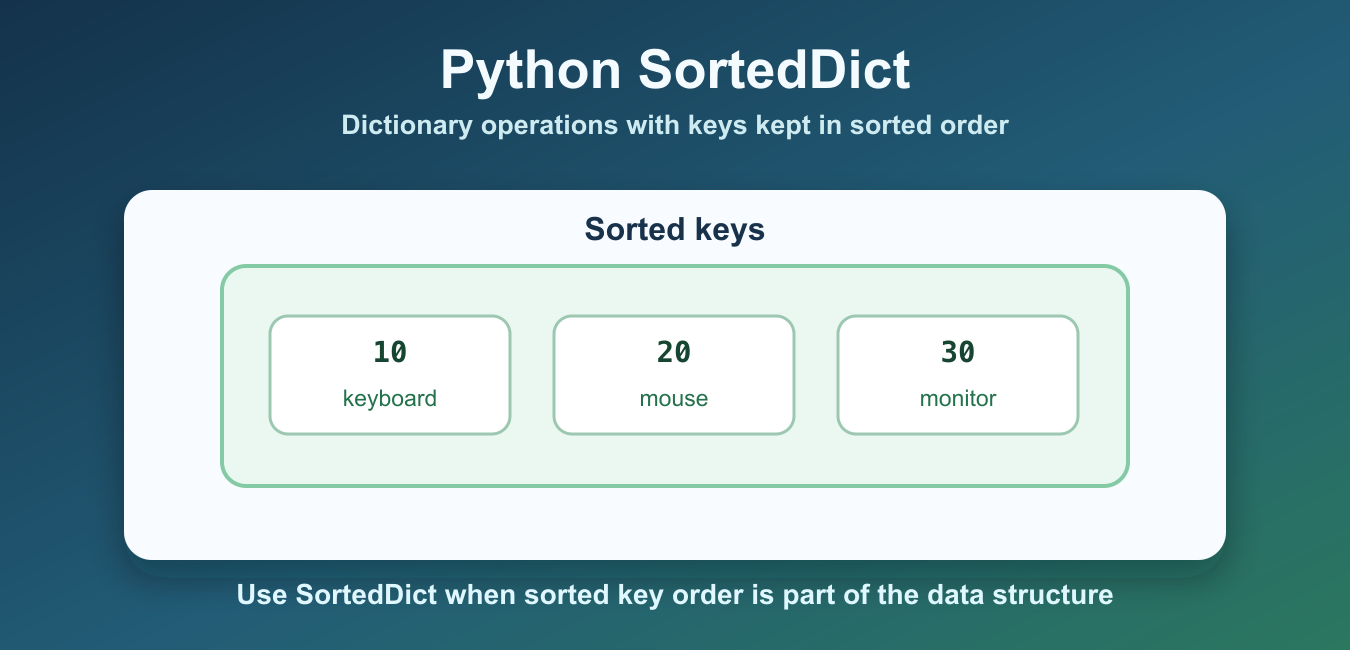
Quick answer: SortedDict from sortedcontainers is a mapping that maintains keys in sorted order and supports ordered access. Use it when you need recurring sorted-key operations or range-style navigation; use the built-in dict when insertion order and ordinary key lookup are enough.
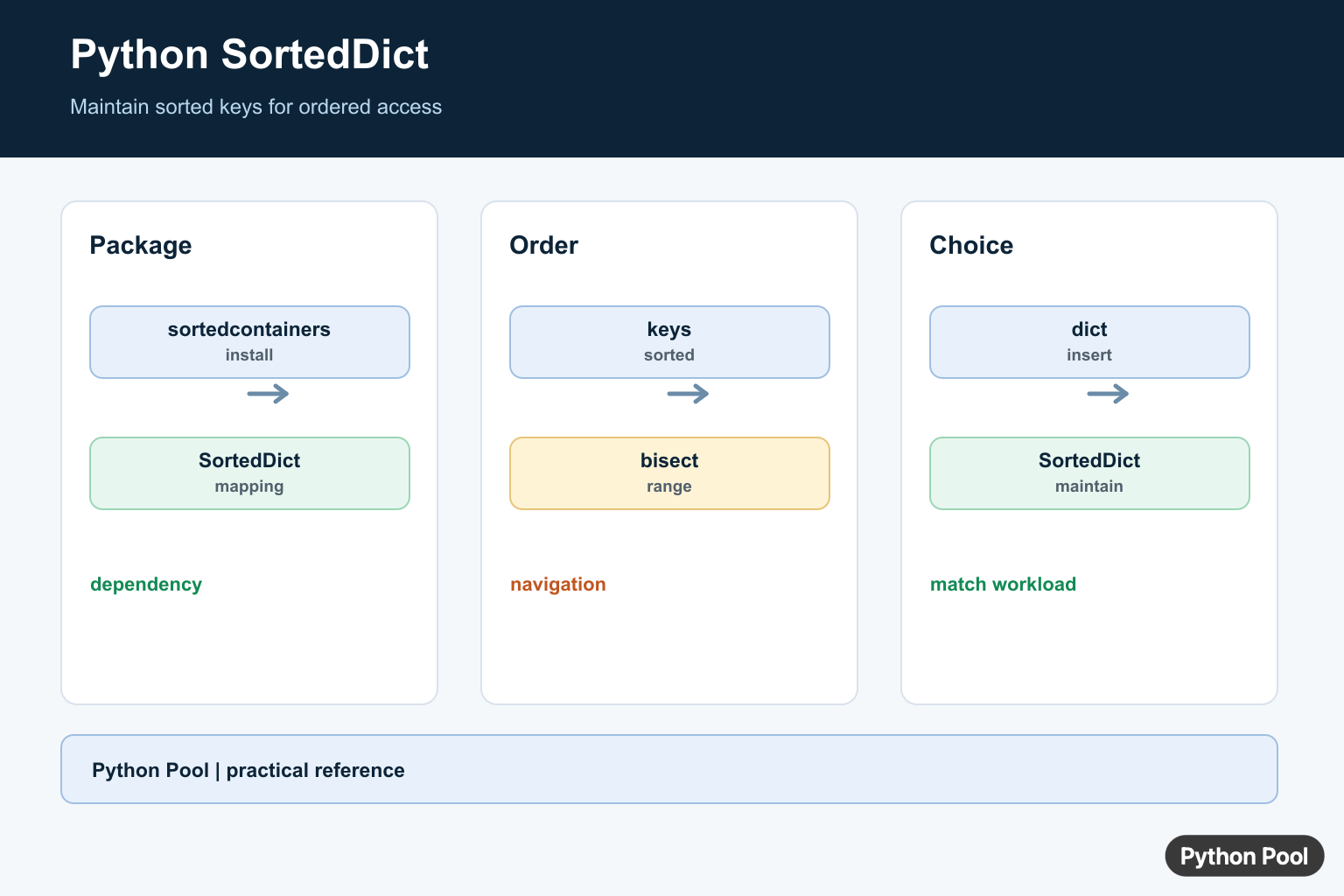
SortedDict is a sorted mapping from the third-party sortedcontainers package. It behaves like a dictionary, but it keeps keys in sorted order. That makes it useful when you need dictionary-style lookup plus predictable key order, range-style key access, or sorted iteration without sorting keys every time.
SortedDict is not part of the Python standard library. Install sortedcontainers in your environment and import SortedDict with the exact capitalization. The SortedDict documentation covers the API, and the sortedcontainers PyPI page covers package installation details.
Use a normal dict when insertion order is enough or when you only need fast key lookup. Use SortedDict when sorted key order is part of the operation. For standard sorting patterns, see the sort dictionary by key guide.
The key difference is where the sorting cost lives. With a plain dictionary, you often sort keys at the moment you need sorted output. With SortedDict, the container maintains sorted key order as items are inserted, updated, or removed. That can make code easier to read when sorted traversal happens many times in the same workflow.
This is especially helpful for lookup tables keyed by numbers, timestamps, names, priorities, or any other comparable key where the next, previous, smallest, or largest key matters. It can also be useful in reporting code, scheduling logic, leaderboard-like views, and tools that need stable sorted output after every update.
Before choosing it, check whether the sorted order is truly part of the data structure you need. If the program only prints a sorted report once, a plain dictionary plus sorted() is usually enough. If the program repeatedly asks for sorted keys, indexed positions, or nearby keys, SortedDict gives those operations a clearer home.
Create A SortedDict
Create a SortedDict from key-value pairs just like a normal dictionary. Iteration follows sorted key order.
from sortedcontainers import SortedDict

scores = SortedDict({"maya": 92, "noah": 85, "iris": 97})

print(list(scores.keys()))
print(scores["iris"])
The keys are sorted according to their normal comparison behavior. Keep key types consistent; mixing unrelated key types can raise comparison errors in modern Python.
String keys sort lexicographically, while numeric keys sort by numeric order. Custom objects can be used only when Python knows how to compare them. In most practical code, simple strings, integers, dates, or tuples make the behavior predictable and easy to test.
Add, Update, And Delete Items
Assignment works the same way as it does with dict. New keys are inserted into the sorted key order, and existing keys are updated.
from sortedcontainers import SortedDict

scores = SortedDict({"maya": 92, "noah": 85})
scores["iris"] = 97
scores["noah"] = 88
del scores["maya"]

print(scores)
Use del when the key must exist. Use pop() when you want to remove a key and keep the removed value.
Membership checks also work the same way as a dictionary. You can use in to check whether a key exists, get() to read with a fallback, and setdefault() when you want to create a default entry only if the key is missing. The difference is that the key order remains sorted after each change.
Iterate In Sorted Key Order
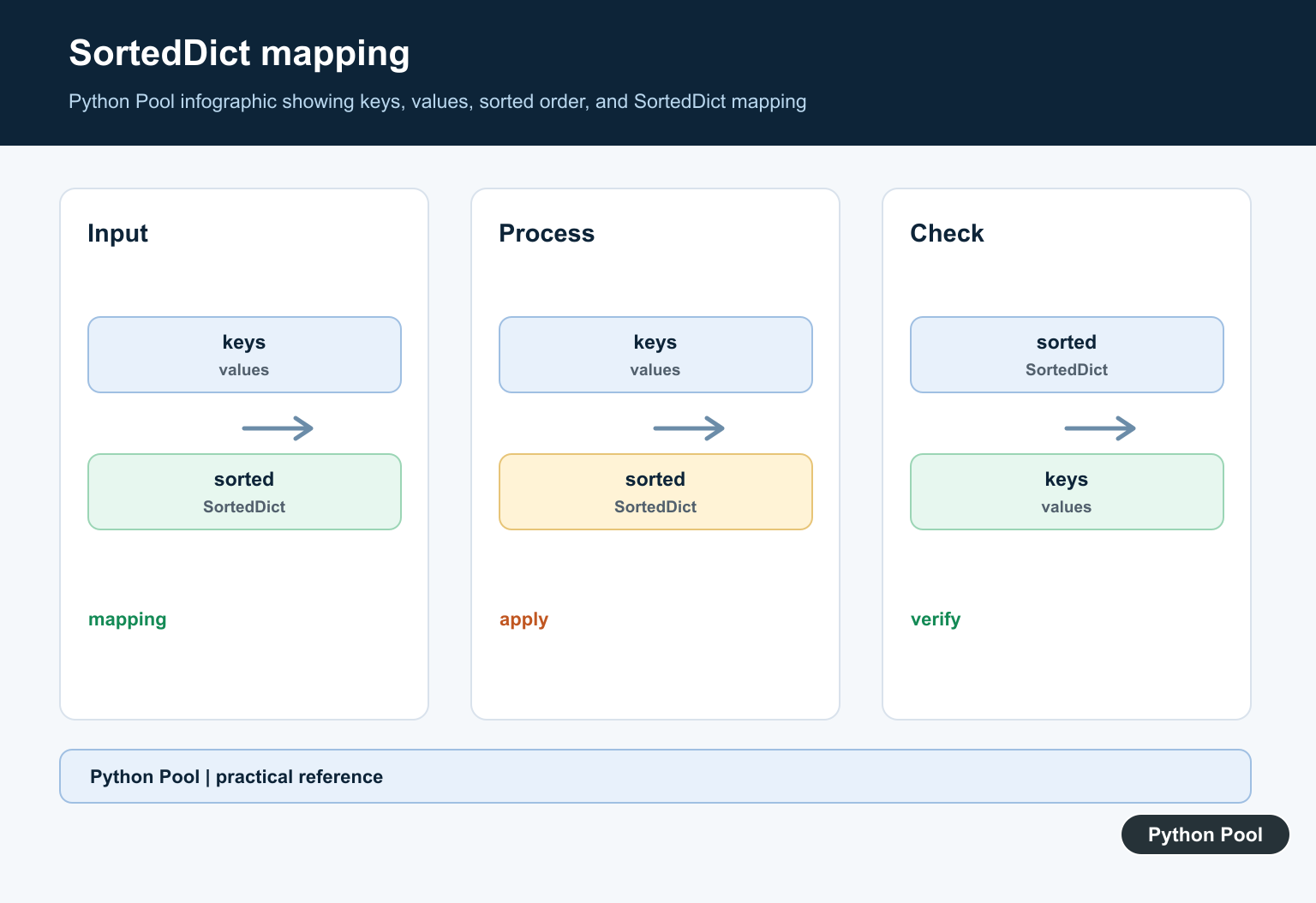
The main benefit is that keys, values, and items follow sorted key order during iteration.
from sortedcontainers import SortedDict

inventory = SortedDict({30: "monitor", 10: "keyboard", 20: "mouse"})

for item_id, name in inventory.items():
    print(item_id, name)
This avoids repeatedly calling sorted(my_dict) when sorted traversal is a normal part of the program.
That sorted traversal can make output more dependable. Tests become easier to compare, command-line reports are easier to scan, and serialized data can remain stable between runs. Stable order is also helpful when a later step depends on processing lower keys before higher keys.
Find Key Positions With Bisect
SortedDict exposes bisect-style helpers for finding where a key would appear. This is useful for range queries and nearest-key logic.
from sortedcontainers import SortedDict

prices = SortedDict({10: "low", 20: "medium", 30: "high"})

print(prices.bisect_key_left(20))
print(prices.bisect_key_right(20))
print(prices.peekitem(0))
bisect_key_left() and bisect_key_right() return insertion indexes. peekitem() returns a key-value pair by sorted index.
These helpers are the main reason to choose SortedDict over sorting a dictionary view on demand. They let you reason about key positions directly, without building a separate sorted list every time. For larger collections or repeated checks, that keeps the surrounding code smaller and more direct.
Read Keys In Reverse Order
If you need descending key order, reverse the key view or use reversed iteration.
from sortedcontainers import SortedDict

scores = SortedDict({"maya": 92, "noah": 85, "iris": 97})

for name in reversed(scores):
    print(name, scores[name])
Reverse iteration still follows the sorted key order, just from highest key to lowest key.
Use reverse order when the newest, largest, or highest-priority key should appear first. Because the mapping is already sorted by key, reversing the traversal expresses that intent directly and avoids a separate descending sort step.
Sort By Value Separately
SortedDict sorts by key, not by value. If you need value order, sort the items from a normal dictionary or a SortedDict result.
scores = {"maya": 92, "noah": 85, "iris": 97}

by_score = sorted(scores.items(), key=lambda item: item[1], reverse=True)

print(by_score)
This keeps the purpose clear. Use SortedDict for key order. Use sorted() with a key function for value order. For conversion patterns, see the dictionary to list guide.
A common mistake is expecting SortedDict to rank entries by score, price, length, or another value field. It does not do that automatically. If the rank should be based on a value, keep the mapping simple and sort the items with a dedicated key function at the point where you need ranked output.
SortedDict is a good fit when sorted key order is required throughout the program. It supports familiar dictionary operations while maintaining sorted keys, plus useful indexed and bisect-style helpers. If you only need one sorted output, a normal dictionary plus sorted() is usually simpler.
Install And Create SortedDict
SortedDict is provided by the external sortedcontainers package. Import it explicitly and choose a key ordering that all keys can support. Mixed incomparable key types will fail when the structure needs to order them.
from sortedcontainers import SortedDict

prices = SortedDict({"apple": 2, "banana": 1, "pear": 3})
print(prices)
print(list(prices))
Add, Update, And Delete Keys
The mapping interface resembles dict: assignment adds or updates a key, del removes it, and pop() returns a value. The difference is that iteration and ordered key methods reflect sorted key order after every change.
from sortedcontainers import SortedDict

values = SortedDict()
values[3] = "three"
values[1] = "one"
values[2] = "two"
print(list(values.items()))
print(values.pop(2))
Use Ordered Navigation
SortedDict exposes keys(), values(), and items() views plus index-oriented access patterns that are useful for predecessor, successor, and range queries. Choose these operations when the ordering is part of the data structure’s job rather than sorting a mapping once for display.
from sortedcontainers import SortedDict

values = SortedDict({10: "a", 20: "b", 30: "c"})
print(values.keys()[1])
print(values.keys().bisect_left(25))
print(list(values.irange(10, 25)))
Compare With A Built-In dict
Modern dict preserves insertion order, but it does not automatically reorder keys after a new key is inserted. Converting dict.items() through sorted() is fine for a one-time report. SortedDict is justified when sorted access is repeated and the dependency is acceptable for the project.
from sortedcontainers import SortedDict

plain = {3: "three", 1: "one"}
ordered_once = dict(sorted(plain.items()))
maintained = SortedDict(plain)
print(ordered_once)
print(maintained)
The official SortedDict documentation defines its sorted mapping operations, views, and ordered navigation. Keep the package version pinned and test key ordering as part of the application contract.
For nearby mapping patterns, compare sorting a dictionary by key, OrderedDict operations, and hashmap fundamentals before choosing a data structure for ordered access.
Frequently Asked Questions
What is SortedDict in Python?
SortedDict is a mapping from the sortedcontainers package that maintains its keys in sorted order and supports ordered access.
How is SortedDict different from dict?
dict preserves insertion order but does not sort keys automatically; SortedDict maintains sorted-key behavior and exposes ordered operations.
How do I install SortedDict?
Install the sortedcontainers package with pip, then import SortedDict from sortedcontainers.
When should I use SortedDict?
Use it when frequent ordered-key queries, predecessor or successor access, or range-style operations justify the dependency; use dict for ordinary key lookup.