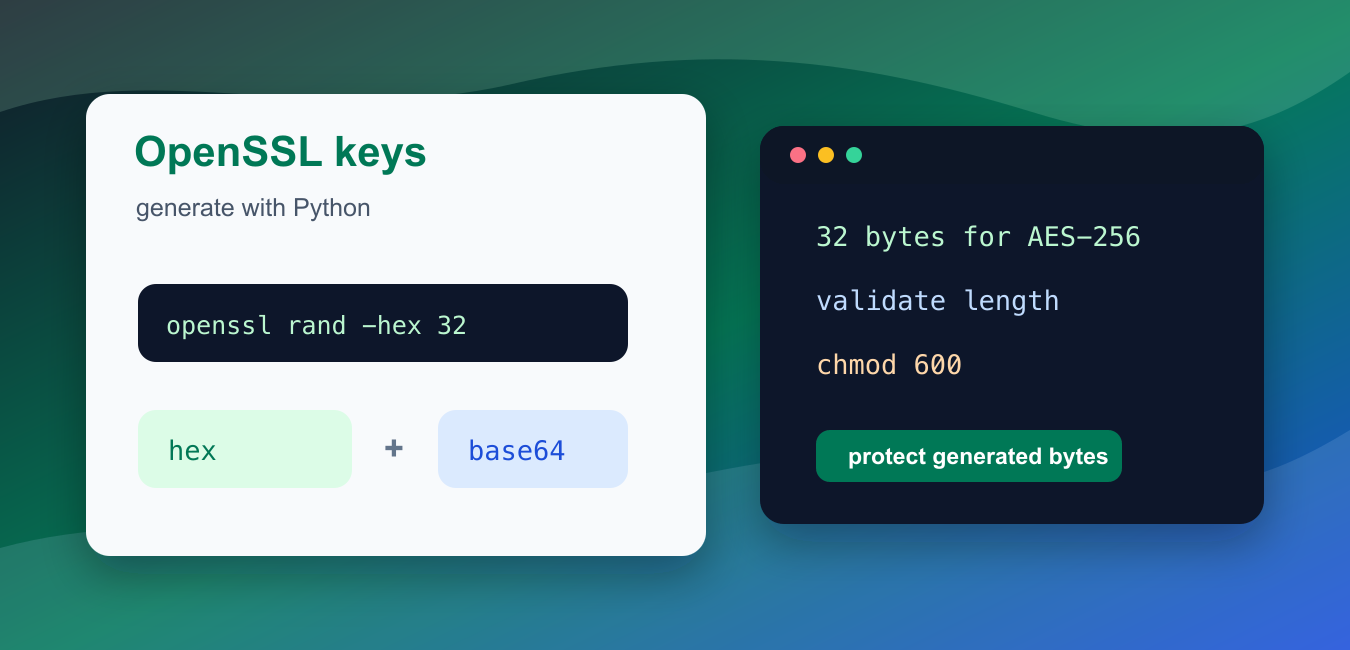
Quick answer: A symmetric key is secret material used by the same cryptographic system for encryption and decryption. If Python invokes OpenSSL, use an argument list rather than a shell command, protect stdout and files, and design nonce, authentication, storage, and rotation together.
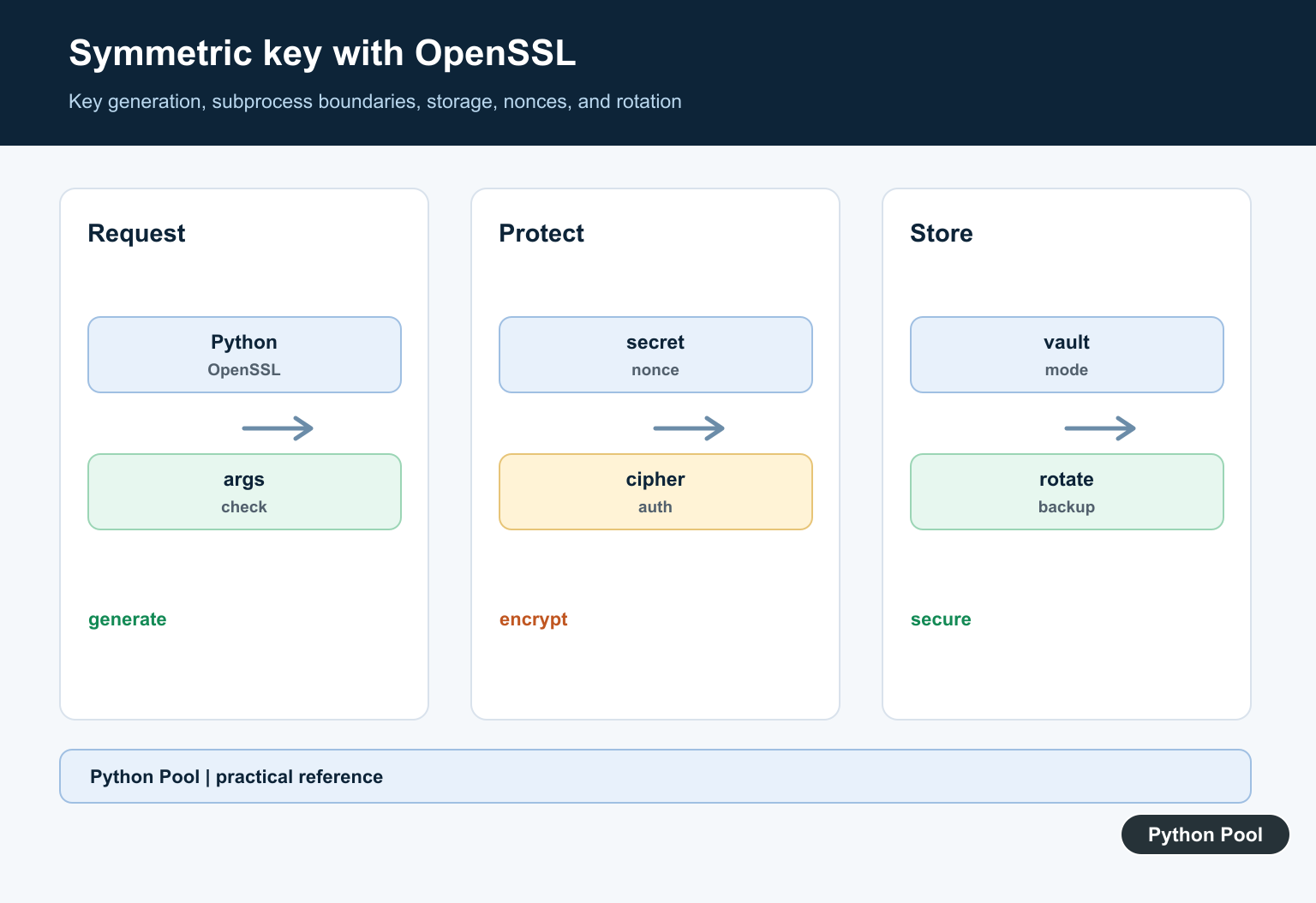
An OpenSSL symmetric key is random bytes used by a symmetric cipher such as AES. The key must be unpredictable, the right length, and protected after generation. Python can generate the bytes itself with secrets, or it can call the OpenSSL command-line tool when your deployment standard requires OpenSSL output.
Use this workflow for demo keys, local test fixtures, and automation around established key-management procedures. Do not paste production keys into code, commit them to a repository, or print them into shared logs. A generated key is only as safe as the storage, rotation, and access controls around it.
The official references for this guide are openssl-rand, openssl-enc, Python’s secrets module, subprocess, and base64.
AES-128 uses 16 random bytes, AES-192 uses 24 bytes, and AES-256 uses 32 bytes. Hex output is twice as long as the byte count because each byte is represented by two hex characters. Base64 output is shorter than hex and is often easier to put in configuration systems, but it still represents the same raw bytes.
Do not confuse a key with a password. A password is usually memorable text supplied by a person. A symmetric key should be random bytes with enough entropy for the cipher. If a person enters a password, use a password-based key derivation function in the encryption design instead of treating the password text as an AES key.
Generate Random Bytes In Python
The standard secrets module is the simplest pure-Python way to generate cryptographic random bytes. Use byte length, not character length, when choosing a key size.
import secrets

key_128 = secrets.token_bytes(16)
key_256 = secrets.token_bytes(32)

print(len(key_128))
print(len(key_256))
print(key_256.hex()[:16])
The last line prints only a small prefix so the example proves the shape without treating terminal output as secure storage. In real workflows, write the key to a protected destination or hand it to a secret-management system.
For tests, it is fine to create a fresh demo key every run. For persistent encrypted data, losing the key can make the data unrecoverable. That is why key generation, backup, rotation, and deletion should be part of one documented process rather than scattered across scripts.
Call openssl rand From Python
If your process requires OpenSSL output, call openssl rand with subprocess.run(). Keep arguments in a list so the shell does not interpret user text.
import shutil
import subprocess

openssl = shutil.which("openssl")
if not openssl:
    print("openssl command not found")
else:
    result = subprocess.run(
        [openssl, "rand", "-hex", "32"],
        check=True,
        capture_output=True,
        text=True,
    )
    key_hex = result.stdout.strip()
    print(len(key_hex))
    print(key_hex[:16])
This command produces 32 random bytes encoded as 64 hex characters. Use check=True so Python raises an error if OpenSSL fails instead of silently continuing with empty output.
Keep shell access narrow. Pass command arguments as a list, capture the output, strip one trailing newline, and validate the final length before using the value. Avoid shell=True unless there is a specific shell feature you need and the inputs are controlled.
Validate Hex Key Length
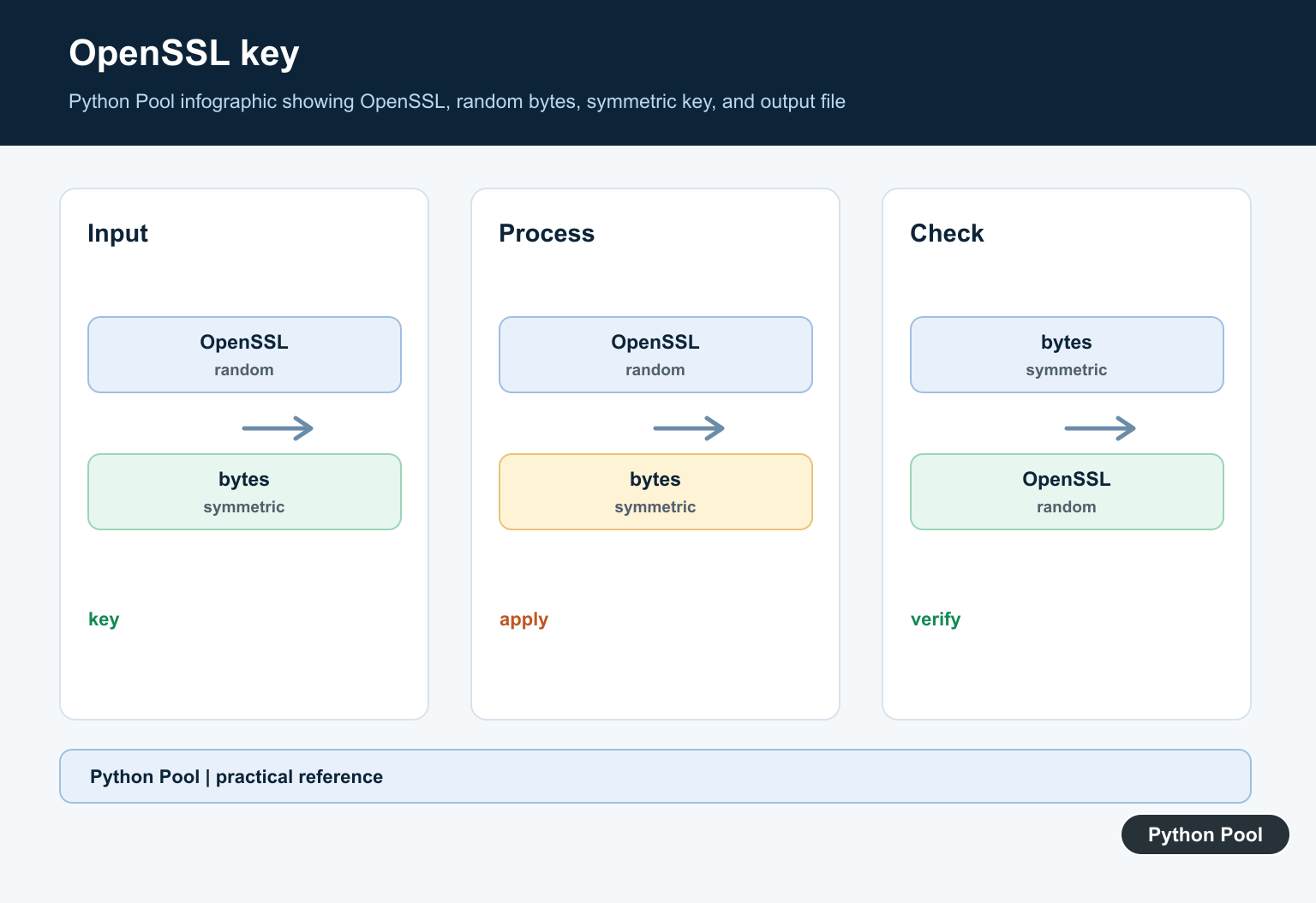
Before using a hex key from a file, prompt, or command output, validate that it contains hex characters and decodes to the expected byte length.
import re

def read_hex_key(text, expected_bytes):
    cleaned = text.strip()
    if not re.fullmatch(r"[0-9a-fA-F]+", cleaned):
        raise ValueError("key must be hex")
    raw = bytes.fromhex(cleaned)
    if len(raw) != expected_bytes:
        raise ValueError(f"expected {expected_bytes} bytes")
    return raw

for sample in ["00" * 32, "abc"]:
    try:
        print(len(read_hex_key(sample, 32)))
    except ValueError as error:
        print(error)
This check catches truncated, copied, or wrongly encoded values early. It also prevents later encryption code from failing with a less helpful message.
Validation should happen at every boundary: after generation, after reading from storage, and before passing the key to an encryption function. That may feel repetitive, but it catches accidental whitespace, wrong encodings, and copy mistakes before data is encrypted with the wrong material.
Create Base64 Output
Base64 is a common text format for raw key bytes. It does not encrypt the key; it only encodes bytes for transport through text-only systems.
import base64
import secrets

raw_key = secrets.token_bytes(32)
encoded = base64.urlsafe_b64encode(raw_key).decode("ascii")
decoded = base64.urlsafe_b64decode(encoded.encode("ascii"))

print(len(raw_key))
print(encoded[:12])
print(decoded == raw_key)
Use one encoding consistently. Mixing hex and base64 across services can create bugs where both strings look plausible but decode to different byte lengths.
When a service accepts encoded keys, document the expected encoding next to the setting name. A suffix such as _HEX or _B64 is a simple way to make the format visible during reviews and deployments.
Write A Key File Carefully
When a local file is required, create it with restrictive permissions. The example uses a temporary directory and sets owner-only read/write permissions on the file.
import os
from pathlib import Path
from tempfile import TemporaryDirectory

key_bytes = bytes.fromhex("11" * 32)

with TemporaryDirectory() as folder:
    path = Path(folder) / "aes256.key"
    with path.open("xb") as handle:
        handle.write(key_bytes)
    os.chmod(path, 0o600)

    mode = oct(path.stat().st_mode & 0o777)
    print(path.name)
    print(mode)
    print(path.stat().st_size)
The "xb" mode fails if the file already exists, which helps avoid overwriting an existing key by accident. Production storage often belongs in a vault or platform secret store rather than a local file.
Check OpenSSL Before Automation
Automation should confirm that OpenSSL exists and report its version before depending on command output. This makes deployment failures clearer.
import shutil
import subprocess

openssl = shutil.which("openssl")
if not openssl:
    print("missing openssl")
else:
    version = subprocess.run(
        [openssl, "version"],
        check=True,
        capture_output=True,
        text=True,
    ).stdout.strip()
    supports_rand = subprocess.run(
        [openssl, "rand", "-hex", "4"],
        check=True,
        capture_output=True,
        text=True,
    ).stdout.strip()

    print(version.split()[0])
    print(len(supports_rand))
Keep key generation separate from encryption and deployment. Generate the bytes, validate the expected length, store them through an approved path, and then pass only references to the applications that need them. In short, Python can automate OpenSSL symmetric key generation safely, but the security comes from using real randomness, strict validation, limited exposure, and disciplined storage.
Define The Cryptographic Contract
Choose an authenticated encryption design and document the algorithm, key size, nonce rules, encoding, and failure behavior. Generating random bytes alone does not define a secure message format.
Call OpenSSL Without A Shell
Use subprocess with a list of arguments, check the return code, and keep untrusted filenames and options from being interpreted as shell syntax. Do not include key material in command-line arguments or logs.
Protect Key Material
Return secrets through a controlled channel, set restrictive file permissions when a file is unavoidable, and prefer a managed secret store for production. Plan access, backup, revocation, and rotation before the first key is used.
Handle Nonces And Authentication
Many symmetric modes require a unique nonce or IV and an authentication tag. Store the nonce with ciphertext when appropriate, never reuse it with the same key, and verify authentication before releasing plaintext.
Keep Test Keys Separate
Use deterministic fixtures only in tests and never promote them to a deployment secret. Include wrong-key, tampered-ciphertext, truncated-output, and subprocess-failure cases in the test suite.
Prefer A Maintained API
A vetted Python cryptography library can reduce subprocess and parsing surface area. If OpenSSL is required for interoperability, pin and verify the executable, its version, and the exact wire format.
The OpenSSL rand documentation covers random-byte generation, and Python’s subprocess documentation covers process boundaries. Related Python Pool references include tests and safe logging.
For related security workflows, compare redacted logging, failure tests, and safe encoding before integrating key generation.
Frequently Asked Questions
What is a symmetric key?
It is a secret value used by the same cryptographic system for both encryption and decryption, so it must remain confidential.
How can Python call OpenSSL safely?
Use subprocess with an argument list, avoid shell=True for untrusted input, check the return code, and keep secret output out of logs.
Where should a generated key be stored?
Use a managed secret store or protected file with controlled permissions, and define rotation and backup procedures before production use.
Is generating a key enough to secure data?
No. The algorithm, mode, nonce or IV, authentication, key storage, rotation, and error handling are all part of the security design.