
Quick answer: np.diag has two complementary uses: it extracts a diagonal from a two-dimensional array, or constructs a two-dimensional diagonal matrix from a one-dimensional array. k=0 selects the main diagonal, positive k selects above it, and negative k selects below it. Use fill_diagonal when you need to modify an existing array in place.
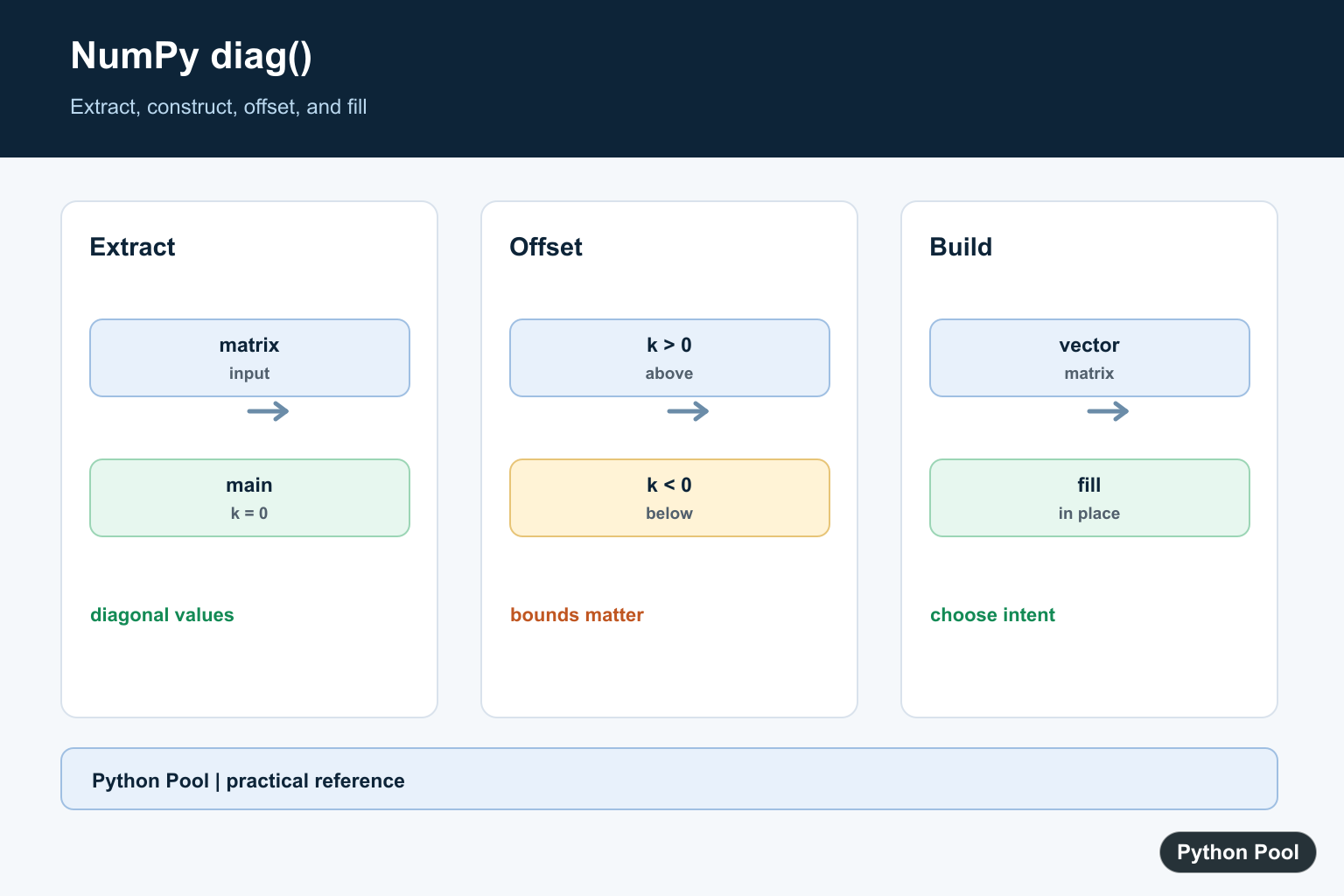
numpy.diag() has two common uses. It extracts a diagonal from a two-dimensional array, and it builds a diagonal array from a one-dimensional input.
The official NumPy documentation covers numpy.diag(), numpy.diagonal(), and numpy.diagflat().
Use diag() when the operation is specifically about diagonal values. For matrix math, diagonals often represent weights, scaling factors, identity-like structures, or selected elements from rows and columns.
The k argument selects an offset diagonal. k=0 means the main diagonal. Positive offsets move above the main diagonal. Negative offsets move below it.
Check the input shape before using diag(). A one-dimensional input creates a two-dimensional output, while a two-dimensional input returns one-dimensional diagonal values.
This shape switch is convenient, but it can surprise readers if the input is created earlier in the code. Name inputs clearly and print shapes while debugging matrix helpers.
Diagonal operations are common in linear algebra, but they also appear in plain array cleanup tasks. For example, you may need to inspect matching row-column positions or create an array that scales each coordinate independently.
Extract The Main Diagonal
Pass a two-dimensional array to extract the main diagonal.
import numpy as np

matrix = np.array([
    [1, 2, 3],
    [4, 5, 6],
    [7, 8, 9],
])

result = np.diag(matrix)

print(result)
This prints [1 5 9].
The main diagonal starts in the upper-left corner and moves down to the right.
Use this form when you need the diagonal values for checks, summaries, or matrix calculations.
The returned result is one-dimensional. If later code needs a two-dimensional diagonal array again, pass that result back to np.diag().
Build A Diagonal Array
Pass a one-dimensional array to build a two-dimensional diagonal array.
import numpy as np

values = np.array([10, 20, 30])

result = np.diag(values)

print(result)
The input values are placed on the main diagonal, and other positions are filled with zero.
This is useful for scaling matrices, simple examples, and cases where only diagonal entries should be nonzero.
The output is square when the input is one-dimensional.
This pattern is useful when the off-diagonal positions should remain zero. It is clearer than creating a zero array and assigning each diagonal entry by hand.
Use A Positive Offset
Use k=1 to select or place values one diagonal above the main diagonal.
import numpy as np

matrix = np.array([
    [1, 2, 3],
    [4, 5, 6],
    [7, 8, 9],
])

result = np.diag(matrix, k=1)

print(result)
This prints values above the main diagonal.
Positive offsets are useful when working with upper diagonals in banded matrices or adjacency-like arrays.
If the offset is outside the array shape, the result can be empty.
Offsets are counted from the main diagonal, not from the array edge. That makes k=1 the first upper diagonal and k=2 the second upper diagonal.
Use A Negative Offset
Use k=-1 to select or place values one diagonal below the main diagonal.
import numpy as np

matrix = np.array([
    [1, 2, 3],
    [4, 5, 6],
    [7, 8, 9],
])

result = np.diag(matrix, k=-1)

print(result)
This prints values below the main diagonal.
Negative offsets are useful for lower diagonals and algorithms that treat upper and lower matrix bands differently.
Keep offset signs clear in code reviews because k=1 and k=-1 answer different questions.
When building diagonal arrays from one-dimensional input, the same offset rule applies. Positive offsets place values above the main diagonal, and negative offsets place them below it.
Compare diag And diagonal
np.diagonal() is focused on extracting diagonals from arrays.
import numpy as np

matrix = np.array([
    [1, 2, 3],
    [4, 5, 6],
    [7, 8, 9],
])

result = np.diagonal(matrix)

print(result)
For a simple two-dimensional array, this matches the extraction behavior of np.diag(matrix).
Use diag() when you want the dual behavior of extracting or building. Use diagonal() when extraction is the only intent.
That distinction can make helper code easier to read.
Use diagflat For Flattened Input
np.diagflat() flattens the input before placing values on a diagonal.
import numpy as np

data = np.array([[1, 2], [3, 4]])

result = np.diagflat(data)

print(result)
This creates a diagonal array from the flattened values 1, 2, 3, and 4.
Use diagflat() when the input may not already be one-dimensional but should still be treated as one list of diagonal entries.
For ordinary one-dimensional input, diag() is usually clearer.
Common diag Mistakes
The first common mistake is forgetting that diag() changes behavior based on input dimensions. One-dimensional input builds an array; two-dimensional input extracts values.
The second mistake is choosing the wrong offset sign. Positive offsets are above the main diagonal, and negative offsets are below it.
The third mistake is using diag() when the goal is the sum of diagonal values. Use np.trace() for that summary.
In short, use np.diag(matrix) to extract the main diagonal, np.diag(values) to build a diagonal array, and k when you need an offset diagonal. After extracting a matrix diagonal, NumPy trace() for Matrix Diagonals sums it directly and supports offsets and selected axes.
Extract The Main Diagonal
Passing a matrix to diag returns the values along its main diagonal. The result length depends on the matrix shape, so do not assume a square matrix unless the input contract says so.
import numpy as np

matrix = np.array([[1, 2, 3], [4, 5, 6]])
print(np.diag(matrix))
Use An Offset
Positive offsets move above the main diagonal and negative offsets move below it. Values outside the matrix bounds produce an empty result rather than a padded diagonal.
import numpy as np

matrix = np.arange(1, 17).reshape(4, 4)
for offset in (-1, 0, 1):
    print(offset, np.diag(matrix, k=offset))
Construct A Diagonal Matrix
Passing a one-dimensional vector to diag creates a square matrix with the vector on the selected diagonal. The output shape grows when the offset is not zero.
import numpy as np

values = np.array([2, 4, 6])
print(np.diag(values))
print(np.diag(values, k=1))
Modify An Existing Diagonal
np.diag is best for extraction or construction. When the target array already exists and should be changed in place, fill_diagonal communicates that intent more directly.
import numpy as np

matrix = np.zeros((3, 3), dtype=int)
np.fill_diagonal(matrix, 7)
print(matrix)
NumPy’s np.diag() reference documents extraction, construction, and offsets; fill_diagonal() covers in-place filling. Related references include array conversion, reshape, and outer products.
For related diagonal and shape operations, compare array conversion, reshape, and outer products when building matrix structures.
Frequently Asked Questions
What does np.diag do?
With a matrix it extracts a diagonal; with a one-dimensional array it constructs a matrix with that vector on a diagonal.
What does the k argument mean?
k=0 selects the main diagonal, positive values select diagonals above it, and negative values select diagonals below it.
How do I fill an existing matrix diagonal?
Use np.fill_diagonal when you want to modify an existing array in place.
Why can diagonal extraction shape vary?
An offset diagonal contains only the elements that fit inside the matrix boundaries.