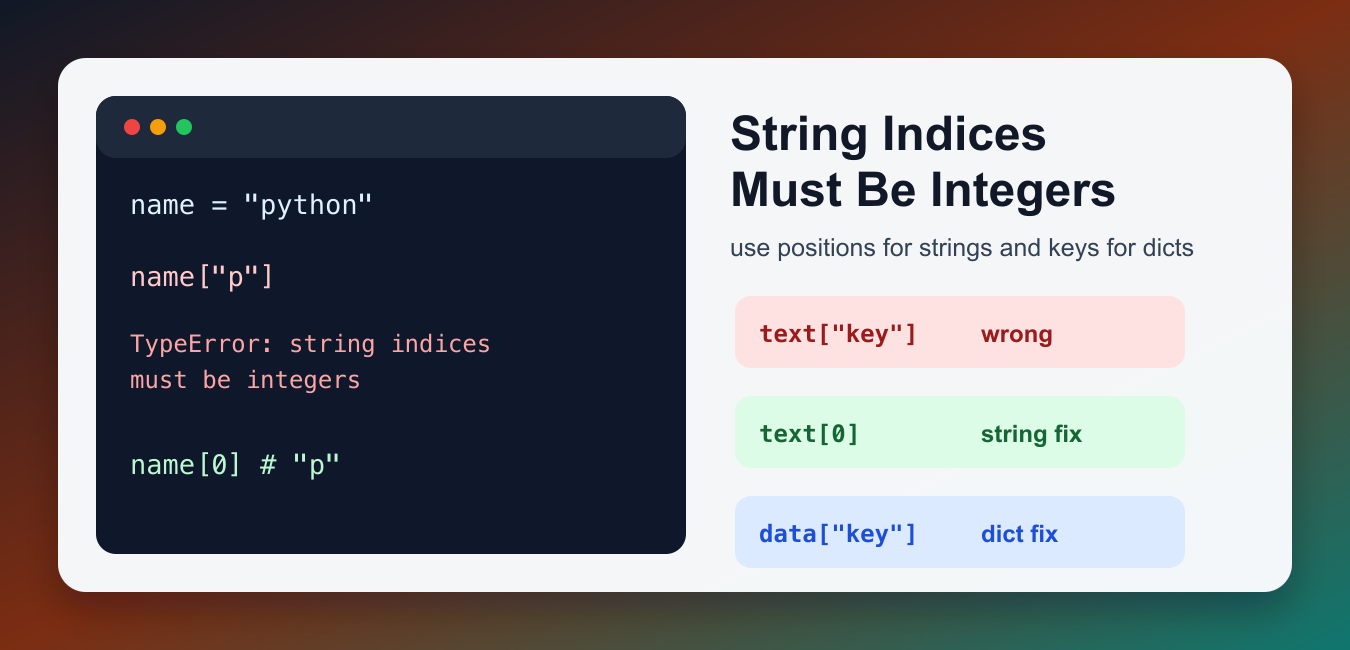
Quick answer: A string can be indexed only by an integer or slice, so text[‘name’] raises this TypeError. If the data should have named fields, parse or construct a dictionary or object first; if it is truly text, use numeric positions or a substring operation.
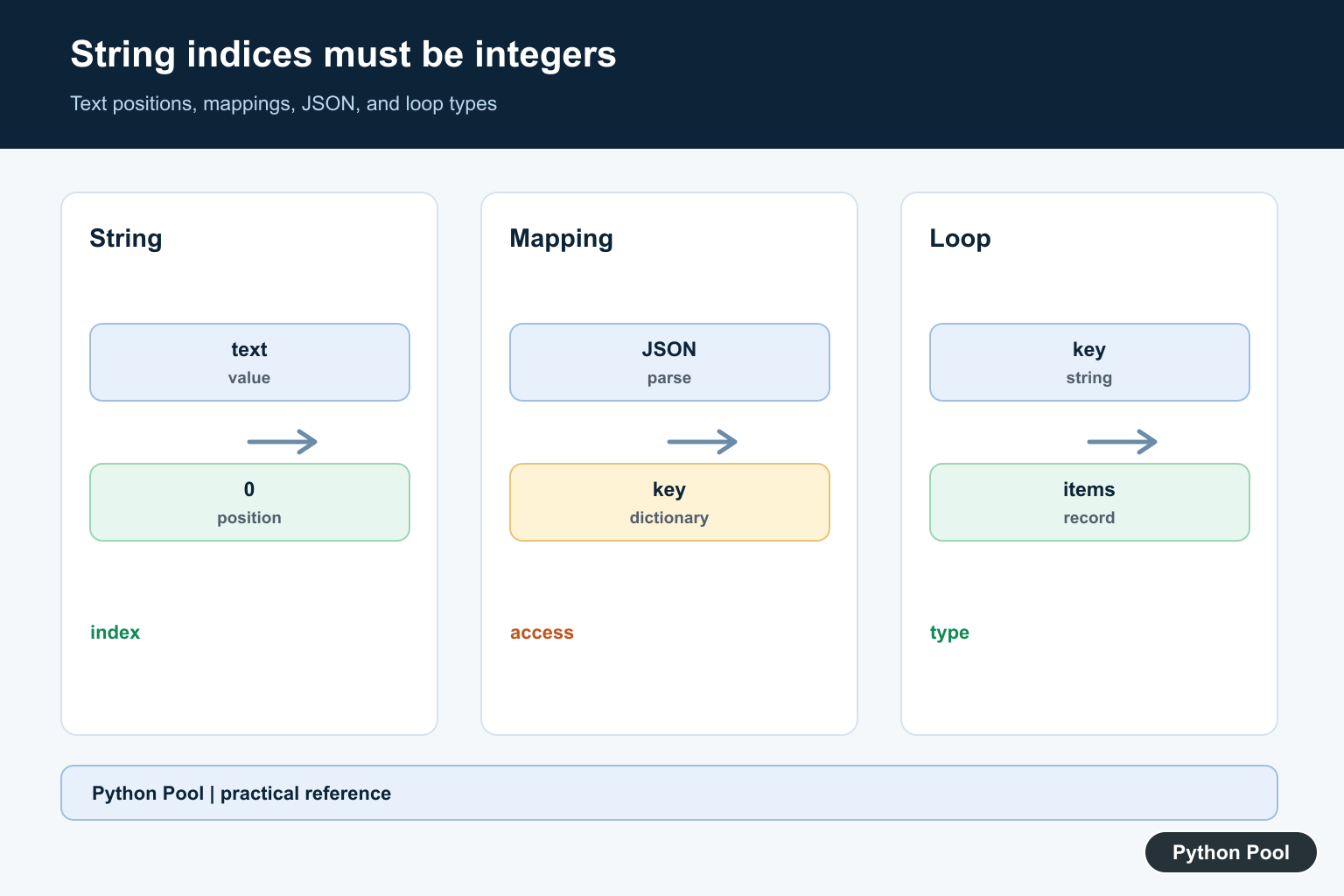
TypeError: string indices must be integers means Python is treating a value as a string, but your code is indexing it as if it were a dictionary, list of dictionaries, or another keyed object. Strings are sequences of characters. They accept integer positions and slices, not string keys.
The fix is to check what type the variable really has at the failing line. If it is a string, use an integer index such as text[0] or parse the string into the data structure you expected. If it is supposed to be a dictionary, make sure your code is working with the dictionary object, not a JSON string or a dictionary key.
Why the Error Happens
The simplest way to reproduce the error is to use a string key on a string value. Python cannot look up a character by the key "p"; it can only look up characters by numeric positions.
message = "python"

print(message["p"])
The variable message is a string. To read from a string, use an integer index or a slice. Index 0 means the first character, index 1 means the second character, and so on. When the traceback says not 'str' at the end, it is giving the same clue: your index value is a string, but Python expected an integer position.
Use Integer Indexes and Slices for Strings
Use this form when your value really is text and you want characters from it. A slice can return more than one character while still using integer boundaries.
message = "python"

print(message[0])
print(message[1:4])
This prints the first character and then a substring. If you are validating user input, PythonPool’s guide to checking whether a string is an integer may also be useful. Keep string indexing for character work; do not use it as a substitute for parsing structured data.
Parse JSON Before Using Dictionary Keys
A very common cause is API or file data that looks like a dictionary but is still a JSON string. String data must be parsed before you can access keys such as "user" or "score".
payload = '{"user": "Ada", "score": 91}'

print(payload["user"])
The code above fails because payload is text. Parse it with json.loads() first, then access dictionary keys.
import json

payload = '{"user": "Ada", "score": 91}'
data = json.loads(payload)

print(data["user"])
print(data["score"])
This works because data is now a dictionary. The string key belongs on the dictionary, not on the raw JSON string. This pattern appears often after reading from files, receiving HTTP responses, or loading values from environment variables.
Watch Dictionary Loops
Another common bug appears when looping over a dictionary. Iterating over a dictionary directly gives you its keys. Those keys are often strings, so indexing the key as if it were a nested dictionary produces this TypeError.
person = {"name": "Ada", "language": "Python"}

for key in person:
    print(key["name"])
Here key is first "name" and then "language". Each key is a string, not a dictionary. Use .items() when you need both keys and values.
person = {"name": "Ada", "language": "Python"}

for key, value in person.items():
    print(key, value)
If your data is a list of dictionaries, loop through the list and then index each dictionary: user["name"]. PythonPool’s guides to iterating through lists and finding strings in lists cover the related list patterns.
How to Debug the Failing Line
At the line that raises the error, print or inspect the variable before indexing it. If type(value) is str, use integer indexes, parse it, or follow the code path backward to find where the wrong type was assigned. If the value should be a dictionary, confirm that the parser ran successfully and that the variable was not overwritten later.
Do not patch this error by blindly changing the index to 0. That may hide the crash while returning the wrong character from a string. The correct fix should match the data model: character access for strings, key lookup for dictionaries, and row-by-row access for lists of dictionaries.
This error is different from trying to subscript a number. If your traceback says an integer is not subscriptable, see PythonPool’s TypeError: int object is not subscriptable guide. If the traceback is related to NumPy scalar conversion, the only size-1 arrays can be converted to Python scalars guide covers that separate issue.
Checklist
- Use
text[0]ortext[start:end]for strings. - Use
json.loads()before accessing keys from JSON text. - Use
dict.items()when looping through dictionary keys and values. - Check
type(value)at the failing line if the data shape is unclear.
References
- Python documentation: text sequence type str
- Python documentation: mapping type dict
- Python documentation: json module
Distinguish Text From Mappings
The same bracket syntax means different things for different types. text[0] selects a character, while record[‘name’] selects a mapping value. Print type(value) at the failing line and trace where it was created instead of changing the index blindly.
Use Integer Positions And Slices
Strings support zero-based integer indexes and slices such as text[1:4]. Validate bounds when a missing position is an input error, and remember that a slice returns a string while an integer index returns a one-character string.
Parse JSON Before Named Access
Reading a JSON file or HTTP response often produces a string first. Call json.loads() after validating the content and then access dictionary keys. Keep parse errors, missing keys, and wrong JSON types separate so the error message identifies the real boundary failure.
Watch Dictionary Loops
Iterating a dictionary yields keys, which may be strings. If the loop needs values, use values(); if it needs both, use items(). When a list contains records, validate each element before indexing it with a field name.
Do Not Hide Mixed-Type Data
A list containing strings and dictionaries can make a bug appear intermittent. Normalize records at ingestion, reject unexpected types, and use typed or schema validation when the data comes from an external source.
Test The Failing Shape
Test a character string, a dictionary, parsed JSON, a list of records, missing keys, numeric indexes, slices, empty input, and malformed data. Assert the intended output or controlled exception rather than relying on a generic TypeError.
The official str sequence documentation defines integer indexing and slicing. The json module reference covers parsing. Related guidance includes mapping access and type tests.
For related data parsing, compare JSON responses, structured JSON, and mapping access when separating strings from records.
Frequently Asked Questions
Why does string indices must be integers happen?
Code indexes a string with a non-integer such as a key name, even though string positions must be integers or slices.
How do I access a character in a string?
Use an integer index such as text[0] or a slice such as text[1:4].
Why does JSON data cause this error?
A JSON object may still be a string after reading it; parse it with json.loads() before accessing dictionary keys.
How do I fix the error in a loop?
Inspect whether the loop variable is a dictionary or a string, then iterate items or parse the value before using a named key.
Hi,
Thanks for the article, very informative. However you didn’t show how you’d solve this issue for the JSON example.
How would you get “26.96” from
for i in data['main']:print(i['temp'])
without running into this error? I’m testing it on VS Code and while the first ‘for’ works because it’s an array, the 2nd one throws the error.
Thanks in advance,
Daniel
Check your data[‘main’]. It probably contains string.