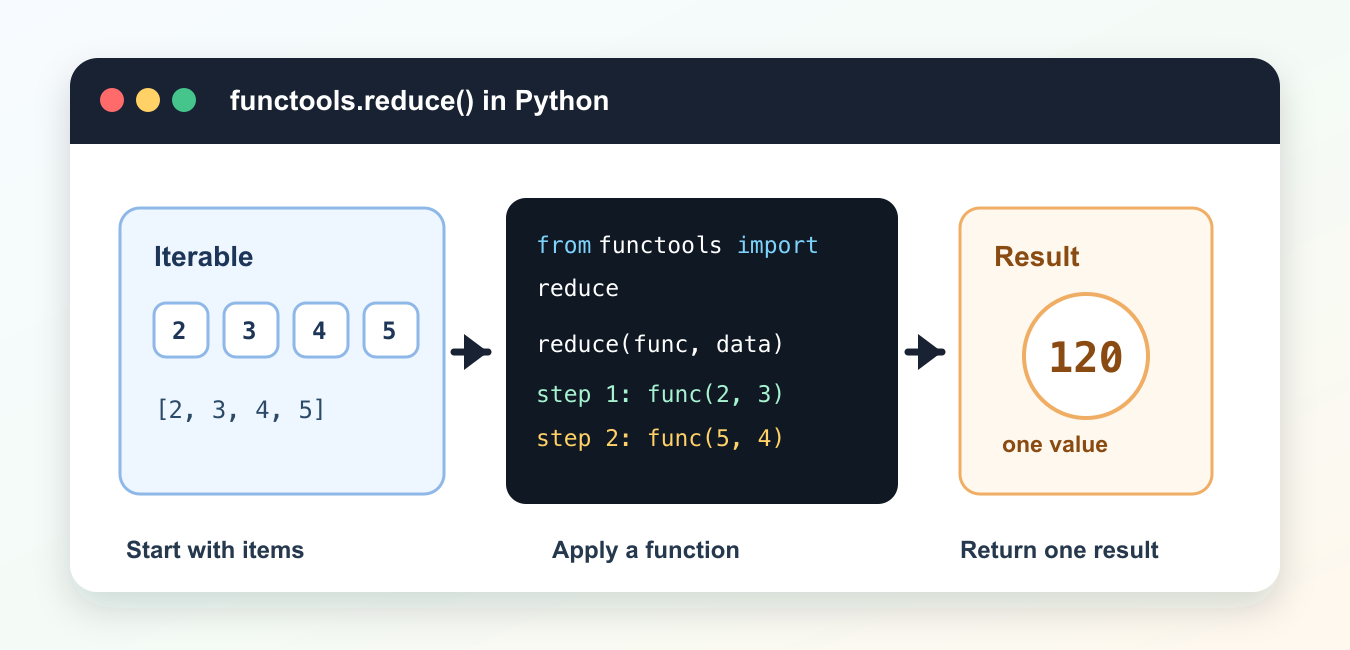
Quick answer: functools.reduce applies a two-argument function across an iterable, carrying an accumulator forward. Use an initializer to define empty-input behavior and type, and prefer a named operation such as sum or a loop when it communicates the algorithm more clearly.
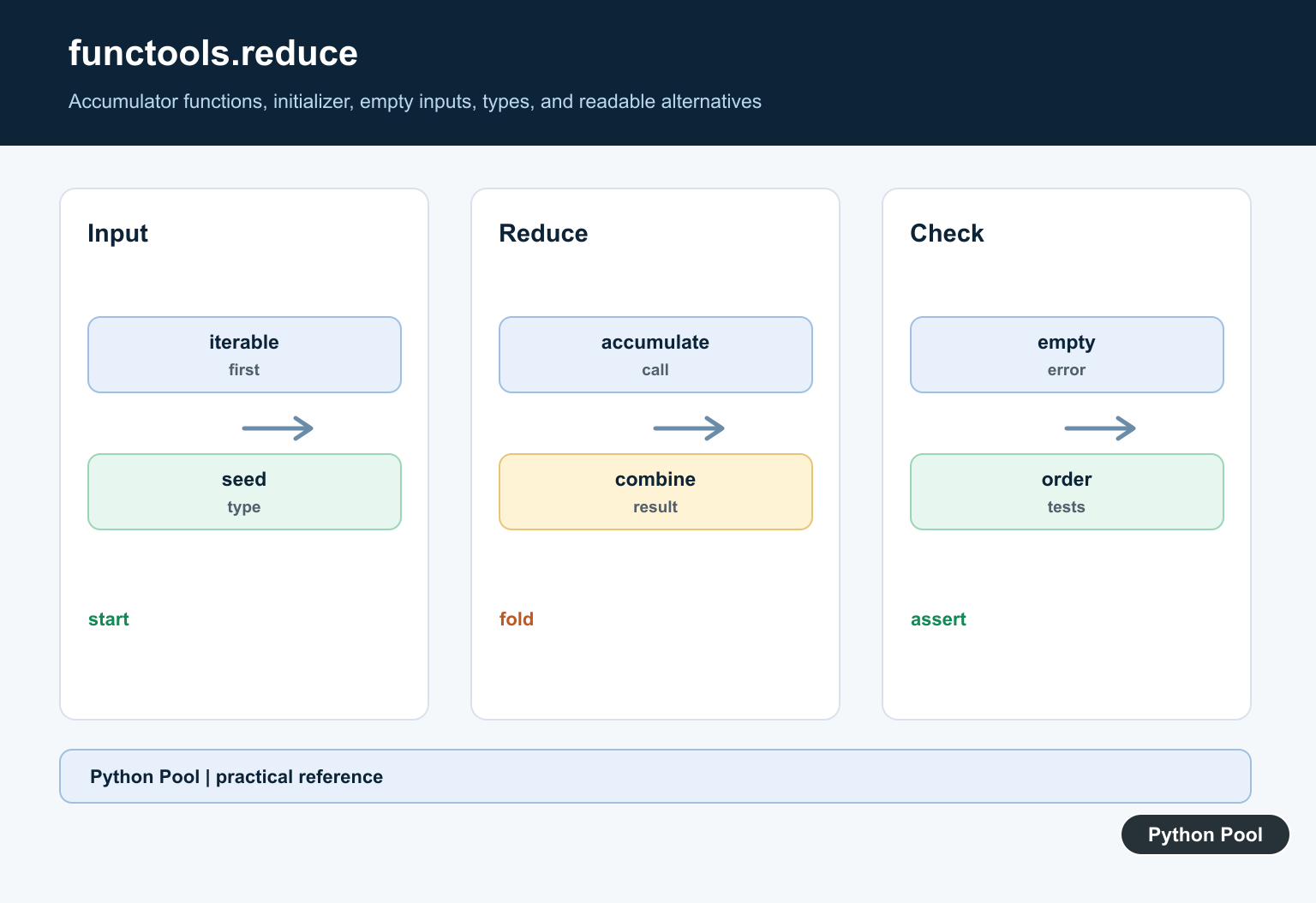
functools.reduce() applies a two-argument function across an iterable and returns one final result. The official Python functools.reduce documentation describes it as a left-to-right reduction. That means the function combines the first two items, then combines that result with the next item, and continues until one value remains.
Use reduce() when each step naturally depends on the result of the previous step. It can be a good fit for products, chained combinations, or small transformations that would otherwise need repeated state updates. For simple totals, though, sum(), max(), min(), any(), and all() are usually clearer.
The main rule is readability. If a short loop explains the operation better than reduce(), use the loop. If a named function makes the reduction obvious, prefer that over a dense lambda. For related functional patterns, see the Python filter and lambda guide.
A reduction has two moving parts: the accumulated result so far and the next item from the iterable. The function receives both and returns the next accumulated result. That return value becomes the left argument for the following step. This is powerful, but it also means that confusing function names or hidden side effects can make the code hard to review.
Import functools.reduce
reduce() is not a built-in name in Python 3, so import it from functools. This first example adds numbers to show the order of evaluation.
from functools import reduce

numbers = [2, 4, 6, 8]

total = reduce(lambda left, right: left + right, numbers)

print(total)
This works, but sum(numbers) is clearer for addition. Treat this as a starting point for understanding the mechanics.
When teaching or debugging reduce(), start with a tiny list and print the final result. Once the behavior is clear, replace the lambda with a named function if the operation has more than one condition.
Multiply Values With operator.mul
The operator module often makes reduce() easier to read. Use operator.mul for a product.
from functools import reduce
from operator import mul

numbers = [2, 3, 4, 5]

product = reduce(mul, numbers, 1)

print(product)
The third argument is the initial value. It gives the reduction a safe starting point and also handles an empty iterable.
Initial values are especially important for code that might receive an empty list. Without one, reduce() needs at least one item to start. With one, the operation has a defined baseline.
Use A Named Function
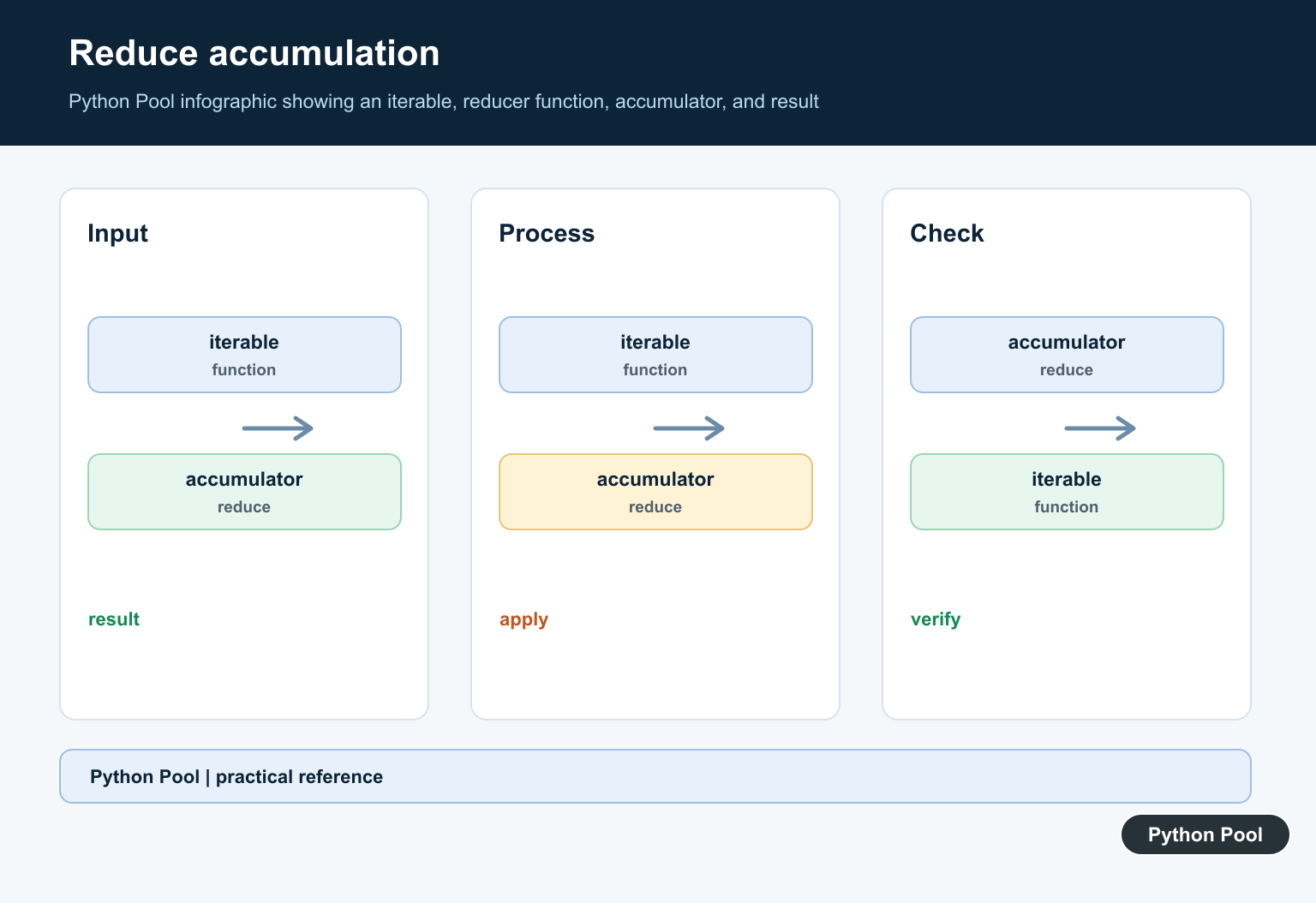
A named function is better when the combining rule has business meaning. It gives the operation a label and keeps the call site compact.
from functools import reduce

def keep_longer(left, right):
    if len(right) > len(left):
        return right
    return left

words = ["red", "green", "blue", "yellow"]
longest = reduce(keep_longer, words)

print(longest)
For this exact task, max(words, key=len) is shorter. The named-function pattern is still useful when the rule is more specific than a built-in option.
Named functions also make tests easier. You can test the combining rule by passing two sample inputs, then trust reduce() to apply that rule across the iterable.
Flatten Small Lists
reduce() can combine nested lists into one list. This is fine for small examples, but list comprehensions are often faster and clearer for large data.
from functools import reduce
from operator import concat

groups = [["a", "b"], ["c"], ["d", "e"]]

flat = reduce(concat, groups, [])

print(flat)
The empty list initial value makes the code work even when groups has no items.
For large flattening tasks, a comprehension such as [item for group in groups for item in group] is often the better choice. It avoids repeated list concatenation and is familiar to most Python readers.
Build A Running Dictionary
A reduction can also build a dictionary when each item updates the accumulated result. Return the same dictionary after each update.
from functools import reduce

def count_word(counts, word):
    counts[word] = counts.get(word, 0) + 1
    return counts

words = ["egg", "spam", "egg", "ham"]
counts = reduce(count_word, words, {})

print(counts)
For production word counts, collections.Counter is usually better. This example is mainly useful for understanding how an accumulator moves through a reduction.
If a reduction mutates a dictionary or list, document that choice clearly. Many teams prefer returning a new object for each step, but that can be slower. A simple loop may be easier when mutation is part of the algorithm.
Compare reduce With A Loop
When readers need to understand every step, a loop can be easier to maintain. The following loop does the same product as the earlier reduce() example.
numbers = [2, 3, 4, 5]

product = 1
for number in numbers:
    product *= number

print(product)
Choose the form that makes intent obvious. functools.reduce() is useful when the operation is genuinely a reduction, especially with a named function or an operator helper. For common tasks, Python’s built-ins and straightforward loops are often the better choice.
Good uses of reduce() are compact without being clever. If you need to explain the expression in a long comment, rewrite it as a loop. If the operation reads naturally as “combine all items into one result,” reduce() may be a reasonable option.
Understand The Accumulator
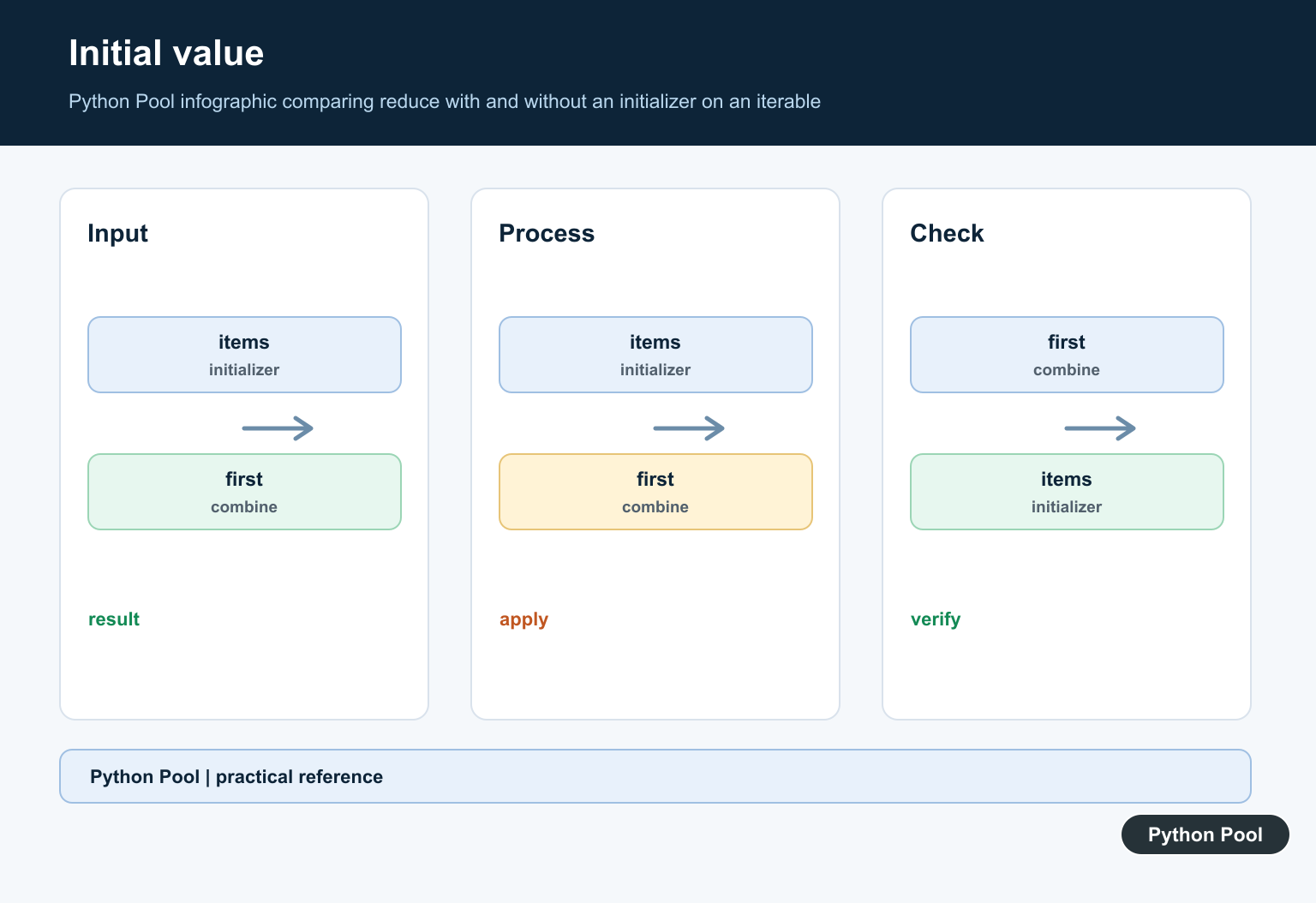
Without an initializer, the first iterable item becomes the accumulator and the function starts with the second item. With one, every item is combined with that initial value.
Define Empty Input
An empty iterable without an initializer raises TypeError. An initializer supplies a meaningful identity or seed, such as zero for addition or one for multiplication, when the operation supports it.
Keep The Callable Pure
A reduce function should generally combine two values without hidden I/O or mutation. Side effects make evaluation order and failure behavior difficult to reason about and test.
Preserve The Intended Type
The accumulator can change type across steps, but that should be deliberate. Use an initializer or a named accumulator object when the result needs a stable shape or structure.
Compare Clearer Alternatives
sum, any, all, max, min, itertools.accumulate, a comprehension, or a normal loop may make the intent more obvious. Reduce is most useful when the binary combination is the central idea.
Test Order And Failures
Test empty input, one item, initializer, mixed types, exceptions, generator inputs, non-associative operations, and intermediate values. Avoid assuming reduce can reorder or parallelize arbitrary functions.
Use the official functools.reduce documentation. Related Python Pool references include iterable operations and tests.
For related iterable reductions, compare list operations, empty-input tests, and accumulator mappings before choosing reduce.
Frequently Asked Questions
What does functools.reduce do?
reduce repeatedly applies a two-argument function to an accumulated value and the next iterable item, returning one final result.
Why use an initializer with reduce?
An initializer supplies the starting accumulator, defines empty-input behavior, and can preserve the intended result type.
When should I use sum instead of reduce?
Use sum for numeric addition because it communicates intent and is optimized for that operation; use reduce only when the accumulation function is genuinely custom.
Is reduce always more readable than a loop?
No. A named function or short operator can be clear, but a loop is often easier to debug when the accumulator has multiple fields, validation, or side effects.