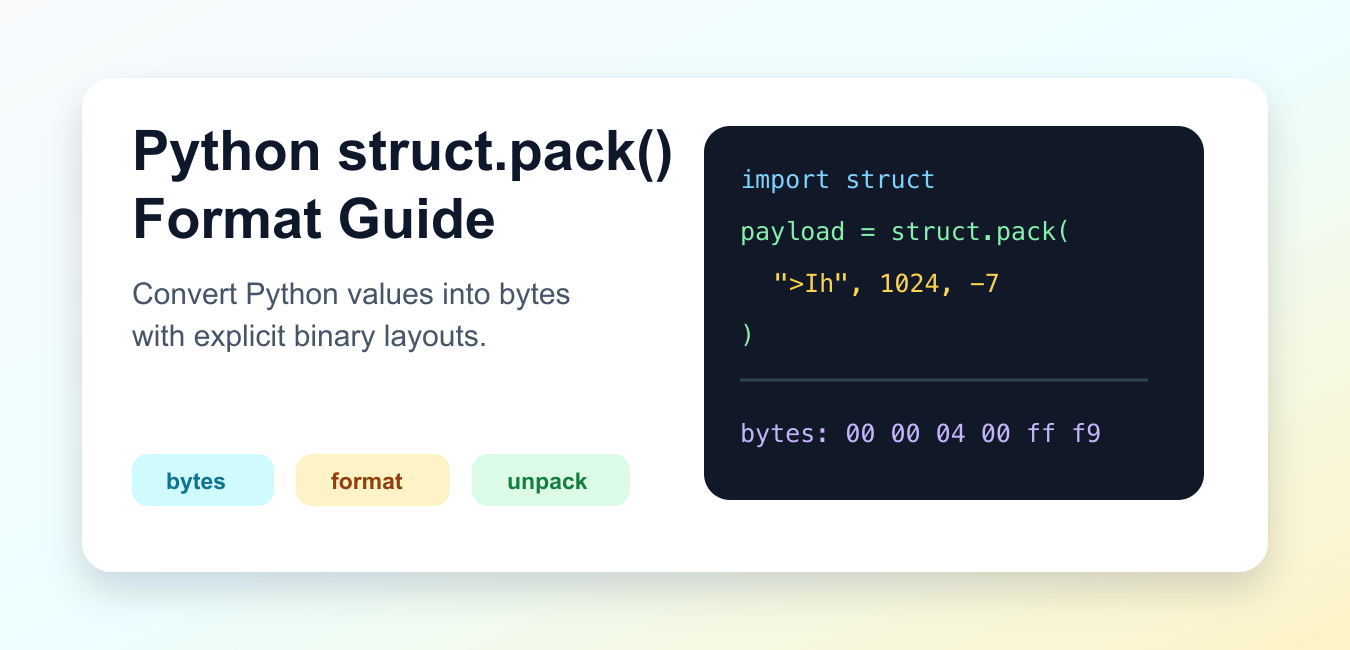
Quick answer: Use struct.pack(format, values…) to encode Python values into bytes, and struct.unpack() with the same layout to decode them. Choose byte order, field sizes, signedness, and alignment deliberately.
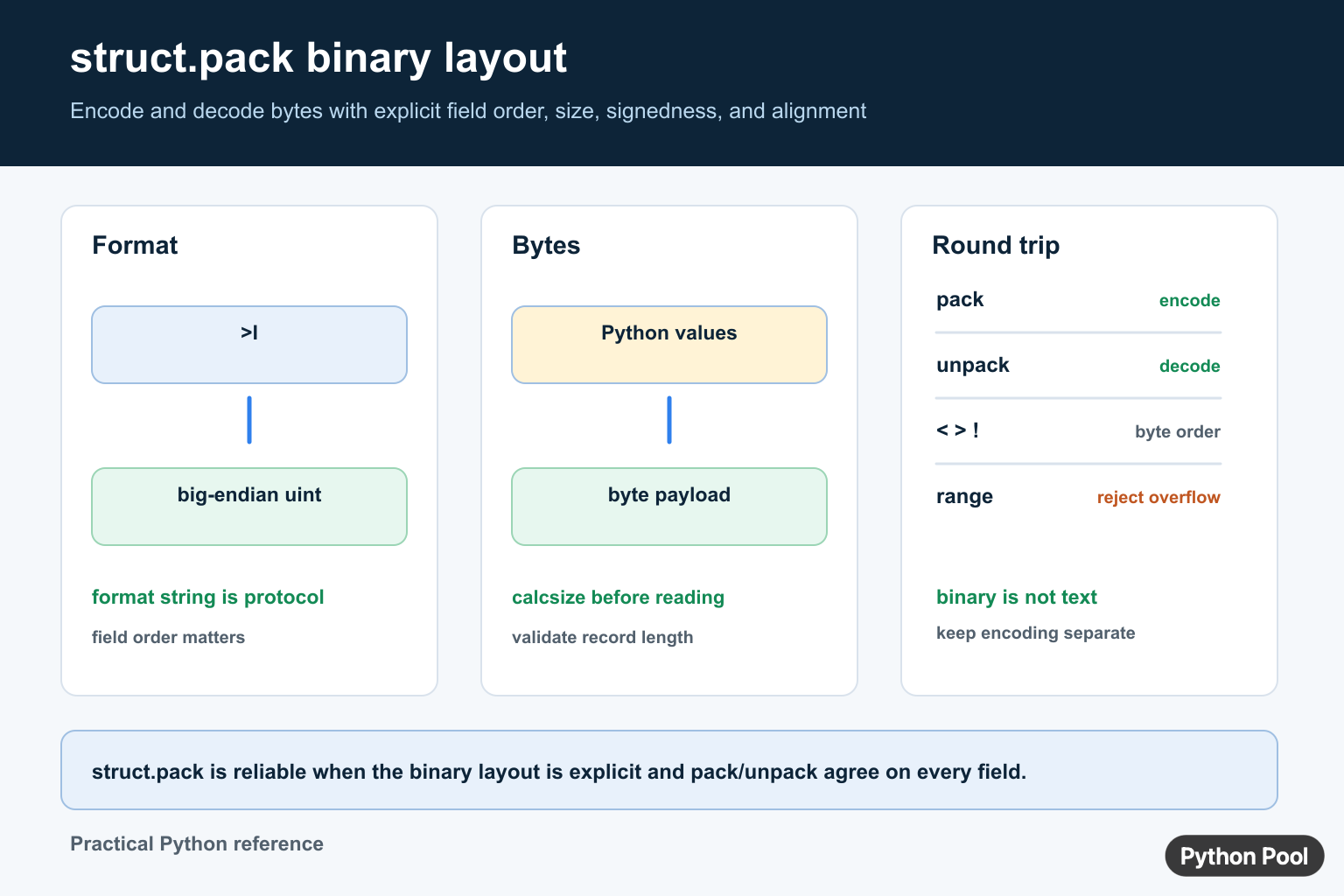
struct.pack() converts Python values into a bytes object using a binary format string. It is useful when you need a precise byte layout for files, network protocols, embedded data, or interoperability with C-style binary structures.
The format string controls byte order, field types, field sizes, and order. The values passed after the format string must match that layout.
The official Python struct documentation defines format characters, byte order markers, size rules, pack(), unpack(), and calcsize(). The CPython struct.py source shows the standard-library wrapper.
Pack A Simple Integer
Use a format character that matches the type and size you need. For example, I means an unsigned integer.
import struct

payload = struct.pack("I", 1024)

print(payload)
print(type(payload))
The result is bytes, not text. Its exact byte order can depend on the default native format when no byte-order marker is supplied.
For portable files and protocols, specify byte order explicitly instead of relying on the platform default.
Specify Byte Order
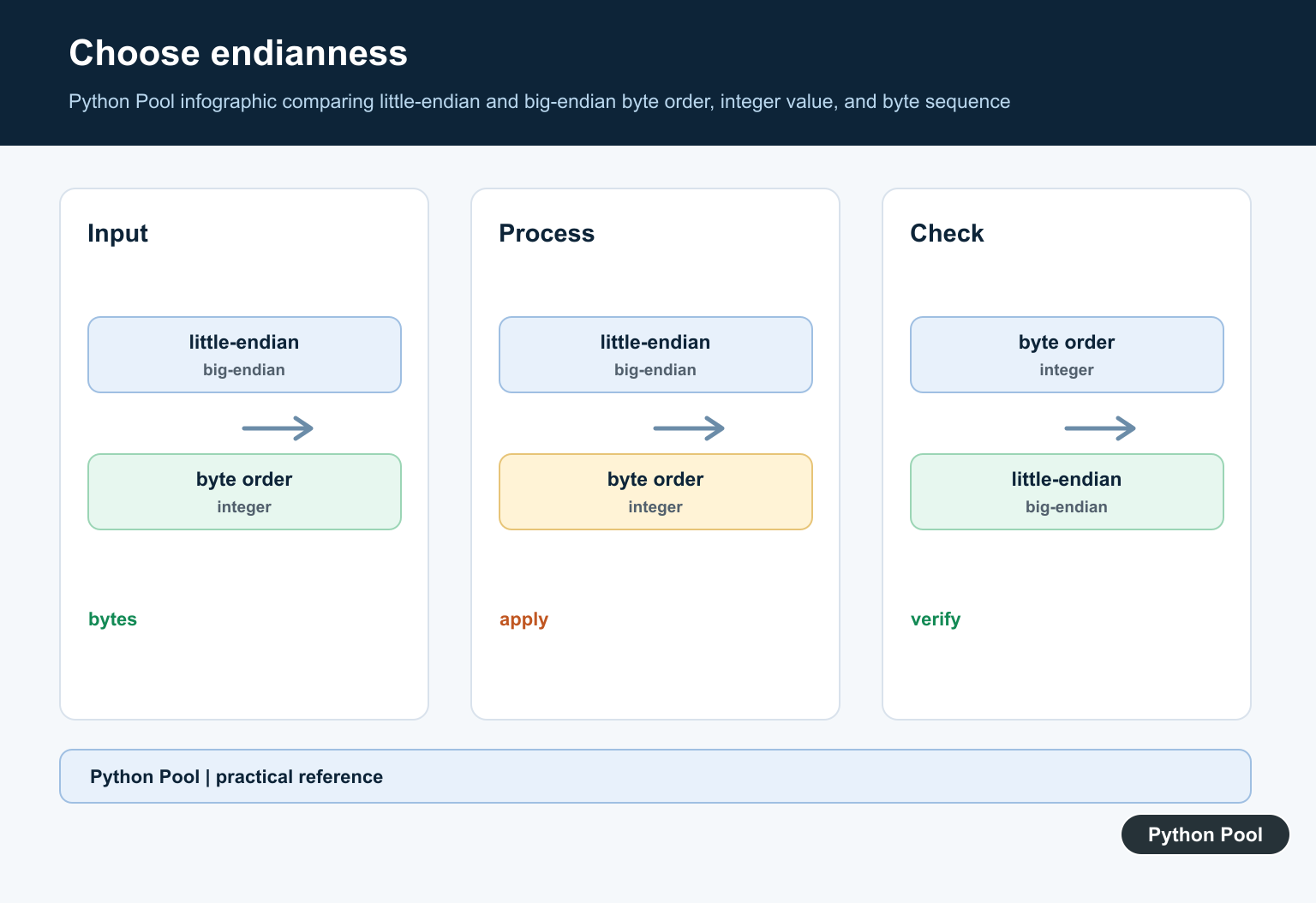
Prefix the format string with a byte-order marker. > means big-endian, and < means little-endian.
import struct

big = struct.pack(">I", 1024)
little = struct.pack("<I", 1024)

print(big.hex())
print(little.hex())
The same integer has different byte sequences depending on byte order.
Network protocols often use big-endian order. File formats and hardware protocols should follow their own specification.
Pack Multiple Values
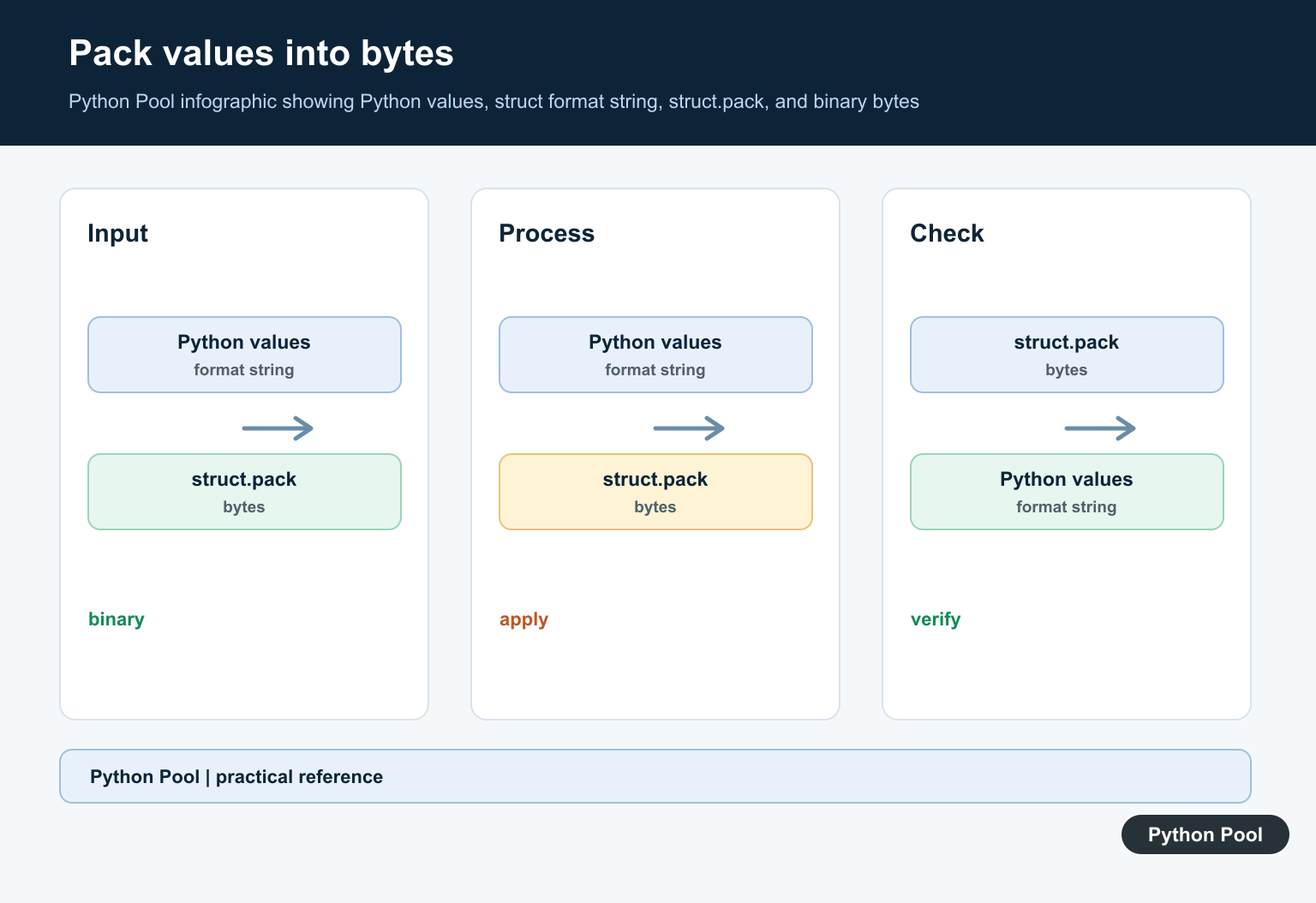
Format characters are read from left to right. The values must be passed in the same order.
import struct

record_id = 7
temperature = -3
enabled = 1

payload = struct.pack(">IhB", record_id, temperature, enabled)

print(payload.hex())
Here I packs an unsigned integer, h packs a signed short, and B packs an unsigned byte.
If the value count or value range does not match the format, struct.error is raised.
Check The Packed Size
struct.calcsize() returns how many bytes a format requires.
import struct

fmt = ">IhB"

print(struct.calcsize(fmt))

payload = struct.pack(fmt, 7, -3, 1)
print(len(payload))
The calculated size should match the length of the packed bytes.
This is useful when reading fixed-size records from a file or validating protocol payload lengths.
Unpack Bytes Again
Use struct.unpack() with the same format string to recover the original values.
import struct

fmt = ">IhB"
payload = struct.pack(fmt, 7, -3, 1)

values = struct.unpack(fmt, payload)

print(values)
unpack() returns a tuple. Even a single value is returned in a tuple.
The format used for unpacking must match the binary layout. A wrong format can produce incorrect values or raise an error.
Write Packed Bytes To A File
Because pack() returns bytes, open files in binary mode when writing the result.
import struct
from pathlib import Path

payload = struct.pack(">IhB", 7, -3, 1)
path = Path("record.bin")

path.write_bytes(payload)

print(path.read_bytes().hex())
Do not write packed bytes through text APIs. Text encoding can alter data and break the binary layout.
Choose Format Characters Carefully
Every format character has a size and meaning. For example, B is an unsigned byte, h is a signed short, I is an unsigned integer, f is a float, and d is a double. The format must match the data specification you are implementing.
Do not guess field sizes from sample data. A value that fits in one byte today may require a larger field later. Follow the file format, network protocol, hardware manual, or API contract.
Native mode can include platform-specific size and alignment behavior. That can be useful when matching a local C structure on the same machine, but it is risky for portable files. For shared data, use explicit markers such as >, <, =, or !.
Use x padding bytes only when the binary layout requires padding. Padding should be intentional and documented so another reader can unpack the same data correctly.
Know When struct Is Not Enough
struct is excellent for fixed binary records. It is less convenient for length-prefixed strings, nested records, checksums, compression, optional fields, or complex file formats. Those cases may need a parser, a schema, or a dedicated library.
For plain text formats such as CSV, JSON, or logs, do not use struct.pack(). Use text encoders and parsers instead. Binary packing is for byte-level layouts where size and order are part of the contract.
When debugging packed data, bytes.hex() is often the clearest display. It shows the raw bytes without trying to decode them as text. Pair that with calcsize() to confirm offsets and record lengths.
Keep the format string close to the code that explains it. A named constant such as HEADER_FORMAT = ">IhB" is easier to review than a hidden string repeated across a file.
The practical rule is to define the binary format first, specify byte order, pack values in the same order as the format string, and use calcsize() or unpack() to verify the layout.
Use struct.pack() for binary data, not for formatting human-readable strings.
Pack A Stable Binary Layout
The struct module is for fixed binary layouts, not general text serialization. A format such as >Ih describes a big-endian unsigned integer followed by a signed short. The format controls how values are represented, so document it alongside the protocol or file specification.
import struct

message_format = ">Ih"
payload = struct.pack(message_format, 42, -7)
sequence, temperature = struct.unpack(message_format, payload)

print(payload)
print(sequence, temperature)
Byte Order, Size, And Alignment
Use a prefix such as <, >, or ! when the byte order must be portable. The native @ mode can include platform-dependent alignment, while standard-size prefixes make a wire format easier to reproduce across machines. Call struct.calcsize() before reading or writing a fixed-size record.
Validate Values And Boundaries
Each format code accepts a defined range. A value outside that range raises an error instead of being safely clipped. Check that the input bytes have the expected length before unpacking, handle truncated records, and keep text encoding separate from binary field packing.
For binary packing, compare bytes-like type errors with converting Python bytes to strings. Read type error a byte like object is required not str and python bytes to string for the related workflow.
Frequently Asked Questions
What does struct.pack() do in Python?
struct.pack() converts Python values into a bytes object according to a format string that defines each field layout.
How do I unpack bytes created by struct.pack()?
Call struct.unpack() with the same compatible format string and provide a bytes object with the expected length.
How do I choose byte order in struct.pack()?
Use a format prefix such as <, >, or ! when byte order must be portable; avoid relying on native alignment for a wire format.
How do I check the size of a packed record?
Use struct.calcsize(format) before reading or writing fixed-size records, and reject truncated or unexpectedly long input.