
Quick answer: A regular Python dict preserves insertion order in modern Python. Use collections.OrderedDict when you need order-specific operations such as move_to_end(), popitem(last=False), or order-sensitive equality and compatibility with older code.
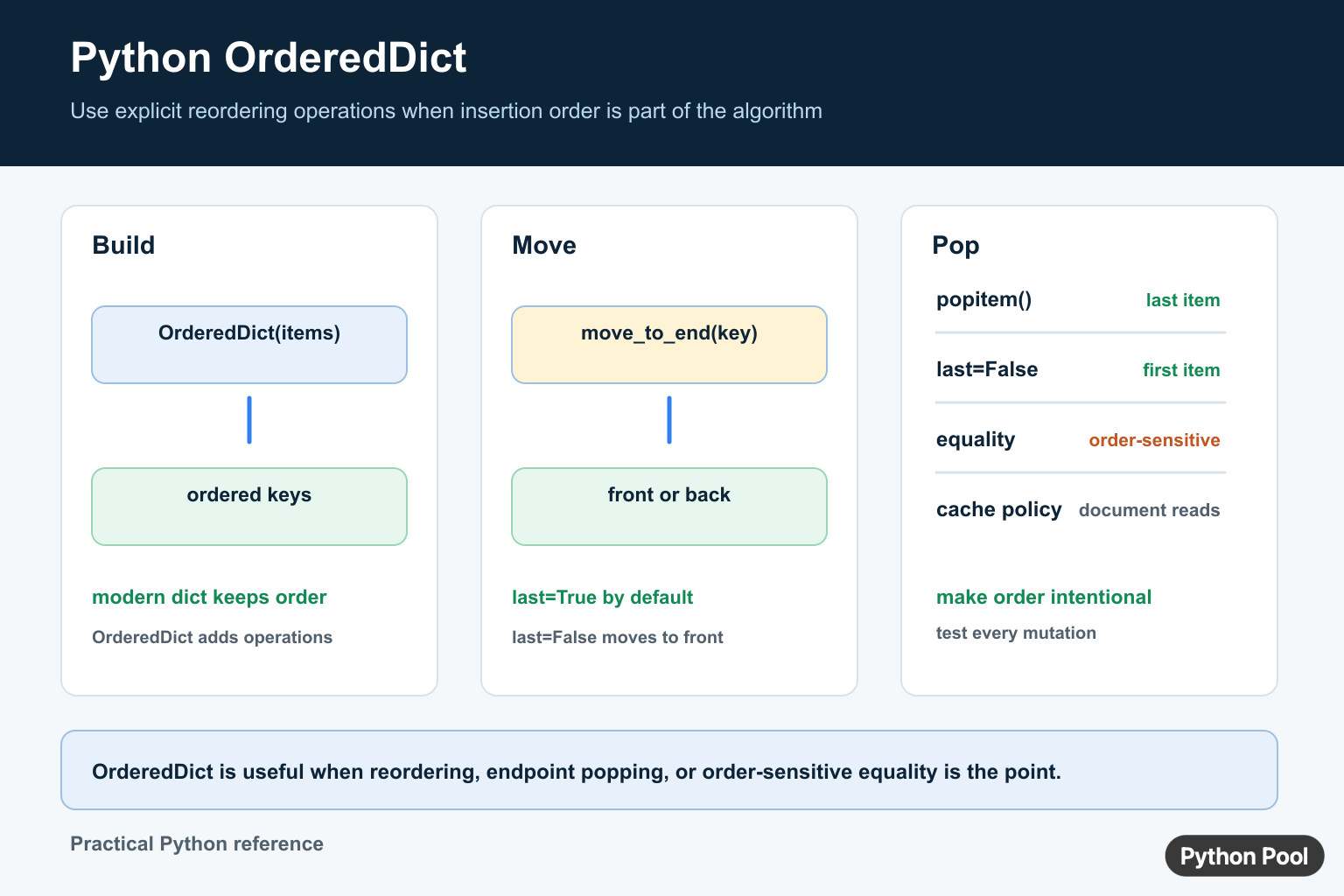
collections.OrderedDict is a dictionary subclass that remembers insertion order and adds order-focused methods. Modern Python dictionaries also preserve insertion order, so OrderedDict is no longer needed just to keep keys in the order they were added.
The main reason to use OrderedDict today is when order is part of the behavior: moving keys to the front or back, popping from either end, or comparing two mappings where order should matter.
OrderedDict vs dict in modern Python
In current Python, the built-in dict preserves insertion order. That means this works without OrderedDict:
days = {}
days["mon"] = 1
days["tue"] = 2
days["wed"] = 3

print(list(days))
# ['mon', 'tue', 'wed']
The official dict documentation documents dictionary behavior, and the Python tutorial on dictionaries covers everyday dictionary use.
OrderedDict still adds features that regular dictionaries do not provide as directly:
move_to_end(key, last=True)moves an existing key to the end or beginning.popitem(last=True)can pop from the end or from the beginning.- Equality between two
OrderedDictobjects is order-sensitive. - It communicates that reordering is intentional behavior, not just incidental insertion order.
Import OrderedDict
OrderedDict lives in the collections module:
from collections import OrderedDict
If you are reviewing other container types from the same module, see our overview of Python collections.
Create an OrderedDict
You can create an empty ordered dictionary and add keys later:
from collections import OrderedDict

scores = OrderedDict()
scores["Ava"] = 91
scores["Ben"] = 84
scores["Mia"] = 96

print(scores)
# OrderedDict([('Ava', 91), ('Ben', 84), ('Mia', 96)])
You can also pass an iterable of key-value pairs:
scores = OrderedDict([
    ("Ava", 91),
    ("Ben", 84),
    ("Mia", 96),
])
A regular dictionary can be passed too, and in modern Python its insertion order is preserved:
regular = {"Ava": 91, "Ben": 84, "Mia": 96}
scores = OrderedDict(regular)

Iterate over an OrderedDict
Iteration follows the current key order:
for name in scores:
    print(name, scores[name])
Use .items() when you need both keys and values:
for name, score in scores.items():
    print(name, score)
You can iterate in reverse order too:
for name, score in reversed(scores.items()):
    print(name, score)
Move a key to the end or beginning
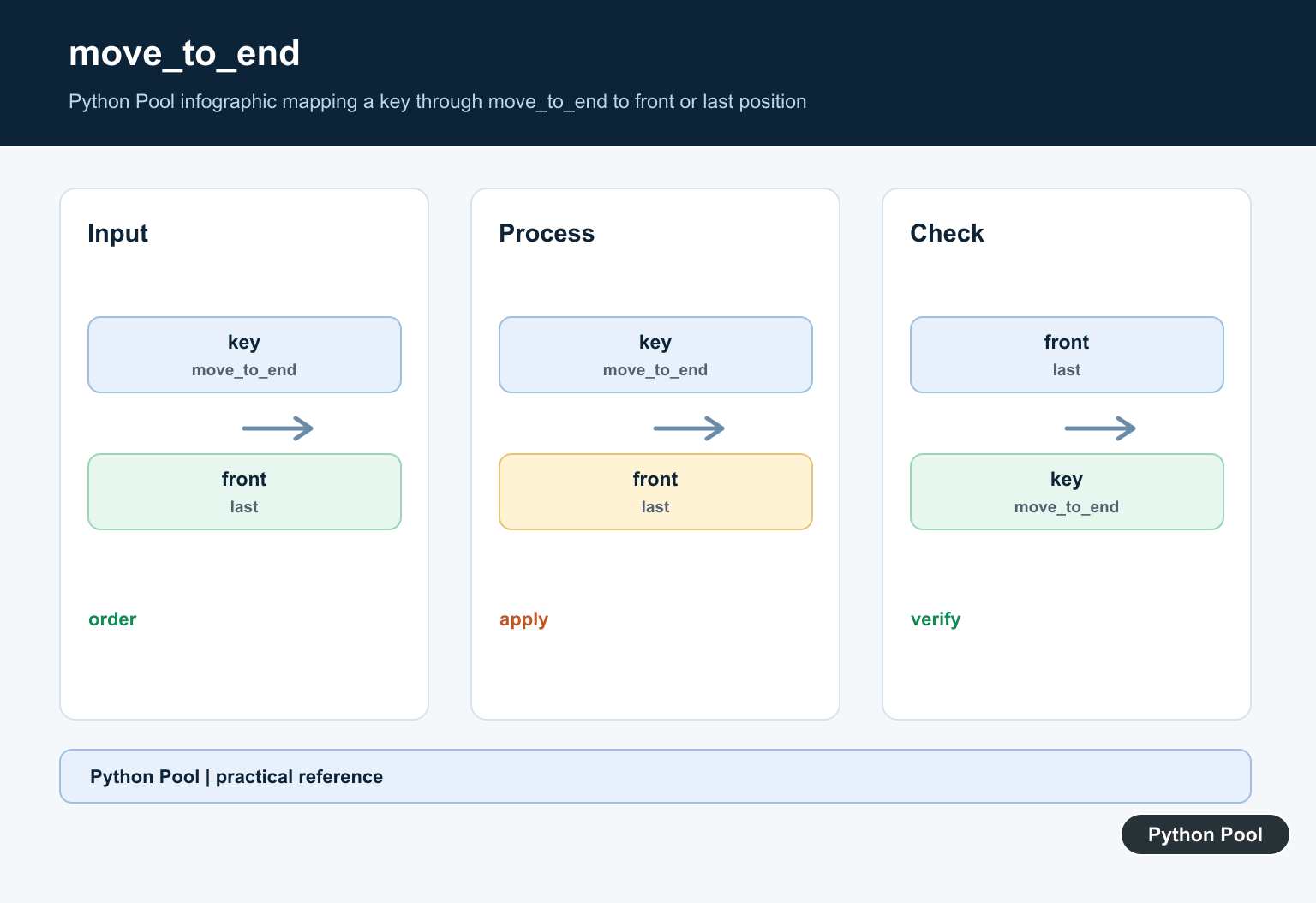
move_to_end() is the clearest reason to choose OrderedDict. It changes key order without deleting and reinserting manually:
from collections import OrderedDict

cache = OrderedDict([
    ("home", "cached home page"),
    ("about", "cached about page"),
    ("contact", "cached contact page"),
])

cache.move_to_end("home")
print(list(cache))
# ['about', 'contact', 'home']
Set last=False to move a key to the beginning:
cache.move_to_end("contact", last=False)
print(list(cache))
# ['contact', 'about', 'home']
This pattern is useful for custom caches, priority-like mappings, and workflows where recently used items should move to one side.
Pop from either end
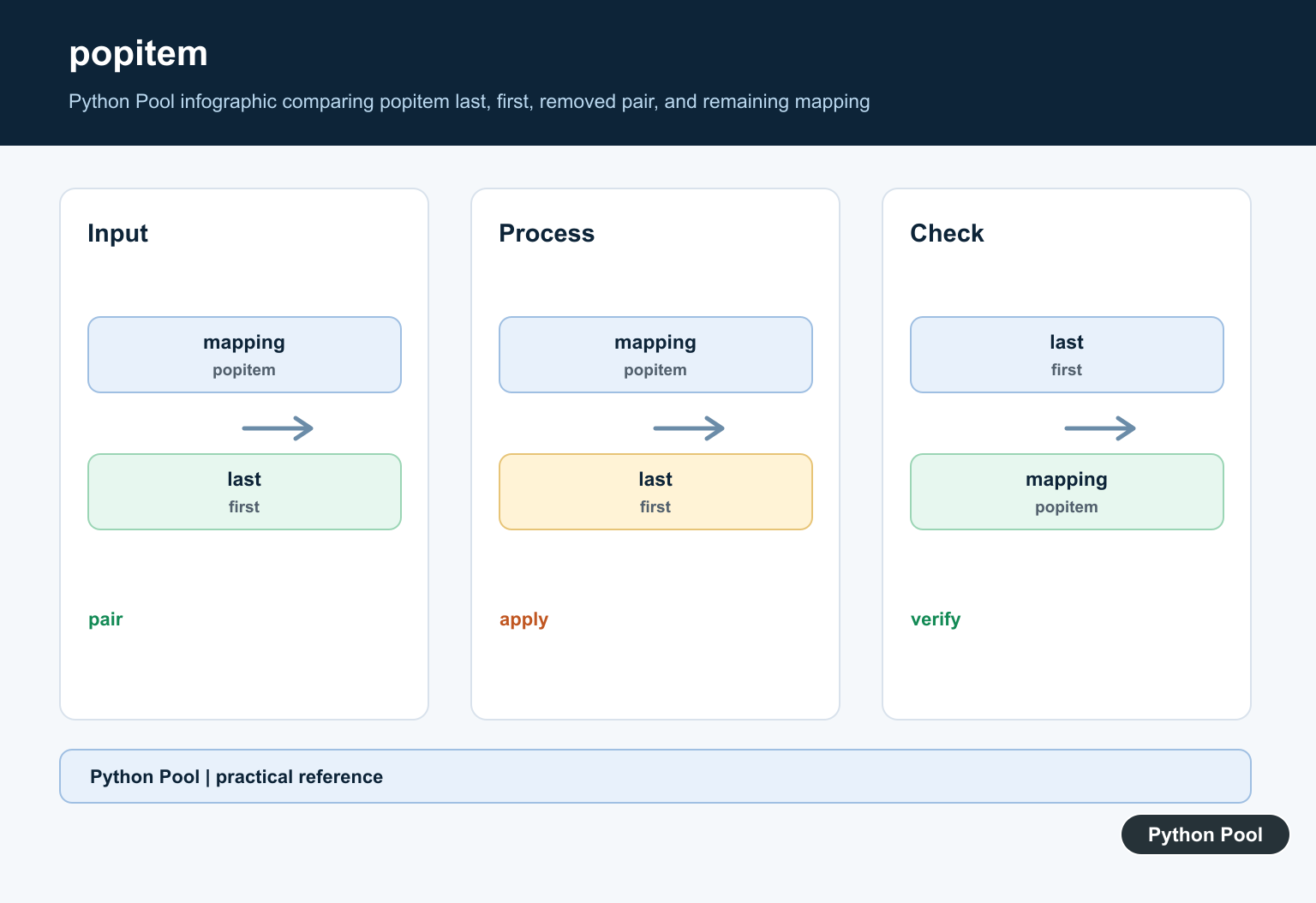
Regular dictionaries can pop a specific key, and dict.popitem() removes the most recent item. OrderedDict.popitem() adds a last argument:
queue = OrderedDict([
    ("task-1", "download"),
    ("task-2", "resize"),
    ("task-3", "upload"),
])

print(queue.popitem(last=False))
# ('task-1', 'download')

print(queue.popitem(last=True))
# ('task-3', 'upload')
last=False gives FIFO-style behavior. last=True, the default, gives LIFO-style behavior.
Equality behavior
Two regular dictionaries compare equal when they contain the same key-value pairs, regardless of insertion order:
a = {"x": 1, "y": 2}
b = {"y": 2, "x": 1}

print(a == b)
# True
Two OrderedDict objects compare order as well as content:
from collections import OrderedDict

first = OrderedDict([("x", 1), ("y", 2)])
second = OrderedDict([("y", 2), ("x", 1)])

print(first == second)
# False
This is useful when order is part of the data contract.
Get an item by position
OrderedDict is still a mapping, not a list. It does not support direct indexing like scores[0]. Convert items to a list when the mapping is small:
items = list(scores.items())
print(items[0])
# ('Ava', 91)
For larger mappings, use itertools.islice() to avoid building a full list:
from itertools import islice

first_item = next(islice(scores.items(), 0, 1))
print(first_item)
# ('Ava', 91)
Our guide to Python itertools.islice() explains that tool in more detail.
OrderedDict comprehension
There is no separate OrderedDict comprehension syntax, but you can pass a generator expression:
squares = OrderedDict((number, number ** 2) for number in range(5))
print(squares)
# OrderedDict([(0, 0), (1, 1), (2, 4), (3, 9), (4, 16)])
When should you use OrderedDict?
| Need | Use |
|---|---|
| Preserve insertion order only | dict |
| Move keys to front or back often | OrderedDict |
| Pop oldest item directly | OrderedDict.popitem(last=False) |
| Order-sensitive equality between mappings | OrderedDict |
| Sort keys once and keep the result | dict from sorted pairs, or OrderedDict if explicit order behavior matters |
If your goal is sorting rather than reordering during runtime, see sort dictionary by key in Python. For structured dictionaries with expected fields, Python TypedDict solves a different problem: type-checking dictionary shape.

Common mistakes
- Using
OrderedDictonly because old tutorials say normal dictionaries are unordered. - Importing
collectioninstead ofcollections. - Misspelling the class name instead of using
OrderedDict. - Expecting
OrderedDictto support list-style indexing. - Forgetting that
move_to_end()only works for keys that already exist.
Conclusion
In modern Python, regular dictionaries preserve insertion order, so they are the right default. Choose OrderedDict when your code needs order-specific operations such as move_to_end(), popping from the oldest side, or order-sensitive equality. That makes the choice intentional and easier for future readers to understand.
Reorder Keys Explicitly
from collections import OrderedDict

cache = OrderedDict([("a", 1), ("b", 2), ("c", 3)])
cache.move_to_end("a")
oldest_key, oldest_value = cache.popitem(last=False)
print(cache, oldest_key, oldest_value)
These operations are useful for small LRU-style caches, queues, and algorithms where moving a key is a first-class operation. A normal dict can preserve the displayed order, but it does not provide the same named reordering methods.
Do Not Add OrderedDict By Habit
For ordinary configuration, JSON-like data, and most modern Python code, dict is simpler and communicates the common mapping contract. Choose OrderedDict when the extra operations or order-sensitive comparison are part of the design, not merely because its name sounds safer.
When serializing, document whether order is meaningful to the consumer. A mapping that happens to display in insertion order is not automatically a stable protocol unless the API promises that behavior.
Test the order after every operation that moves or removes a key, especially when the mapping drives a queue or cache policy.
For a bounded cache, combine these operations with a documented eviction rule so insertion order and recency order are not confused. Also decide whether a read changes recency, because OrderedDict does not infer that policy for you.
Frequently Asked Questions
What is OrderedDict in Python?
collections.OrderedDict is a mapping with explicit order-management operations, including move_to_end() and popitem(last=False).
Do normal Python dictionaries preserve order?
Yes. Modern Python dict preserves insertion order, but it does not provide every OrderedDict operation or the same order-sensitive equality behavior.
How do I move a key to the front or back?
Call mapping.move_to_end(key) for the end, or mapping.move_to_end(key, last=False) for the beginning.
Can OrderedDict implement an LRU cache?
It can support the ordering operations for a simple LRU policy, but the application must define whether reads refresh recency and how capacity eviction works.