
Quick answer: Modern setuptools projects declare build requirements and metadata in pyproject.toml, keep package discovery explicit, and build a wheel or source distribution for installation. Editable installs are for development, not a substitute for testing built artifacts.
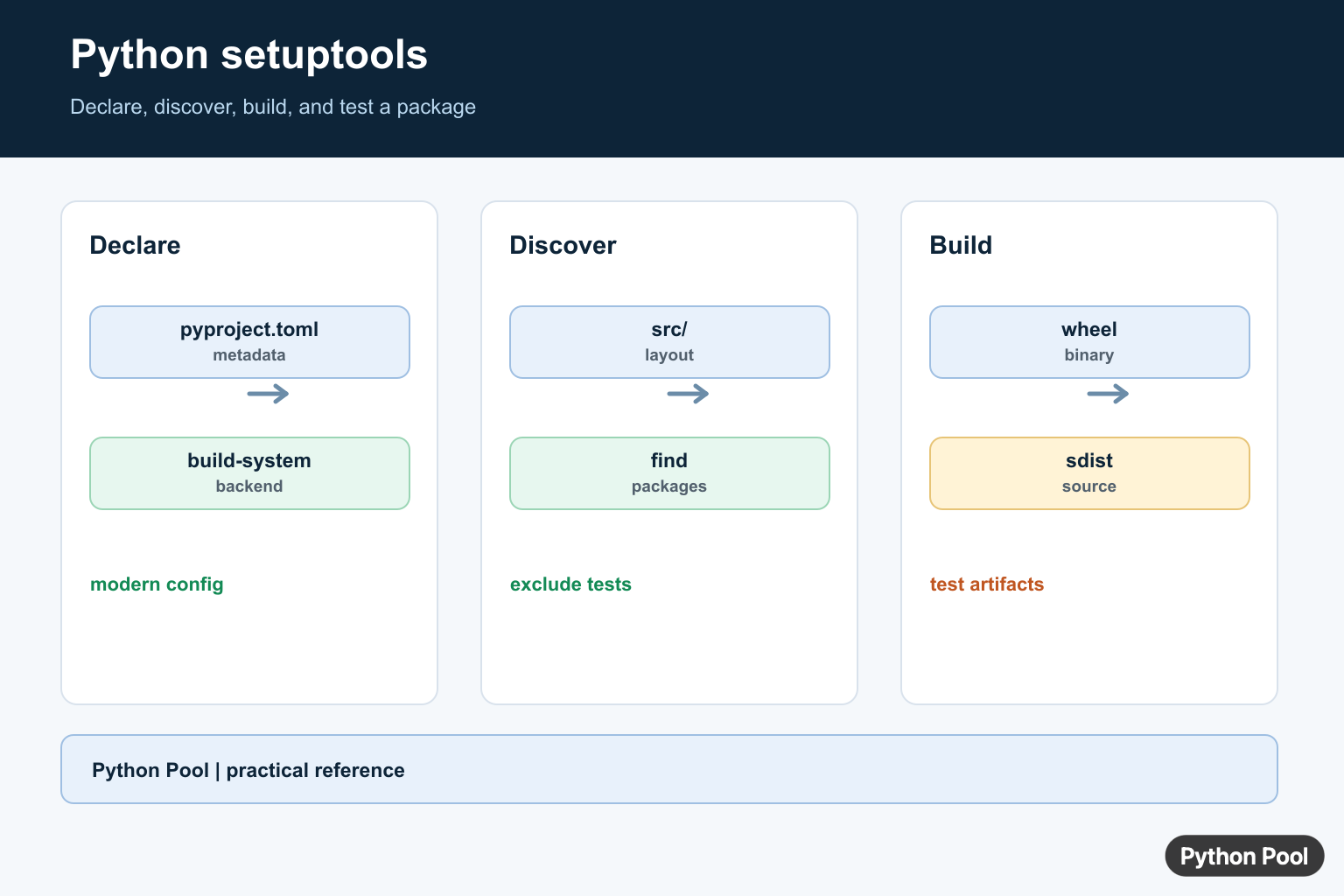
setuptools is the most common build backend for packaging Python projects. It reads project metadata, finds packages, includes selected files, and builds distributions that tools like pip can install.
Current packaging workflows should start with pyproject.toml, not old setup.py install commands. The primary references are the setuptools user guide, the setuptools pyproject.toml guide, and the Python Packaging User Guide tutorial on packaging Python projects.
The clean mental model is simple: source code lives under src/, metadata lives in pyproject.toml, build tools create a wheel and source archive, and pip installs one of those artifacts into an environment.
This separation matters because packaging bugs often come from mixing project setup, local environment setup, and release steps together. Keep package metadata in one file, keep developer tooling documented separately, and test the installed package from a clean environment before publishing.
Create A Minimal Package
A modern setuptools package can be created with a source layout and a pyproject.toml file. This keeps import behavior closer to a real installed package.
from pathlib import Path

root = Path("demo_package_project")
package = root / "src" / "demo_package"
package.mkdir(parents=True, exist_ok=True)

(package / "__init__.py").write_text('__version__ = "0.1.0"\n')
(package / "greetings.py").write_text(
    'def hello(name):\n    return f"Hello, {name}!"\n'
)

pyproject = """
[build-system]
requires = ["setuptools>=68", "wheel"]
build-backend = "setuptools.build_meta"

[project]
name = "demo-package"
version = "0.1.0"
requires-python = ">=3.9"
description = "Small setuptools packaging example"
"""

(root / "pyproject.toml").write_text(pyproject.strip() + "\n")
This example uses a fixed version directly in the project table. That is fine for small packages and tutorials because the source of truth is easy to see.
The build-system table tells build frontends to use setuptools. The project table contains the package name, version, Python requirement, description, and other metadata shown by package indexes.
Use a distribution name that is unique on the package index, and use an import package name that is valid Python. They are often similar, but they do not have to be identical.
Add Dependencies And Optional Extras
Runtime dependencies belong in the project metadata, not only in a requirements file. Requirements files are useful for applications and environments, while package metadata tells installers what a library needs.
pyproject = """
[project]
name = "report-tools"
version = "0.2.0"
requires-python = ">=3.10"
dependencies = [
    "requests>=2.32",
]

[project.optional-dependencies]
excel = ["openpyxl>=3.1"]
dev = ["pytest>=8", "ruff>=0.5"]
"""

print(pyproject)
Optional extras let users install feature groups only when needed, such as report-tools[excel] for spreadsheet support or report-tools[dev] for local checks.
For libraries, avoid pinning every dependency to one exact version unless there is a known compatibility reason. Overly strict constraints can make downstream installs harder.
For applications, a lock file or fully pinned requirements file can be useful because the deployed environment is controlled. For reusable libraries, broader compatible ranges usually make the package easier to combine with other packages.
Find Packages Under src
Setuptools can discover packages automatically in common layouts. If your project needs explicit discovery rules, configure package finding under tool.setuptools.packages.find.
pyproject = """
[tool.setuptools.packages.find]
where = ["src"]
include = ["demo_package*"]
exclude = ["demo_package.tests*"]
namespaces = false
"""

settings = [line for line in pyproject.splitlines() if line.strip()]
for line in settings:
    print(line)
Explicit discovery is useful when a repository contains tooling, examples, or test folders that should not become importable package modules.
The src layout also prevents a common mistake: importing code from the working tree and assuming an installed package works the same way.
Build A Wheel And Source Archive
The recommended command is a frontend such as python -m build. It creates artifacts in the dist/ folder using the backend configured in pyproject.toml.
import subprocess
import sys
from pathlib import Path

project_dir = Path("demo_package_project")

subprocess.run(
    [sys.executable, "-m", "build"],
    cwd=project_dir,
    check=True,
)

for artifact in sorted((project_dir / "dist").glob("*")):
    print(artifact.name)
A wheel is the normal install artifact for Python-only packages. A source archive is useful for publishing, inspection, and build systems that need to recreate the wheel.
If the build command is missing, install the build frontend in your environment with python -m pip install build. The backend can still be setuptools.
Before publishing, inspect the filenames under dist/. A missing wheel, an unexpected version, or an old file from a previous build is a sign to clean the folder and rebuild.
Install Editable During Development
Editable installs are useful while developing a package because code edits are visible without rebuilding a wheel after every change.
import subprocess
import sys
from pathlib import Path

project_dir = Path("demo_package_project")

subprocess.run(
    [sys.executable, "-m", "pip", "install", "-e", "."],
    cwd=project_dir,
    check=True,
)

subprocess.run(
    [sys.executable, "-c", "import demo_package; print(demo_package.__version__)"],
    check=True,
)
Use editable installs for local work and automated tests. For release testing, install the built wheel in a fresh environment so you verify the same artifact users will receive.
This difference catches missing files, package discovery mistakes, and metadata issues before a release reaches PyPI.
Add A Console Script
Setuptools can create command-line entry points from functions in your package. Put them in the project.scripts table.
pyproject = """
[project.scripts]
demo-hello = "demo_package.greetings:hello"
"""

entry_points = {}
for line in pyproject.splitlines():
    if "=" in line and not line.strip().startswith("["):
        command, target = line.split("=", 1)
        entry_points[command.strip()] = target.strip().strip('"')

print(entry_points["demo-hello"])
For real command-line tools, point the script to a function that accepts arguments through argparse or another parser. The packaging metadata only connects the installed command to that function.
A good setuptools setup is small and boring: keep metadata in pyproject.toml, use the source layout, define dependencies clearly, build wheels with a frontend, test editable and wheel installs separately, and avoid relying on legacy install commands for new projects. If a package build reports an unknown bdist_wheel command, Fix invalid command bdist_wheel in Python shows how setuptools, wheel, and the active environment must line up.
Declare The Build System
A pyproject.toml separates the build backend from project metadata. The build-system table tells tools which backend and requirements to use; the project table describes the name, version, dependencies, and supported Python versions according to the packaging standard.
[build-system]
requires = ["setuptools>=68"]
build-backend = "setuptools.build_meta"

[project]
name = "example-package"
version = "0.1.0"
Keep Package Discovery Deliberate
A src layout can prevent accidental imports from the repository root, while automatic discovery works best when the project layout and package names are conventional. Exclude tests and tooling packages when they should not ship to users.
[tool.setuptools.packages.find]
where = ["src"]

# src/example_package/__init__.py
# src/example_package/core.py
Build And Test Artifacts
Build a source distribution and wheel, inspect their contents, and install the wheel in a clean environment. An editable install points Python at the working tree, which is convenient for development but can hide missing package data or build configuration errors.
python -m pip install --upgrade build
python -m build
python -m pip install --force-reinstall dist/example_package-0.1.0-py3-none-any.whl
The official setuptools quickstart and Python Packaging User Guide explain modern pyproject configuration, package discovery, builds, and installation workflows.
For related environment and distribution work, compare pip and pip3, virtualenv locations, and package imports after building the project.
Frequently Asked Questions
What is setuptools used for in Python?
setuptools provides tools for packaging Python projects, including metadata, package discovery, build integration, and distribution workflows.
Where should modern setuptools configuration live?
Use pyproject.toml for project metadata and build-system configuration, following the current setuptools documentation for the chosen layout.
How do I install a local setuptools project for development?
Run python -m pip install –editable . from the project root when an editable installation matches the development workflow.
What files does a Python package build produce?
A build commonly produces a source distribution and a wheel, which are artifacts that can be tested and installed separately.