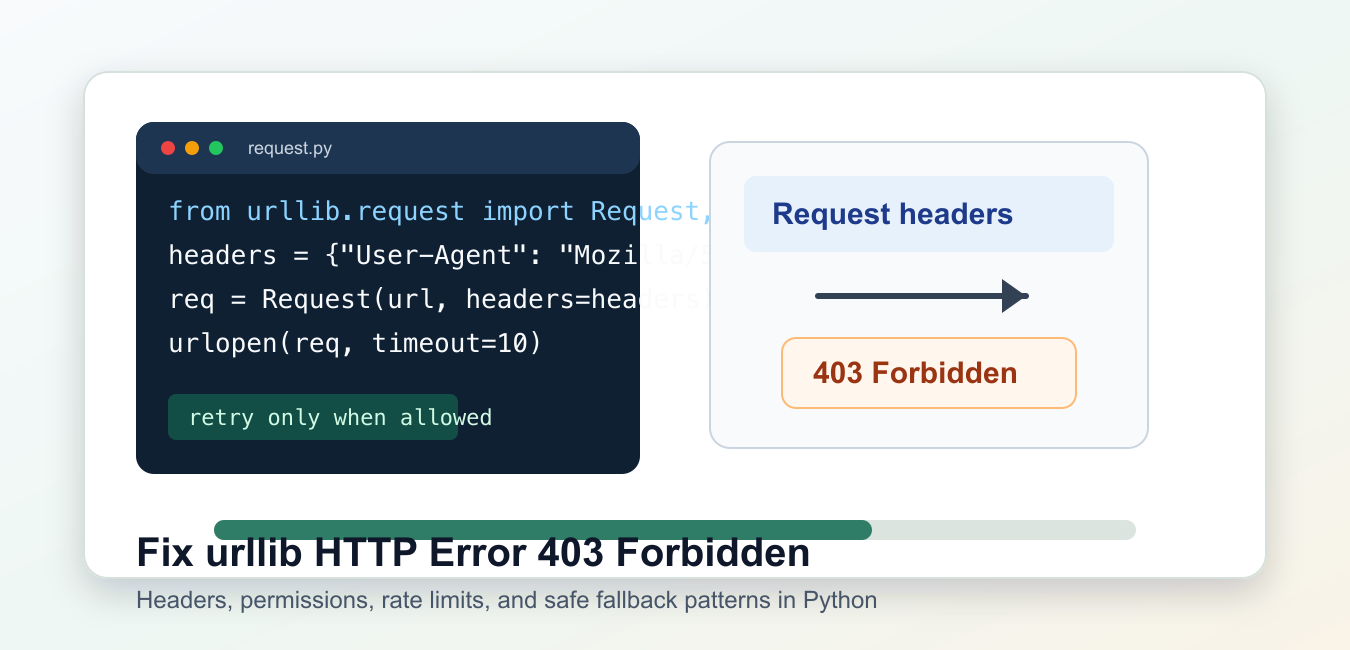
Quick answer: HTTP 403 means the server understood the urllib request but refused access. Inspect the status, reason, headers, and body; then use the documented authentication or API path, an allowed User-Agent if required, and respectful rate limits instead of trying to bypass a site policy.
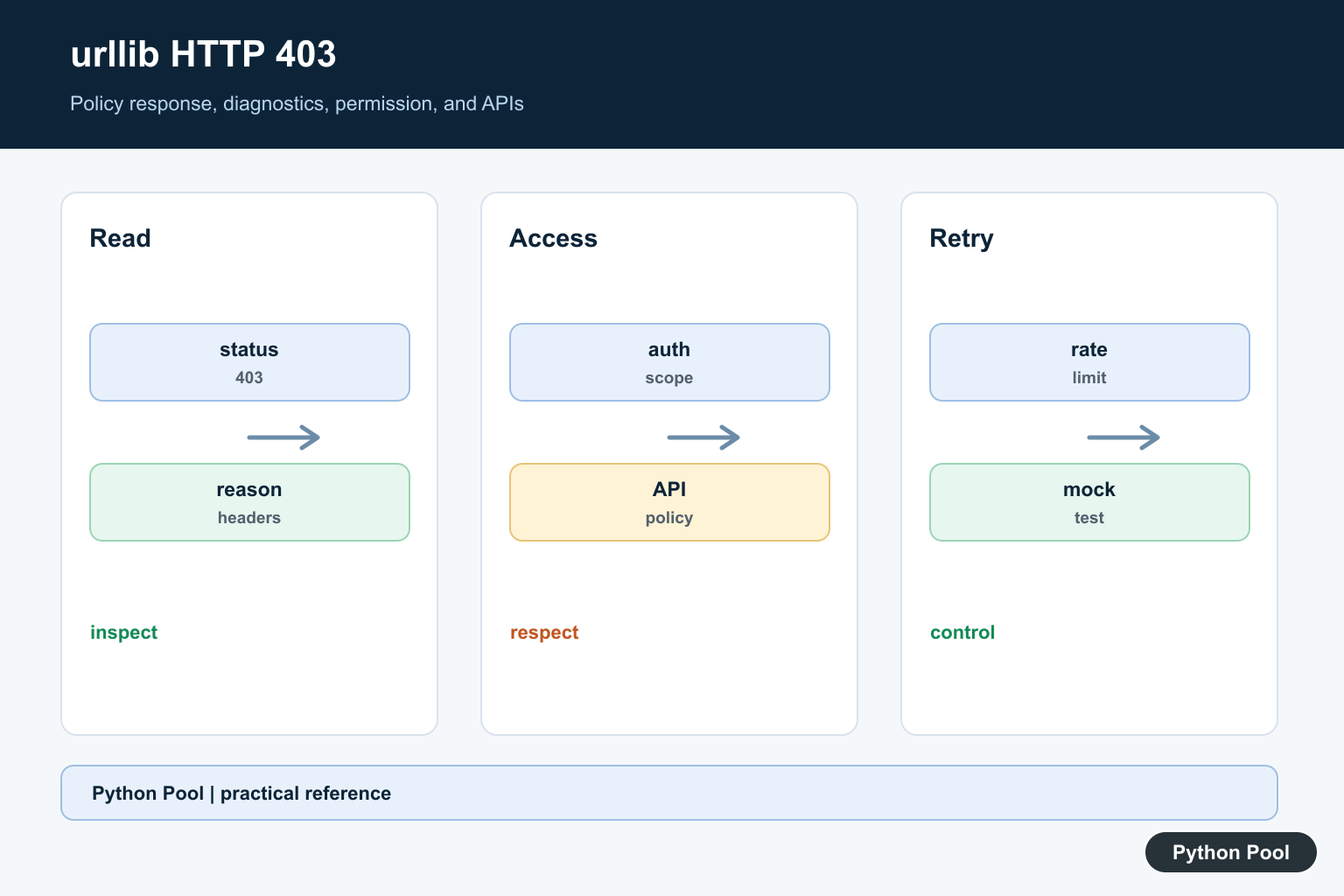
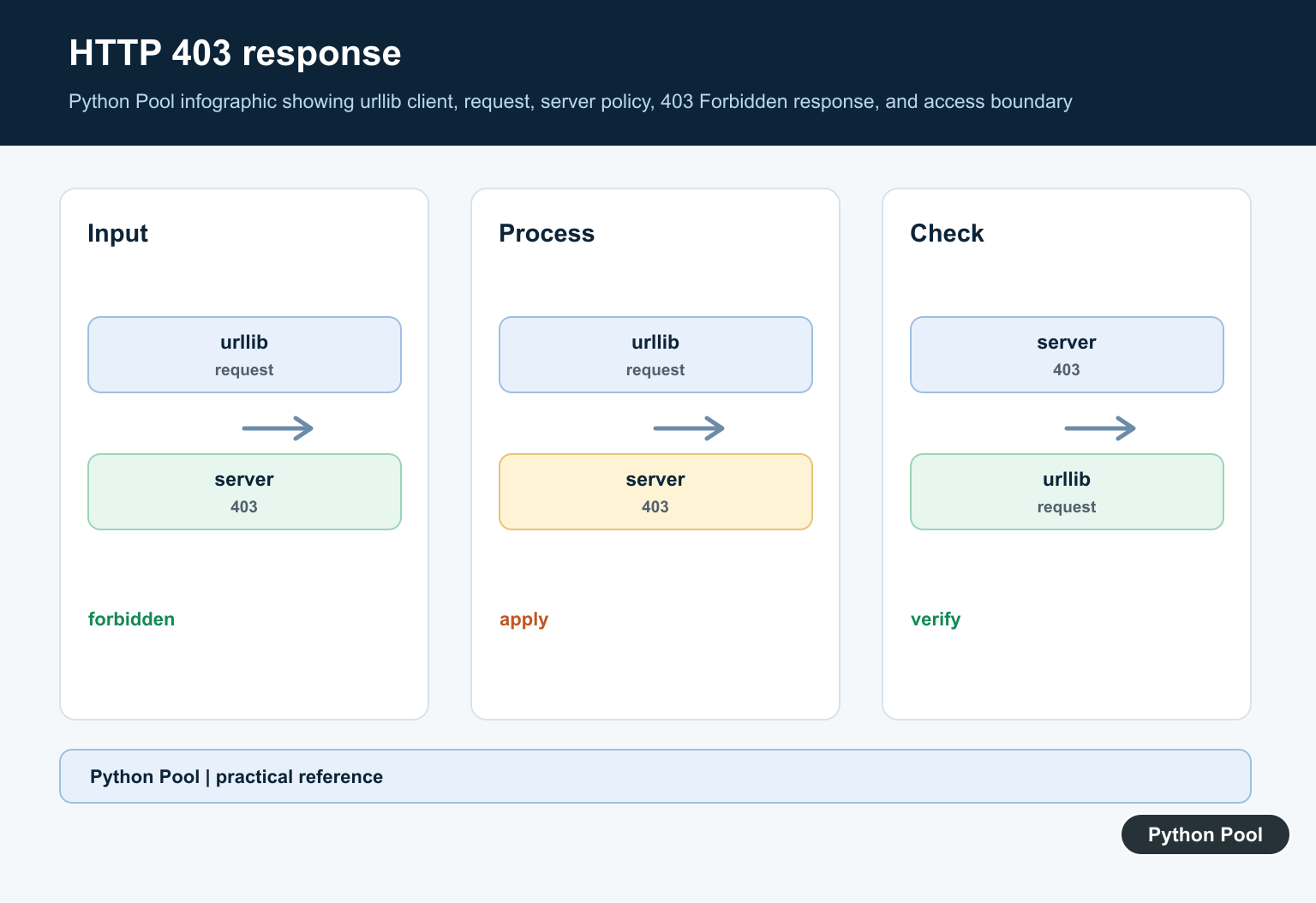
urllib.error.HTTPError: HTTP Error 403: Forbidden means the server understood the request but refused to serve it. In Python, this often appears when code works in a browser but fails through urllib.
The standard library references are the Python docs for urllib.error and urllib.request. The Requests quickstart is useful when a task needs friendlier client behavior.
A 403 response is not the same as a network outage or a missing page. It usually points to permissions, missing headers, blocked user agents, expired cookies, rate limits, authentication rules, or a site policy that does not allow automated access.
Start by reading the response code and reason. Do not hide the exception with a broad except block, because the diagnostic details are the quickest path to the right fix.
Catch The HTTPError Details
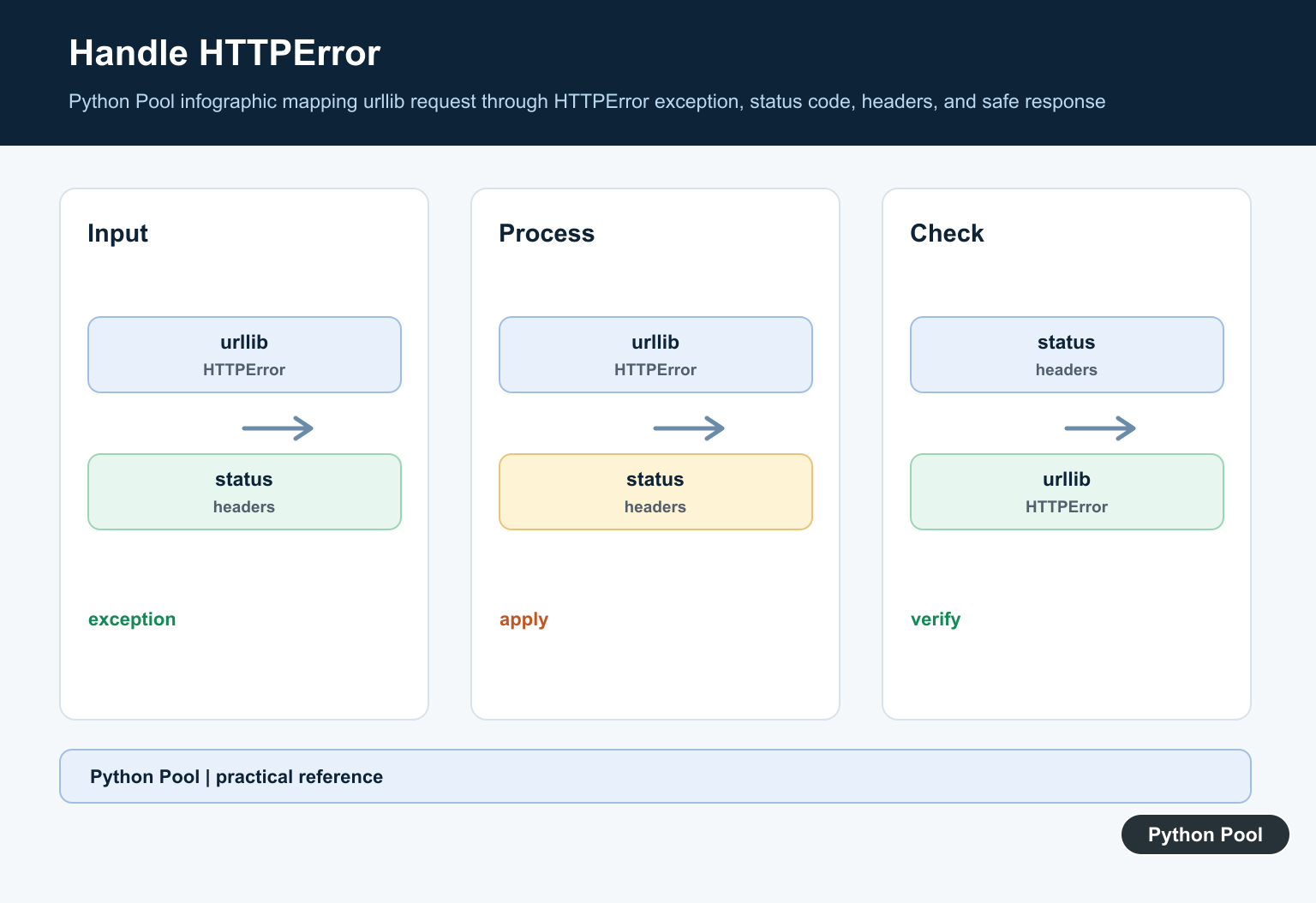
HTTPError acts like both an exception and a response object. You can inspect the status code, reason, headers, and response body.
from urllib.error import HTTPError
from urllib.request import urlopen

url = "https://example.com/protected-page"

try:
    with urlopen(url, timeout=10) as response:
        print(response.status)
except HTTPError as exc:
    print(exc.code)
    print(exc.reason)
This confirms that the server is returning 403 instead of a DNS failure, timeout, or 404 page. Once the status is clear, check whether the resource should be public at all.
If the page requires login, a paid session, an API token, or specific approval, adding headers will not make the request legitimate. Use the site’s documented API or authentication flow instead.
Send A Clear User Agent
Some servers reject clients that omit common browser-style headers. urllib sends a small default user agent, and that can trigger a 403 on sites with strict filters.
from urllib.request import Request, urlopen

url = "https://example.com/public-data"
headers = {
    "User-Agent": "Mozilla/5.0 PythonPool tutorial",
    "Accept": "text/html,application/xhtml+xml",
}

request = Request(url, headers=headers)

with urlopen(request, timeout=10) as response:
    page = response.read().decode("utf-8", errors="replace")
    print(response.status)
    print(page[:120])
A user agent should identify your client honestly. Do not use headers to bypass access controls, scrape private content, or ignore a site’s terms.
If the server offers a public API, prefer that API over fetching pages meant for browsers. APIs usually have clearer authentication, rate limits, content formats, and support expectations.
Inspect The Error Body
The 403 body may explain the exact reason, such as missing authorization, blocked geography, a required account, or too many requests.
from urllib.error import HTTPError
from urllib.request import Request, urlopen

request = Request(
    "https://example.com/public-data",
    headers={"User-Agent": "Mozilla/5.0 PythonPool tutorial"},
)

try:
    with urlopen(request, timeout=10) as response:
        print(response.read().decode("utf-8"))
except HTTPError as exc:
    body = exc.read().decode("utf-8", errors="replace")
    print(exc.headers.get("content-type"))
    print(body[:500])
Keep the response body out of logs if it may contain account data or tokens. For routine debugging, print only enough text to identify the problem.
When the body mentions a bot filter, do not keep retrying aggressively. Repeated requests can make the block last longer or affect the server owner.
Add Authentication When Required
If the server expects an API token, pass it through the documented header format. The exact header name depends on the service.
from urllib.request import Request, urlopen

token = "replace-with-a-real-token"
url = "https://api.example.com/account/report"

request = Request(
    url,
    headers={
        "Authorization": f"Bearer {token}",
        "Accept": "application/json",
        "User-Agent": "PythonPool example client",
    },
)

with urlopen(request, timeout=10) as response:
    print(response.status)
    print(response.read().decode("utf-8"))
Never hardcode real credentials in committed source files. Read them from your deployment secret store and rotate them if they were exposed.
If authenticated requests still return 403, check the token scope. Many APIs distinguish between authentication, which proves who you are, and authorization, which decides what that identity may access.
Handle Rate Limits Politely
Some services return 403 when traffic looks abusive, even when the same URL is public. Slow down, cache responses where allowed, and respect Retry-After when the server sends it.
from time import sleep
from urllib.error import HTTPError
from urllib.request import Request, urlopen

def open_with_backoff(url, headers, attempts=3):
    for attempt in range(1, attempts + 1):
        request = Request(url, headers=headers)
        try:
            return urlopen(request, timeout=10)
        except HTTPError as exc:
            if exc.code != 403 or attempt == attempts:
                raise
            retry_after = exc.headers.get("Retry-After")
            delay = int(retry_after) if retry_after and retry_after.isdigit() else attempt * 2
            sleep(delay)

headers = {"User-Agent": "PythonPool example client"}
with open_with_backoff("https://example.com/public-data", headers) as response:
    print(response.status)
Backoff is useful for temporary policy blocks, but it is not a cure for missing permission. If every attempt gets the same 403, stop and review the site’s access rules.
For scheduled jobs, add logging for the URL, status, request purpose, and retry delay. That gives you enough context without storing sensitive headers.
Switch To requests When It Helps
The requests package does not bypass a 403, but it makes headers, sessions, redirects, cookies, and JSON handling easier to read.
import requests

url = "https://example.com/public-data"
headers = {"User-Agent": "PythonPool example client"}

response = requests.get(url, headers=headers, timeout=10)

if response.status_code == 403:
    print("Access was refused by the server")
    print(response.text[:300])
else:
    response.raise_for_status()
    print(response.text[:300])
Use requests.Session() when the documented workflow depends on cookies across multiple allowed requests. Use urllib when you want only the standard library or a very small dependency footprint.
The practical fix is to diagnose the exact cause first: confirm the status, inspect headers and the short response body, send honest client headers, add documented authentication, slow down if rate limited, and switch libraries only when it makes the legitimate request easier to maintain.
When documenting a fix, keep one reproducible request, the response status, and the server’s short explanation together. That makes future maintenance easier when hosting rules, tokens, or API policies change.
Read The Response Before Changing Code
HTTPError carries a status code, reason, headers, and often a response body. Capture a bounded diagnostic so you can distinguish permissions, authentication, rate limiting, bot policy, and a provider-specific error page.
Use Headers Only When Permitted
Some public services require a descriptive User-Agent or Accept header. That can identify a legitimate client, but it does not grant access to a protected page and should never be presented as a bypass.
Check Authentication And Scope
A 403 may mean a token is missing, expired, scoped incorrectly, or attached to the wrong host. Use the provider’s documented API or login flow and keep secrets out of URLs, source, and logs.
Respect Rate Limits And Robots Policy
Repeated requests, aggressive concurrency, or ignoring documented restrictions can trigger blocking. Slow down, cache permitted responses, honor rate limits, and stop when the service says the access is not allowed.
Prefer APIs And Exports
If a page is protected from automation, a public API, data export, RSS feed, or licensed dataset is the correct interface. Recreating browser behavior with extra headers is not a reliable or responsible data strategy.
Retry Only Temporary Failures
A 403 is not automatically transient. Retry only when the service documents a temporary policy and gives a safe retry window; otherwise surface the error and ask for the required permission or change the data source.
Test With A Controlled Endpoint
Use a permitted test URL, mock HTTP responses, timeouts, bounded body reads, and explicit exception handling. Verify that your code does not silently turn an access denial into an empty or misleading dataset.
See Python’s official urllib.error documentation, urllib.request reference, and robotparser documentation. Related guidance includes request diagnostics and HTTP tests.
For related request boundaries, compare request logging, HTTP tests, and structured responses while keeping access policy explicit.
Frequently Asked Questions
What does urllib HTTP Error 403 Forbidden mean?
The server understood the request but refused access, often because of permissions, authentication, request policy, rate limits, or blocked automation.
Can adding a User-Agent fix a 403?
Some public sites require a descriptive User-Agent, but a header is not a substitute for authentication or permission and will not solve every 403.
Should I retry a 403 response?
Only retry when the service documents a temporary policy and provides a safe rate limit; repeated requests can worsen blocking and violate site rules.
What should I use instead of scraping a protected page?
Use the site’s documented API, authentication flow, export feature, or a permitted data source rather than trying to bypass access controls.