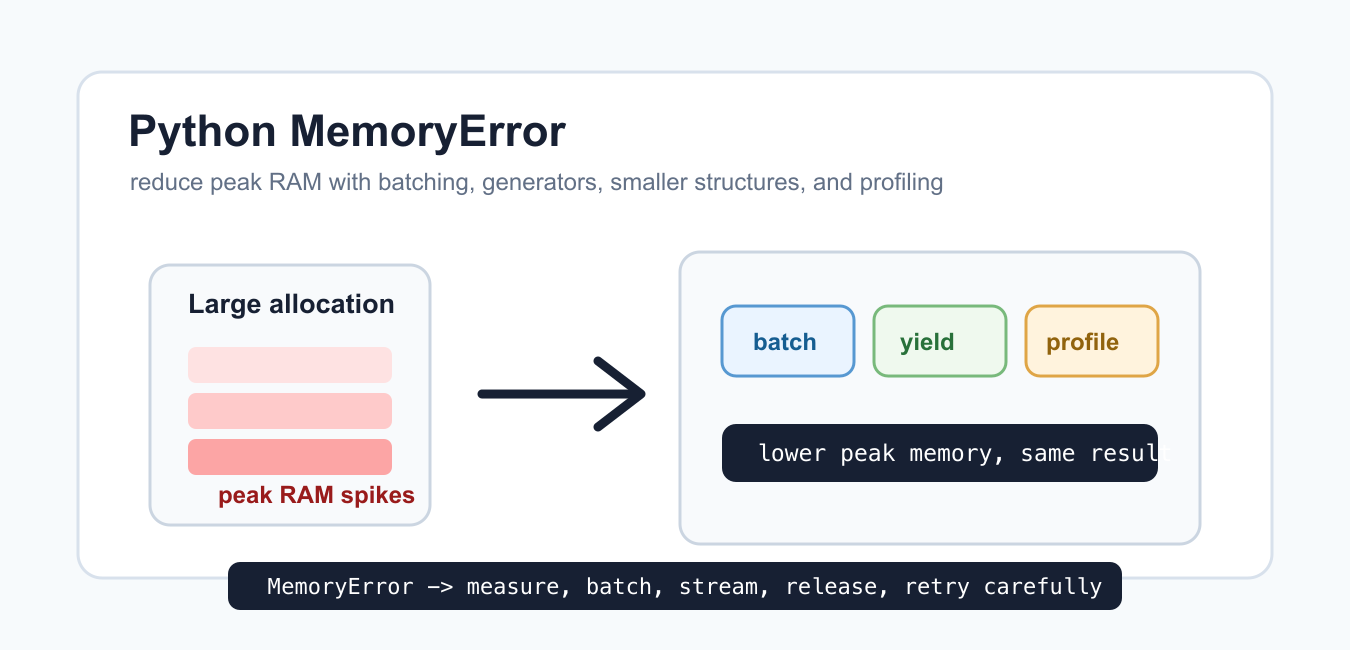
Quick answer: MemoryError means the process could not obtain enough memory for a requested allocation. Measure the peak, reduce live data, stream or chunk inputs, avoid accidental copies, and choose array or process strategies that match available RAM instead of treating garbage collection as a complete fix.
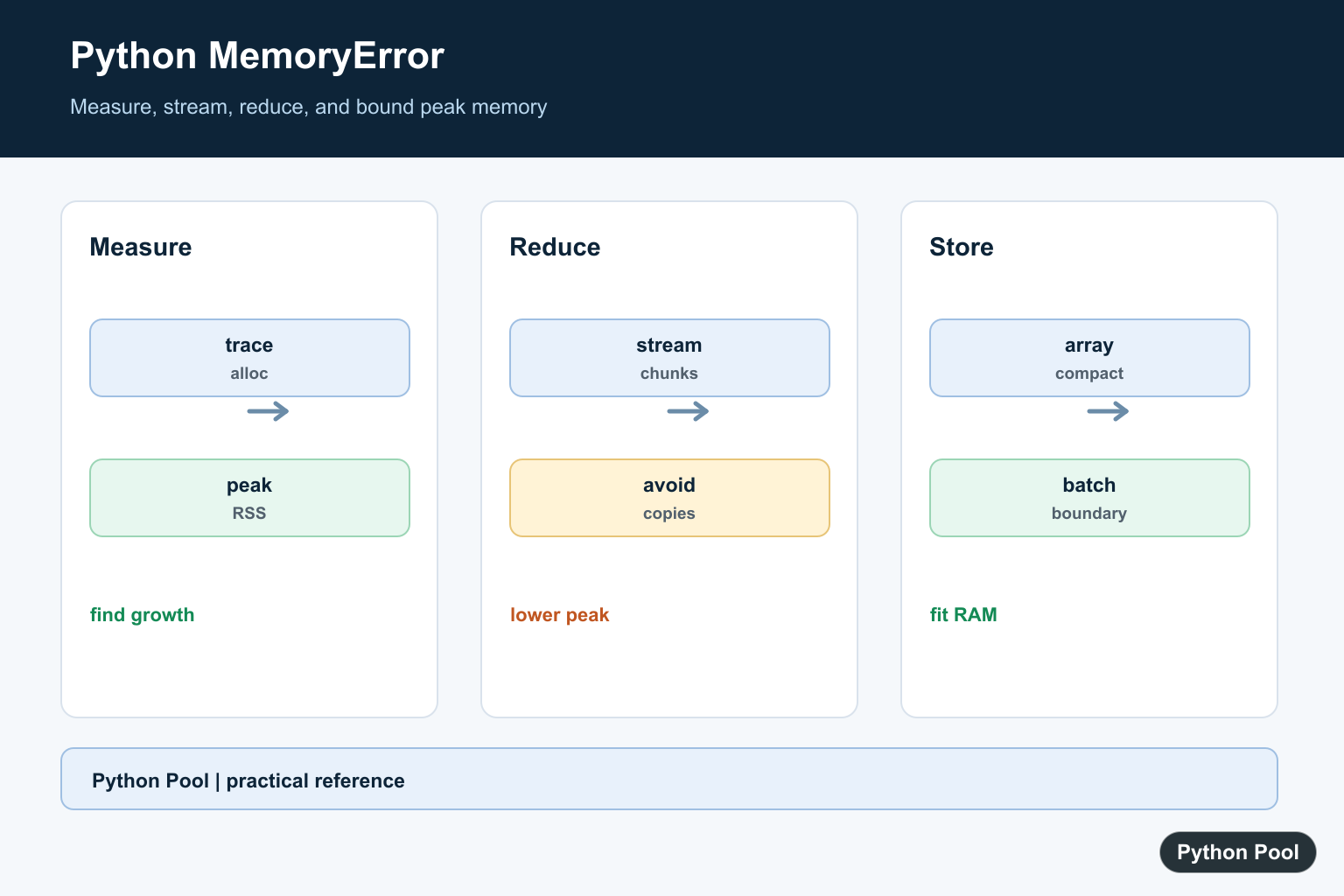
MemoryError means Python tried to allocate more memory than the process could get. The problem can come from one huge object, many medium-sized objects, reading a whole file at once, building a large list unnecessarily, or running too many workers at the same time.
The official Python documentation lists MemoryError as a built-in exception. The tracemalloc documentation explains allocation tracing, and sys.getsizeof() helps inspect individual objects.
The best fix is usually to lower peak memory use, not to catch the exception and continue blindly. If an allocation failed, the program may already be under pressure. Reduce the size of each batch, stream input, avoid duplicate copies, and profile where memory grows.
Also separate Python-level memory from operating-system limits. A container, shared host, notebook, or CI runner may have less memory available than the physical machine. Check those limits when the same script works locally but fails elsewhere.
When a job fails only on larger input, reproduce it with a smaller sample and then increase the size gradually. That makes it easier to see whether memory grows linearly, spikes at one conversion step, or never returns after each batch.
Recognize MemoryError
You can catch MemoryError, but catching it should normally lead to a controlled fallback, smaller retry, or clear failure message.
def allocate_batch(size):
    if size > 1000:
        raise MemoryError("batch is too large")
    return [0] * size

try:
    allocate_batch(5000)
except MemoryError as error:
    print(type(error).__name__)
    print("retry with a smaller batch")
This example raises the exception deliberately so the code stays safe to run. Real failures happen when Python cannot allocate memory for an object.
A broad retry with the same inputs is not useful. Change the strategy, reduce the workload, or stop with a message that tells the operator what to adjust.
If the program owns a queue of tasks, store failed work for a later smaller retry instead of keeping the failed large object in memory.
Process Data In Batches
Batching keeps only part of a workload in memory at one time. The batch size can be tuned for the machine and the data.
def batches(items, size):
    for start in range(0, len(items), size):
        yield items[start:start + size]

numbers = list(range(10))
totals = []

for chunk in batches(numbers, 3):
    totals.append(sum(chunk))

print(totals)
The program processes four small chunks instead of needing every intermediate result at once.
Batching is useful for database rows, API pages, CSV records, image lists, and model inputs. The right batch size is large enough to be efficient but small enough to avoid memory spikes.
Start with a conservative batch size and measure. A batch that is fast on a laptop may still be too large inside a container with a stricter memory limit.

Prefer Generators For One-Pass Work
A generator produces values as needed. A list comprehension stores every value immediately.
import sys

numbers = range(10000)

list_result = [number * number for number in numbers]
generator_result = (number * number for number in numbers)

print(sys.getsizeof(list_result) > sys.getsizeof(generator_result))
print(next(generator_result))
The generator object is much smaller because it has not stored every square. It computes values as the loop asks for them.
Use generators for one-pass transformations, streaming exports, and pipelines where later steps do not need random access to the whole collection.
Do not turn a generator back into a list unless the next step really needs every value at once. That conversion gives up the memory benefit.

Read Large Text Lazily
A common mistake is reading a whole file into memory when each line can be processed separately.
from io import StringIO

text = StringIO("alpha\npython\ndata\n")
matches = []

for line in text:
    line = line.strip()
    if "a" in line:
        matches.append(line)

print(matches)
Real files work the same way with open(). Iterating over the file object reads lines progressively instead of building one giant string first.
If the output can also be streamed, write results as they are found rather than collecting all matches in a list.
Profile Allocations With tracemalloc
tracemalloc can show where Python memory allocations come from. Start it before the code you want to measure.
import tracemalloc

tracemalloc.start()

data = ["python" * 10 for _ in range(100)]
current, peak = tracemalloc.get_traced_memory()
tracemalloc.stop()

print(len(data))
print(peak >= current)
print(peak > 0)
The exact numbers depend on the runtime, but the pattern shows current and peak traced memory. Peak memory is often more important than final memory because a short-lived copy can still crash a program.
Use profiling before rewriting large sections. It is common to find that one copy, one conversion, or one cache dominates the memory footprint.

Release Large References
Python frees objects when they are no longer referenced. In long-running functions, deleting a large temporary reference can make the intent clear before the next phase begins.
import gc

data = [list(range(100)) for _ in range(20)]
print(len(data))

del data
collected = gc.collect()

print(isinstance(collected, int))
del removes the name, not necessarily every byte immediately. The garbage collector and Python’s allocator decide what can be reclaimed and reused.
Still, clearing references helps long-running jobs because later phases no longer keep old temporary objects alive by accident.
The practical rule is to reduce peak memory: stream input, batch work, avoid duplicate copies, choose compact data structures, profile allocations, and release large temporary references before starting the next expensive step.
Measure Python Allocations
tracemalloc helps locate Python-level allocation growth, while operating-system metrics reveal total process memory including extensions and mapped buffers. Reproduce the peak with representative input.
import tracemalloc

tracemalloc.start()
values = [str(number) for number in range(10000)]
current, peak = tracemalloc.get_traced_memory()
print(current, peak)
tracemalloc.stop()

Stream Instead Of Copying
Read large files line by line or in bounded chunks and aggregate incrementally. Avoid read, split, and list transformations that create several full-sized representations at once.
total = 0
with open("events.log", encoding="utf-8") as stream:
    for line in stream:
        total += len(line)
print(total)
Reduce Object Overhead
Many small Python objects have substantial per-object overhead. Consider arrays, compact records, generators, or a database query that returns only the columns and rows needed for the current operation.
import array

values = array.array("d", (float(number) for number in range(1000)))
print(len(values), values.itemsize)
Release References At The Right Boundary
del can remove a reference, but an object remains live while another reference exists, and the allocator may retain memory for reuse. Design work in bounded stages so the peak is lower.
def process_batch(batch):
    return sum(batch)

result = process_batch(range(1000))
print(result)
Python’s tracemalloc documentation explains allocation tracing. Related references include persistence choices, array operations, and memory diagnostics.
For related capacity and data workflows, compare persistence formats, array operations, and file handling when reducing peak memory.
Frequently Asked Questions
What causes MemoryError in Python?
The process cannot obtain enough memory for a requested allocation, often because too much data is live or objects are larger than expected.
How can I find the largest allocations?
Use tracemalloc for Python allocations, process metrics for total memory, and representative inputs that reproduce the peak.
Does del always return memory to the operating system?
del removes a reference, but allocator behavior means process RSS may not immediately shrink even when objects become unreachable.
How do I process a large file without MemoryError?
Stream it in chunks or line by line, aggregate incrementally, and avoid building multiple full-sized copies.
Thank you, but I still have a doubt: how to make Python use space in the local hard disk?
I am working with a Dell laptop, I7 core, only 1.3 speed, with 16GB RAM and 512GB SSD, on a file of 200k records, and it is crashing, out of memory, when I need to merge data.
When looking at disk usage with the Task Management, there is no use, while the memory and the CPU are at full capacity.
How can I make use of the disk?
Thank you!
Are you trying to merge by reading the whole file altogether? Try using Pandas once and let me know how it goes. It should take care of the memory issues.
Regards,
Pratik
I have 3GB size of json file is doesn’t load in Python. My python configuration is Python 3.10. but, i get a memory error.
I suggest you change your data from JSON to another streamlike format that can be read one by one. The problem is, python cannot break JSON partially, we need to read it fully to parse it.