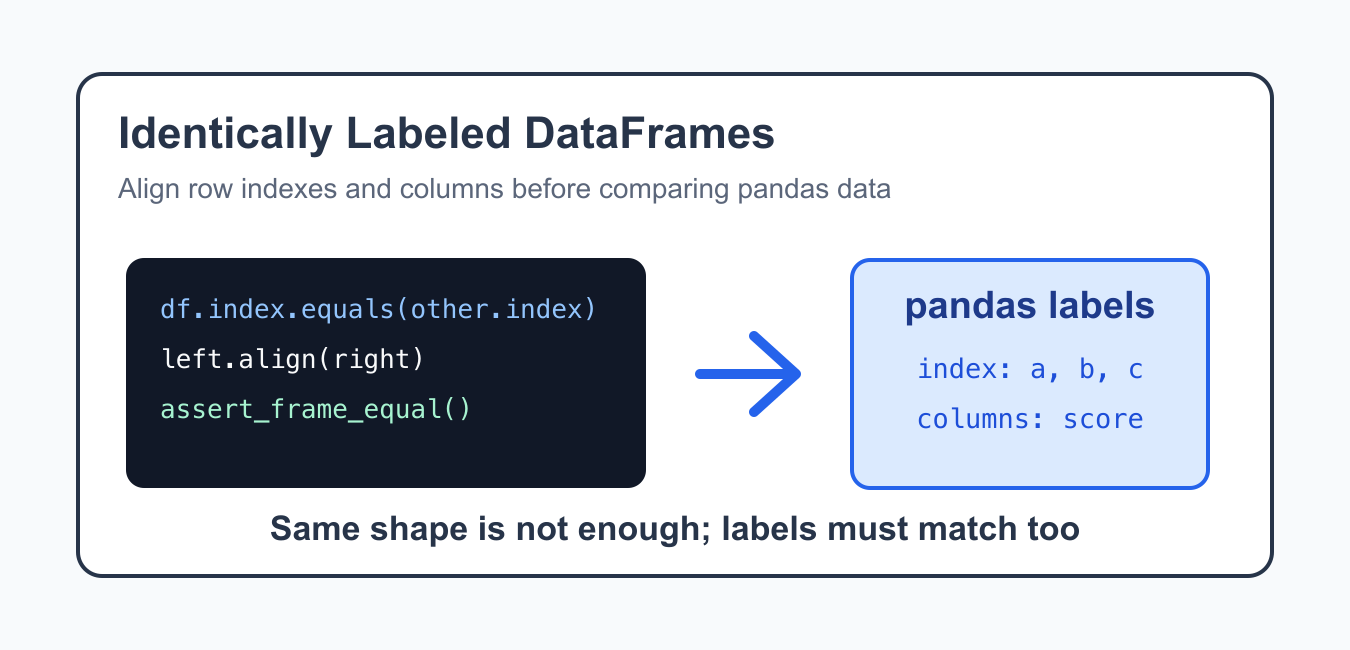
Quick answer: Pandas DataFrame.compare is label-aware: both frames need the same shape and identical row and column labels. Align or normalize labels deliberately before comparing, and use equals when a single Boolean is enough.
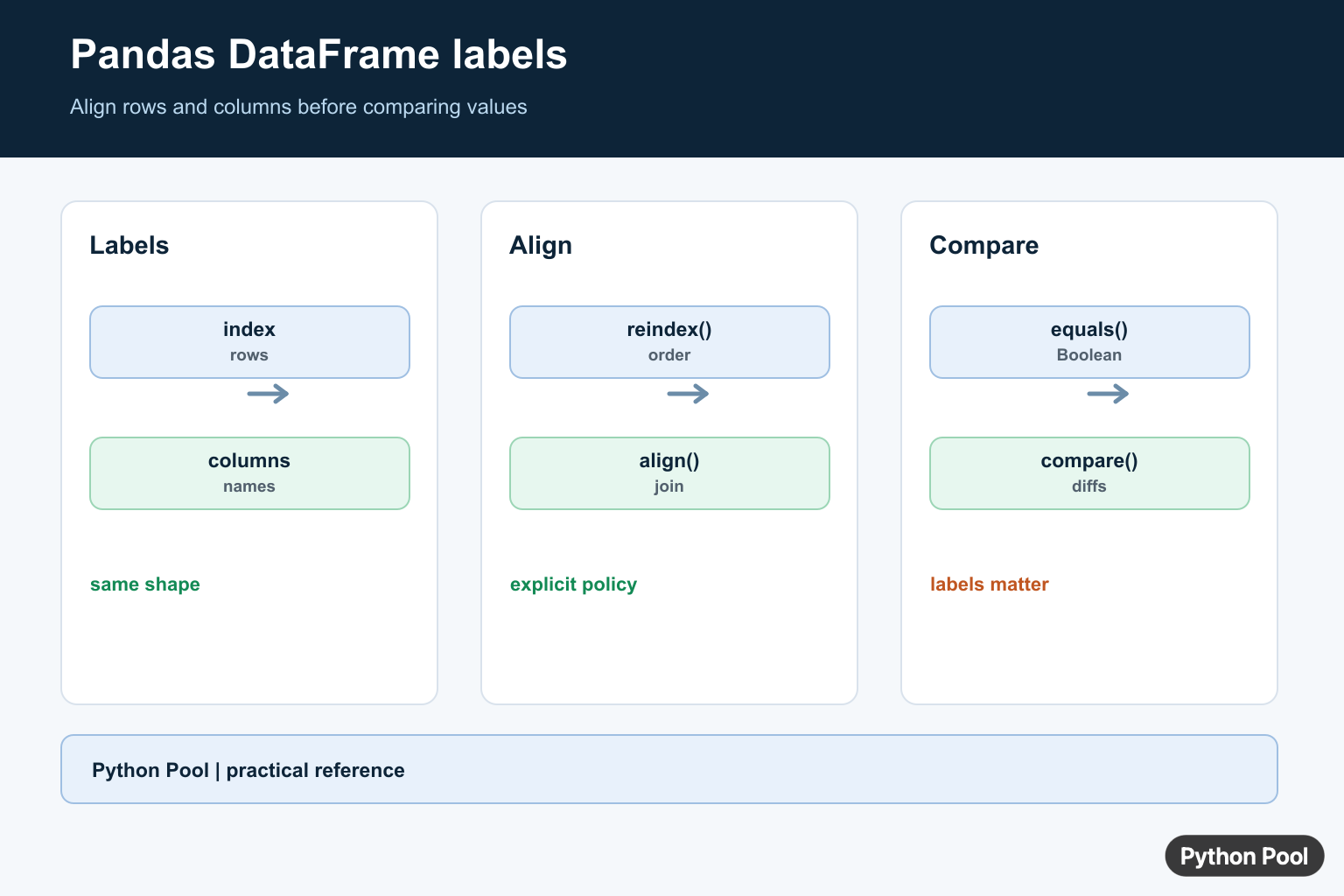
The pandas error ValueError: Can only compare identically-labeled DataFrame objects appears when two DataFrames are compared element by element but their row indexes or column labels do not match. pandas uses labels during comparison, so matching shape alone is not enough. A related labeling failure occurs when tuple keys are used without a real MultiIndex; Fix Key of Type Tuple Not Found and Not a MultiIndex covers that case directly.
This often happens after filtering, sorting, reading data from separate sources, or resetting only one DataFrame. To fix it, inspect the indexes and columns, then decide whether you need exact equality, label alignment, position-based comparison, or a test assertion.
The important point is that pandas does not compare only by screen position. It carries labels with the data, and those labels are part of the comparison rules. That behavior prevents many silent data mistakes, but it also means you must be explicit when labels are no longer meaningful.
The official pandas DataFrame.equals documentation, DataFrame.eq documentation, DataFrame.align documentation, and assert_frame_equal documentation cover the core tools.
See The Mismatch
Two DataFrames can have the same visible values but different labels. A direct comparison can then raise the ValueError.
import pandas as pd

left = pd.DataFrame({"score": [10, 20]}, index=["a", "b"])
right = pd.DataFrame({"score": [10, 20]}, index=["x", "y"])

print(left.index.equals(right.index))
print(left.columns.equals(right.columns))
Start by checking indexes and columns. If either one differs, decide whether labels should be preserved or reset.
Do this before changing data. If the label mismatch is real, resetting indexes could hide a data-quality problem. If the mismatch is only a side effect of filtering or sorting, resetting can be the right fix.
Use equals() For Whole-Frame Equality
If you only need one true-or-false answer, equals() is often clearer than an elementwise comparison.
import pandas as pd

first = pd.DataFrame({"score": [10, 20]}, index=["a", "b"])
second = pd.DataFrame({"score": [10, 20]}, index=["a", "b"])

print(first.equals(second))
equals() checks matching labels and values. It returns a single boolean instead of a DataFrame of booleans.
This is helpful when you want to know whether two results are the same table. It is not the same as asking which individual cells match, and it is usually easier to use in simple validation code.
Reset Indexes Before Comparing
If row position matters more than row labels, reset both indexes before the comparison.
import pandas as pd

left = pd.DataFrame({"score": [10, 20]}, index=["a", "b"])
right = pd.DataFrame({"score": [10, 20]}, index=["x", "y"])

left_reset = left.reset_index(drop=True)
right_reset = right.reset_index(drop=True)

print(left_reset == right_reset)
This is useful after sorting or filtering when the old index no longer carries meaning. Do not reset indexes if labels are part of the data contract.
For example, a row label that identifies an account, date, or product should usually be preserved. A leftover integer index from a previous filtering step can often be reset safely.
Align Labels Explicitly
If labels matter, align both DataFrames before comparing them.
import pandas as pd

left = pd.DataFrame({"score": [10, 20]}, index=["a", "b"])
right = pd.DataFrame({"score": [20, 30]}, index=["b", "c"])

left_aligned, right_aligned = left.align(right, join="outer")

print(left_aligned)
print(right_aligned)
Alignment makes missing labels visible as missing values. That is usually better than silently comparing the wrong rows.
Choose the join type deliberately. An outer alignment shows all labels from both sides, while an inner alignment keeps only labels shared by both DataFrames. The right choice depends on whether missing rows should be investigated or ignored.
Compare Columns In The Same Order
Column order and column names also matter. Reorder columns when both DataFrames should use the same schema.
import pandas as pd

left = pd.DataFrame({"name": ["Ada"], "score": [10]})
right = pd.DataFrame({"score": [10], "name": ["Ada"]})

right = right[left.columns]

print(left.columns.equals(right.columns))
print(left.equals(right))
This preserves label-based comparison while making the schema order explicit.
If a column exists on one side but not the other, reordering will raise an error. That is useful because it tells you the schemas are not actually the same.
Use assert_frame_equal In Tests
For tests, assert_frame_equal() gives better failure messages than a manual comparison.
import pandas as pd
from pandas.testing import assert_frame_equal

expected = pd.DataFrame({"score": [10, 20]})
actual = pd.DataFrame({"score": [10, 20]})

assert_frame_equal(actual, expected)
Use this in test suites when you want pandas-aware checks for indexes, columns, dtypes, and values.
The testing helper can also be configured for tolerance and dtype checks. Start with the strict default, then relax only the parts that are intentionally different, such as floating-point tolerance.
Practical Checklist
Check df.index and df.columns before comparing DataFrames. Use equals() for a single equality result, reset indexes for position-based comparison, align labels when labels matter, and use assert_frame_equal() in tests.
When the data comes from files or APIs, normalize labels soon after loading. Consistent column names, sorted indexes, and clear index reset rules make later comparisons predictable.
The reliable fix is to decide what should match: labels, positions, columns, or values. Once that decision is explicit, pandas comparison errors become much easier to resolve and test.
Inspect Labels Before Values
Two frames can contain the same visible values but still differ in index order, index values, column order, or column names. Print shape, index, and columns before changing data. This separates an alignment problem from a numerical difference.
import pandas as pd

left = pd.DataFrame({"score": [10, 20]}, index=["a", "b"])
right = pd.DataFrame({"score": [20, 10]}, index=["b", "a"])
print(left.shape, right.shape)
print(left.index, right.index)
Align With An Explicit Policy
reindex expresses the target order when the expected labels are known. DataFrame.align can align both objects and choose an inner or outer join, but an outer join may introduce missing values that the comparison must handle. Never reset a meaningful index merely to make an error disappear.
expected = ["a", "b"]
left_aligned = left.reindex(expected)
right_aligned = right.reindex(expected)
print(left_aligned.compare(right_aligned))
Choose equals Or compare
DataFrame.equals returns one Boolean and treats matching NaNs as equal under its documented rules. DataFrame.compare returns the differing values and requires identical labels. If you want value-only comparison, normalize labels and shape first, then document that decision.
print(left_aligned.equals(right_aligned))
try:
    print(left_aligned.compare(right_aligned))
except ValueError as error:
    print(error)
Pandas DataFrame.compare documents the identical-label requirement and difference output.
For numerical validation after alignment, compare NumPy allclose tolerances, Pandas data workflows, and datetime labels.
Frequently Asked Questions
Why can Pandas only compare identically labeled DataFrames?
DataFrame.compare requires the same shape and identical row and column labels so each difference has an unambiguous counterpart.
How do I align two DataFrames before comparing?
Use reindex or align with an explicit join and axis policy, then inspect missing rows and columns before comparing.
What is the difference between equals and compare?
equals returns one Boolean for equality, while compare returns a DataFrame of differing values and requires matching labels.
Should I reset the index to fix the error?
Only when the index is not meaningful; resetting it can hide a real alignment problem and should be a deliberate data decision.