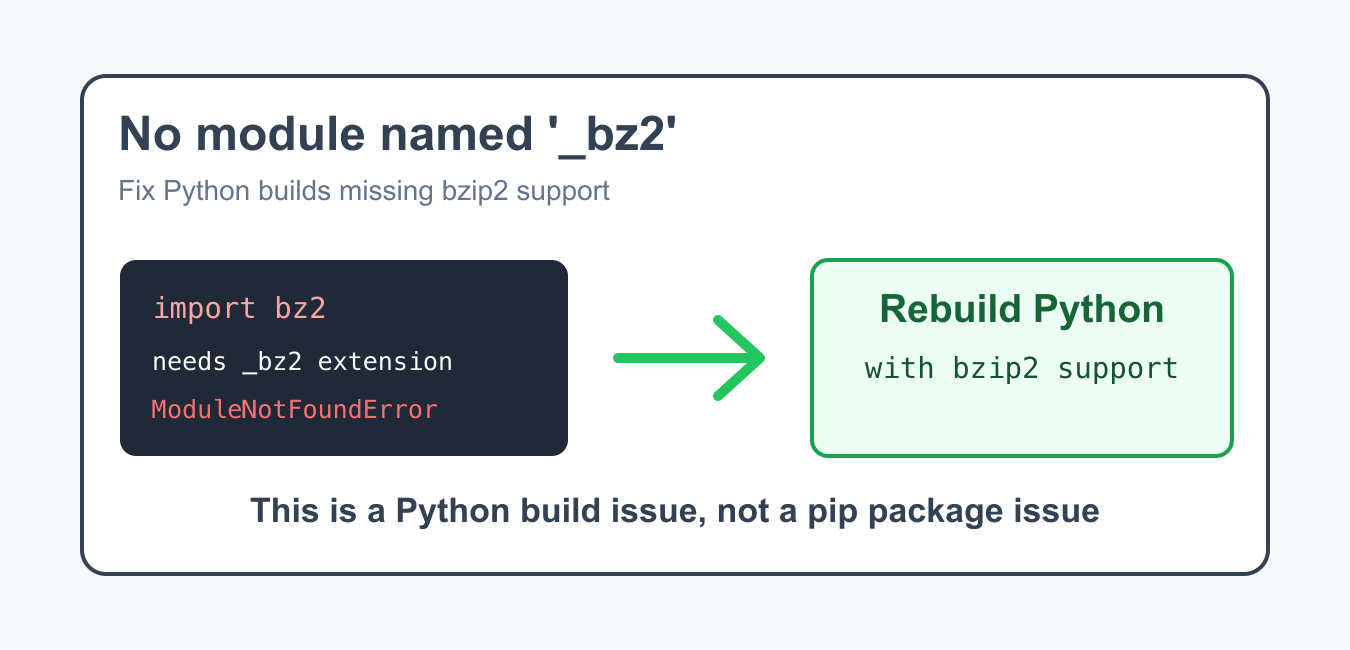
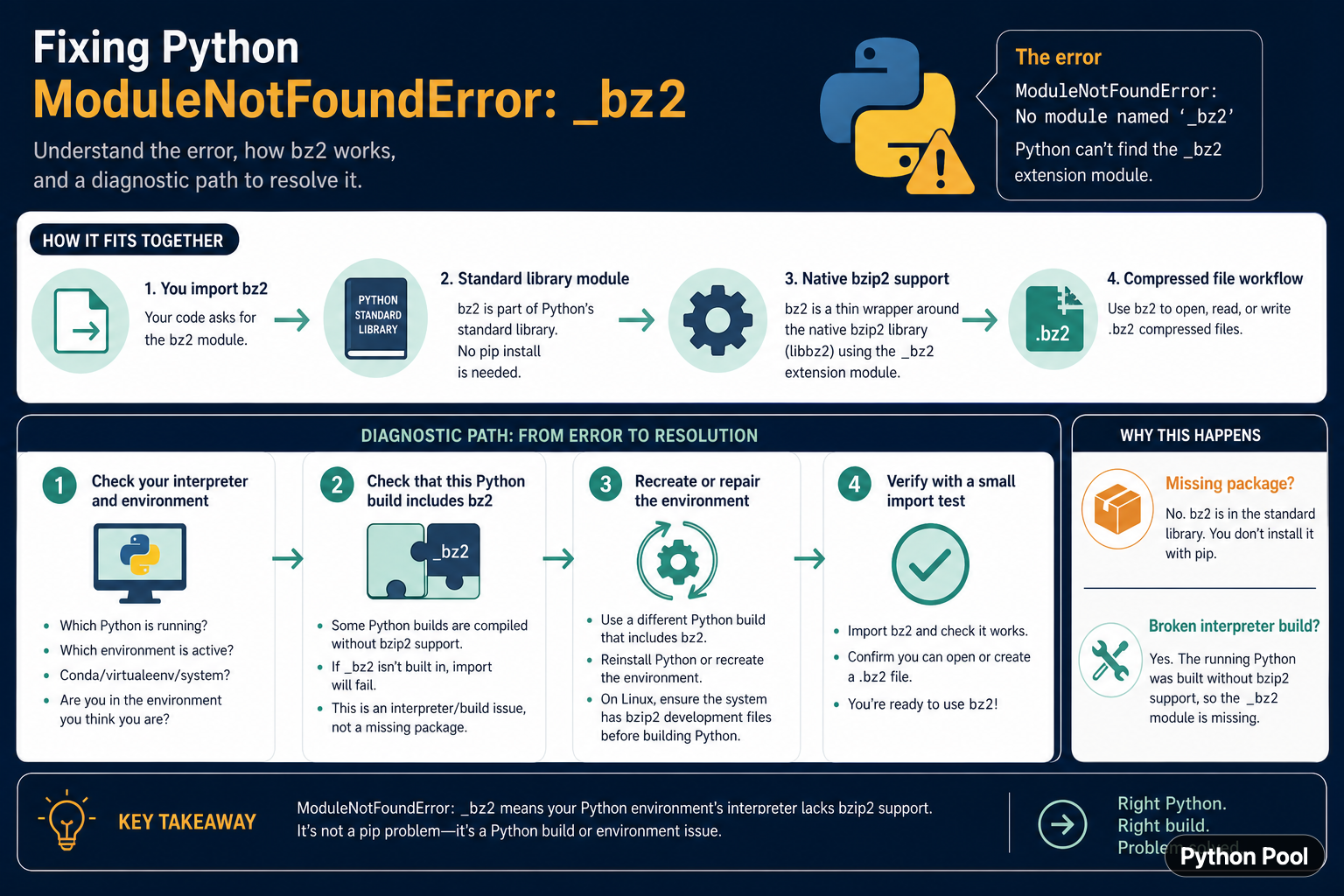
ModuleNotFoundError: No module named '_bz2' is usually not a missing package that should be installed with pip. The public bz2 module is part of Python's standard library, and it depends on native bzip2 support in the Python build. The error often means the active interpreter was compiled without that support, or the program is running in a different environment from the one you inspected.
Quick answer
First verify which Python executable is running and whether import bz2 fails in that same interpreter. Check the environment, then use a Python build that includes bzip2 support or recreate the environment with the correct distribution. Do not install a random package named _bz2. If the import succeeds but an application still fails, check that the application uses the same interpreter.
The official Python bz2 documentation describes the standard-library interface for bzip2 compression. The leading underscore in _bz2 identifies an implementation extension used by the public module; it is not normally an application-level dependency.
Reproduce the error in the active interpreter
Run the import with the exact Python executable that launches the failing application. A terminal can have multiple interpreters, virtual environments, Conda environments, and IDE settings, so checking a different shell command may give a false sense that the problem is fixed.
import sys

print(sys.executable)
print(sys.version)

try:
    import bz2
    print("bz2 import succeeded")
except Exception as error:
    print(type(error).__name__, error)
The executable path is the most useful first clue. If the terminal import succeeds but the web server, notebook kernel, or service fails, compare the runtime path from both contexts. Fix the environment selection before changing application code.
Inspect module discovery
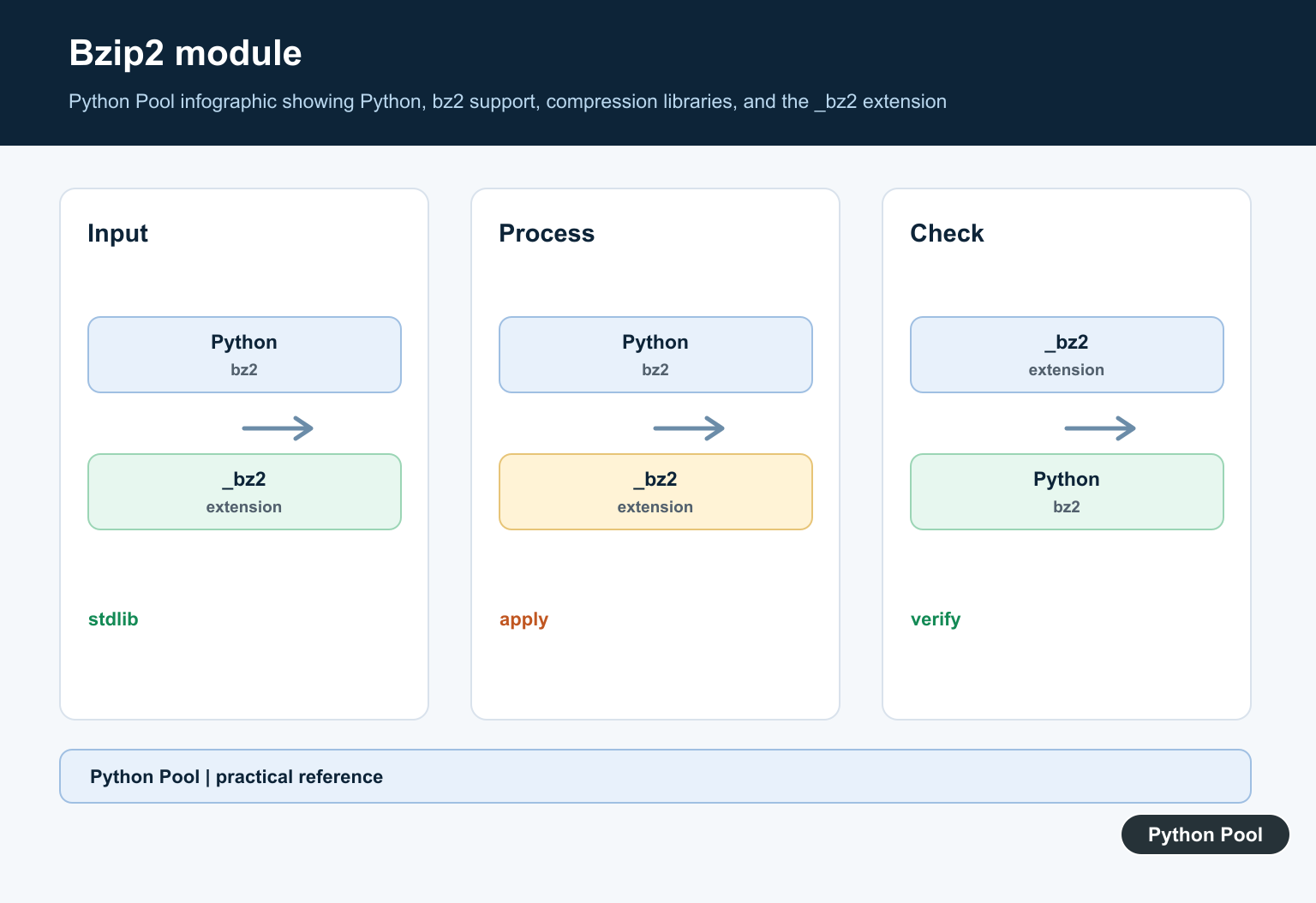
importlib.util.find_spec() can show whether Python can locate the public module. It should be run in the same interpreter and environment as the application. A missing bz2 specification suggests a damaged or incomplete standard library; a public module that fails while importing its private extension points to a build or native support issue.
import importlib.util
import sys

print(sys.executable)
print(importlib.util.find_spec("bz2"))
print(importlib.util.find_spec("_bz2"))
Do not treat a spec path as proof that the module will import successfully. The extension may exist but fail to load because of a binary dependency or incompatible environment. The real import test remains the decisive check.
Check virtual environment selection
Virtual environments use the Python installation that created them. Activating one environment in a shell does not automatically change an IDE kernel, process manager, cron job, or service unit. Print sys.executable from the failing process and compare it with the environment you repaired.
import os
import sys

print("executable:", sys.executable)
print("prefix:", sys.prefix)
print("base prefix:", sys.base_prefix)
print("virtual environment:", sys.prefix != sys.base_prefix)
print("PATH:", os.environ.get("PATH", ""))
The environment variables are useful diagnostics, but they are not a replacement for selecting the interpreter explicitly. Configure the service or notebook kernel to use the correct executable, then restart that process so it does not keep the old import state.
Repair the Python distribution
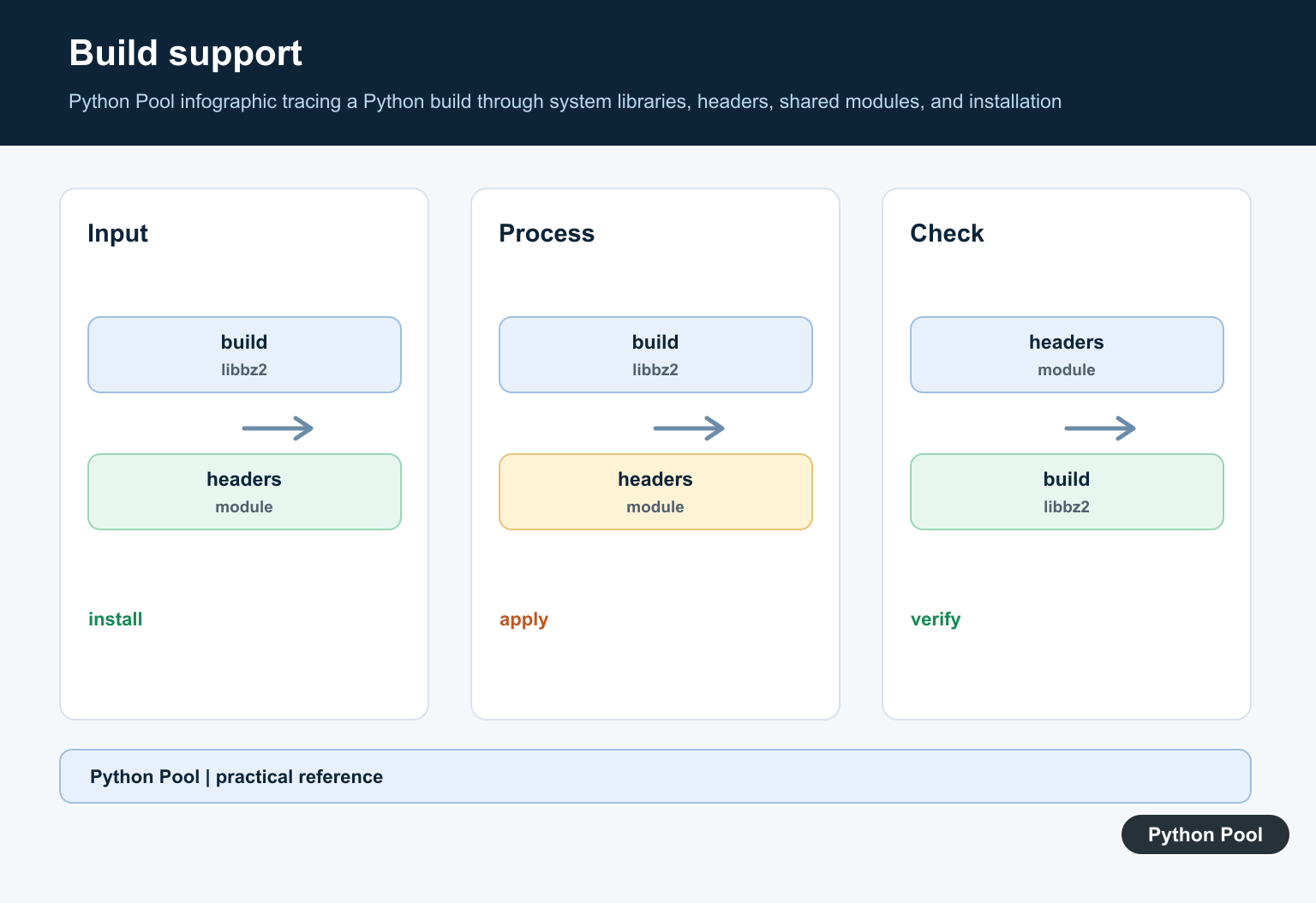
If the active Python build truly lacks bzip2 support, reinstall or recreate it from a distribution that includes the required native library. On Linux, building Python from source may require the bzip2 development files before compilation. On Conda, recreating the environment from the intended channel can be more reliable than copying extension files manually.
def verify_bz2():
    try:
        import bz2
    except ImportError as error:
        raise RuntimeError(
            "This interpreter does not provide usable bz2 support"
        ) from error
    return bz2.BZ2Compressor is not None

print(verify_bz2())
Do not copy a private _bz2 shared library from another Python installation. Extension modules are tied to the interpreter build and platform. A copied file can create harder-to-diagnose crashes or ABI mismatches.
Test actual compression
An import check is necessary but a small round-trip test confirms that the public API can compress and decompress bytes. Keep the test in the same environment used by the application. It can run as a deployment health check without revealing user data.
import bz2

original = b"Python compression check"
compressed = bz2.compress(original)
restored = bz2.decompress(compressed)

print(len(compressed))
print(restored == original)
For files, use bz2.open() with text or binary mode as appropriate. Make sure the file path, encoding, and permissions are separate from the question of whether the interpreter includes bzip2 support.
Separate _bz2 from unrelated errors
A missing _bz2 error can appear while importing another package that happens to import bz2. That does not necessarily mean the third-party package is broken. Reduce the problem to import bz2, record the interpreter path, and then reproduce the application import after the standard-library check passes.
def check_runtime():
    import sys
    try:
        import bz2
    except ImportError as error:
        return {
            "ok": False,
            "python": sys.executable,
            "error": repr(error),
        }
    return {"ok": True, "python": sys.executable}

print(check_runtime())
This diagnostic result is safe to attach to an issue after removing sensitive paths if necessary. It distinguishes an interpreter problem from a dependency problem and gives the next person enough information to reproduce the failure.
Common mistakes
- Trying to install
_bz2from pip as if it were a normal package. - Testing
bz2in a different environment from the failing process. - Copying private extension files between Python installations.
- Repairing the shell environment but not the notebook or service interpreter.
- Confusing a missing bzip2 runtime with a file path or permissions error.
The stable fix is “right interpreter, right build, then verify.” Identify the executable, reproduce the public import, repair or recreate the distribution, restart the application process, and run a small compression round trip. That workflow addresses the actual cause without adding an unsupported private package.
Make the runtime check part of deployment
If bzip2 support is required for a production service, run the small import and round-trip check during deployment or startup health checks. Fail with a clear message that includes the interpreter identity, while keeping private filesystem details out of public responses.
After repairing an environment, restart long-lived workers and notebook kernels. Python processes keep their interpreter and import state for their entire lifetime, so changing files on disk does not repair a process that is already running.
For standard-library import failures, compare virtual-environment paths with dotenv environment checks. Read python virtualenv location and fixed modulenotfounderror no module named dotenv for the related workflow.
Frequently Asked Questions
Frequently Asked Questions
How do I fix No module named _bz2?
Verify the exact Python executable, then use or recreate a Python build that includes bzip2 support and restart the failing process.
Should I install _bz2 with pip?
Usually no. _bz2 is a private extension used by the standard-library bz2 module, not a normal application package.
Why does bz2 work in my terminal but fail in my app?
The app may use another interpreter, virtual environment, notebook kernel, or service process.
How can I test bzip2 support?
Run import bz2 and a small compress/decompress round trip in the exact interpreter that runs the application.