
Quick answer: For new Python code, Path(path).name is the clearest way to get the final filename component. pathlib also provides stem, suffix, suffixes, parent, and parts, while os.path.basename remains useful for string-based or legacy code. Decide whether a trailing separator represents a directory before extracting a name.
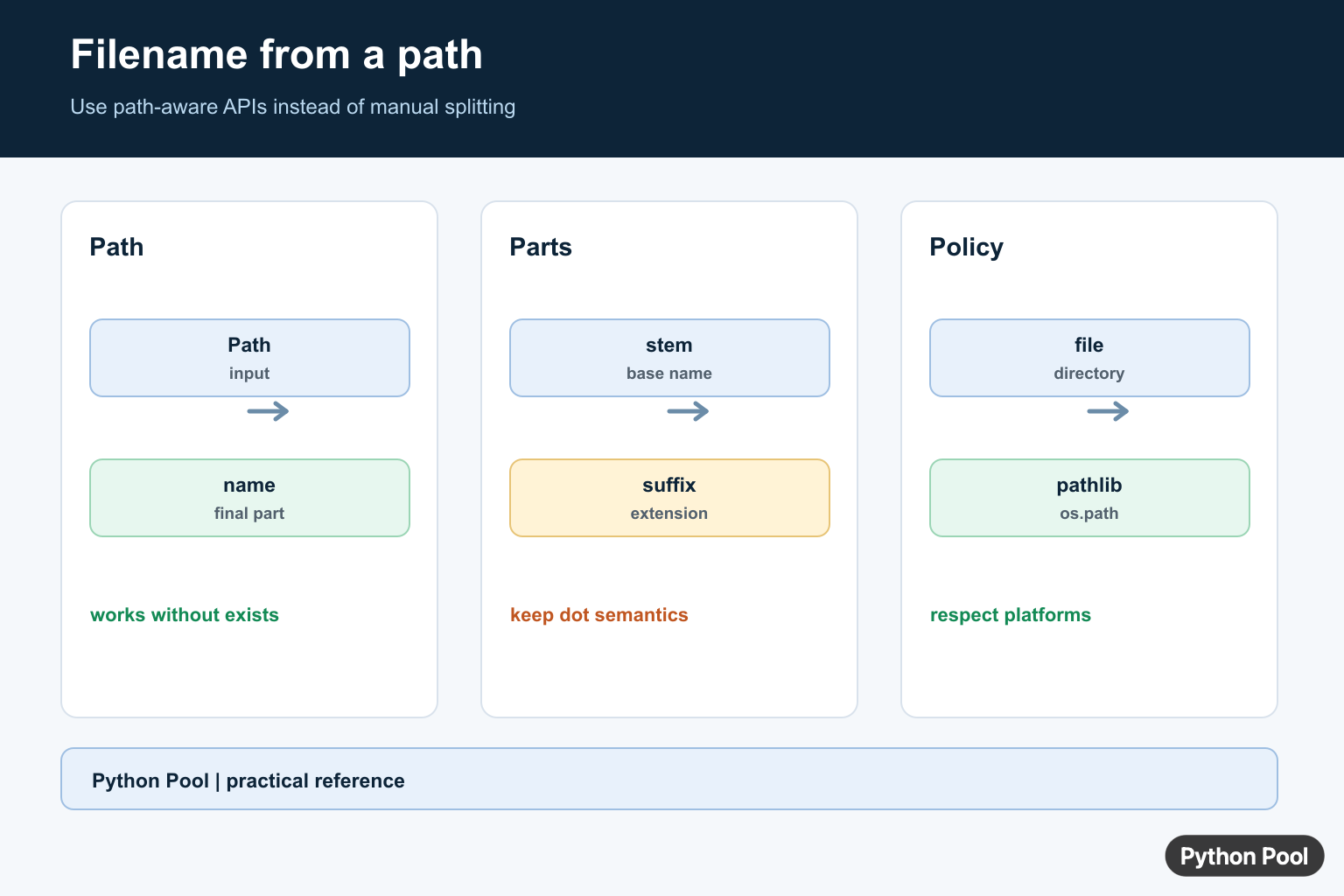
To get a filename from a path in Python, use Path(path).name from pathlib. To get the filename without the extension, use Path(path).stem. For older code that already uses os.path, use os.path.basename() and os.path.splitext().
The official pathlib name documentation covers the final path component, and pathlib stem covers the final component without its suffix.
Get Filename With pathlib
pathlib is the clearest option for new Python code:
from pathlib import Path

path = Path("/home/anna/reports/sales.csv")

print(path.name)
Output:
sales.csvPath.name returns the last path component. It does not need the file to exist because this is path parsing, not file reading.
Get Filename Without Extension
Use Path.stem when you want the filename without the last extension:
from pathlib import Path

path = Path("/home/anna/reports/sales.csv")

print(path.stem)
Output:
salesFor a deeper filename-only comparison, see Python Pool’s guide to getting a filename without extension in Python.
Get the Extension
Use Path.suffix if you also need the extension. Use Path.suffixes when a filename can have multiple suffixes:
from pathlib import Path

path = Path("archive.tar.gz")

print(path.name)
print(path.stem)
print(path.suffix)
print(path.suffixes)
Output:
archive.tar.gz
archive.tar
.gz
['.tar', '.gz']
Notice that stem removes only the final suffix. That is usually what you want for normal filenames, but compressed files such as .tar.gz may need custom handling.
Use os.path.basename()
If your code already uses strings and os.path, use basename(). The official os.path.basename() documentation describes it as returning the base name of a path.
import os

path = "/home/anna/reports/sales.csv"
filename = os.path.basename(path)

print(filename)
Output:
sales.csvUse os.path.splitext()
To remove the extension with os.path, first get the basename and then split the extension. The official os.path.splitext() documentation covers splitting a path into root and extension.
import os

path = "/home/anna/reports/sales.csv"
filename = os.path.basename(path)
name_without_ext, extension = os.path.splitext(filename)

print(name_without_ext)
print(extension)
Output:
sales
.csv
Windows Path Example
When parsing a Windows-style path string on any platform, use PureWindowsPath. It handles Windows separators even if the code runs on macOS or Linux.
from pathlib import PureWindowsPath

path = PureWindowsPath(r"C:\Users\Anna\reports\sales.csv")

print(path.name)
Output:
sales.csvIf you are working with many files in a folder, read loop through files in a directory with Python and get the current directory in Python.
Common Edge Cases
- Trailing slash:
Path("/home/anna/reports/").namereturnsreportsbecause pathlib normalizes the path object. - Hidden files:
Path(".env").namereturns.env, whilePath(".env").suffixis usually empty. - Multiple suffixes:
Path("archive.tar.gz").stemreturnsarchive.tar, notarchive. - Path parsing: these examples do not check whether the file exists. Use file methods only when you need filesystem access.
Build a New Path With the Filename
After extracting a filename, join it to another folder with Path or os.path.join(). The official os.path.join() documentation explains how path segments are joined intelligently.
from pathlib import Path

source = Path("/home/anna/reports/sales.csv")
destination_dir = Path("/tmp/archive")
new_path = destination_dir / source.name

print(new_path)
Output:
/tmp/archive/sales.csvUse pathlib For Filename Parts
Path objects make the intent visible and avoid manual slash splitting. name returns the final component, stem removes the final suffix, suffix returns that suffix including its dot, and parent returns the containing path. These operations do not require the file to exist.
from pathlib import Path

path = Path("/data/exports/report.final.csv")
print(path.name)
print(path.stem)
print(path.suffix)
print(path.parent)
Use os.path When A String API Expects It
os.path.basename() is a compatible choice when the surrounding code already uses strings or an older API. It returns the final component according to the platform path rules. Keep path parsing in one helper so callers do not mix separators or hand-written split logic.
import os

path = os.path.join("data", "exports", "report.csv")
filename = os.path.basename(path)
directory = os.path.dirname(path)
print(filename, directory)
Handle Extensions And Hidden Names
A filename may have multiple suffixes, no suffix, or a leading dot. Path.stem removes only the last suffix, while suffixes returns every recognized suffix. Do not treat an extension as proof of file type; validate content when security or parsing decisions depend on it.
from pathlib import Path

for value in ["archive.tar.gz", ".env", "README", "photo.jpeg"]:
    path = Path(value)
    print(value, "name=", path.name, "stem=", path.stem, "suffixes=", path.suffixes)
Treat Directory Paths Deliberately
A path ending in a separator usually describes a directory, not a file. Normalize user input with Path, inspect is_file() or is_dir() when the distinction matters, and reject an empty name when the input is only a root or directory. For display, use the original path; for storage, use a validated path policy. This distinction matters in upload handlers, archive jobs, and cleanup scripts: a directory name should not silently become a file name, and a missing path should not be treated as proof that a requested file exists. Keep extraction, validation, and opening the file as separate decisions so callers can report a useful error. Also decide how symbolic links, relative paths, and user-supplied `..` segments should be handled before a filename is displayed or persisted. A small helper with a documented return contract prevents each caller from inventing a different interpretation of an empty name or trailing separator. For example, a report generator may accept a directory and choose a default filename, while a file parser should reject that same input. Naming the policy in the function signature or documentation makes those different behaviors testable and prevents a harmless display helper from being reused in a destructive file operation. Document whether the helper returns a string, a Path, or an optional value, because callers may otherwise concatenate a path object with text or assume that a missing filename can be opened. Clear return types reduce edge-case bugs at the boundaries between command-line arguments, web forms, and filesystem code.
from pathlib import Path

path = Path("/var/log/")
if path.is_dir():
    print("directory:", path)
else:
    print("file name:", path.name)
Python’s pathlib documentation and os.path documentation define platform-aware path operations. Prefer those APIs over splitting on `/` or `\`, especially when code must run on Windows and POSIX systems.
For related path parsing, compare os.path.basename(), filename-without-extension patterns, and current-directory inspection when a path helper needs a clear return policy.
Frequently Asked Questions
How do I get a filename from a path in Python?
Use Path(path).name for a modern pathlib solution, or os.path.basename(path) when the codebase already uses os.path strings.
How do I get a filename without its extension?
Use Path(path).stem for the final component without its last suffix, while Path(path).suffix returns the final extension.
What happens for a path ending in a slash?
A trailing separator represents a directory, so normalize or inspect the path according to whether the caller expects a file before taking its name.
Should I use pathlib or os.path?
Prefer pathlib for new code because its Path object groups common path operations; use os.path when an existing API requires strings or legacy style.