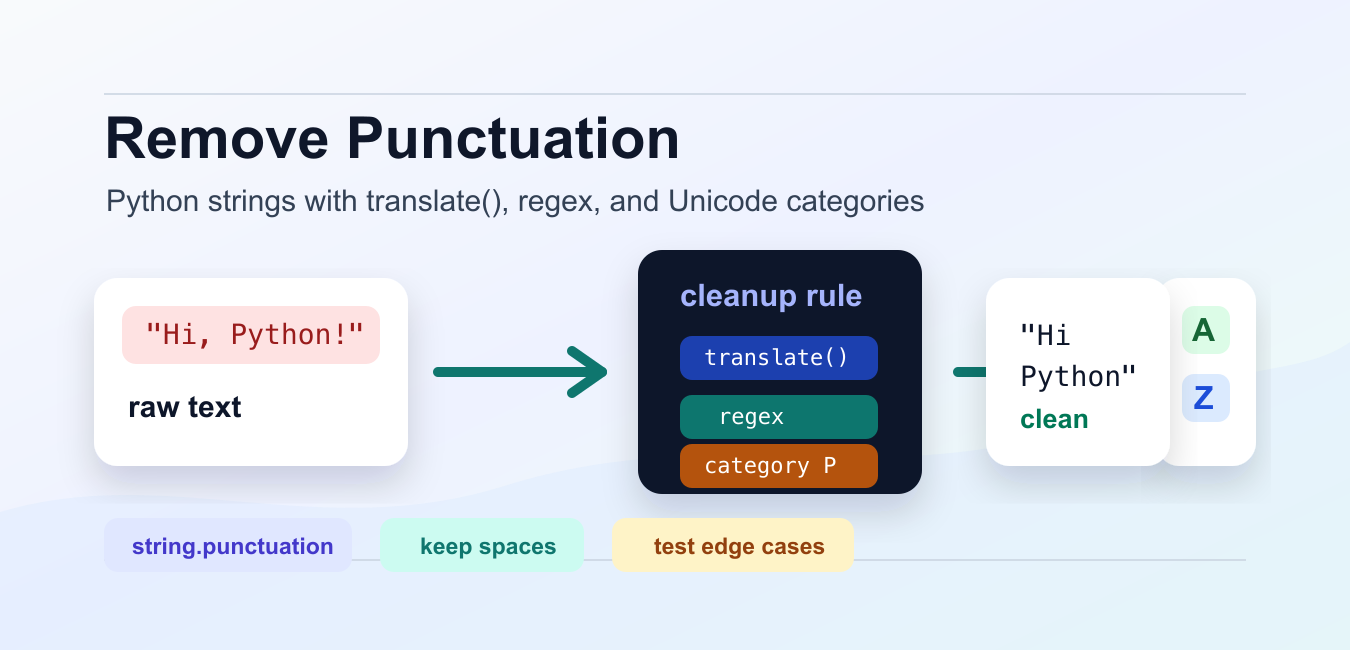
Quick answer: Remove punctuation in Python with str.translate() for a fast ASCII policy, a regular expression for a defined pattern, or Unicode-aware character categories when the input is international. Preserve punctuation when it carries meaning.
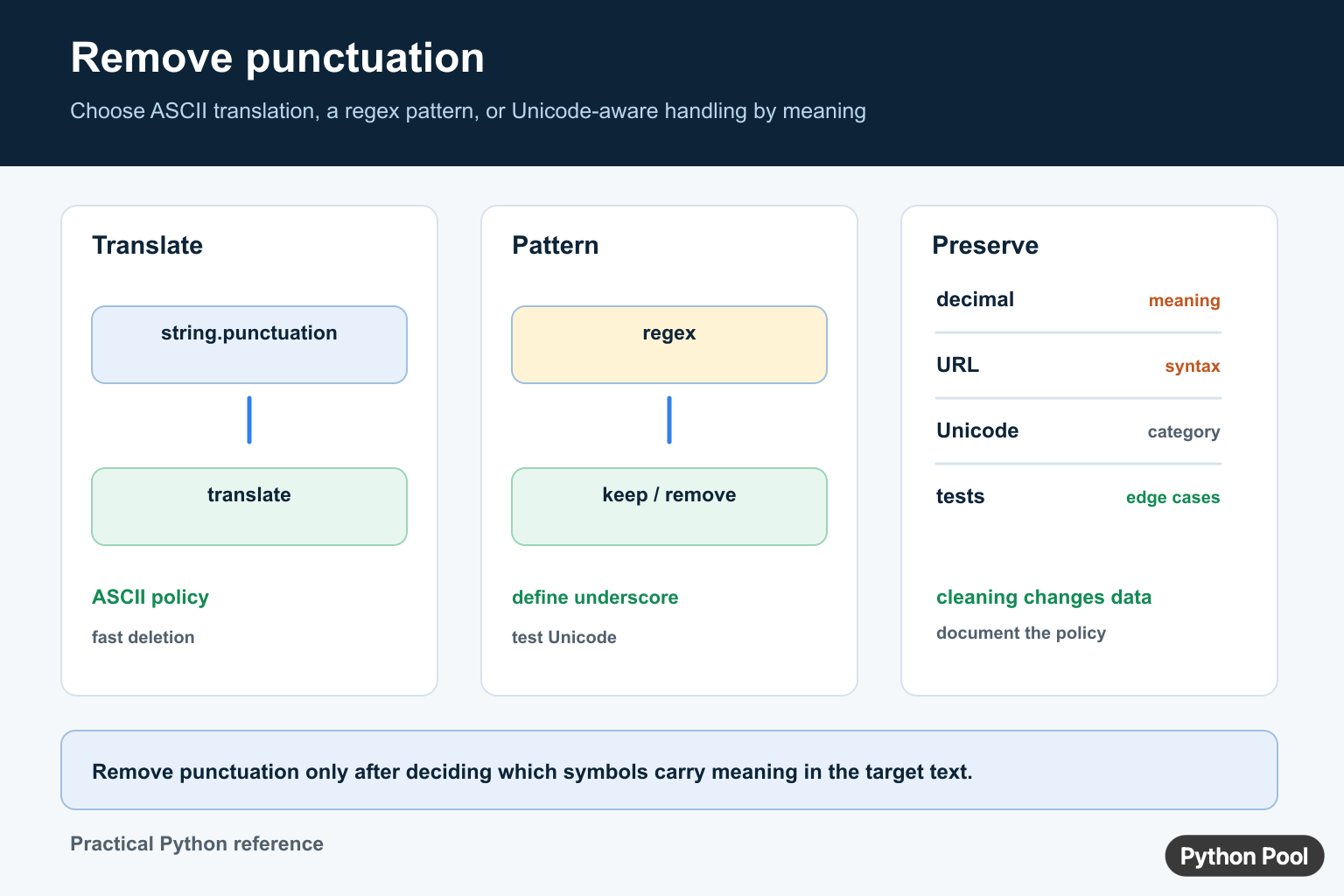
To remove punctuation in Python, start by deciding which marks should disappear and whether they should be deleted or replaced with spaces. That choice is more important than the exact function call. Removing commas from "red, blue" can safely produce "red blue", but removing the comma from "red,blue" may merge two words into "redblue" unless you replace punctuation with a separator first.
A remove punctuation python task usually falls into one of three groups. For ASCII text, str.translate() with string.punctuation is fast and clear. For custom rules, a regular expression can describe the characters to keep or drop. For text that includes em dashes, curly quotes, or punctuation from other writing systems, unicodedata.category() gives a more complete Unicode-aware rule.
The official Python string translate documentation explains the method used for table-based cleanup, and the string.punctuation documentation lists the ASCII punctuation characters. The Python re documentation is useful when the cleanup rule is easier to express as a pattern.
For most application code, keep the cleanup step small and explicit. Do not remove punctuation from raw text just because it is present. Product names, file names, prices, contractions, email-like text, and dates may rely on punctuation for meaning. Normalize only the field that needs it, and keep the original text when later review or display matters.
Use translate() For ASCII Punctuation
The common Python standard-library solution uses str.maketrans() to build a delete table, then applies that table with translate(). Passing an empty replacement string and a third argument tells Python which characters to remove.
import string

text = "Hello, Python Pool!"
delete_table = str.maketrans("", "", string.punctuation)
clean = text.translate(delete_table)

print(clean)
This prints the text without the comma and exclamation point. The set from string.punctuation includes ASCII marks such as quotes, commas, periods, brackets, slashes, and symbols. It does not include every punctuation character used in Unicode text.
Use this method when the source is mostly English technical text, identifiers, slugs, or simple exports that use ASCII punctuation. It is also efficient for large strings because the translation table is applied in one pass.
Replace Punctuation With Spaces
Sometimes deletion is too aggressive. If punctuation separates words, convert marks to spaces first, then collapse repeated whitespace with split() and join(). This keeps word boundaries readable.
import string

text = "red,blue;green/orange"
space_table = str.maketrans({mark: " " for mark in string.punctuation})
clean = " ".join(text.translate(space_table).split())

print(clean)
This produces red blue green orange instead of merging every word together. The final split() call removes extra spaces created by adjacent punctuation, and " ".join(...) writes one normal space between tokens.
This approach works well before search indexing, simple keyword matching, or user-facing display where readable spacing matters. If you only need to trim leading and trailing whitespace afterward, the PythonPool trim guide covers that narrower cleanup step.
Use Regex For A Keep Rule
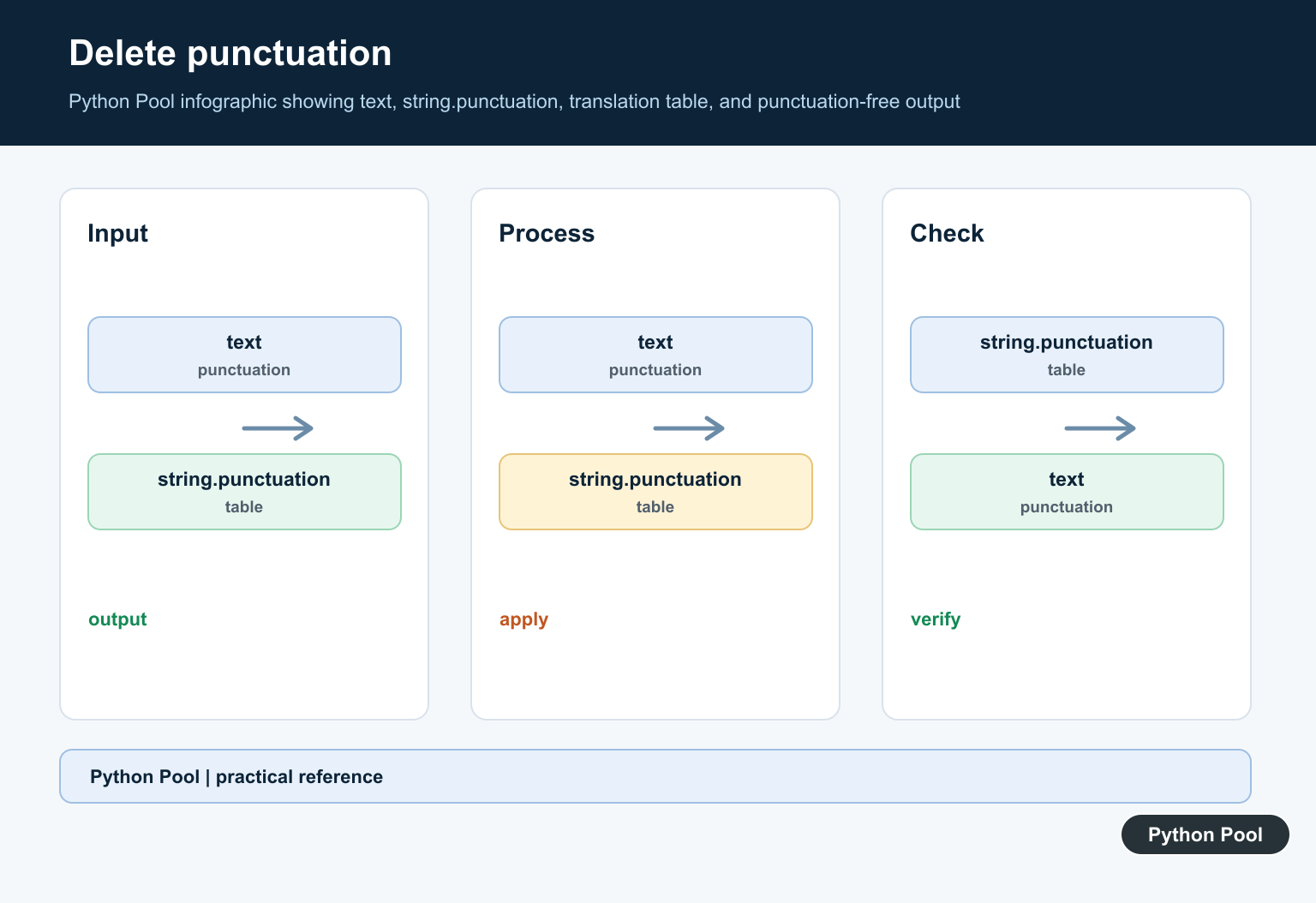
A regular expression is useful when it is easier to say what should remain. The next example keeps word characters and whitespace, then removes everything else.
import re

text = "A/B testing: pass, fail, or retry?"
clean = re.sub(r"[^\w\s]", "", text)

print(clean)
This keeps letters, digits, underscores, and whitespace. In Python 3, \w is Unicode-aware for many word characters, so it can be more flexible than a hand-written ASCII alphabet. It still may not match every rule your data needs.
Regex is best when the cleanup policy is specific: keep digits and letters, preserve underscores, remove separators, or treat whitespace as meaningful. When a built-in string method states the rule more clearly, prefer the string method.
Keep Selected Punctuation
Real text often needs exceptions. You might want to keep apostrophes in contractions or hyphens in compound terms while removing other marks. Build the drop list from string.punctuation, excluding the marks you want to preserve.
import string

keep = {"-", "'"}
drop = "".join(mark for mark in string.punctuation if mark not in keep)
delete_table = str.maketrans("", "", drop)
text = "Don't remove well-tested words, okay?"

print(text.translate(delete_table))
This keeps Don't and well-tested intact while removing the comma and question mark. The useful part is that the policy is visible in one small set named keep.
Use this pattern for titles, tags, and natural-language text where a blanket deletion rule would be too blunt. If the allowed marks change, update the set and leave the rest of the function alone.
Remove Unicode Punctuation
string.punctuation is intentionally ASCII. For broader text, inspect each character category with unicodedata.category(). Unicode punctuation categories start with P, so they can be filtered with a simple prefix check.
import unicodedata

def remove_unicode_punctuation(text):
    return "".join(
        char for char in text
        if not unicodedata.category(char).startswith("P")
    )

text = "Python" + chr(8212) + "fast, clear" + chr(8230) + " useful!"
print(remove_unicode_punctuation(text))
This removes punctuation created with chr(8212) and chr(8230) as well as ASCII comma and exclamation marks. It is a better default when text comes from documents, copy-paste input, multilingual sources, or rich editors.
The tradeoff is that a category rule can remove marks that carry meaning in a particular domain. Test it on representative input before using it for names, addresses, legal text, or code-like strings.
Clean A List Of Strings
Once the cleanup rule is in a function, apply it across a list with a loop, comprehension, or map(). The same helper can be tested once and reused wherever the same policy is needed.
import string

def remove_punctuation(text):
    delete_table = str.maketrans("", "", string.punctuation)
    return text.translate(delete_table)

titles = ["intro: strings", "lists, maps & sets", "clean-up?"]
clean_titles = list(map(remove_punctuation, titles))

print(clean_titles)
This is useful for small batches of labels, headings, tags, or CSV fields. For large pipelines, build the translation table once outside the function or close over it so Python does not rebuild it for every item.
Choose the method by intent. Use translate() and string.punctuation for fast ASCII deletion, translate punctuation to spaces when separators matter, use regex for custom keep rules, preserve selected marks when meaning depends on them, and use unicodedata for broader punctuation cleanup.
Before shipping the cleanup step, test empty strings, text with no punctuation, adjacent punctuation, punctuation between words, numbers with decimal points, contractions, and Unicode marks. Those cases reveal whether the function is only removing noise or accidentally changing meaning.
Remove ASCII Punctuation With translate
string.punctuation contains ASCII punctuation characters. Build a translation table with str.maketrans and delete those characters when the input contract is specifically ASCII. This is usually clearer and faster than a character-by-character loop.
import string

text = "Hello, Python Pool!"
table = str.maketrans("", "", string.punctuation)
clean = text.translate(table)
print(clean)
Use Regex For A Targeted Pattern
A regular expression such as re.sub(r"[^\w\s]", "", text) expresses a broader keep-or-remove policy, but \w and Unicode behavior still need testing. Decide whether underscores, emoji, symbols, apostrophes, and non-ASCII punctuation should remain.
Preserve Meaning And Normalize Deliberately
Punctuation can separate decimals, quote content, programming syntax, URLs, identifiers, and sentence boundaries. Removing it blindly can change meaning or merge tokens. Normalize at a defined pipeline stage, record the policy, and test empty text, repeated punctuation, Unicode characters, and strings that contain only punctuation.
For text cleanup, compare removing punctuation with character removal and length checks. Read remove character from string python and python string length for the related workflow.
Frequently Asked Questions
How do I remove punctuation from a Python string?
For an ASCII policy, use str.translate() with string.punctuation; for a different character policy, use a targeted regex or Unicode-aware logic.
What is string.punctuation in Python?
It is a string constant containing ASCII punctuation characters that can be used to build a translation table.
How do I remove punctuation with regex?
Use re.sub() with a pattern that explicitly defines which characters to keep or remove, then test underscores, Unicode, and symbols.
Should punctuation be removed from URLs or decimals?
Usually no without a domain-specific parser, because punctuation can carry structural meaning in URLs, numbers, code, and identifiers.
Thank you for this. Really helpful.