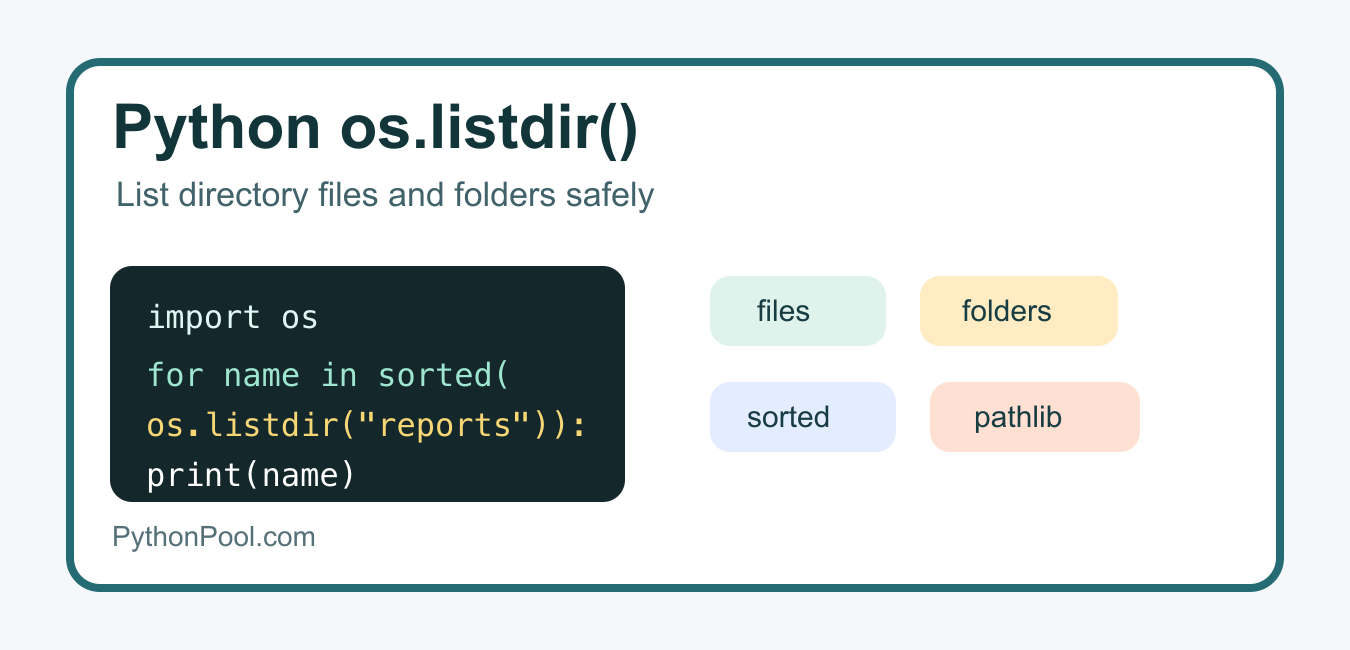
Quick answer: os.listdir() returns names in a directory. Join those names to the directory before opening them, sort explicitly when order matters, and use pathlib or os.scandir() when you need paths or metadata.
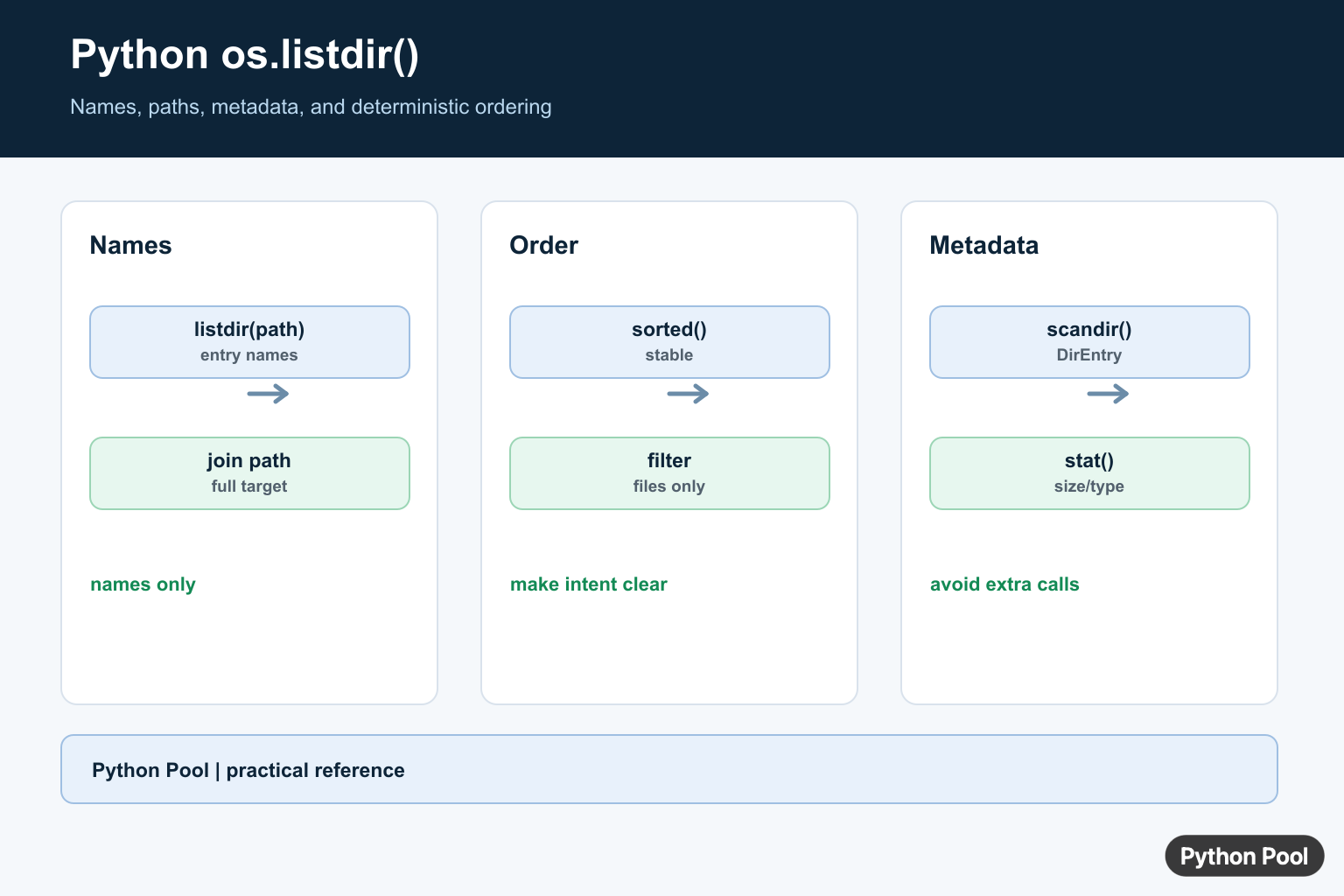
os.listdir() is the standard Python function for reading the names inside a directory. It returns file and folder names, not full paths, so most real programs combine it with os.path.join(), sorting, filtering, or newer alternatives such as pathlib.Path.iterdir().
Use os.listdir() when you need a quick list of names in one directory. Use os.scandir() when you also need file metadata efficiently, pathlib when you prefer path objects, and glob when pattern matching is the main job.
Basic os.listdir() Syntax
The official Python os.listdir() documentation defines the function as a way to return entries in the directory given by a path. If you omit the path, Python lists the current working directory.
import os

entries = os.listdir(".")
print(entries)
The result can include files, folders, symbolic links, and other directory entries. The special entries . and .. are not included. The order is arbitrary, so sort the result if display order or repeatable output matters.
List a Specific Directory
Pass a relative or absolute path to list another folder. The returned names are still only base names, not complete file paths.
import os

folder = "reports"
for name in os.listdir(folder):
    print(name)
If you are not sure what directory your script is using, first check the current directory. PythonPool has a separate guide on getting the current directory in Python.
Sort listdir() Output
Directory order depends on the operating system and filesystem. Sort the list before printing it, testing it, or comparing it with another result.
import os

for name in sorted(os.listdir("reports")):
    print(name)
Sorting also helps when a script generates logs or reports. Without sorting, the same directory can appear in a different order across machines.

Build Full Paths with os.path.join()
A common mistake is calling open(name) after listing another directory. Because listdir() returns names only, join each name back to the directory path before opening or checking it.
import os

folder = "reports"
for name in os.listdir(folder):
    path = os.path.join(folder, name)
    print(path)
This pattern is useful before copying, deleting, moving, or checking files.
Filter Only Files
Use os.path.isfile() when you want files but not folders. Join the path first so Python checks the right directory.
import os

folder = "reports"
files = []

for name in os.listdir(folder):
    path = os.path.join(folder, name)
    if os.path.isfile(path):
        files.append(name)

print(files)
For file sizes after filtering, read PythonPool’s guide to getting file size in Python. For reading file contents, use the guide on reading a file line by line.
Filter by Extension
For a simple extension check, combine listdir() with str.endswith(). Normalize case if the extension may appear as .CSV, .Csv, or .csv.
import os

folder = "reports"
csv_files = [
    name
    for name in os.listdir(folder)
    if name.lower().endswith(".csv")
]

print(csv_files)
If you need shell-style patterns such as *.csv or recursive matching, the official glob module is usually a cleaner choice.

Handle Missing or Inaccessible Directories
os.listdir() raises FileNotFoundError when the path does not exist and NotADirectoryError when the path points to a file. Permissions can also raise PermissionError.
import os

folder = "reports"

try:
    entries = os.listdir(folder)
except FileNotFoundError:
    entries = []
    print("Directory does not exist")
except PermissionError:
    entries = []
    print("Permission denied")

print(entries)
In scripts that process user-supplied paths, check errors explicitly instead of assuming the directory exists. This keeps failures readable and easier to recover from.
Use os.scandir() for Metadata
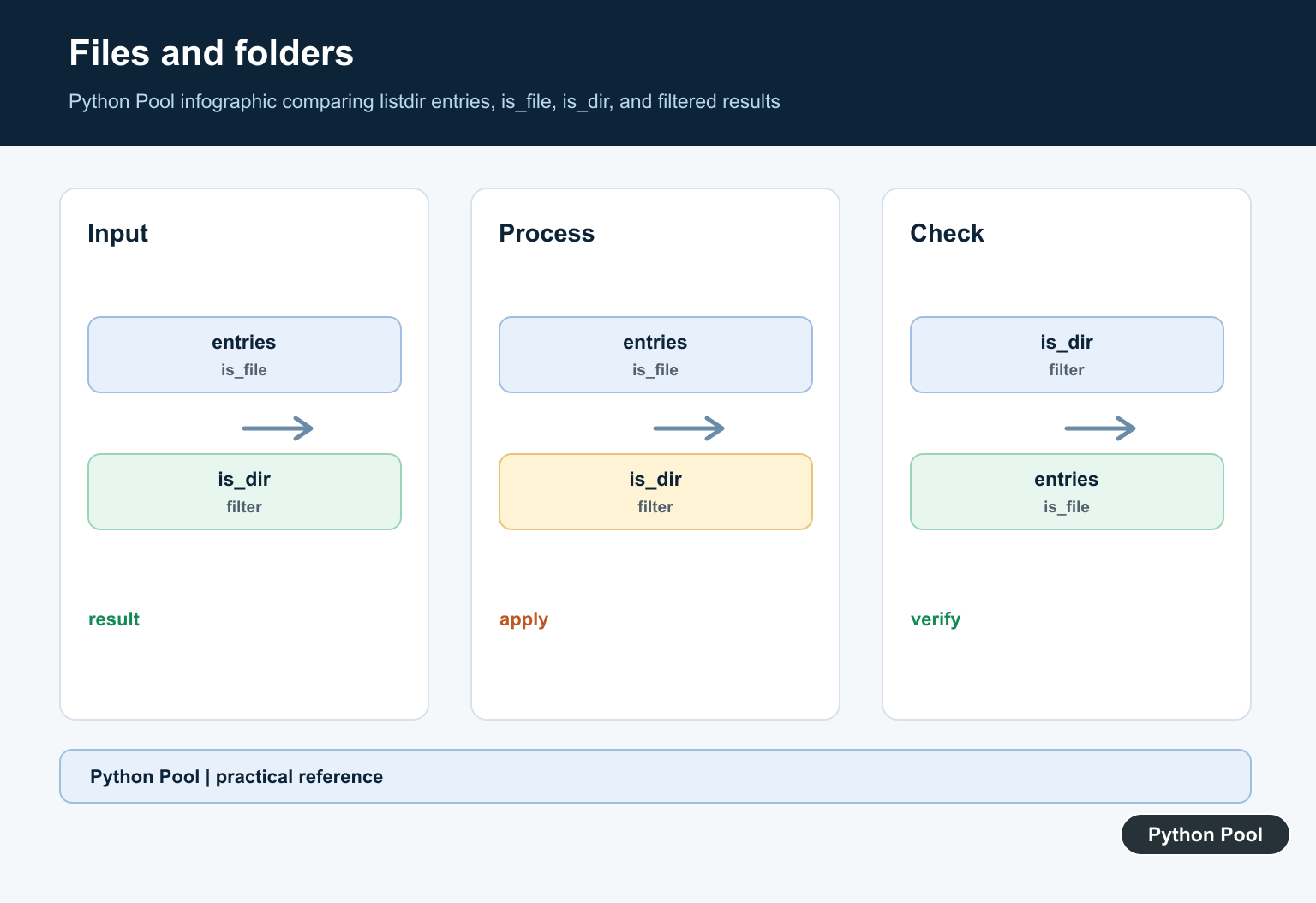
If you need to know whether each entry is a file or directory, os.scandir() can be more efficient because it yields DirEntry objects with useful methods. Python’s official os.scandir() docs describe the performance benefit for file type checks.
import os

with os.scandir("reports") as entries:
    for entry in entries:
        if entry.is_file():
            print(entry.name)
For more traversal examples, see PythonPool’s article on looping through files in a directory.
Use pathlib for Path Objects
pathlib is often easier to read in modern Python code because it returns path objects instead of raw strings. The official Path.iterdir() documentation covers directory iteration with Path objects.
from pathlib import Path

folder = Path("reports")
for path in folder.iterdir():
    if path.is_file():
        print(path.name)
If your task grows into copying, archiving, or removing directory trees, PythonPool’s shutil module guide is the next practical reference.
os.listdir() vs scandir() vs pathlib vs glob
| Tool | Best use | Returns |
|---|---|---|
os.listdir() |
Quickly list names in one directory | Strings or bytes names |
os.scandir() |
List entries while checking file type or metadata | DirEntry objects |
Path.iterdir() |
Modern path-object workflow | Path objects |
glob.glob() |
Pattern matching like *.txt |
Matching path strings |
FAQs
Does os.listdir() return full paths?
No. It returns names inside the directory. Use os.path.join(folder, name) or pathlib.Path to build full paths.
Is os.listdir() recursive?
No. It lists only one directory level. Use os.walk(), Path.rglob(), or recursive glob patterns for nested directories.
Does os.listdir() include hidden files?
Yes, hidden files are normal directory entries. On Unix-like systems, names starting with a dot appear in the result unless you filter them out.

Names Are Not Full Paths
The result of os.listdir(directory) contains entry names, not complete paths. Pass the directory and name through os.path.join or Path / name before testing, opening, or deleting anything. This avoids accidentally operating relative to the process’s current directory.
from pathlib import Path

root = Path("reports")
for name in root.iterdir():
    print(name, name.is_file())
Filter And Sort Deliberately
Filesystem enumeration order is not a stable presentation or processing order. Use sorted() when deterministic output matters, and filter based on the full path. Decide whether hidden entries and symbolic links belong in the result.
import os

root = "reports"
files = sorted(
    name for name in os.listdir(root)
    if os.path.isfile(os.path.join(root, name))
)
print(files)
Use scandir For Metadata
os.scandir() yields DirEntry objects that can expose is_file(), is_dir(), and stat information efficiently during iteration. pathlib.Path.iterdir() gives readable Path objects. Choose listdir when names alone are enough; avoid extra system calls when metadata is already part of the task.
import os

with os.scandir("reports") as entries:
    for entry in entries:
        if entry.is_file():
            print(entry.name, entry.stat().st_size)
See Python’s os.listdir() and os.scandir() documentation for entry and error behavior.
For file-system boundaries, compare looping through directory files, creating a file, and the current directory.
Frequently Asked Questions
What does os.listdir() return?
It returns a list of names in a directory, excluding the directory path itself.
How do I list only files with os.listdir()?
Join each name to the directory and test it with os.path.isfile, or use pathlib and filter Path.is_file().
Does os.listdir() return entries in sorted order?
Do not rely on filesystem order; call sorted() when deterministic display or processing order is required.
When should I use os.scandir() instead?
Use scandir when you need file type or stat metadata efficiently while iterating through a directory.