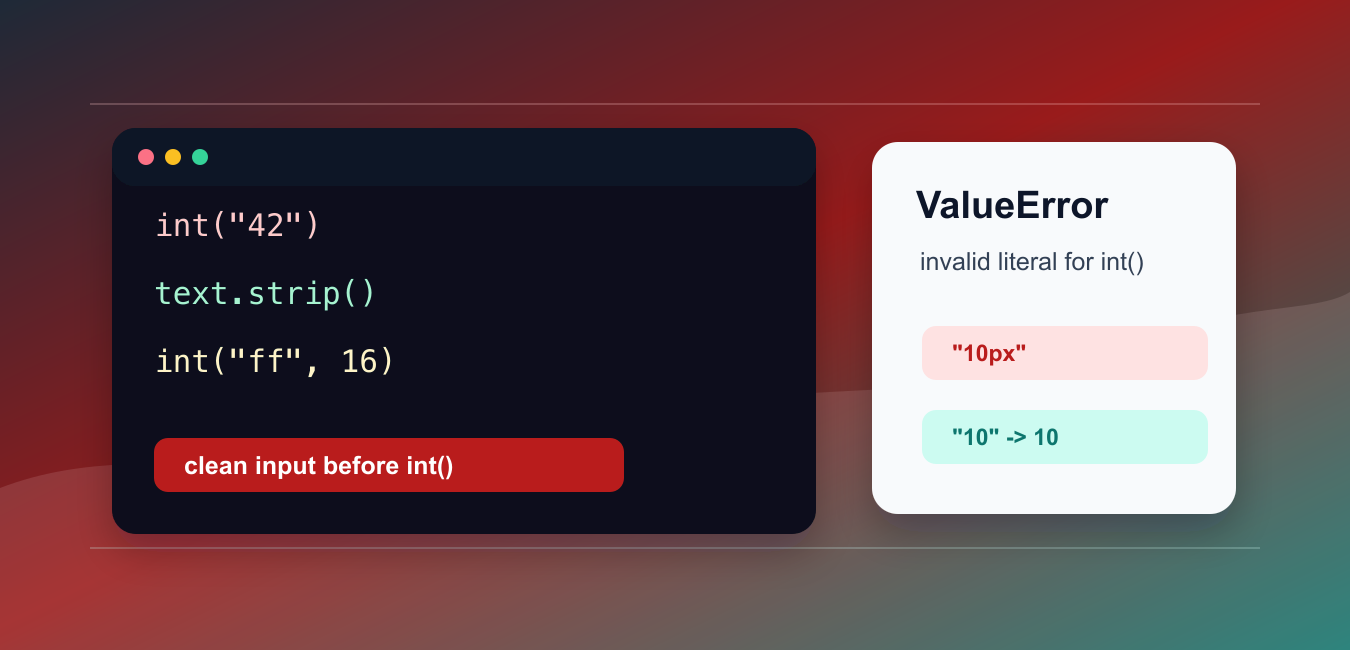
Quick answer: ValueError: invalid literal for int() with base 10 means int() received text that is not a valid decimal integer. Inspect the raw value, strip harmless surrounding whitespace, and then decide whether the input should be rejected, parsed as float or Decimal, cleaned according to an explicit rule, or converted with another base.
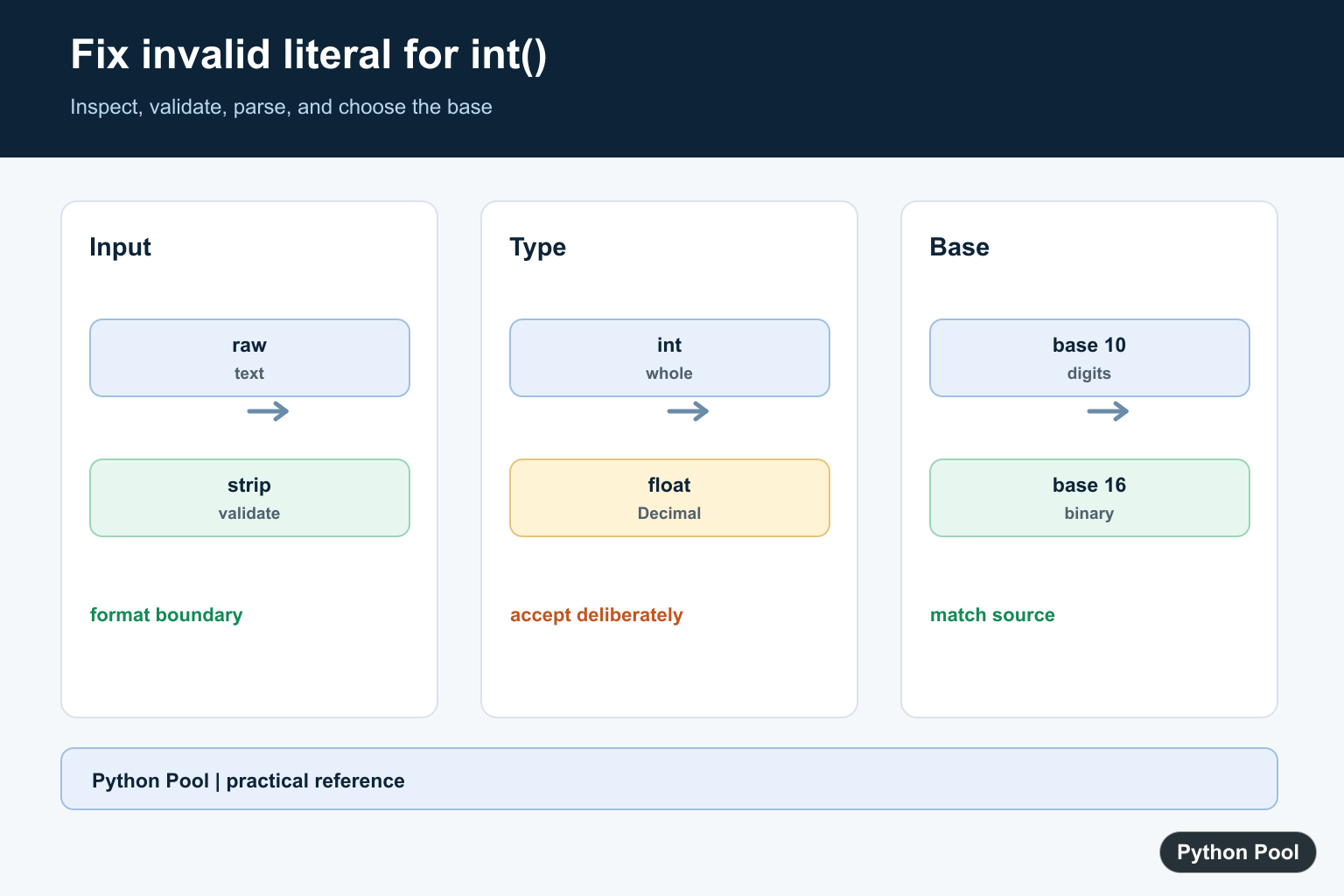
The Python error ValueError: invalid literal for int() with base 10 happens when int() receives text that is not a valid base-10 integer. Common causes include decimal points, commas, currency symbols, empty text, unit suffixes, and using base 10 for data written in another base.
The official Python documentation covers the int() constructor and string cleanup methods such as str.strip().
The fix is not to hide the exception. First identify what kind of text is arriving, then clean or validate it before calling int(). If the input is not supposed to be an integer, parse it with a different function or reject it with a clear message.
Base 10 means ordinary decimal digits. Text such as "42", "0", and "-7" works. Text such as "4.2", "10px", and "" does not work with a plain int() call.
This error often appears when reading form fields, CSV cells, command-line arguments, or API payloads. Those sources usually deliver text, even when the text looks numeric on screen. Always treat the conversion step as a boundary where data can be missing, padded, formatted, or typed in a way your code did not expect.
A good fix should be explicit about accepted formats. If only whole numbers are allowed, reject decimals and labels. If decimals are accepted, parse as float or decimal.Decimal first. If commas or currency symbols are accepted, remove only those characters deliberately and document that choice.
Convert Clean Integer Text
When the text contains only an integer, int() works directly.
text = "42"

number = int(text)

print(number)
print(type(number).__name__)
This is the target format. If your program receives this shape of text, the conversion is simple.
When conversion fails, print or log repr(text) during debugging. That reveals hidden whitespace, empty text, and unexpected characters.
Do not assume that a value displayed as 42 in a UI is stored as clean text. Copying from spreadsheets, web forms, and reports can add hidden characters or formatting around the number.
Strip Whitespace First
Whitespace around a number is usually safe to remove before conversion.
text = "  105\n"

clean = text.strip()
number = int(clean)

print(number)
strip() removes leading and trailing whitespace. It does not remove symbols, letters, or commas inside the text.
If cleanup changes the meaning of the data, do not clean blindly. For example, removing all punctuation from user input can turn invalid data into a different number.
For user-facing forms, it is usually better to show a validation message than to guess what the user meant. Silent cleanup should be reserved for harmless formatting such as surrounding whitespace.
Handle Decimal Text Safely
int("3.14") fails because the text is a decimal number, not an integer literal.
text = "3.14"

decimal_number = float(text)
whole_number = int(decimal_number)

print(whole_number)
This truncates toward zero. It does not round.
If rounding is needed, use round() before int(). If decimals are not allowed, reject the input instead of converting it.
Financial, measurement, and scoring code should be especially careful here. Truncating 3.99 to 3 may be technically valid Python, but it may be the wrong business rule.
Validate Before Calling int
A small check can avoid exceptions for ordinary form input.
def looks_like_integer(text):
    clean = text.strip()
    return clean.lstrip("+-").isdecimal()

for text in ["25", "-8", "4.5", "10px", ""]:
    if looks_like_integer(text):
        print(int(text))
    else:
        print(f"not an integer: {text!r}")
lstrip("+-") allows a leading sign, and isdecimal() checks the remaining digits.
This validation is intentionally strict. It avoids accepting text with commas, spaces inside the number, or unit suffixes unless your program explicitly supports those formats.
Strict validation makes failures easier to explain. A caller can see exactly which format is accepted instead of relying on a broad cleanup step that changes input in surprising ways.
Use The Right Base
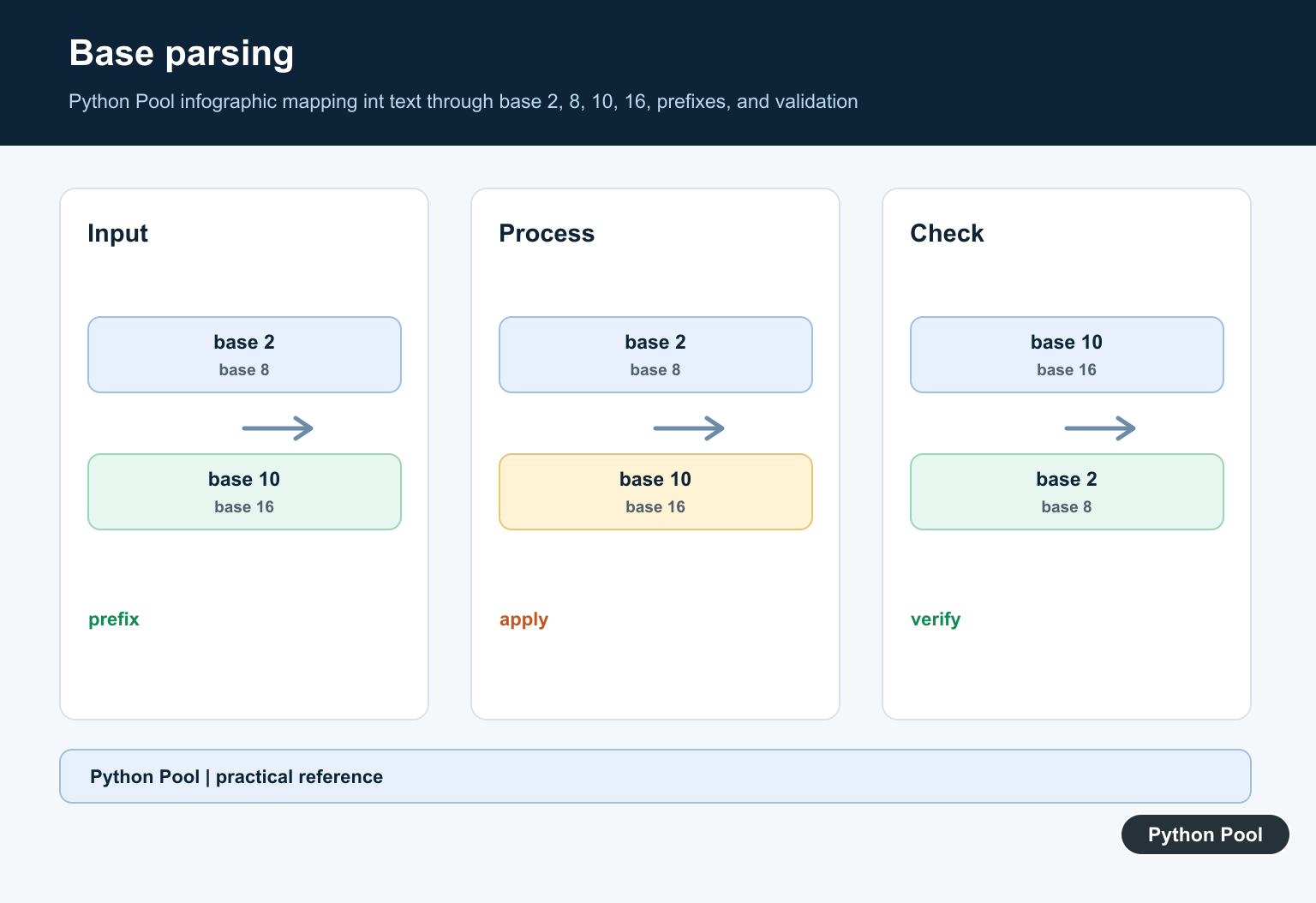
If the text is hexadecimal, binary, or another base, pass the correct base to int().
hex_text = "ff"
binary_text = "1010"

print(int(hex_text, 16))
print(int(binary_text, 2))
Using base 10 for "ff" causes the same error because f is not a decimal digit.
When input may include prefixes such as 0x or 0b, int(text, 0) can infer the base from the prefix. Use that only when such prefixes are expected.
Base mistakes are common in parsers and import tools. If the source data may contain different bases, store the base decision close to the parsing code so future edits do not assume everything is decimal.
Wrap Conversion In A Helper
A helper function keeps parsing rules in one place.
def parse_integer(text):
    clean = text.strip()

    if not clean.lstrip("+-").isdecimal():
        return None

    return int(clean)

for text in ["12", "  -5 ", "7.0", "eight"]:
    result = parse_integer(text)
    print(text, result)
This helper returns None for unsupported input instead of raising ValueError.
In production code, choose the failure behavior that fits the caller. You might return None, show a form error, raise a custom exception, or log the bad input for review.
For batch imports, collect all bad rows and report them together. For interactive input, fail fast and tell the user which field needs a whole number.
In short, fix invalid literal for int() with base 10 by checking the input format. Clean whitespace, reject empty or mixed text, parse decimals intentionally, and pass the correct base when the data is not decimal.
Inspect Raw Input Before Converting
Form fields, CSV cells, command-line arguments, and API values often arrive as strings. repr() exposes empty text, hidden whitespace, decimal points, and symbols that a normal print can make easy to miss.
values = ["42", " 42 ", "4.2", "", "10px"]

for value in values:
    try:
        print(repr(value), int(value))
    except ValueError as error:
        print(repr(value), type(error).__name__)
Validate A Decimal Integer
Use a strict validator when only signed whole-number text is accepted. Keep the accepted format explicit instead of removing every non-digit character, which can silently change the meaning of the input.
def is_decimal_integer(text):
    value = text.strip()
    return bool(value) and value.lstrip("+-").isdecimal()

for value in ["25", "-8", "4.5", "10px"]:
    print(value, is_decimal_integer(value))
Parse Decimal Input Deliberately
If fractional values are valid, int() is the wrong first parser. Choose float or Decimal and document whether later conversion truncates, rounds, or rejects a fractional value.
from decimal import Decimal

text = "3.14"
value = Decimal(text)
print(value)
print(value.quantize(Decimal("1")))
Pass The Correct Base
The default base is 10. For hexadecimal, binary, or another supported base, pass the base explicitly and validate the source format before conversion.
print(int("ff", 16))
print(int("1010", 2))
print(int("0x2a", 0))
Use the official int() reference for accepted bases and conversion behavior. Related guides include Python int(), checking whether a string is an integer, and removing whitespace.
For related input conversion and validation, compare Python int(), integer-string checks, and removing whitespace before choosing a cleanup or parsing rule.
Frequently Asked Questions
What causes invalid literal for int() with base 10?
int() received text that is not a valid decimal integer, such as an empty string, decimal point, comma, currency symbol, or unit suffix.
How do I fix whitespace around an integer?
Call strip() on the input before int() when surrounding whitespace is harmless and accepted by the input contract.
How do I parse a decimal instead of an integer?
Use float or Decimal when fractional values are valid, and decide explicitly whether rounding, truncation, or rejection is the correct business rule.
How do I parse hexadecimal or binary text?
Pass the correct base to int(), such as int(‘ff’, 16) or int(‘1010’, 2), rather than forcing non-decimal text through base 10.
print(“Welcome to a sum of series function”)
print(“Pick the intervals, and we do the rest”)
print(“\n”)
x = float(int(input(“Choose your first interval: “)))
y = float(int(input(“Choose your second interval: “)))
sum = 0
for i in range (x, y+1):
sum += i
print(sum)
My code is good however it wont allow me to input int such as 1/30 where it keeps giving me an error
The range() function in python, accepts two integers. In your case, both x and y are floats which are invalid arguments for range(). To fix this, you need to remove the float() part when initializing x and y.
x = int(input("Choose your first interval: "))y = int(input("Choose your second interval: "))
This is how it should look. Replace this and you’ll be good to go.
Let me know if you have any other doubts.
Regards,
Pratik