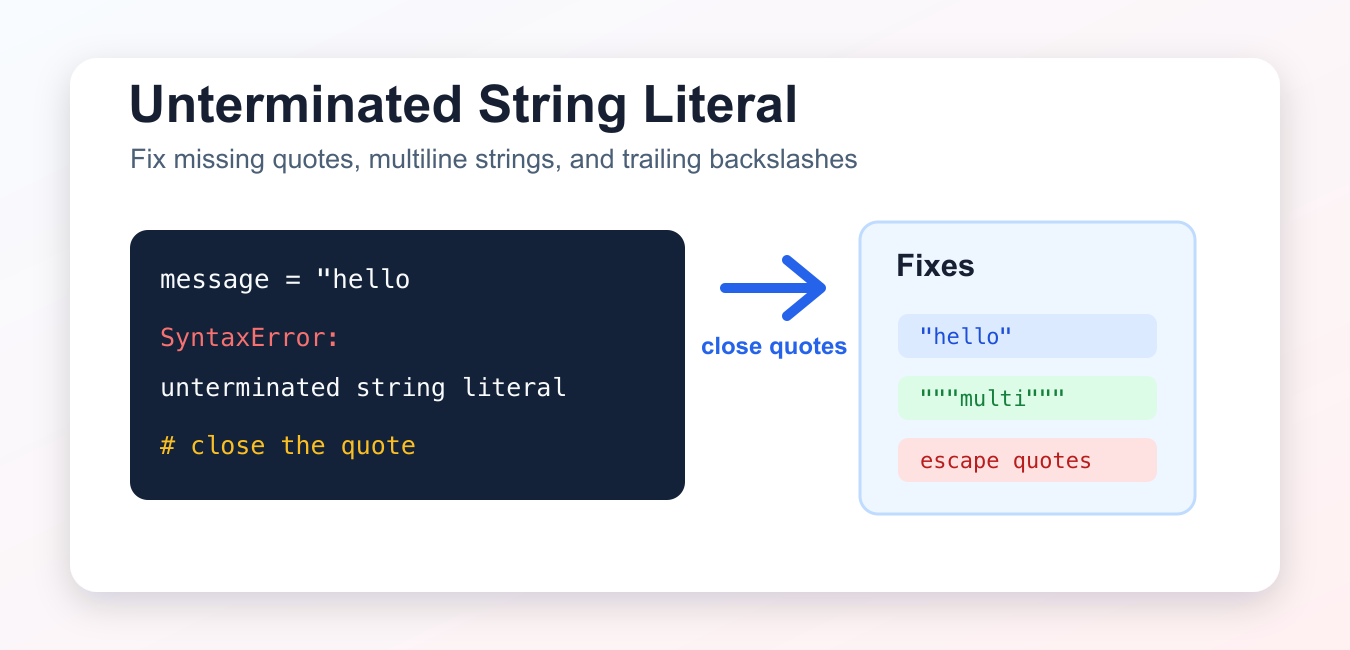
Quick answer: An unterminated string literal means Python reached the end of a line or file before finding the matching quote. Close the delimiter, use triple quotes for multiline text, and handle trailing backslashes carefully in raw strings.
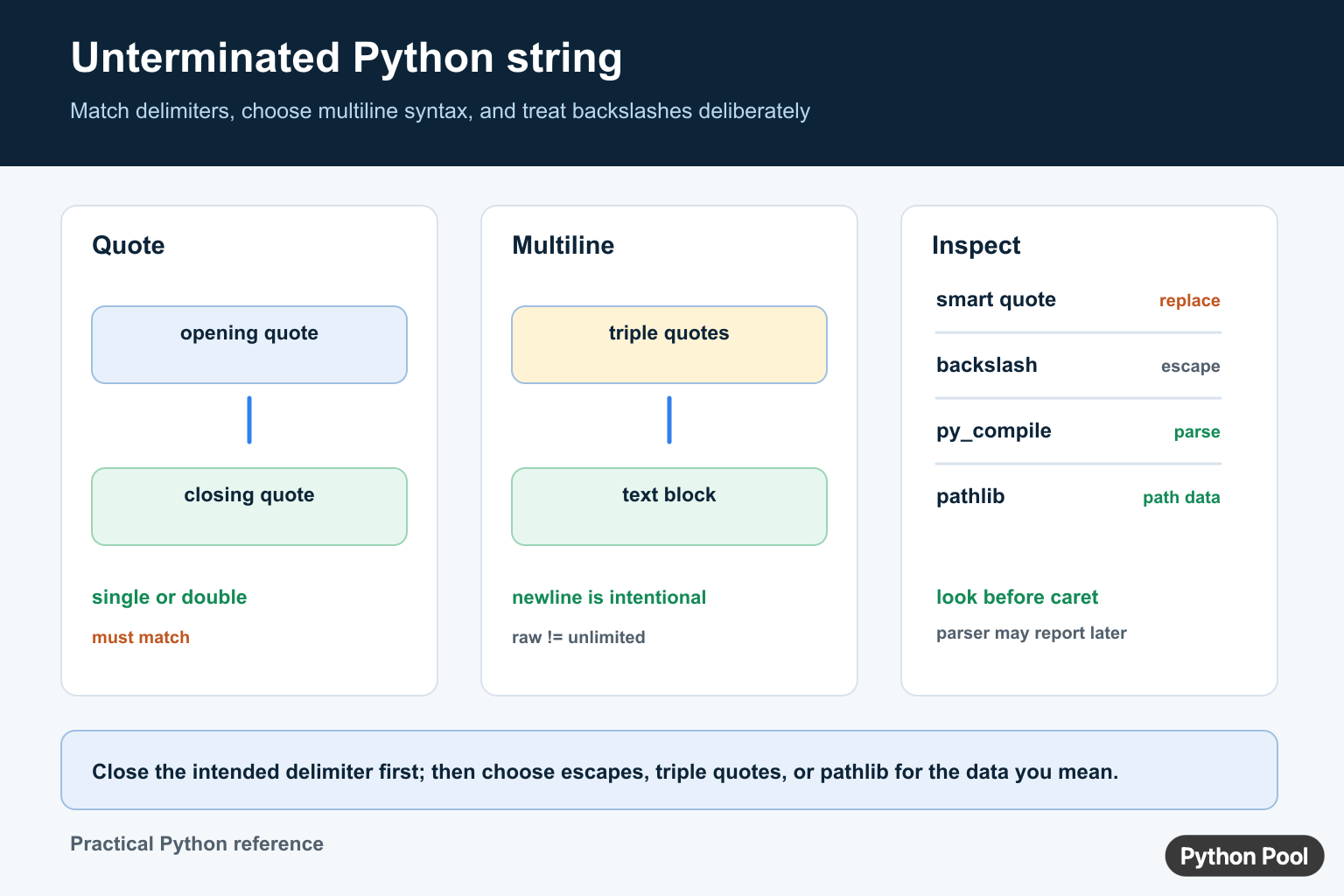
SyntaxError: unterminated string literal means Python reached the end of a line or file before it found the closing quote for a string. Older Python versions and many older tutorials describe the same problem as EOL while scanning string literal.
The fix is usually to close the quote, use triple quotes for multiline text, escape an inner quote, or handle a trailing backslash correctly.
Missing single quote
This code starts a single-quoted string but never closes it:
message = 'helloCorrect version:
message = 'hello'
print(message)
Missing double quote
The same error happens with double-quoted strings.
message = "helloCorrect version:
message = "hello"
print(message)
Multiline string without triple quotes
A normal quoted string cannot continue onto the next physical line unless you use a valid line continuation. For readable multiline text, use triple quotes.
message = "first line
second line"
Correct version:
message = """first line
second line"""
print(message)
Quote inside a string
If the text contains an apostrophe, use double quotes around the string or escape the apostrophe.
message = "It's ready"
print(message)
You can also write 'It\'s ready', but switching the outer quote style is often easier to read.
Raw string ending with a backslash
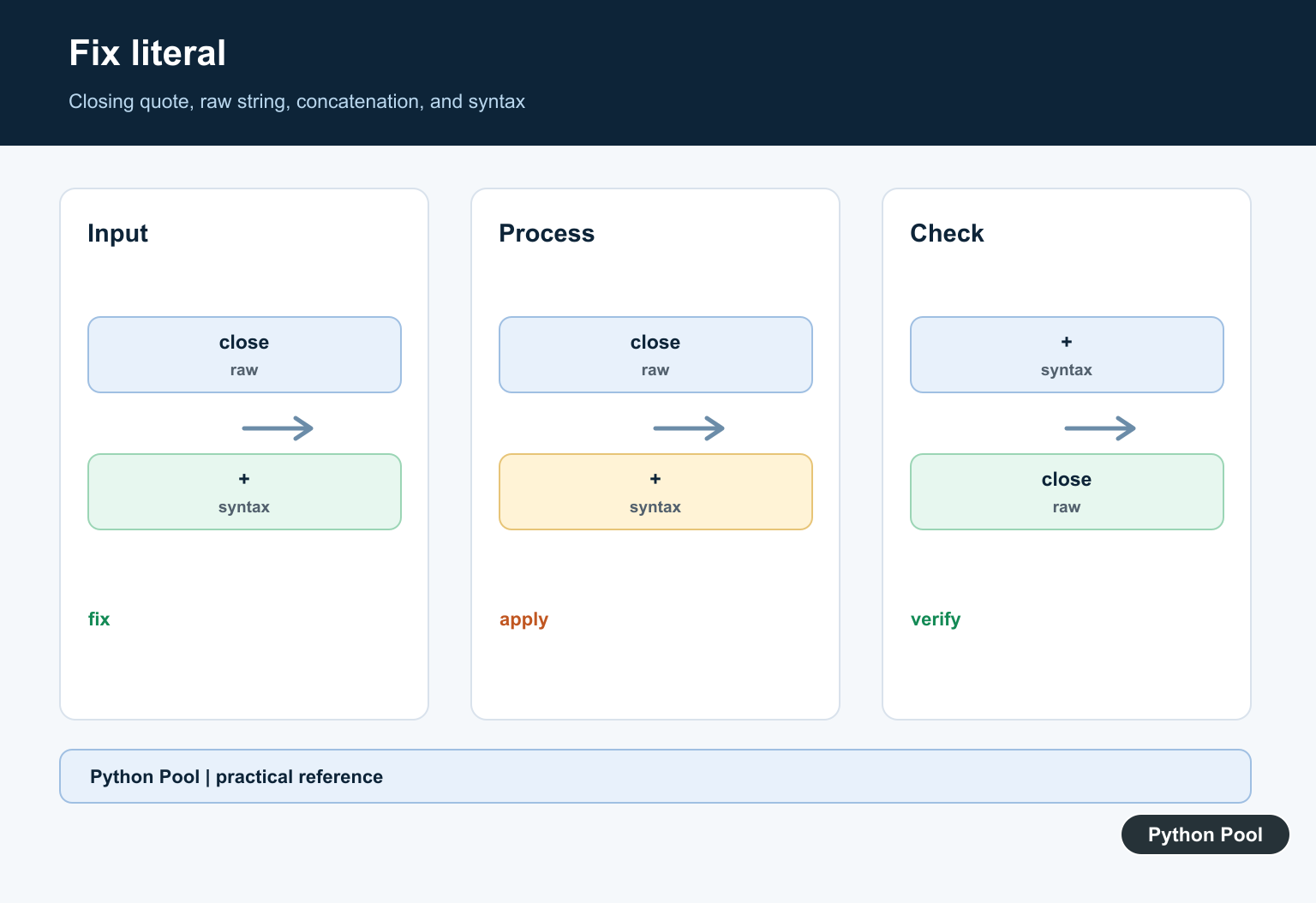
A raw string cannot end with a single trailing backslash because the backslash escapes the closing quote. This is common in Windows path examples.
path = r"C:\Users\Asha\"One fix is to concatenate the final backslash:
path = r"C:\Users\Asha" + "\\"
print(path)
For real file paths, pathlib.Path is usually cleaner than manually writing backslashes.
Why this message changed in newer Python
Older Python versions often reported this problem as EOL while scanning string literal. In current Python, the same kind of mistake usually appears as SyntaxError: unterminated string literal. The cause is not different: Python reached the end of the physical line before it found the closing quote. That is why the caret often points near the opening string instead of at the line where you first noticed the program failed.
When you debug it, read the code exactly as Python reads it. A normal quoted string must close on the same logical line:
message = "first line
second line"
Use triple quotes when the newline is meant to be part of the value:
message = """first line
second line"""
print(message)
A backslash at the end of a line can also make the next line part of the same logical statement, so check for accidental continuation characters. For paths and Windows examples, prefer forward slashes, doubled backslashes, or pathlib.Path. For pasted JSON, SQL, or regex text, confirm the quote that starts the value has a matching quote before the line ends.
How to find the broken string quickly
Start with the line number in the traceback, then inspect the line above it. Syntax errors are found before the code runs, so the reported line is sometimes only where Python finally became sure the string was unfinished. Look for mismatched quote styles, copied smart quotes, an escaped closing quote like ", or a raw string that ends with one backslash.
If the file is long, temporarily comment out nearby lines until the error disappears, then restore the smallest block that reproduces it. That narrows the search to the exact literal without changing the rest of the program.
Quick checklist
- Check the line above the reported error and confirm every quote is closed.
- Use matching quote types:
'...',"...",'''...''', or"""...""". - Use triple quotes for multiline strings.
- Escape inner quotes or switch the outer quote style.
- Do not end a raw string with a single backslash.
SyntaxError vs runtime errors
This is a syntax error, so Python raises it before the program runs. A try/except block inside the same file cannot catch it because the file cannot be parsed. Fix the source code first, then run the script again.
Related Python guides
- Python multiline string
- Remove quotes from string in Python
- Python double slash
- IndentationError: expected an indented block
- invalid literal for int() with base 10
- Convert string to list in Python
Official references
Conclusion
To fix EOL while scanning string literal or SyntaxError: unterminated string literal, close the string, use triple quotes for multiline text, escape quotes inside the string, and avoid raw strings that end with a single backslash.
Match The Opening Delimiter
Python string literals can use single quotes, double quotes, or triple quotes. The closing delimiter must match the opening form, and an ordinary single-line literal cannot continue across a physical newline without an escape or a different structure.
message = "Python strings need a closing quote"
multiline = """First line
Second line"""
path = r"C:\\work\\reports"

print(message)
print(multiline)
print(path)
Handle Backslashes And Raw Strings
Backslashes can introduce escapes such as \n and \”. A raw string keeps most backslashes literal, but it still cannot end with a single backslash because that would escape the closing quote. Use pathlib.Path for filesystem paths when possible instead of manually counting backslashes.
Check Quotes Before Changing The Parser
Look backward from the reported line for an unmatched quote, a copied smart quote, or a string that spans a newline unexpectedly. Syntax highlighting, a formatter, and python -m py_compile can help isolate the boundary. Do not delete content until the intended text and escape semantics are understood.
Frequently Asked Questions
What causes an unterminated string literal in Python?
Python reached the end of a line or file without finding the matching quote for a string literal.
How do I fix EOL while scanning string literal?
Find the opening quote, add the matching closing delimiter, and check for accidental newlines, smart quotes, or an unescaped quote inside the text.
How do I write a multiline string in Python?
Use triple single or triple double quotes when newlines are intentional, or build separate strings explicitly.
Can a raw Python string end with a backslash?
No. A raw string still cannot end with a single backslash because it would escape the closing quote.
Please Do help me with this code below
from question_model import Question
from data import question_data
from quiz_brain import QuizBrain
question_bank = []
for question in question_data:
question_text = question[“question”]
question_answer = question[“correct_answer”]
new_question = Question(question_text, question_answer)
question_bank.append(new_question)
quiz = QuizBrain(question_bank)
while quiz.still_has_questions():
quiz.next_question()
while input(“Do you want to play a Quiz game.Type ‘y’ for yes and ‘n’ for no: “):
print(f”Your final score was: {quiz.score}/{quiz.question_number)
print(“You have completed the Quiz!”)
You have unclosed double quotes on second last line.