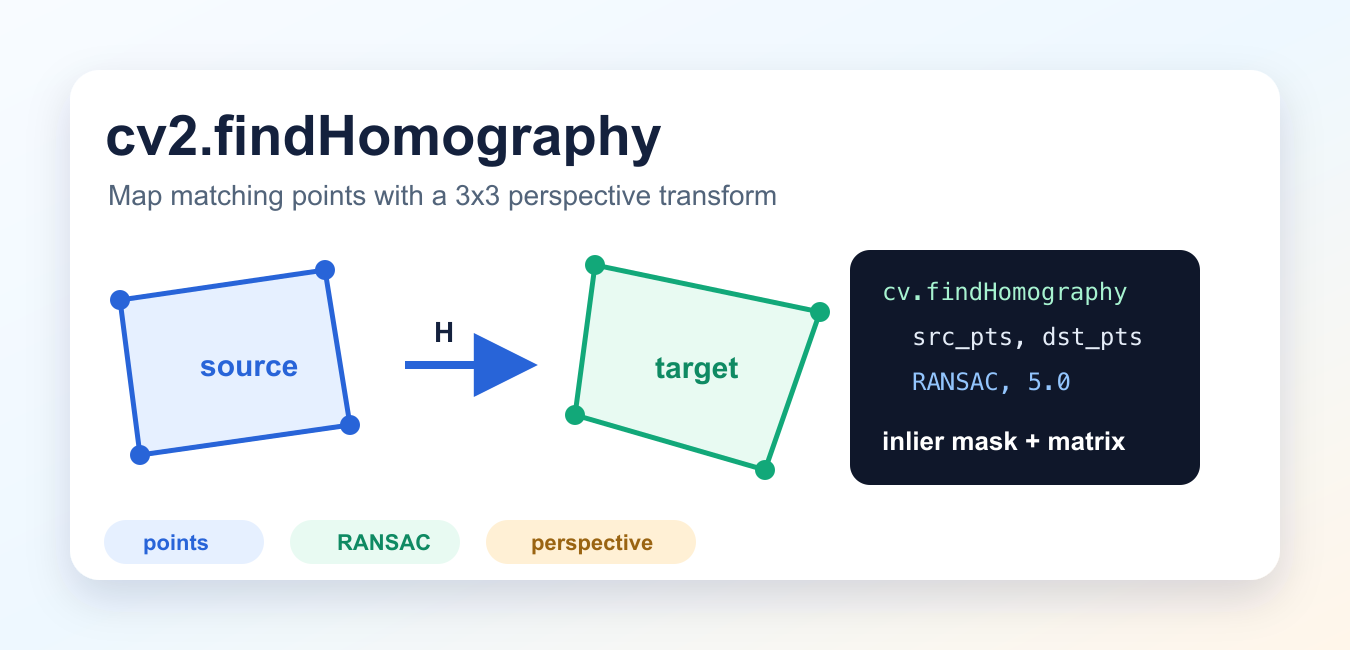
Quick answer: cv2.findHomography estimates a 3 by 3 perspective transform from corresponding points in two planar views and returns an inlier mask. Use correctly shaped floating-point points, choose a robust method such as RANSAC when matches contain outliers, and inspect the mask before using the matrix.
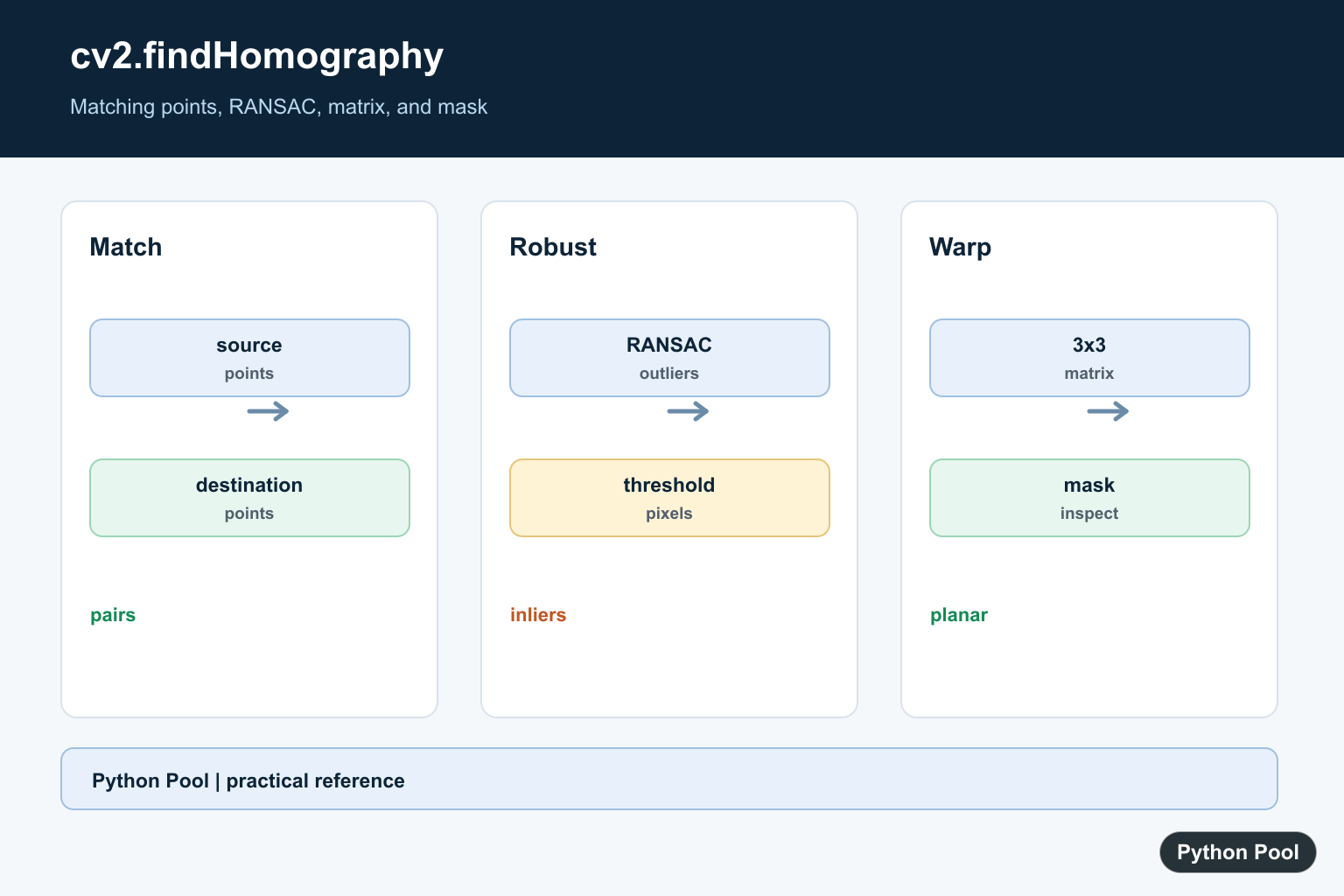
cv2.findHomography() estimates a 3×3 perspective transformation matrix from matching points in two planes. In OpenCV projects, it is commonly used for image alignment, object localization, panorama stitching, document rectification, and feature-matching workflows.
A homography works when the matching points lie on the same physical plane, or when the camera motion can be modeled as a planar perspective transform. If the scene contains multiple depth planes, one homography will not describe the whole scene accurately.
cv2.findHomography Syntax
H, mask = cv2.findHomography(
    srcPoints,
    dstPoints,
    method=0,
    ransacReprojThreshold=3.0,
    maxIters=2000,
    confidence=0.995,
)| Argument | Meaning |
|---|---|
srcPoints |
Point coordinates in the source image or plane. |
dstPoints |
Matching point coordinates in the destination image or plane. |
method |
Estimator. Common choices are 0, cv2.RANSAC, cv2.LMEDS, and cv2.RHO. |
ransacReprojThreshold |
Maximum reprojection error, in pixels, for a pair to count as an inlier when using RANSAC or RHO. |
mask |
Returned inlier/outlier mask for robust methods. |
The function returns H, the homography matrix, and mask, which marks inlier matches. OpenCV’s documentation notes that a threshold from about 1 to 10 pixels usually makes sense when the input points are measured in pixels.
Simple Point-Pair Example
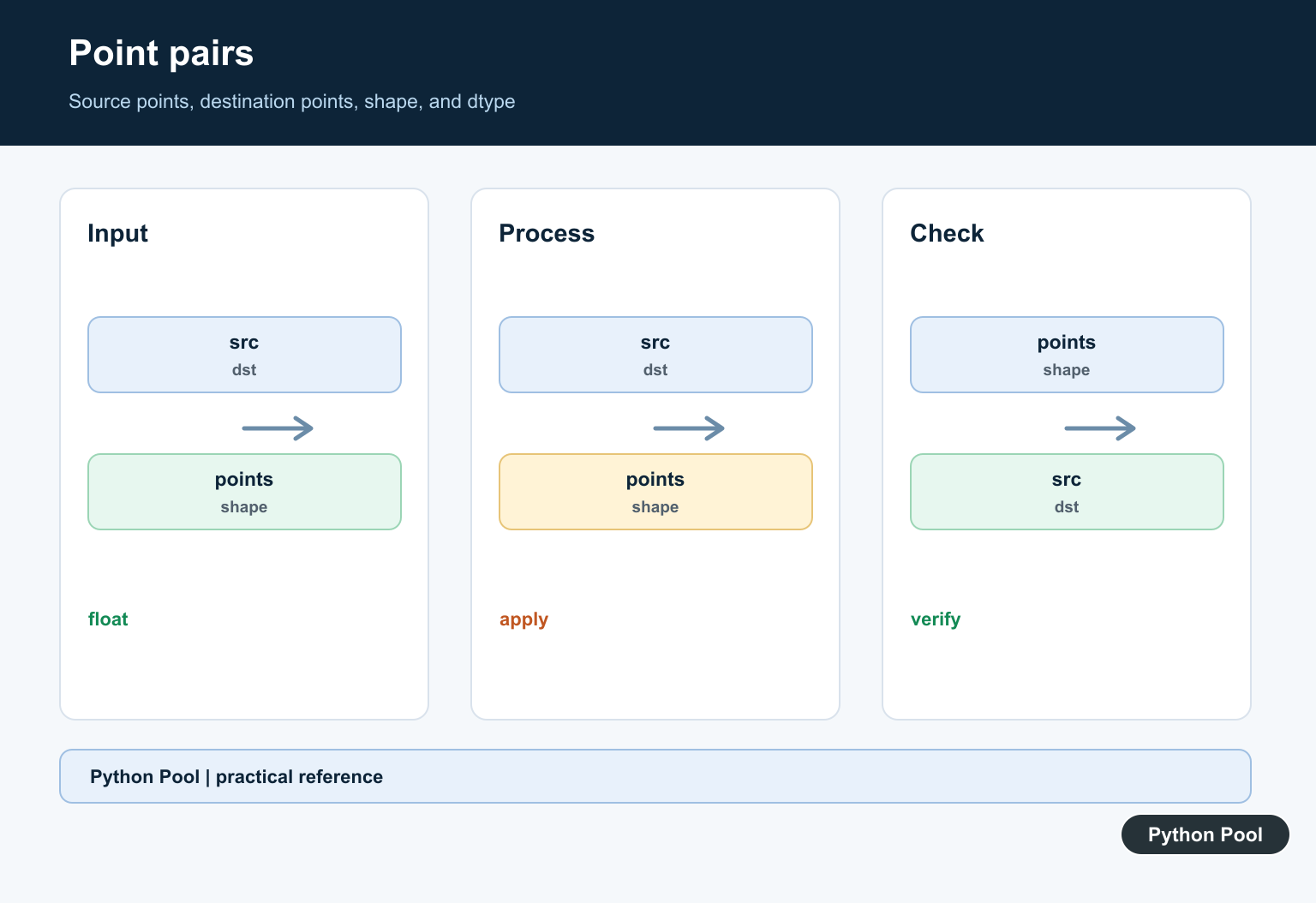
You need at least four matching point pairs. The points should be shaped as (N, 1, 2) or as a compatible two-column floating-point array.
import cv2
import numpy as np

src_pts = np.float32([
    [40, 40],
    [220, 35],
    [230, 180],
    [35, 190],
]).reshape(-1, 1, 2)

dst_pts = np.float32([
    [60, 30],
    [260, 70],
    [220, 220],
    [50, 170],
]).reshape(-1, 1, 2)

H, mask = cv2.findHomography(src_pts, dst_pts, cv2.RANSAC, 5.0)

if H is None:
    raise ValueError("Homography could not be estimated")

print(H)
print(mask.ravel().tolist())
With four clean point pairs, the mask should contain inliers for the points used to estimate the transform. With many noisy feature matches, the mask becomes more useful because it separates likely-correct matches from outliers.
Using Homography for Object Detection
The common OpenCV workflow is:
- Detect keypoints and descriptors in the query image and scene image.
- Match descriptors with a matcher such as BFMatcher or FLANN.
- Keep good matches, often with a ratio test.
- Build source and destination point arrays from the matched keypoints.
- Call
cv2.findHomography()withcv2.RANSAC. - Use
cv2.perspectiveTransform()to project the query image corners into the scene.
import cv2
import numpy as np

MIN_MATCH_COUNT = 10

# kp1, des1: keypoints and descriptors from the query image
# kp2, des2: keypoints and descriptors from the scene image
# good_matches: filtered matches from your matcher

if len(good_matches) >= MIN_MATCH_COUNT:
    src_pts = np.float32([
        kp1[m.queryIdx].pt for m in good_matches
    ]).reshape(-1, 1, 2)

    dst_pts = np.float32([
        kp2[m.trainIdx].pt for m in good_matches
    ]).reshape(-1, 1, 2)

    H, inlier_mask = cv2.findHomography(src_pts, dst_pts, cv2.RANSAC, 5.0)

    if H is not None:
        h, w = query_image.shape[:2]
        corners = np.float32([
            [0, 0], [0, h - 1], [w - 1, h - 1], [w - 1, 0]
        ]).reshape(-1, 1, 2)

        projected = cv2.perspectiveTransform(corners, H)
else:
    print(f"Not enough matches: {len(good_matches)}/{MIN_MATCH_COUNT}")
The official OpenCV tutorial uses the same idea: after enough good feature matches are found, matched keypoint coordinates are passed into findHomography(), and perspectiveTransform() maps object corners into the target image.
Choosing RANSAC, LMEDS, RHO, or 0
method=0: Uses all point pairs. Use it only when the points are clean and you do not expect outliers.cv2.RANSAC: The usual choice for feature matching because it can reject bad point correspondences.cv2.LMEDS: Does not need a reprojection threshold, but OpenCV notes that it works correctly only when more than half of the matches are inliers.cv2.RHO: A PROSAC-based robust method that can be useful for large match sets.
Understanding the Mask
The returned mask is a compact report of which point pairs were treated as inliers by the robust method. For drawing feature matches, convert it to a list:
matches_mask = inlier_mask.ravel().tolist()Use the mask when you want to draw only reliable matches or count how many correspondences supported the final homography.
Common cv2.findHomography Errors
- Not enough points: A homography needs at least four point pairs. In practice, use more than four when points come from feature matching.
- Wrong point shape: Convert points to
np.float32and reshape to(N, 1, 2)when examples or downstream calls expect that shape. HisNone: The matrix could not be estimated. Check point quality, match count, and whether the points are close to collinear.- Bad threshold: A threshold that is too strict can reject useful matches; one that is too loose can keep outliers.
- Non-planar scenes: One homography cannot align objects that live on different depth planes.
Related Python Pool Guides
After estimating a homography, you often need to display or inspect images, so the cv2.imshow guide is useful. For adjacent OpenCV work, see cv2.normalize in Python. If you are loading image arrays for plotting, read Matplotlib imread. For broader image conversion workflows, see ImageMagick in Python.
Official References
Conclusion
cv2.findHomography() is the OpenCV function to estimate a perspective transform between matching planar points. For real feature-matching tasks, use more than four matches, prefer cv2.RANSAC, inspect the returned inlier mask, and always handle the case where no reliable homography can be estimated.
Match The Point Pairs
The source and destination arrays must describe the same feature in the same order. Use at least four non-collinear pairs and reshape point coordinates into a form OpenCV accepts, such as N by 1 by 2 floating-point arrays.
Choose A Robust Estimator
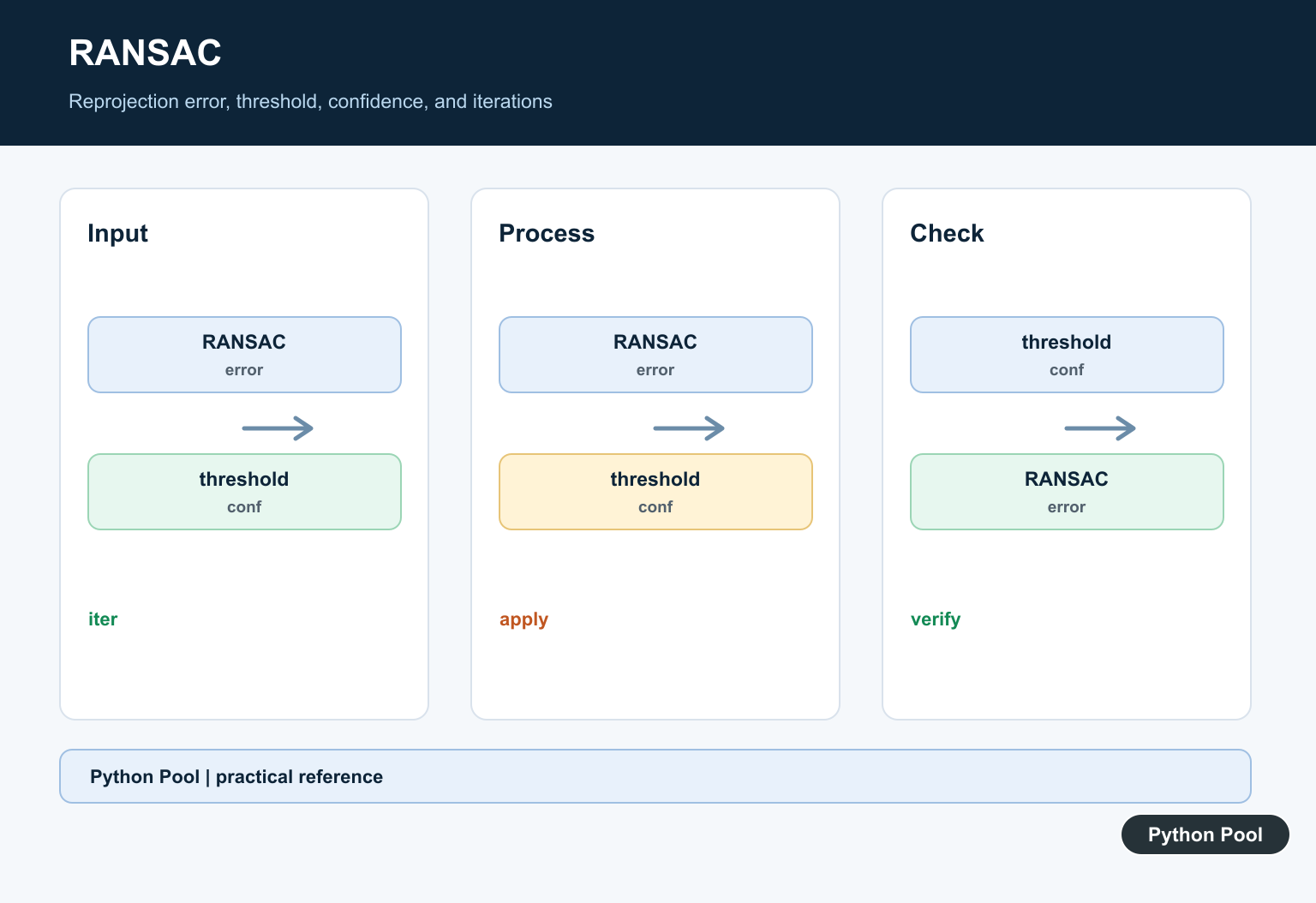
Method zero uses a direct estimate, while RANSAC, LMEDS, and RHO can reject bad correspondences. RANSAC needs a reprojection threshold in pixels; a smaller value is stricter and a larger value admits more noise.
Read The Matrix And Mask
The returned matrix maps points from the source plane to the destination plane. The mask identifies inliers for robust methods, so count and inspect inliers instead of assuming a non-null matrix proves that the result is useful.

Validate The Geometry
A single homography models a planar scene or a camera motion that can be approximated that way. Multiple depth planes, repeated textures, or poorly distributed matches can produce an unstable transform even when the call succeeds.
Debug Common Failures
Check point count, dtype, shape, collinearity, image coordinate order, and the reprojection threshold when the matrix is None or the warp is visibly wrong. Draw matched points and transformed corners to make the error observable.
The OpenCV findHomography reference defines the Python signature, methods, threshold, and returned mask. The feature homography tutorial shows a matching workflow. Related references include OpenCV geometry, array shape semantics, and tests.
For related computer-vision geometry, compare bounding rectangles, array shapes, and geometry tests when validating point transforms.
Frequently Asked Questions
What does cv2.findHomography return?
It returns a 3 by 3 homography matrix and a mask identifying inlier point correspondences for robust methods.
How many point pairs are required?
At least four non-collinear corresponding point pairs are required for a projective homography.
What does ransacReprojThreshold mean?
It is the maximum reprojection error in pixels used to classify a pair as an inlier by RANSAC or RHO.
Why is the homography matrix None?
The points may be insufficient, degenerate, malformed, or not consistent with a single planar transformation.
it seems that part of the code is missing, how did you calcuate dst in homography = cv2.polylines(frame, [np.int32(dst)], True, (255, 0, 0), 3) I was not able to reproduce the same result, could you please help?
Sorry, for the incomplete code. I’ve updated the article.
Dont understand where/how you got queryIdx and trainIdx when initializing query_pts and train_pts.
Hi,
queryldx and trainldx are DMatch object attributes. These can be accessed by referencing the Dmatch instance, in this case, it was ‘m’.
Regards,
Pratik