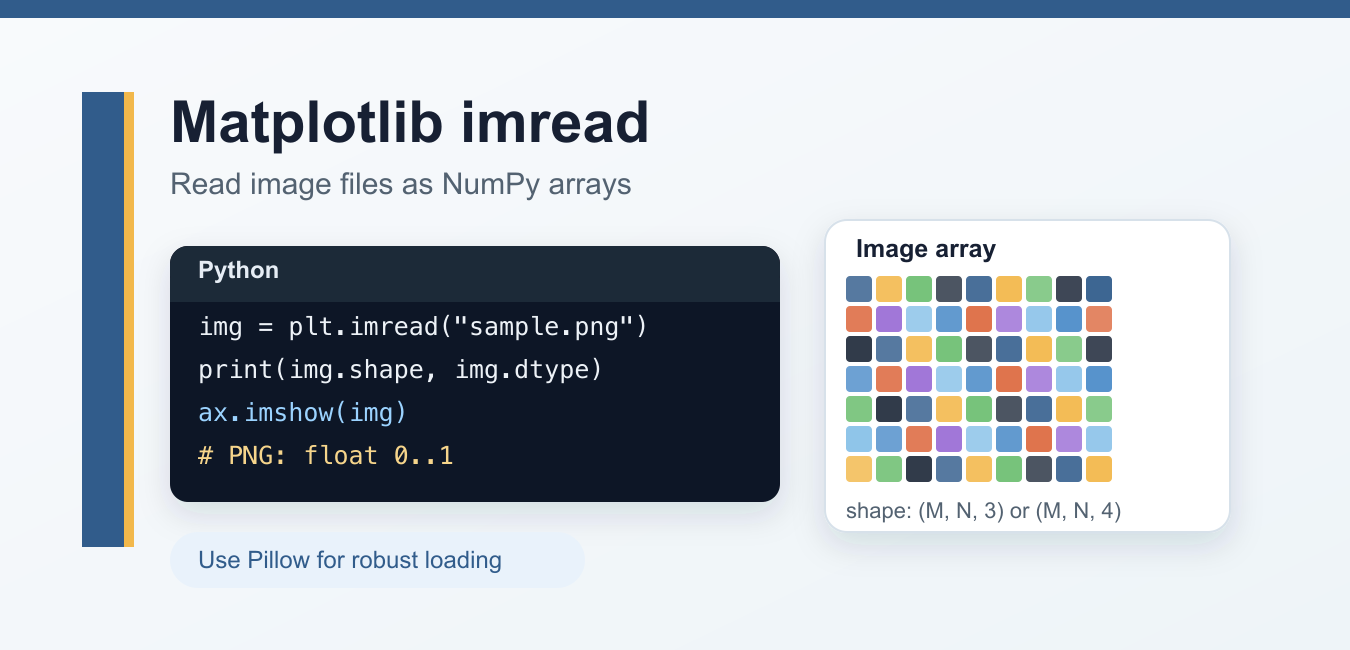
Quick answer: matplotlib.image.imread() loads an image into a NumPy array. The array’s shape, dtype, and channel values depend on the file format, so inspect those properties before displaying, normalizing, or passing the data to another image library.
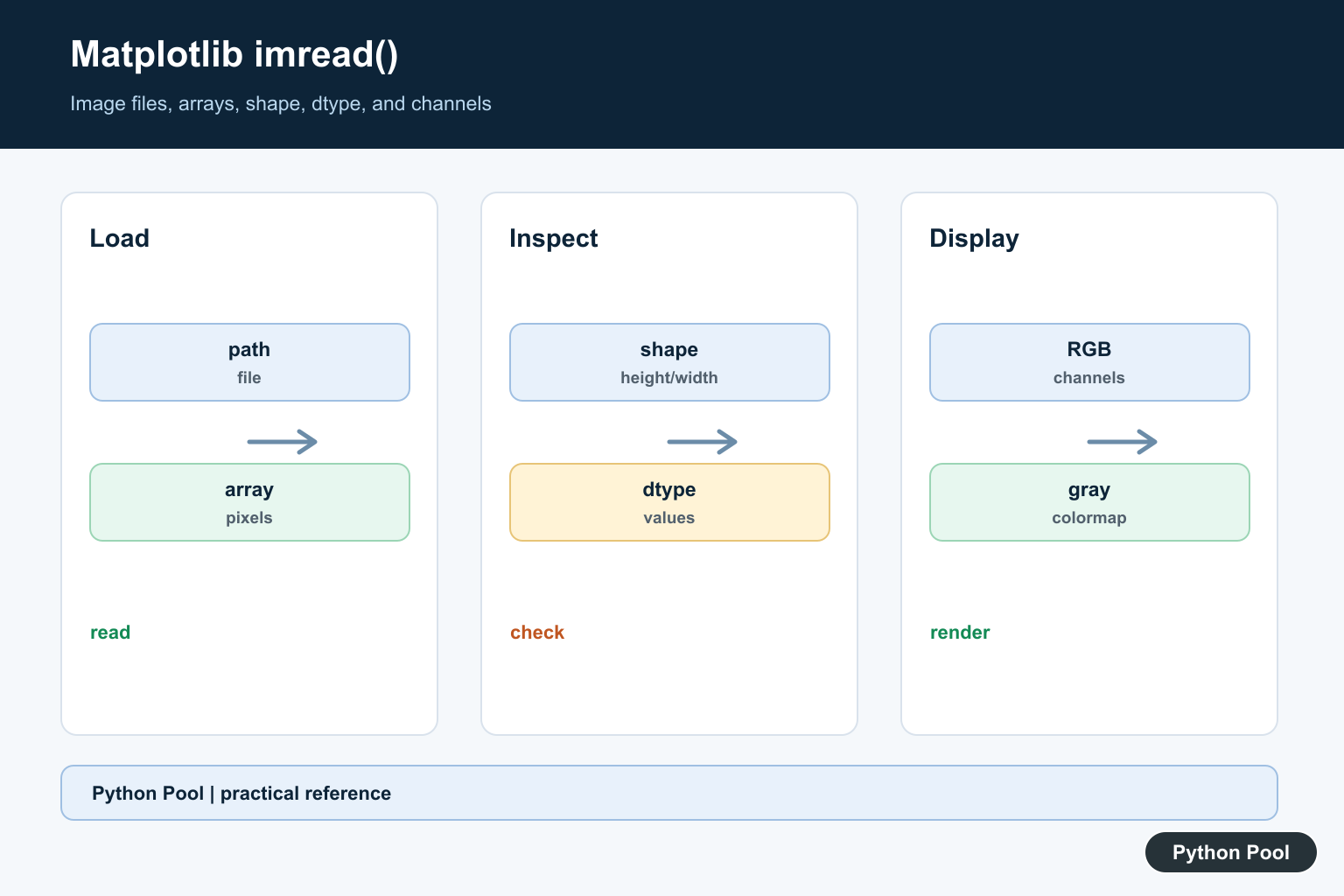
matplotlib.pyplot.imread() reads an image file into a NumPy array. It is useful when you want to display an image with Matplotlib, inspect image dimensions, or use image pixels as array data in a quick plotting workflow.
For current Matplotlib code, there is one important caveat: the official documentation says imread() exists mostly for historical reasons and recommends PIL.Image.open() from Pillow for general image loading. Use plt.imread() when you are already working inside a Matplotlib example; use Pillow when you need broader image I/O control.
Syntax
matplotlib.pyplot.imread(fname, format=None)| Parameter | Meaning |
|---|---|
fname |
Path or file-like object for the image file. |
format |
Optional format hint. In most cases, Matplotlib auto-detects the format from the file. |
Passing URL strings directly is deprecated in current Matplotlib. If you need to read an image from a URL, open it yourself and pass the data to Pillow.
Return value and array shape
imread() returns a NumPy array. The shape depends on the image type:
| Image type | Returned shape |
|---|---|
| Grayscale | (M, N) |
| RGB | (M, N, 3) |
| RGBA | (M, N, 4) |
Matplotlib also documents a dtype difference that often surprises beginners: PNG images are returned as float arrays in the 0 to 1 range, while other formats are commonly returned as integer arrays based on the image file’s bit depth.
Read and display an image
import matplotlib.pyplot as plt

img = plt.imread("sample.png")

fig, ax = plt.subplots()
ax.imshow(img)
ax.axis("off")
plt.show()
imread() loads the pixels into img, and imshow() displays that array. For a deeper look at display options, read our guide to Matplotlib imshow().
Check image shape and dtype
import matplotlib.pyplot as plt

img = plt.imread("sample.jpg")
print(img.shape)
print(img.dtype)
print(img.min(), img.max())
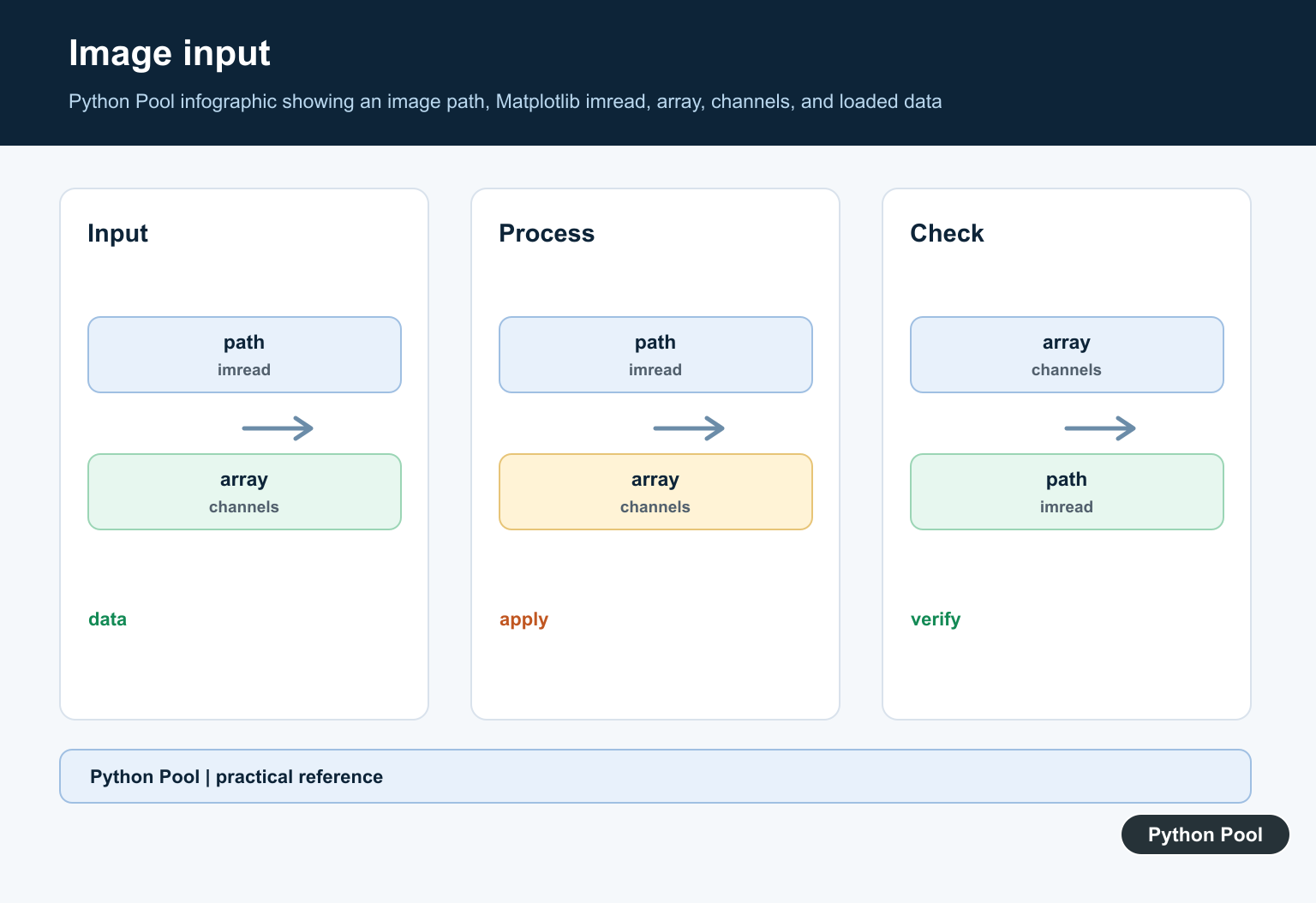
These checks tell you whether the image is grayscale, RGB, or RGBA, and whether values are floats or integers. Always check this before normalizing, converting, or passing the array into another image-processing library.
Read an image with Pillow and display it with Matplotlib
For robust loading, use Pillow first and convert the image to a NumPy array:
from PIL import Image
import numpy as np
import matplotlib.pyplot as plt

with Image.open("sample.jpg") as im:
    img = np.array(im.convert("RGB"))

plt.imshow(img)
plt.axis("off")
plt.show()
This pattern gives you more control over image mode conversion. It is also the better approach when opening images from URLs, working with metadata, or handling formats outside a simple Matplotlib demo.
Read an image from a URL
Instead of passing a URL string to plt.imread(), open the URL and let Pillow read the file-like object:
from urllib.request import urlopen
from PIL import Image
import numpy as np

url = "https://example.com/image.png"
with urlopen(url) as response:
    with Image.open(response) as im:
        img = np.array(im.convert("RGB"))
This matches Matplotlib’s current guidance and avoids relying on deprecated URL handling.
Grayscale and color images
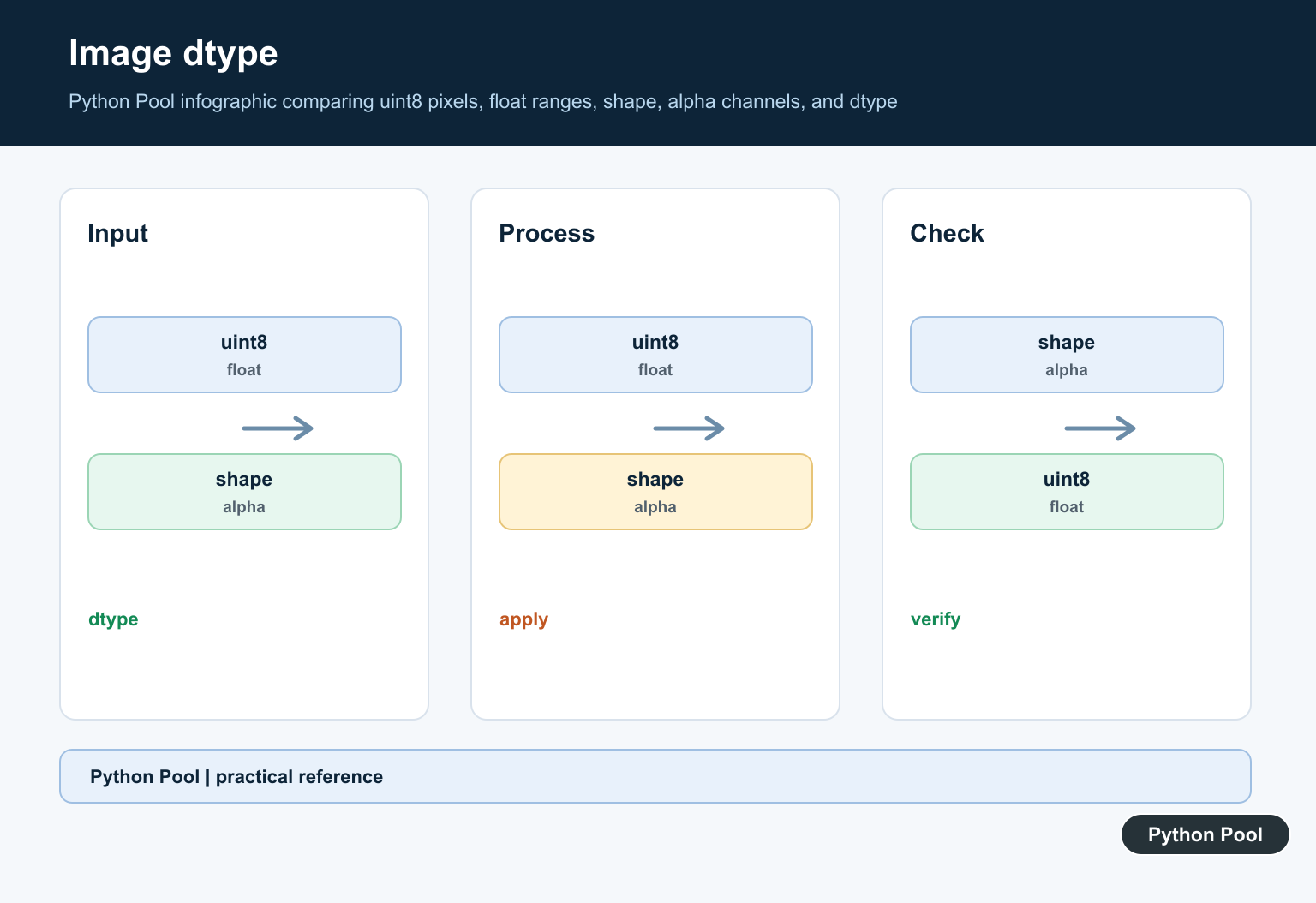
If the returned array has two dimensions, Matplotlib treats it as scalar image data and maps it through a colormap. Use cmap="gray" when displaying grayscale data:
import matplotlib.pyplot as plt

img = plt.imread("mask.png")
plt.imshow(img, cmap="gray")
plt.axis("off")
plt.show()
If the image is already RGB or RGBA, imshow() ignores the colormap because the array already contains color channels. For color map examples, see our guide to Matplotlib colormaps.
Matplotlib imread vs cv2.imread
| Feature | plt.imread() |
cv2.imread() |
|---|---|---|
| Main use | Plotting and quick image display | Computer vision workflows |
| Color order | RGB/RGBA for color arrays | BGR by default |
| PNG values | Often floats from 0 to 1 |
Usually integers from 0 to 255 |
| Best paired with | imshow(), Matplotlib figures |
OpenCV processing functions |
If you read an image with OpenCV and display it with Matplotlib, convert BGR to RGB first. Otherwise, red and blue channels will appear swapped.
Common mistakes
Expecting all images to return the same dtype: Check img.dtype and value range before calculations.
Passing URL strings directly: Current Matplotlib deprecates direct URL strings for imread(). Use urlopen() and Pillow instead.
Using cmap on RGB data: cmap affects 2D scalar arrays, not RGB/RGBA arrays.
Confusing Matplotlib and OpenCV color order: Matplotlib displays RGB; OpenCV loads BGR by default.
Official references
- Matplotlib documentation for
pyplot.imread() - Matplotlib image API documentation for
imread() - Pillow file-handling documentation for
Image.open()
Conclusion
matplotlib.pyplot.imread() is still useful for quick plotting examples because it returns image pixels as a NumPy array that imshow() can display directly. For production image loading, URL handling, metadata, or broader file-format support, open images with Pillow and pass the resulting NumPy array to Matplotlib.
Inspect Shape And Dtype First
An image commonly arrives as height by width for grayscale, or height by width by channels for RGB or RGBA. PNG data may be represented as floating-point values while another format may use integer pixels. Print or assert shape, dtype, minimum, and maximum before applying color or numeric assumptions.
Display The Array Deliberately
Use imshow() with an appropriate colormap for grayscale data and the expected value range for RGB data. A valid image can look wrong when a normalized float array is treated as 0-to-255 integers, or when a channel axis is mistaken for a spatial axis.
Understand File And URL Inputs
imread() is a file-oriented reader. For remote content, use an explicit HTTP client with URL validation, timeouts, size limits, and content checks, then pass a safe local file or file-like object. Do not turn an arbitrary URL into an implicit resource fetch inside a plotting function.
Compare Color Conventions
Matplotlib and Pillow commonly expose RGB or RGBA channel order, while OpenCV often uses BGR arrays. Converting between libraries requires an explicit channel transformation. Check alpha handling and whether a grayscale image should remain two-dimensional.
Test Real Image Boundaries
Test grayscale, RGB, RGBA, different formats, missing paths, truncated files, float and integer values, and empty or unusually large inputs. Assert the expected shape and value range rather than relying only on whether a figure renders.
The official Matplotlib imread reference documents image loading and the imshow reference explains display ranges. Related guidance includes Pillow and NumPy conversion and image tests.
For related image boundaries, compare Pillow conversion, NumPy arrays, and image tests when validating shape, dtype, and channels.
Frequently Asked Questions
What does matplotlib imread() return?
matplotlib.image.imread() returns image data as a NumPy array, with shape and dtype depending on the file format and image channels.
Why does imread() return floats for a PNG?
Matplotlib may represent PNG pixel values as floating-point values normalized to a range such as 0 to 1; inspect the dtype and values instead of assuming uint8.
Can matplotlib imread() read a URL directly?
It is primarily a file or file-like reader; download remote content through an explicit, validated HTTP step before passing a local path or file-like object.
How do I tell whether an image is grayscale or RGB?
Inspect the array shape: height by width commonly indicates grayscale, while an additional channel dimension represents RGB or RGBA data.