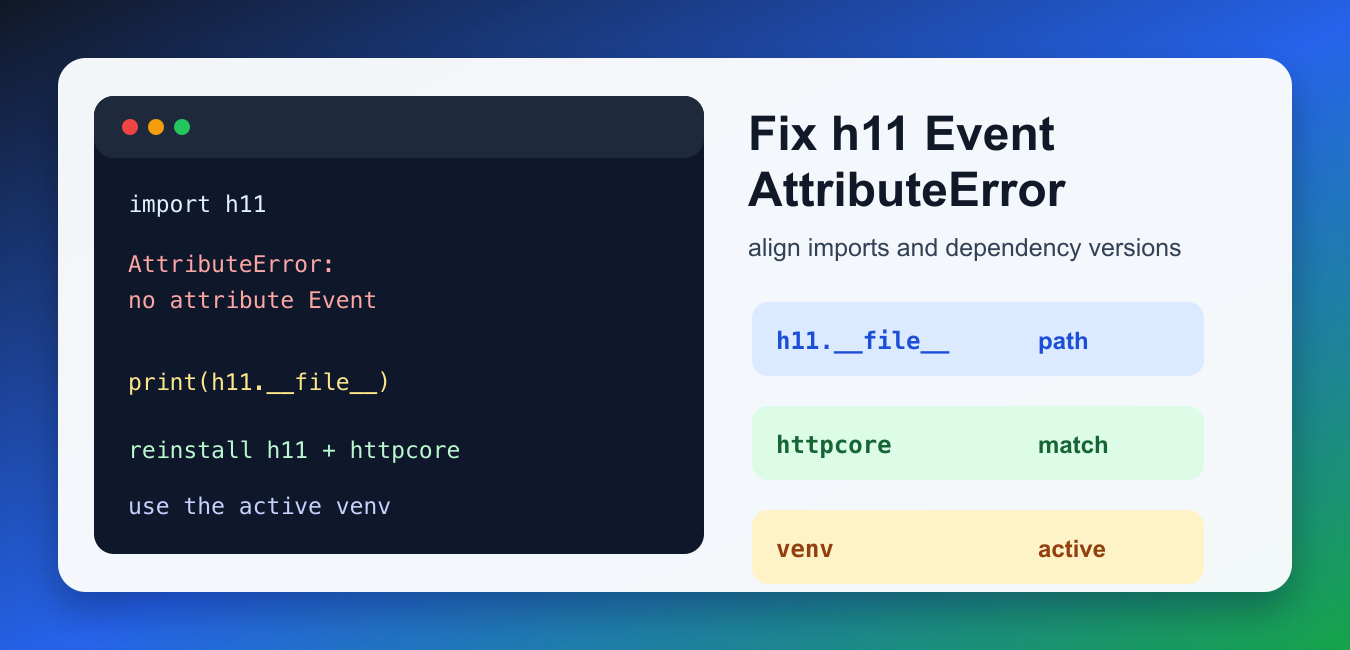
Quick answer: An h11 Event AttributeError usually means the imported module or installed version is not the one the code expects. Inspect __file__, interpreter, distribution metadata, and supported public APIs before changing dependencies or application code.
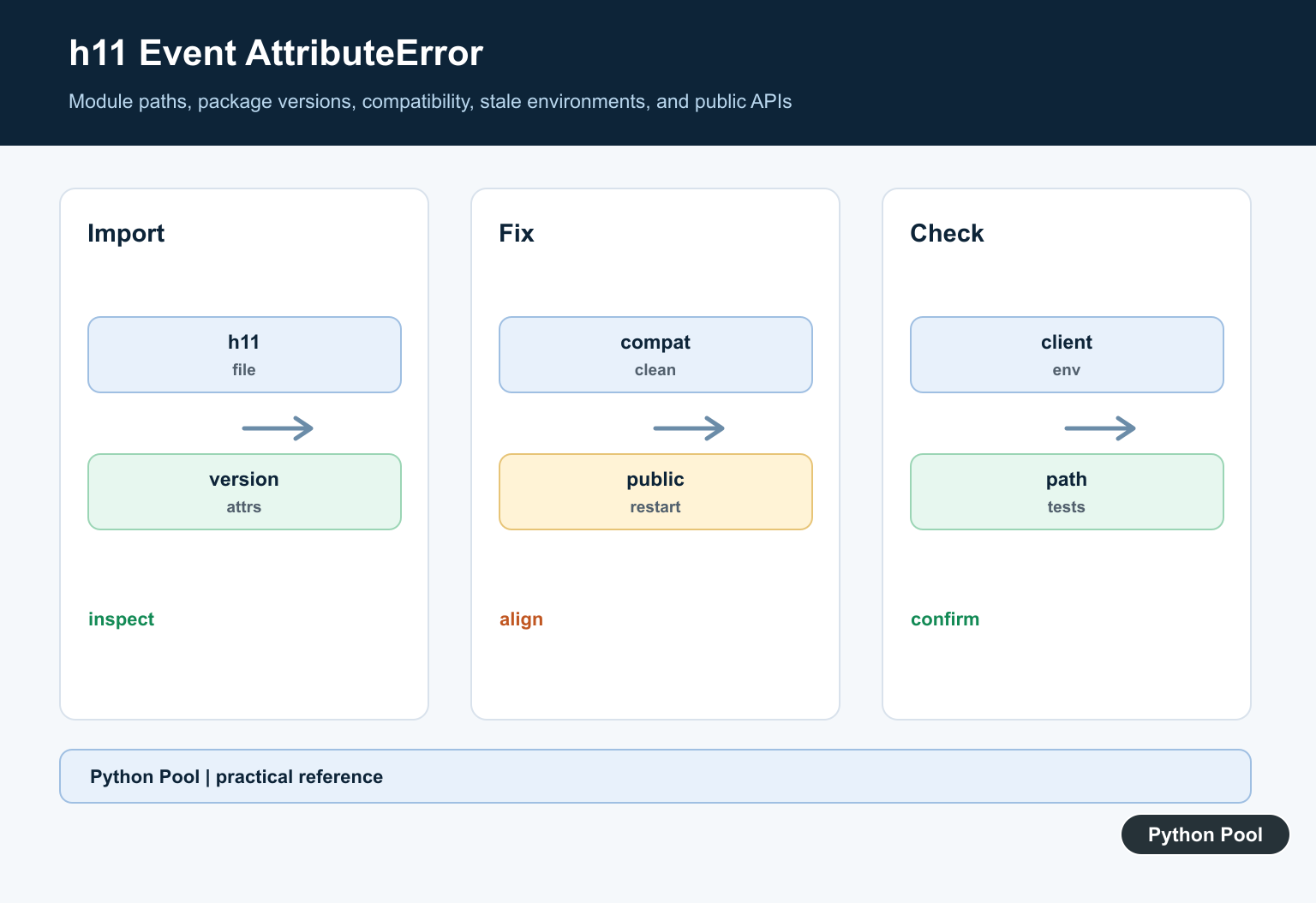
The error AttributeError: module h11 has no attribute Event usually appears when another package, often httpcore, httpx, Gradio, PyCaret, or a Stable Diffusion WebUI dependency, imports h11.Event but the h11 module loaded in your environment does not expose that attribute.
This is normally a dependency-environment problem, not an HTTP programming problem. The installed h11 package may be too old, partially installed, shadowed by a local file named h11.py, or mismatched with the version of httpcore that imports it. Fix the active Python environment first, then rerun the application.
The active environment matters because the command that installs a package and the command that starts your app may point to different Python interpreters. If you update h11 globally while the app runs from a virtual environment, the failing import will not change. Always diagnose and install from the interpreter that launches the broken command.
Check Which h11 Python Is Importing
Start by printing the imported module path, version, and whether the expected attribute exists. This catches two common causes quickly: using the wrong virtual environment and accidentally importing a local file instead of the package from site-packages.
import h11

print(h11.__file__)
print(getattr(h11, "__version__", "unknown"))
print("Event available:", hasattr(h11, "Event"))
If h11.__file__ points to your project directory instead of your virtual environment, rename the local file or folder. If the version is missing or unexpected, reinstall the package in the same environment used to run the failing app.
Inspect Related Package Versions
The h11 package is often pulled in through HTTP client libraries. A mismatch between h11, httpcore, and httpx can surface as an AttributeError during import, before your own code starts. Check the installed versions from the same Python interpreter.
from importlib.metadata import PackageNotFoundError, version

for package in ["h11", "httpcore", "httpx", "pycaret"]:
    try:
        print(package, version(package))
    except PackageNotFoundError:
        print(package, "not installed")
Use that output together with the package requirements for your application. The h11 PyPI page and httpcore PyPI page show current package metadata, while the h11 API documentation explains the event-based API that dependent libraries build on.
Check for Shadowing Files
A local file named h11.py or a folder named h11 can shadow the real package. Python imports the local module first, so code that expects the official package sees your local file and reports missing attributes.
from pathlib import Path

for candidate in [Path("h11.py"), Path("h11")]:
    if candidate.exists():
        print(f"Possible shadowing path: {candidate.resolve()}")
    else:
        print(f"No local {candidate} found")
If you find a shadowing file, rename it, remove any generated __pycache__ for that file, and restart the process. This is one of the simplest fixes because it does not require changing dependency versions.
Reinstall in the Active Virtual Environment
When the import path is correct but the package set is broken, reinstall the related packages using the same Python executable that runs the app. Using python -m pip avoids accidentally installing into a different Python environment.
import subprocess
import sys

subprocess.check_call([
    sys.executable,
    "-m",
    "pip",
    "install",
    "--upgrade",
    "--force-reinstall",
    "h11",
    "httpcore",
    "httpx",
])
Run this only inside the project virtual environment. If the environment has become too tangled, removing and recreating the venv can be cleaner; this guide to removing a Python virtual environment covers that workflow. After reinstalling, restart the app instead of relying on a hot reload, because imported modules can stay cached in a running process.
Verify h11 Event Classes After Reinstalling
After reinstalling, verify that h11 imports correctly and exposes its core event classes. h11 models HTTP/1.1 traffic as events such as requests, responses, data chunks, and end-of-message markers.
import h11

event_classes = [
    h11.Request,
    h11.Response,
    h11.Data,
    h11.EndOfMessage,
]

print([event.__name__ for event in event_classes])
If this import works but your application still fails, the next suspect is a dependency pin in that application. Look for pinned versions in requirements.txt, pyproject.toml, Conda environment files, or WebUI launch scripts. A pin is not automatically wrong, but all related HTTP packages should be compatible with each other.
Trace the Package That Triggers the Error
The traceback tells you which package imports h11.Event. Capture the full import stack instead of only reading the last line. That tells you whether the problem comes from httpcore, an application layer, an extension, or a stale environment.
import traceback

try:
    import httpcore
    print("httpcore imported successfully")
except AttributeError:
    traceback.print_exc(limit=8)
For Stable Diffusion WebUI users, a similar h11/httpcore error has appeared in the AUTOMATIC1111 issue tracker. The durable fix is still the same: use the active venv, align package versions, and avoid mixing system Python packages with project packages. If you are unsure which interpreter is active, check it with this Python version guide.
Quick Fix Checklist
- Print
h11.__file__to confirm Python imports the real package. - Check
h11,httpcore, andhttpxversions in the active environment. - Rename any local
h11.pyorh11folder that shadows the package. - Reinstall with
python -m pipfrom the same interpreter that runs the app. - Recreate the virtual environment if dependency pins are badly mixed.
- For general AttributeError handling, see this Python AttributeError guide; for optional package handling, see conditional imports in Python.
Inspect The Imported Module
Print h11.__file__, the interpreter path, and the available attributes from the failing process. A local h11.py file or another site-packages directory can shadow the intended distribution.
Check Version Compatibility
Compare the h11 version with the client library that imports it and with the environment lockfile. Dependency upgrades should be resolved as a compatible set, not one package at a time.
Restart Stale Processes
A notebook, worker, or long-running service can retain an older module after installation changes. Restart the process and repeat the path and version checks.
Use Public APIs
If the expected symbol is absent from the installed release, consult its documented API and the dependent project’s compatibility range. Do not add a monkey-patched attribute that hides a version mismatch.
Recreate Cleanly
A clean virtual environment can distinguish packaging problems from application problems. Reinstall from a pinned dependency declaration and confirm the selected interpreter runs the test.
Test The Import Boundary
Test import paths, supported versions, client initialization, request and response events, stale environments, and clean installation. Record sanitized version diagnostics in failures.
Use the official h11 documentation and the dependent client’s compatibility guidance. Related Python Pool references include tests and diagnostics.
For related dependency debugging, compare import tests, version diagnostics, and environment mappings before changing h11.
Frequently Asked Questions
What causes module h11 to have no attribute Event?
Common causes include importing a different module than expected, an incompatible or old h11 version, a stale environment, or code using an API that is not present in that release.
How do I check which h11 Python imports?
Inspect h11.__file__, the interpreter path, the installed distribution version, and the module attributes from the same environment that runs the failing application.
Should I add Event to h11 manually?
No. Do not monkey-patch a dependency API; align compatible versions or update the application to the documented public API.
Why does reinstalling not fix the error?
The process or notebook may still hold old modules, multiple site-packages locations may exist, or the selected interpreter may differ from the one where the package was reinstalled.