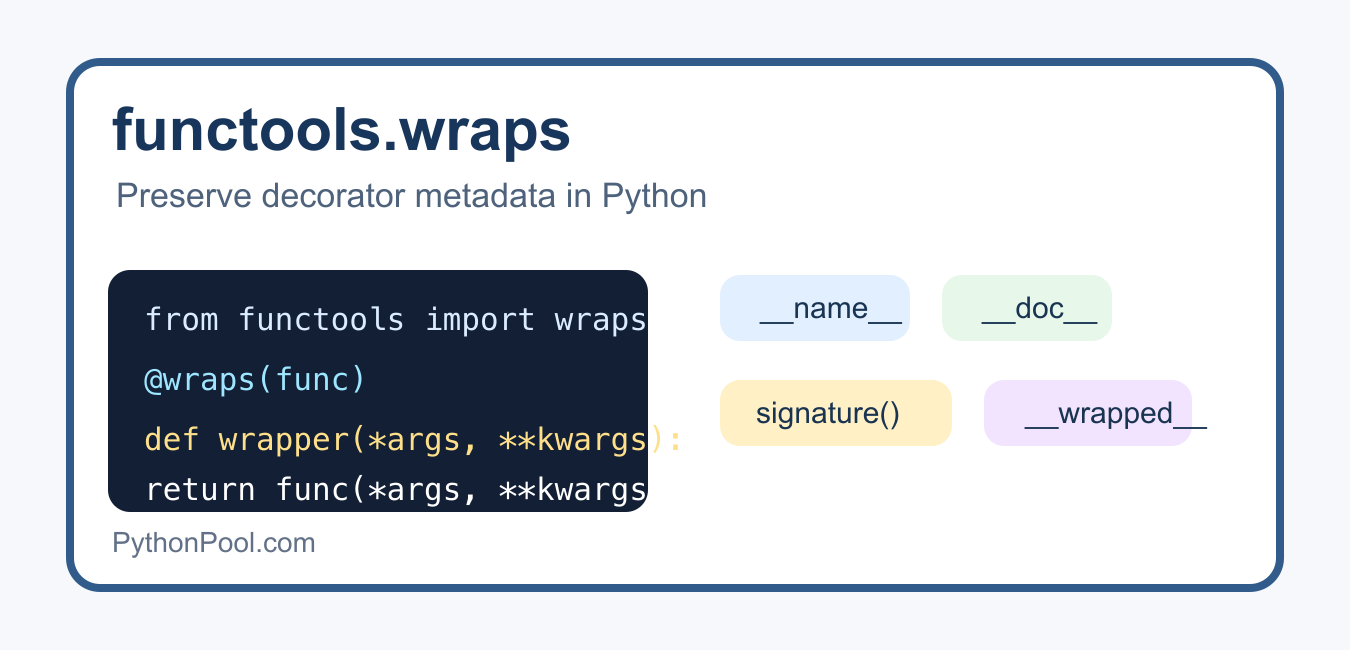
Quick answer: functools.wraps keeps a custom decorator from replacing the wrapped function’s useful identity with the inner wrapper’s identity. It copies metadata such as __name__, __doc__, and annotations, and adds __wrapped__ so introspection tools can reach the original function. It does not change the wrapper’s runtime argument handling, so the wrapper still needs a compatible signature or deliberate argument validation.
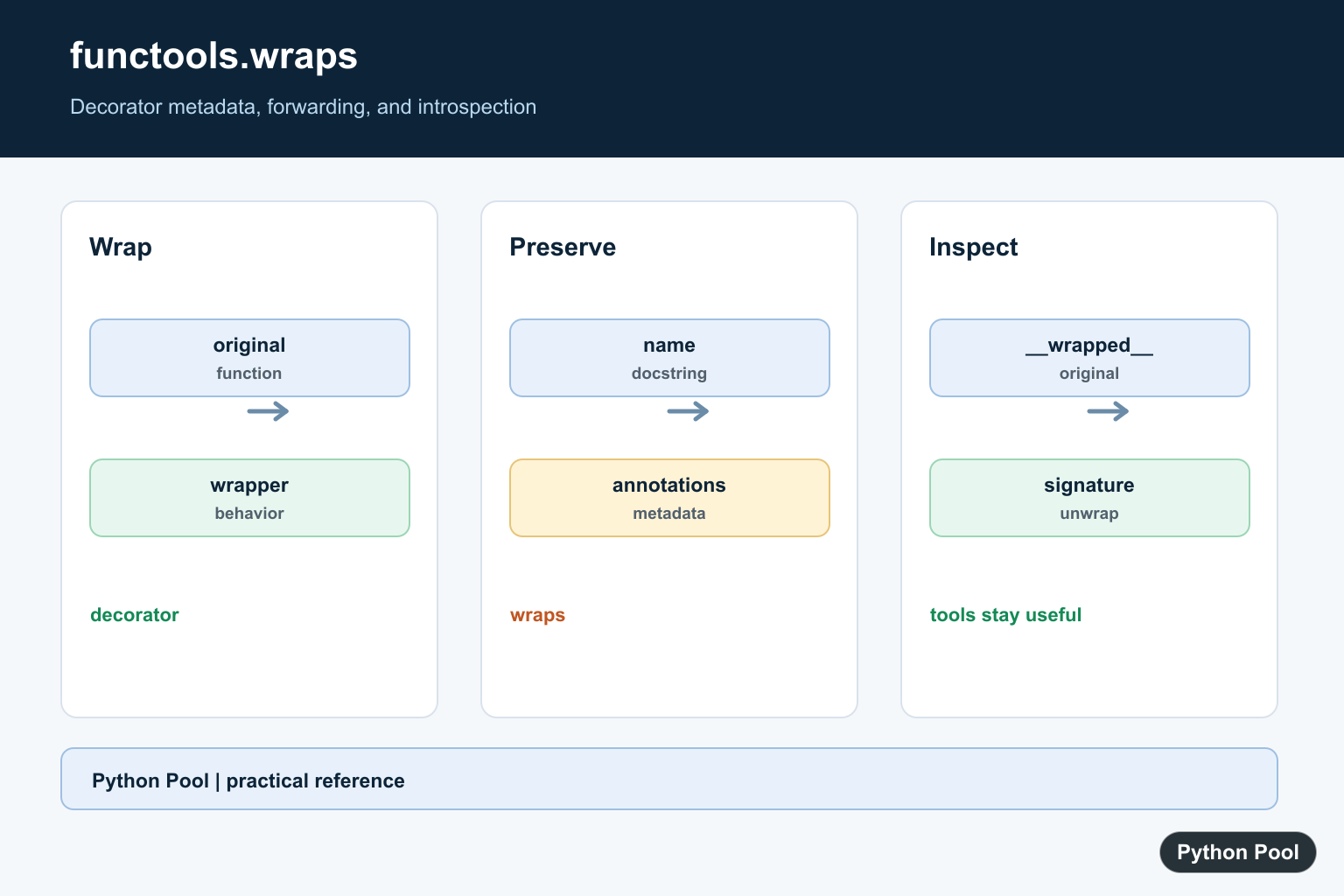
functools.wraps is the small decorator that keeps your own decorators from hiding the function they wrap. Without it, tools such as help pages, logs, tests, debuggers, and inspect.signature() may see the wrapper function instead of the original function.
The short rule is simple: whenever you write a decorator that returns an inner wrapper, put @functools.wraps(original_function) above that wrapper. It preserves useful metadata such as __name__, __doc__, annotations, and the __wrapped__ reference.
What Problem Does functools.wraps Solve?
A decorator replaces one function with another function. That replacement is powerful, but it can accidentally erase the original function’s identity.
def log_calls(func):
    def wrapper(*args, **kwargs):
        print(f"Calling {func.__name__}")
        return func(*args, **kwargs)
    return wrapper

@log_calls
def greet(name):
    """Return a friendly greeting."""
    return f"Hello, {name}!"

print(greet.__name__)
print(greet.__doc__)
This prints metadata for wrapper, not greet. The decorated function still works, but introspection becomes misleading. That matters in tests, API documentation, command-line tools, web frameworks, and debugging output.
Fix the Decorator with functools.wraps
Import wraps from functools and apply it to the inner function. The official Python functools.wraps documentation describes it as a convenience function for calling update_wrapper().
from functools import wraps


def log_calls(func):
    @wraps(func)
    def wrapper(*args, **kwargs):
        print(f"Calling {func.__name__}")
        return func(*args, **kwargs)
    return wrapper

@log_calls
def greet(name):
    """Return a friendly greeting."""
    return f"Hello, {name}!"

print(greet.__name__)
print(greet.__doc__)
Now greet.__name__ is still greet, and greet.__doc__ still contains the original docstring. The wrapper behavior is added without making the function look like a generic wrapper.
Metadata Preserved by wraps
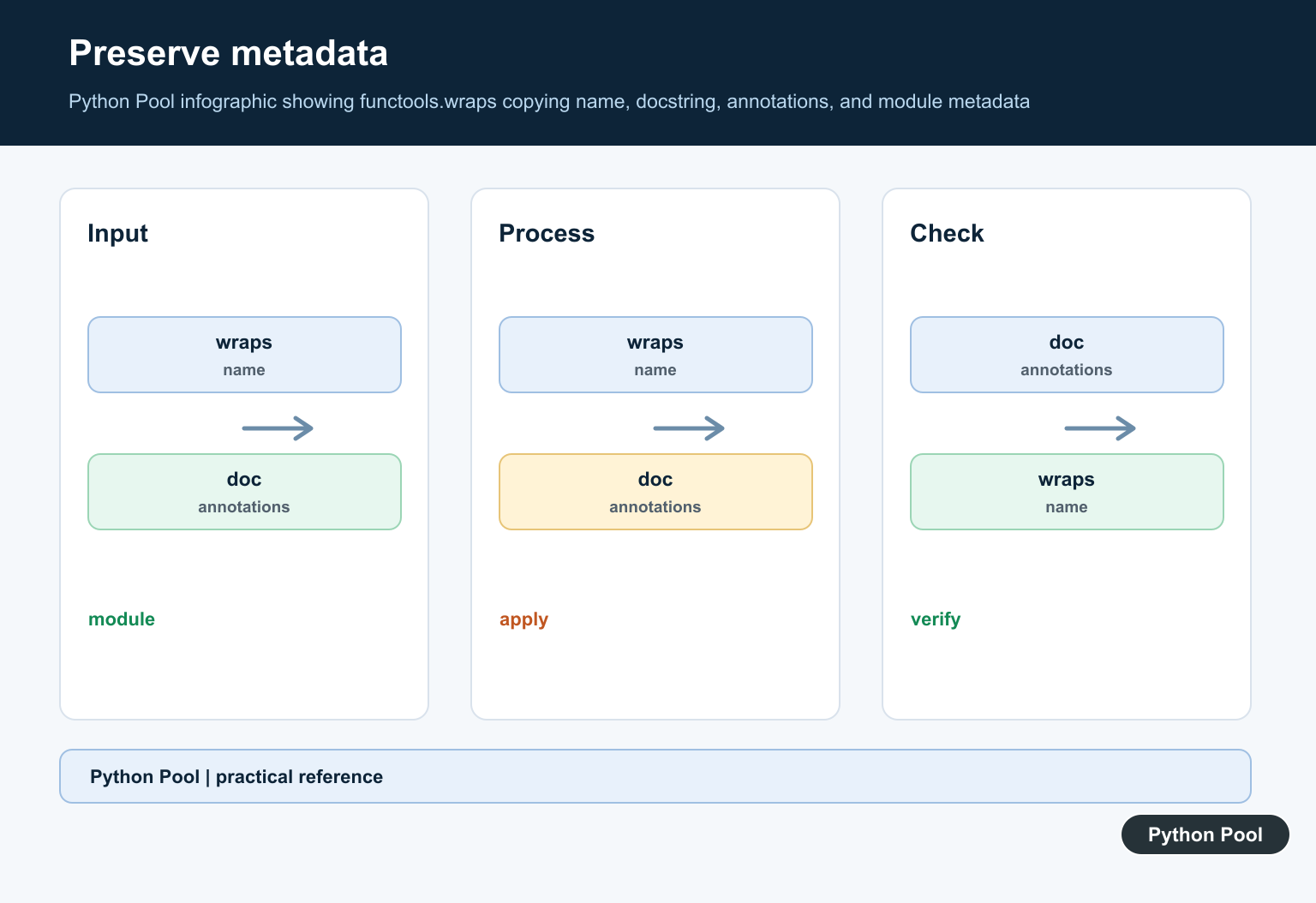
By default, wraps copies common attributes from the wrapped function to the wrapper. It also sets __wrapped__, which lets introspection tools find the original function.
from functools import wraps


def require_positive(func):
    @wraps(func)
    def wrapper(number: int) -> int:
        if number <= 0:
            raise ValueError("number must be positive")
        return func(number)
    return wrapper

@require_positive
def double(number: int) -> int:
    """Double a positive integer."""
    return number * 2

print(double.__name__)
print(double.__doc__)
print(double.__annotations__)
print(double.__wrapped__)
If you need deeper control, read Python’s functools.update_wrapper() reference. Most decorators only need the simpler @wraps(func) form.
wraps and Function Signatures
Function signatures are important for documentation, validation, testing, and framework integrations. inspect.signature() can follow the __wrapped__ chain that wraps creates.
from functools import wraps
from inspect import signature


def timed(func):
    @wraps(func)
    def wrapper(*args, **kwargs):
        return func(*args, **kwargs)
    return wrapper

@timed
def area(width: float, height: float) -> float:
    return width * height

print(signature(area))
The official inspect.signature() documentation is useful when you are building decorators for libraries, CLI commands, or test helpers.
Decorator with Arguments
Decorators that accept arguments have one more outer function, but the rule stays the same: apply @wraps(func) to the wrapper that directly calls the original function.
from functools import wraps


def repeat(times):
    def decorator(func):
        @wraps(func)
        def wrapper(*args, **kwargs):
            result = None
            for _ in range(times):
                result = func(*args, **kwargs)
            return result
        return wrapper
    return decorator

@repeat(3)
def say_hi(name):
    """Print a greeting."""
    print(f"Hi, {name}")

say_hi("Ada")
print(say_hi.__name__)
If the @ syntax itself is confusing, PythonPool’s guide to the Python @ symbol explains where decorators fit.
Common Mistakes
- Putting
@wrapswithout passing the original function, instead of using@wraps(func). - Applying
wrapsto the outer decorator factory instead of the inner wrapper. - Forgetting
*argsand**kwargs, which makes the decorator work only for one function shape. - Assuming
wrapschanges the behavior of the function. It preserves metadata; your wrapper still controls runtime behavior.
When Should You Use functools.wraps?
Use it in almost every decorator you write. It is especially important for reusable decorators, testing helpers, public APIs, web routes, validation wrappers, caching wrappers, and decorators that may be inspected by other tools.
For more decorator background, read PythonPool’s Python wrappers guide. For related functools tools, see functools.reduce() and functools.partial().
What functools.wraps Does Not Do
wraps does not make a decorator correct by itself. It does not validate arguments, preserve return values automatically, handle exceptions, or decide whether a wrapper should run before or after the original function. Your wrapper still needs to call the original function deliberately and return the right value. Think of wraps as metadata preservation, not behavior preservation.
This distinction is important when decorators are used around methods. A wrapper that forgets *args can accidentally drop self or cls, even if @wraps(func) is present. If method binding is the confusing part, PythonPool’s cls vs self guide gives the background you need before writing decorators for classes.
Decorator Terminology
Python’s official decorator glossary entry is worth checking because it explains the idea in language that also applies to classmethod, staticmethod, route decorators, and test decorators. In all of these cases, metadata clarity helps people and tools understand which function is actually being exposed.
Preserve The Basic Metadata
Put @wraps(func) directly above the inner wrapper. The decorator receives the original function, copies the standard wrapper assignments, and returns a wrapper that still behaves as a decorator around the original call.
from functools import wraps


def trace(func):
    @wraps(func)
    def wrapper(*args, **kwargs):
        print("calling", func.__name__)
        return func(*args, **kwargs)
    return wrapper


@trace
def greet(name):
    """Return a greeting."""
    return f"Hello, {name}"

print(greet.__name__)
print(greet.__doc__)
print(greet("Ada"))
Inspect The Wrapped Function
The __wrapped__ attribute is useful to testing, documentation, and inspection tools. inspect.signature follows it by default, while inspect.unwrap can walk through several decorator layers.
import inspect
from functools import wraps


def identity_decorator(func):
    @wraps(func)
    def wrapper(*args, **kwargs):
        return func(*args, **kwargs)
    return wrapper


@identity_decorator
def add(left: int, right: int = 0) -> int:
    return left + right

print(inspect.signature(add))
print(inspect.unwrap(add).__name__)
Keep Argument Forwarding Explicit
wraps preserves metadata but does not make invalid calls valid. Use *args and **kwargs when the decorator should forward arbitrary arguments, or write a narrow wrapper when the decorator intentionally exposes a different contract.
from functools import wraps


def announce(func):
    @wraps(func)
    def wrapper(*args, **kwargs):
        print("starting")
        result = func(*args, **kwargs)
        print("finished")
        return result
    return wrapper


@announce
def multiply(left, right):
    return left * right

print(multiply(3, right=4))
Stack Decorators Without Losing Identity
When decorators are stacked, each layer should use wraps so introspection can follow the chain. This matters for frameworks that discover function names, annotations, docstrings, or the original callable during registration.
from functools import wraps


def mark(label):
    def decorator(func):
        @wraps(func)
        def wrapper(*args, **kwargs):
            print(label)
            return func(*args, **kwargs)
        return wrapper
    return decorator


@mark("outer")
@mark("inner")
def work():
    """The original documentation."""
    return "done"

print(work.__name__)
print(work.__doc__)
print(work())
The official functools.wraps documentation describes it as a convenience function around update_wrapper and explains the __wrapped__ reference. Related references include Python wrappers, functools.partial, and functools.reduce.
For related decorator composition, compare Python wrappers, functools.partial, and functools.reduce when preserving behavior and callable metadata.
Frequently Asked Questions
What does functools.wraps do?
It is a convenience decorator around update_wrapper() that copies selected metadata from the wrapped function to the wrapper and sets __wrapped__.
Why should custom decorators use @wraps?
Without it, the decorated function can report the wrapper name and docstring, making help(), tests, debuggers, and signature inspection misleading.
Does functools.wraps preserve the exact signature?
It preserves metadata and __wrapped__, which lets inspect.signature() follow the wrapped function by default, but it does not change how arguments are accepted at runtime.
Can I inspect the original function?
Yes. The wrapper’s __wrapped__ attribute points to the original function, and inspect.unwrap() can follow a stack of wrapped functions.