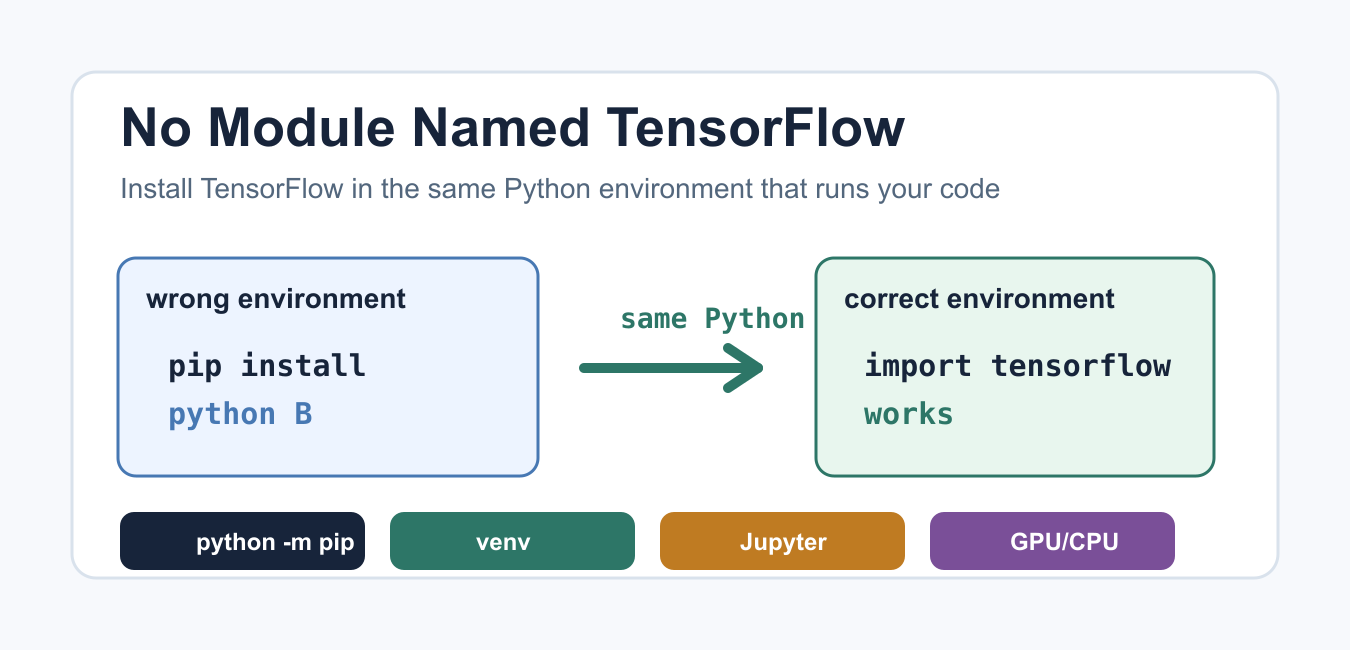
Quick answer: ModuleNotFoundError: No module named ‘tensorflow’ means the Python interpreter running the program cannot find TensorFlow. Check sys.executable, install TensorFlow through that interpreter, confirm the current TensorFlow support matrix for Python and the platform, and restart a notebook kernel or service. A successful install in a different environment does not fix the failing process.
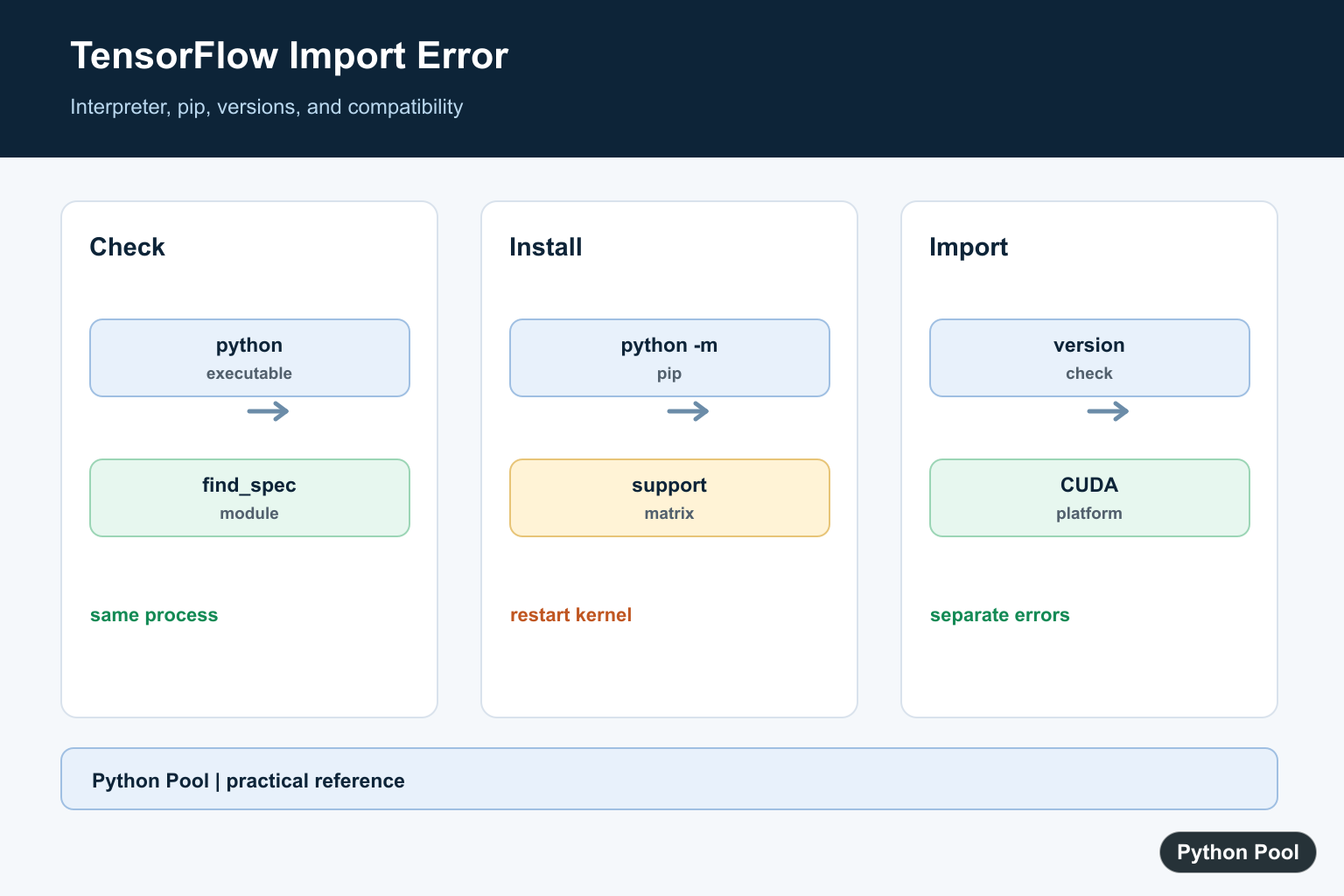
The ModuleNotFoundError: No module named 'tensorflow' message means the Python process that runs your code cannot import TensorFlow. In most cases TensorFlow is either missing from that exact Python environment, installed under a different interpreter, hidden behind a notebook kernel mismatch, or blocked by an unsupported Python and platform combination.
The fix is to stop guessing which pip command ran and confirm the interpreter first. TensorFlow packages are published on PyPI, and the official install notes live in the TensorFlow pip installation guide. On July 8, 2026, PyPI lists TensorFlow 2.21.0 as the current release and shows a Python requirement of >=3.10. The TensorFlow install guide also documents platform-specific GPU notes, so check it when you are working with CUDA, macOS, or native Windows.
Check Which Python Runs Your Code
Start by printing the interpreter path from the same script, shell, service, or notebook cell that raises the error. If this path is not the environment where you installed TensorFlow, importing will fail even though another terminal appears to have the package.
import sys

print(sys.executable)
print(sys.version)
Compare that path with the one shown by python -m pip --version in your terminal. The safest rule is simple: install packages through the same Python executable that will import them. This avoids the common mismatch between pip, pip3, Conda, virtualenv, system Python, and notebook kernels.
Confirm Whether TensorFlow Is Installed There
Before reinstalling, ask Python whether it can locate TensorFlow in the active environment. This check does not import TensorFlow, so it is a quick way to see whether the package is visible to the current interpreter.
import importlib.util

spec = importlib.util.find_spec("tensorflow")
print(spec is not None)
print(spec.origin if spec else "not installed in this interpreter")
If the result is False, install TensorFlow into that environment. If the result is True but a later import still fails, read the full traceback because another dependency or platform issue may be happening after Python finds the package. Once TensorFlow imports correctly, private API changes can cause a separate failure; Fix TensorFlow ops Has No Attribute _tensorlike addresses the removed _tensorlike attribute.

Install TensorFlow With The Same Interpreter
For a regular CPU install, run TensorFlow installation through the interpreter that printed from sys.executable. The command below is written as Python so it is clear which executable is doing the install; in a terminal the equivalent form is python -m pip install tensorflow.
import subprocess
import sys

subprocess.run(
    [sys.executable, "-m", "pip", "install", "tensorflow"],
    check=True,
)
If you use a virtual environment, activate it first or call its Python executable directly. The Python standard library venv documentation explains how isolated environments keep project packages separate. If an old environment is no longer useful, this guide on how to remove a Python venv can help you clean it up safely.
Verify The Import After Installing
After installation finishes, restart the shell, service, or notebook kernel that was failing. Then run a small import and operation. A successful version print confirms that Python can import TensorFlow from the current environment.
import tensorflow as tf

print(tf.__version__)
print(tf.reduce_sum(tf.constant([1, 2, 3])).numpy())
If this works in one terminal but not in your app, the app is using another interpreter. Check your IDE settings, deployment command, cron job, web server config, or notebook kernel. The same environment mismatch appears with many packages; the debugging pattern is similar to other import guides such as No module named LangChain.
Fix Jupyter And Kernel Mismatches
In notebooks, installing in a terminal is not enough if the notebook kernel points somewhere else. Run this in a notebook cell to show the kernel executable and whether TensorFlow is installed for that exact kernel.
import subprocess
import sys

print(sys.executable)
subprocess.run([sys.executable, "-m", "pip", "show", "tensorflow"], check=False)
If pip show prints nothing, install TensorFlow with sys.executable -m pip install tensorflow from the notebook environment or switch the notebook to the environment where TensorFlow is already installed. Restarting the kernel after installation is important because Python will not always see newly installed packages inside an already running kernel.
Handle Python Version, CPU, And GPU Issues
TensorFlow wheels are tied to Python versions and operating systems. If pip says no matching distribution is available, upgrade pip, check your Python version, and review the current PyPI requirement. As checked now, the current PyPI release requires Python >=3.10. If you are on an older interpreter, create a supported environment instead of forcing an incompatible install. After TensorFlow itself imports, Fix No Module Named TensorFlow Contrib explains why tensorflow.contrib disappeared in TensorFlow 2 and how to replace its former APIs.
GPU installs need extra care. The TensorFlow install guide recommends the tensorflow[and-cuda] extra for supported Linux GPU setups. It also notes that macOS currently has no official GPU support for TensorFlow, and native Windows GPU support stopped after TensorFlow 2.10; current Windows GPU users should review the WSL2 path in the official guide. For Spark or distributed jobs, also confirm which Python worker is selected; this PYSPARK_DRIVER_PYTHON guide covers a related interpreter selection problem.
Use A Clear Optional Import Message
For libraries or scripts where TensorFlow is optional, catch the import error and show a message that points to the environment fix. This is cleaner than letting a long traceback confuse the person running the code.
def require_tensorflow():
    try:
        import tensorflow as tf
    except ModuleNotFoundError as error:
        raise RuntimeError(
            "Install TensorFlow in the Python environment that runs this code."
        ) from error
    return tf


tf = require_tensorflow()
print(tf.__version__)
The important part is to install, verify, and run TensorFlow from the same interpreter. When you need imports that depend on optional packages, the broader Python conditional import pattern can help you keep error messages clear without hiding real setup problems.
Identify The Interpreter
The first diagnostic is the executable, not the package manager output from another shell. Print the interpreter and import spec from the same process that fails.
import importlib.util
import sys

print(sys.executable)
print(importlib.util.find_spec("tensorflow"))
Install Through python -m pip
Use the target interpreter to run pip so the package is installed into the environment that will import it. Follow the current TensorFlow installation page for the operating system, Python version, and CPU or GPU path.
import subprocess
import sys

subprocess.run([sys.executable, "-m", "pip", "install", "tensorflow"], check=True)
Restart The Process And Check Version
Long-lived notebook kernels and application workers cache imports. Restart after installation, then print the version and a minimal tensor operation before loading the full model or application.
import tensorflow as tf

print(tf.__version__)
value = tf.constant([1, 2, 3])
print(value)
Separate Package From Compatibility Errors
If import now finds TensorFlow but fails with a binary, CUDA, or symbol error, the missing-module problem is solved and a compatibility problem remains. Compare Python, TensorFlow, driver, and platform versions against current support documentation.
import platform
import sys

print(sys.version)
print(platform.platform())
TensorFlow’s current pip installation guide lists the supported installation paths. Python’s find_spec() helps diagnose import visibility. Related references include CUDA errors, dependency compatibility, and TensorFlow symbols.
For related environment diagnosis, compare CUDA errors, dependency compatibility, and TensorFlow symbols after the package becomes importable.
Frequently Asked Questions
Why does Python say no module named tensorflow?
TensorFlow is not installed in the interpreter running the script, or the environment and pip command point to different installations.
How do I install TensorFlow in the right environment?
Run the documented pip command through the target interpreter, such as python -m pip, then restart the kernel or process.
How do I check the active TensorFlow environment?
Print sys.executable, importlib.util.find_spec(‘tensorflow’), and the package version after installation.
Why can installation succeed but import fail?
The package may not support the Python version, operating system, architecture, or dependency combination in that environment.
Deleting python on Ubuntu Linux will wreck a system. Luckily I noticed someone following your suicidal instructions on the server we use and I reinstalled everything before the session ended.
Yes, if your server is maintained on the cloud and it may interfere with GDM. I’ve updated the instructions in the post accordingly. Thank you for bringing it up!