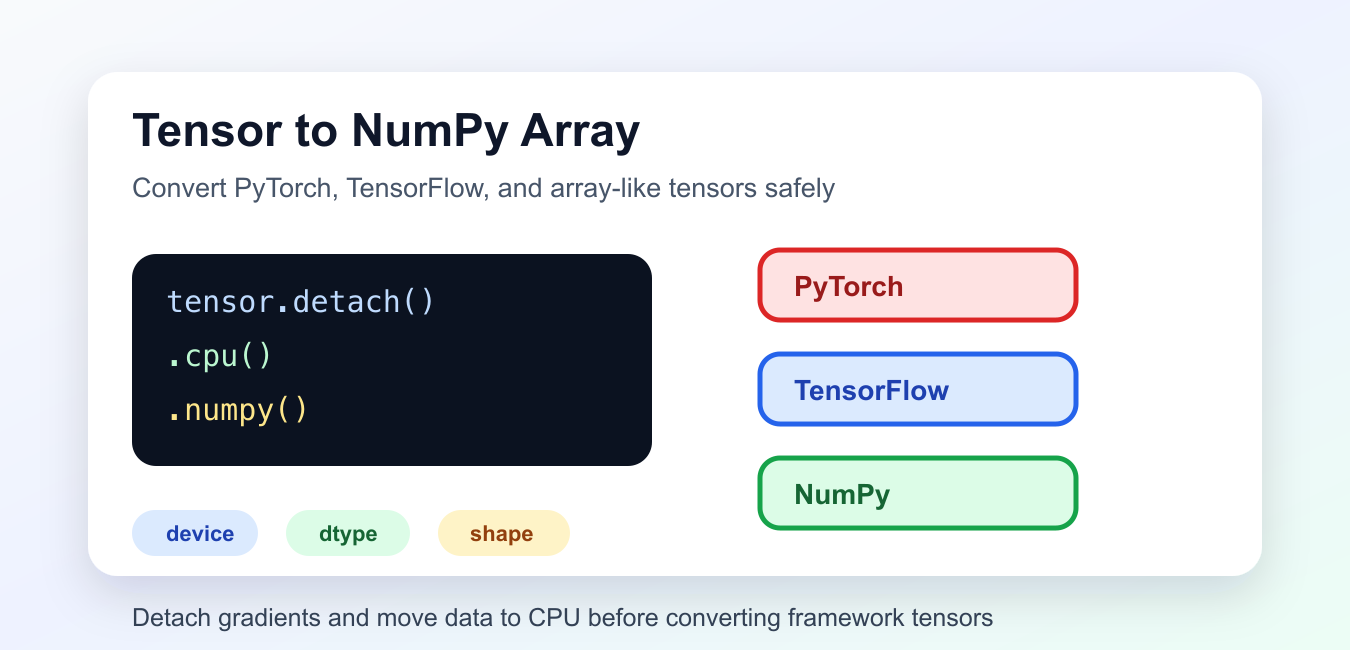
Quick answer: Tensor-to-NumPy conversion depends on the framework, device, gradient tracking, layout, dtype, and memory ownership. Move data to host memory and detach it when required, then copy at the boundary if later tensor operations must not share storage.
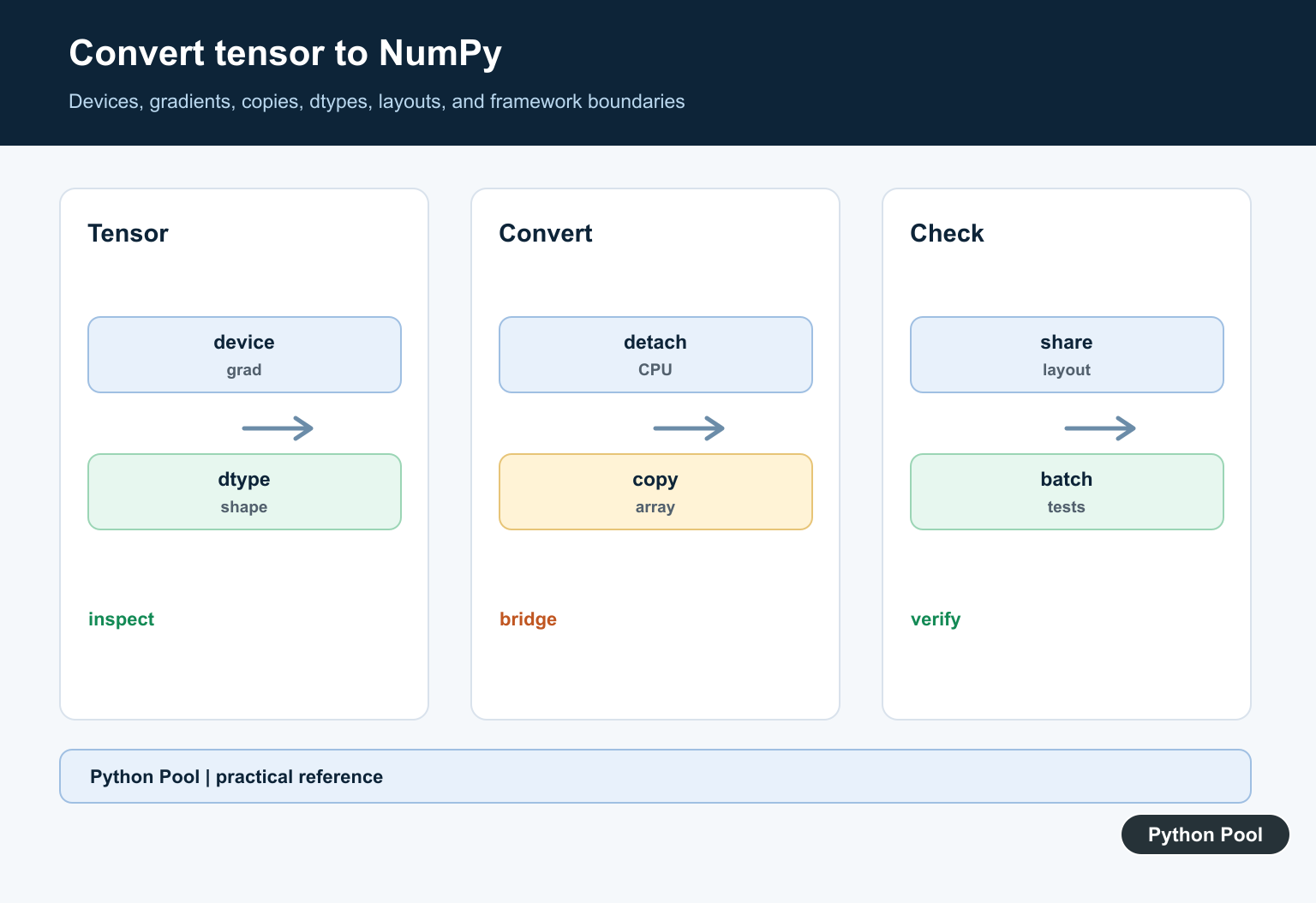
Converting a tensor to a NumPy array depends on the framework that created the tensor. PyTorch, TensorFlow, and JAX expose similar-looking objects, but the conversion details are different.
The official references are the PyTorch Tensor.numpy(), Tensor.detach(), and Tensor.cpu() docs, plus TensorFlow’s Tensor.numpy() docs. NumPy’s asarray() docs explain array conversion more generally. PythonPool also covers NumPy array to pandas DataFrame.
The common rule is simple: convert only after the tensor is on the CPU and no longer needs gradient tracking. Then check the resulting shape and dtype.
This boundary usually appears around plotting, logging, serialization, metrics, or handing data to a NumPy-only library. Keep tensors inside their original framework when the next operation is still part of training or model inference.
Convert A PyTorch CPU Tensor
A plain PyTorch CPU tensor can be converted with .numpy().
import torch

tensor = torch.tensor([[1.0, 2.0], [3.0, 4.0]])
array = tensor.numpy()

print(array)
print(type(array))
The result is a NumPy array with the same shape and numeric dtype. For CPU tensors that do not require gradients, this is the shortest path.
Remember that PyTorch and NumPy may share memory in this case. Changing one can affect the other.
If you need an independent copy, call array.copy() after conversion. That avoids accidental changes traveling back to the tensor storage.
Detach Before Converting PyTorch Tensors
If a PyTorch tensor is part of a gradient-tracked computation, detach it first.
import torch

tensor = torch.tensor([1.0, 2.0, 3.0], requires_grad=True)

array = tensor.detach().numpy()

print(array)
detach() returns a tensor disconnected from gradient tracking. That makes conversion appropriate for logging, plotting, metrics, or export.
Do not use NumPy conversion inside a calculation that still needs automatic differentiation.
For model debugging, detach only the values you want to inspect. Keep the main training path in PyTorch tensors so gradients remain valid.
Move A PyTorch Tensor To CPU First
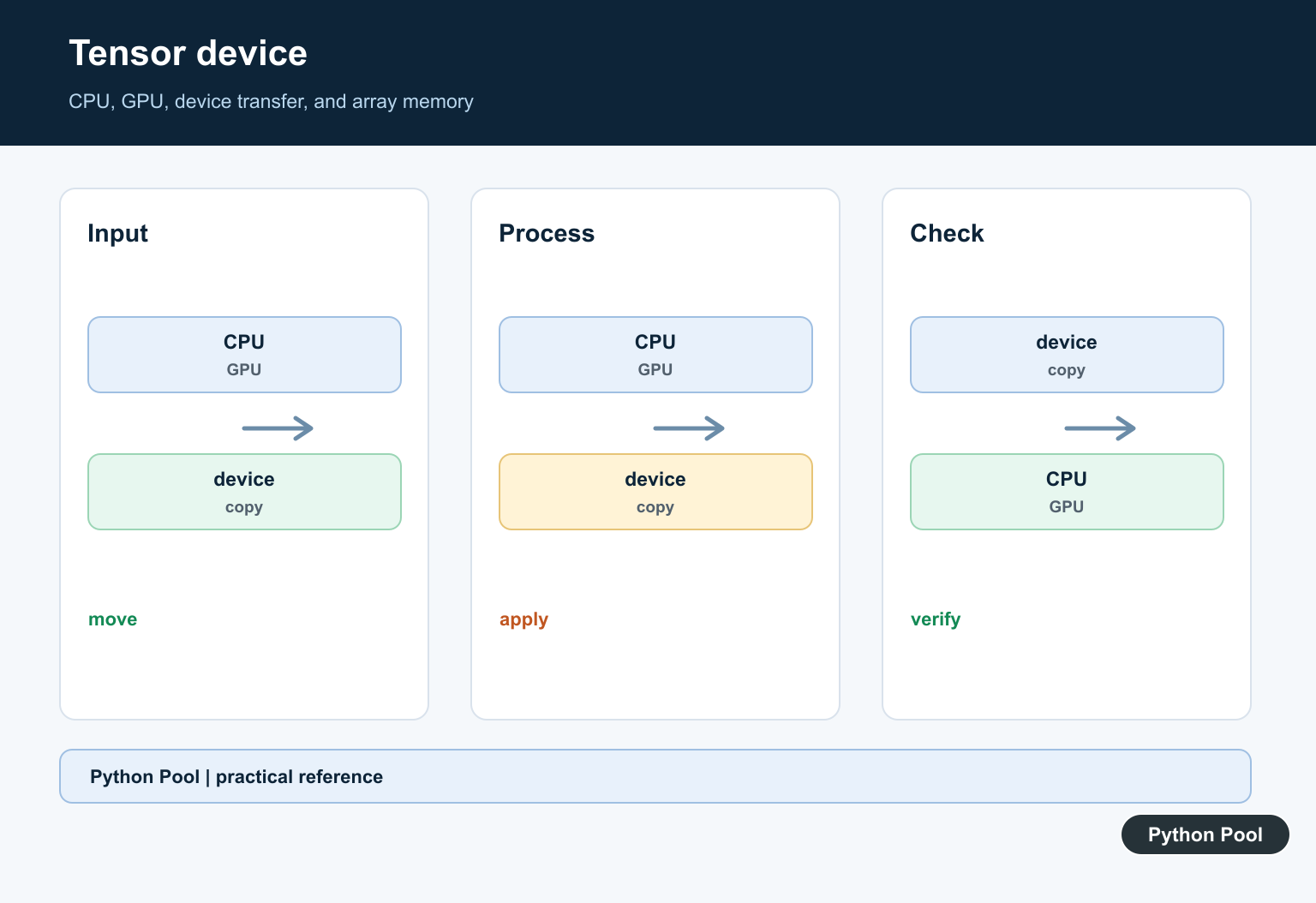
GPU tensors need to be moved to CPU before NumPy can read them.
import torch

device = "cuda" if torch.cuda.is_available() else "cpu"
tensor = torch.tensor([10.0, 20.0], device=device)

array = tensor.detach().cpu().numpy()

print(array)
The detach().cpu().numpy() chain is a reliable pattern for PyTorch tensors that may be on GPU or connected to a computation graph.
Moving data from GPU to CPU has a cost, so avoid doing it repeatedly inside tight training loops.
Batch conversions are usually better than converting one small tensor at a time. Fewer device transfers make performance easier to reason about.
Convert A TensorFlow Tensor
In eager execution, TensorFlow tensors support .numpy().
import tensorflow as tf

tensor = tf.constant([[1, 2], [3, 4]])
array = tensor.numpy()

print(array)
print(array.shape)
The result is a NumPy array with values copied from the TensorFlow tensor.
This is useful for quick inspection, integration with NumPy tools, and small exports. Keep tensors in TensorFlow when the next step is another TensorFlow operation.
Inside graph-style TensorFlow code, conversion timing can be different. Use eager conversion for inspection and keep graph computations in TensorFlow APIs.
Convert Array-Like Tensors With asarray
Some array-like objects expose NumPy-compatible conversion. np.asarray() is the general NumPy entry point.
import numpy as np

array_like = [[1, 2, 3], [4, 5, 6]]

array = np.asarray(array_like)

print(array)
print(array.dtype)
For framework tensors, prefer the framework’s documented conversion method first. Use asarray() when the object is already compatible or when library documentation recommends it.
Always check whether the conversion returns a view, a copy, or a host-side array.
Library documentation matters here. Two objects may both be called tensors while having different memory, device, and conversion behavior.
Check Shape And dtype After Conversion
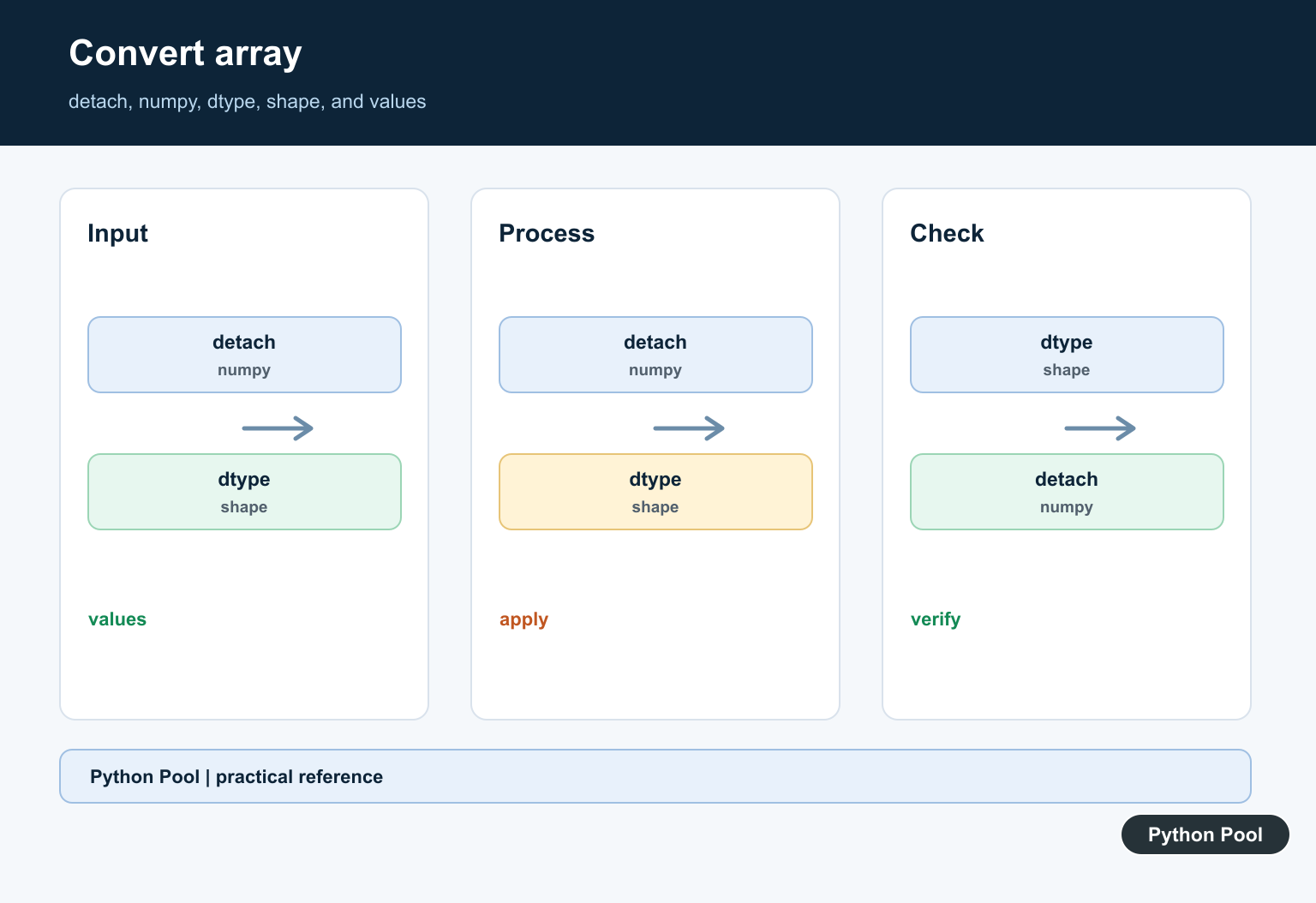
After conversion, confirm that the array has the expected shape and dtype before saving or passing it onward.
import numpy as np

array = np.asarray([[1, 2], [3, 4]], dtype=np.float32)

print(array.shape)
print(array.dtype)
print(array.ndim)
Shape mistakes are common when a tensor includes batch, channel, or sequence dimensions. Dtype mistakes can affect memory use and numeric behavior.
Make the checks explicit near framework boundaries, especially before plotting, serialization, or pandas conversion.
These checks also make examples easier to debug. If the shape or dtype is wrong immediately after conversion, fix it before passing the array to another library.
Common Conversion Mistakes
Do not call .numpy() on a PyTorch GPU tensor without moving it to CPU first.
Do not convert a tensor to NumPy in the middle of a gradient-dependent calculation. That usually breaks the automatic differentiation path.
Do not assume all frameworks share memory with NumPy. Conversion may copy data, and later edits may not stay synchronized.
The practical PyTorch default is tensor.detach().cpu().numpy(). The practical TensorFlow default in eager code is tensor.numpy(). After either conversion, verify shape and dtype before using the array downstream.
Identify The Tensor Framework
PyTorch, TensorFlow, JAX, and other frameworks expose different conversion methods and device rules. Confirm the type, device, dtype, and whether the tensor participates in automatic differentiation before choosing the call.
Move Data To CPU Memory
NumPy normally operates on host memory. A GPU or accelerator tensor usually must be transferred to CPU first, which can be synchronous and may allocate a new buffer.
Detach From Gradient Tracking
If a tensor tracks gradients, conversion for inspection or non-gradient work may require detach or the framework’s no-gradient context. Do not detach training data accidentally when gradients are part of the computation.
Choose Copy Or Shared Storage
Some CPU conversions share memory while others copy. Sharing can be efficient but means mutation may cross the framework boundary; use an explicit copy when ownership or lifetime is uncertain.
Check Layout And Dtype
Non-contiguous layouts, unsupported dtypes, quantized values, sparse tensors, and object-like data can require conversion or materialization. Validate shape and dtype after conversion.
Test The Boundary
Test CPU and accelerator inputs where available, gradient and non-gradient paths, empty and batched tensors, dtype conversions, mutations, lifetime, and numerical tolerances. Keep framework-specific tests isolated.
Use the conversion documentation for the specific framework, such as the official PyTorch tensor.numpy documentation. Related Python Pool references include NumPy arrays and tests.
For related numerical boundaries, compare NumPy array ownership, conversion tests, and batch sequences before moving tensor data.
Frequently Asked Questions
How do I convert a tensor to a NumPy array?
Use the framework’s documented conversion path, usually moving the tensor to CPU and detaching it when needed before calling a NumPy conversion method.
Why does tensor to NumPy conversion fail on a GPU?
NumPy arrays use host memory, so a GPU tensor normally must be copied or moved to CPU first.
Why do I need detach before NumPy conversion?
Autograd frameworks may block conversion of a tensor that tracks gradients; detach when the array is for inspection or non-gradient computation.
Does the NumPy array share memory with the tensor?
It depends on framework, device, layout, and conversion path. Check the documentation and copy when independent ownership is required.