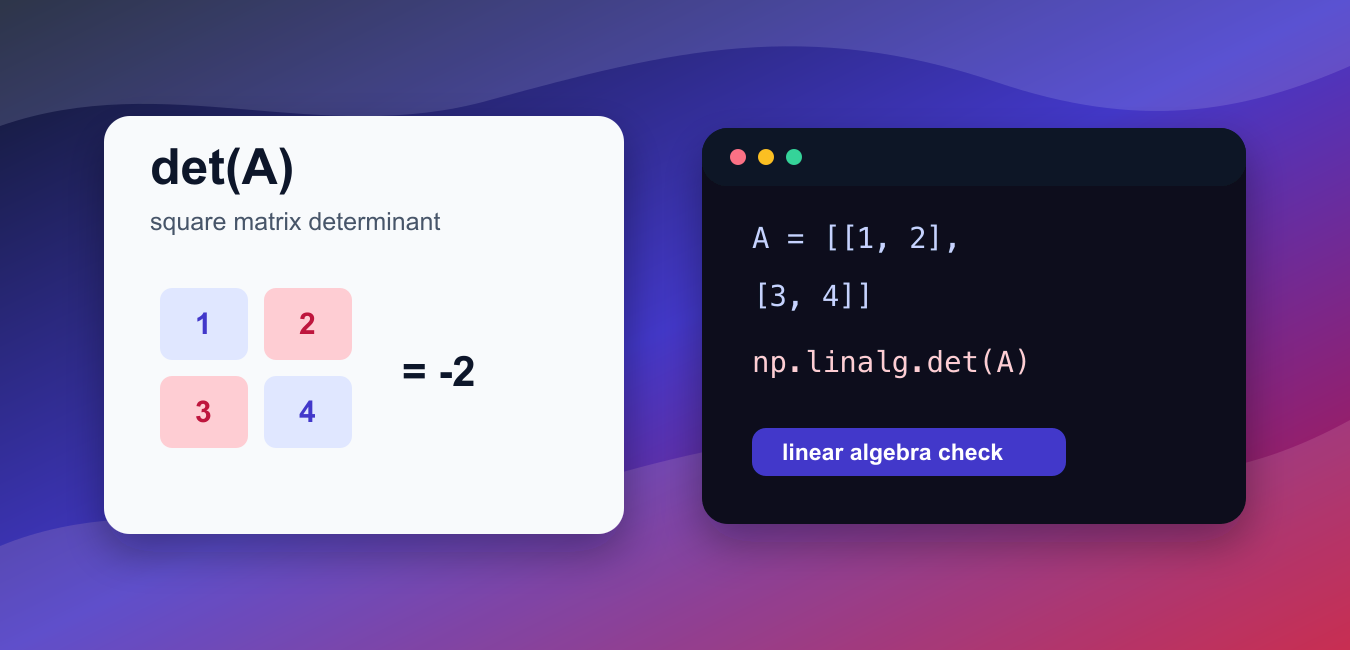
Quick answer: Use numpy.linalg.det for the determinant of a square array, including a stack of square matrices. Because floating-point determinants can be sensitive to scale and conditioning, check shape and dtype and use solve or factorization routines when the real task is solving a system.
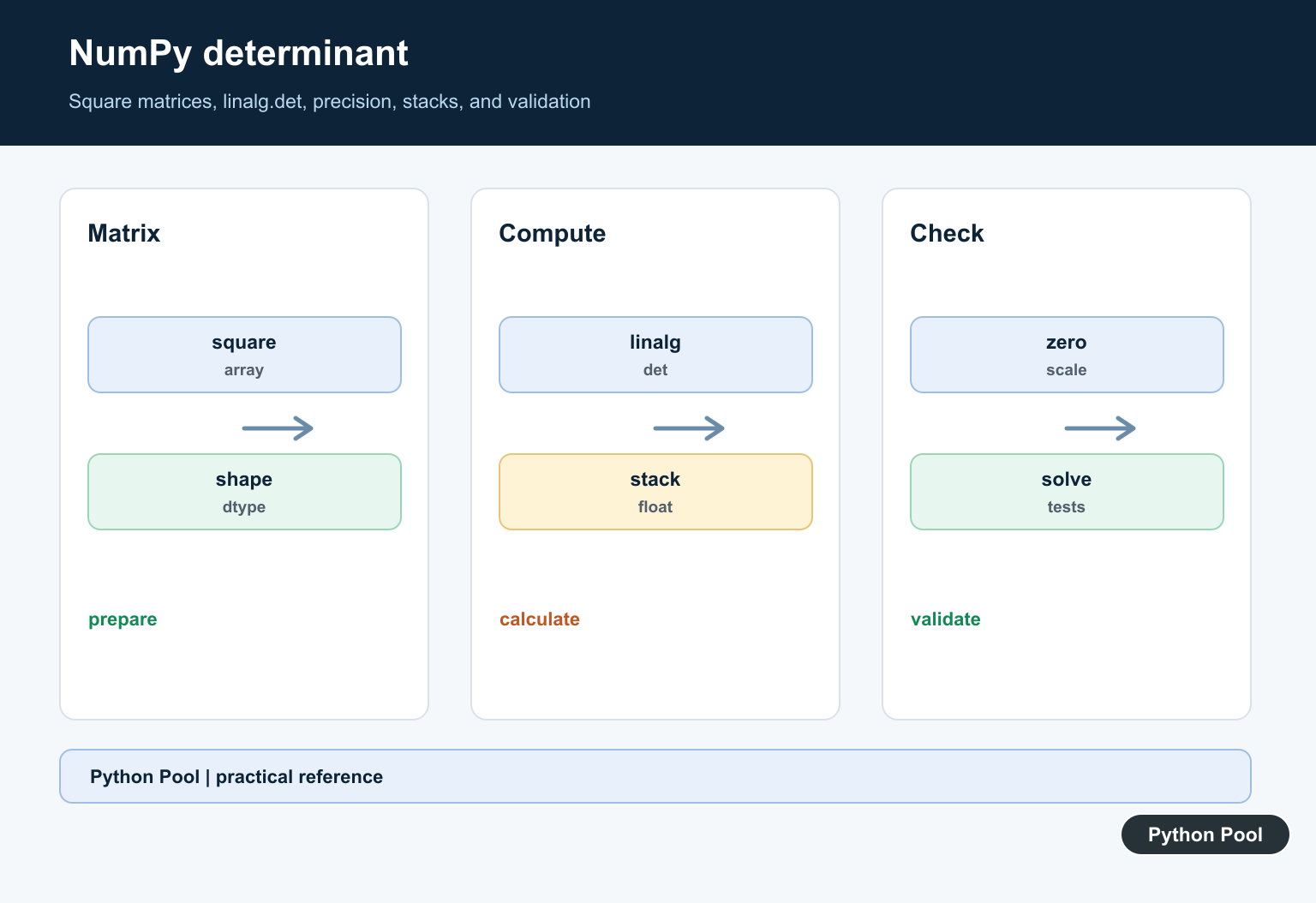
numpy.linalg.det() calculates the determinant of a square matrix. The determinant is a scalar value that helps describe whether a matrix is singular, how it scales area or volume, and whether a linear system has a unique solution.
The official NumPy documentation covers numpy.linalg.det(), numpy.linalg.slogdet(), and numpy.linalg.solve().
Use det() only with square matrices. A two-dimensional input must have the same number of rows and columns. For higher-dimensional input, NumPy treats the last two axes as matrices and calculates one determinant for each matrix in the stack.
A determinant near zero usually means the matrix is singular or close to singular. Because floating-point arithmetic is approximate, compare with np.isclose() instead of checking equality with zero in real calculations.
The determinant can grow or shrink quickly for large matrices. If you only need the sign and logarithm of the absolute determinant, slogdet() is often more stable.
For solving linear systems, do not divide by the determinant by hand. Use np.linalg.solve() for the actual solution and use the determinant only as a diagnostic check when it is useful.
A determinant is also sensitive to scaling. Multiplying a row by a large number changes the determinant by the same factor, and poorly scaled matrices can produce results that are hard to interpret. That is another reason to use it as one diagnostic rather than the only test in a numerical workflow.
Before calling det(), inspect the shape. For a single matrix, the shape should look like (n, n). For a stack, the shape should end with (n, n). The leading axes describe how many matrices are being processed.
Calculate A 2×2 Determinant
Pass a square array to np.linalg.det().
import numpy as np

matrix = np.array([
    [1.0, 2.0],
    [3.0, 4.0],
])

determinant = np.linalg.det(matrix)

print(determinant)
The result is a floating-point scalar.
For this matrix, the determinant is close to -2.
Small rounding differences are normal because NumPy uses floating-point linear algebra routines.
Use rounding only for display, not for deciding whether a matrix is singular.
If you need a clean printed value for a tutorial or report, round the final display output. Keep the unrounded determinant for comparisons and later calculations.
Calculate A 3×3 Determinant
The same function works for larger square matrices.
import numpy as np

matrix = np.array([
    [2.0, 0.0, 1.0],
    [3.0, 0.0, 0.0],
    [5.0, 1.0, 1.0],
])

print(np.linalg.det(matrix))
The input has three rows and three columns, so it is valid for det().
If the last two dimensions are not square, NumPy raises a linear algebra error.
Check shape first when matrices come from user input, file data, or reshaping steps.
This check catches many mistakes early, especially when a one-dimensional input was meant to be reshaped into a square matrix before the determinant calculation.
Detect A Singular Matrix
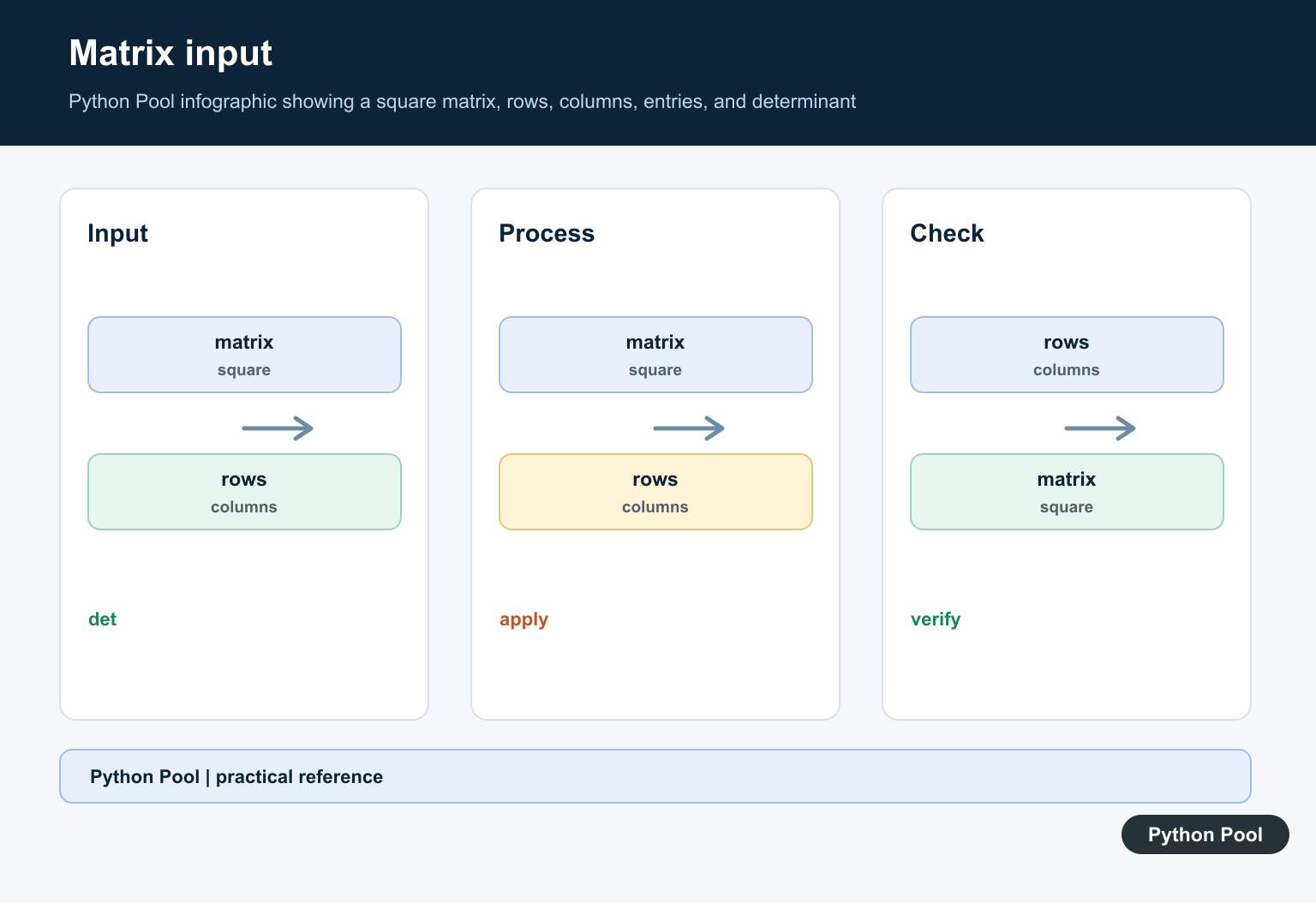
A singular matrix has determinant zero or very close to zero.
import numpy as np

matrix = np.array([
    [1.0, 2.0],
    [2.0, 4.0],
])

determinant = np.linalg.det(matrix)

print(determinant)
print(np.isclose(determinant, 0.0))
The second row is a multiple of the first row, so the matrix is singular.
np.isclose() is better than direct equality for floating-point checks.
This pattern is useful before reporting a matrix as invertible or non-invertible.
The tolerance used by isclose() should match the scale and precision of your data. A value that is close enough to zero in one workflow may not be close enough in another.
Calculate Determinants For A Stack
For stacked matrices, NumPy calculates one determinant for each item in the stack.
import numpy as np

matrices = np.array([
    [[1.0, 2.0], [3.0, 4.0]],
    [[2.0, 0.0], [0.0, 5.0]],
])

determinants = np.linalg.det(matrices)

print(determinants)
The input shape is (2, 2, 2), so the last two axes form two square matrices.
The output has one determinant for each matrix.
This is helpful when checking many small matrices in one call.
Stacked input keeps the code compact and lets NumPy perform the repeated linear algebra work without a Python loop.
Use slogdet For Large Magnitudes
slogdet() returns the sign and the natural log of the absolute determinant.
import numpy as np

matrix = np.diag([10.0, 20.0, 30.0, 40.0])

sign, logabsdet = np.linalg.slogdet(matrix)

print(sign)
print(logabsdet)
This form avoids storing a very large or very small determinant directly.
Use it when determinant magnitude matters more than the raw scalar value.
It is especially useful for statistical models and numerical checks involving products of many scale factors.
Check Before Solving A System
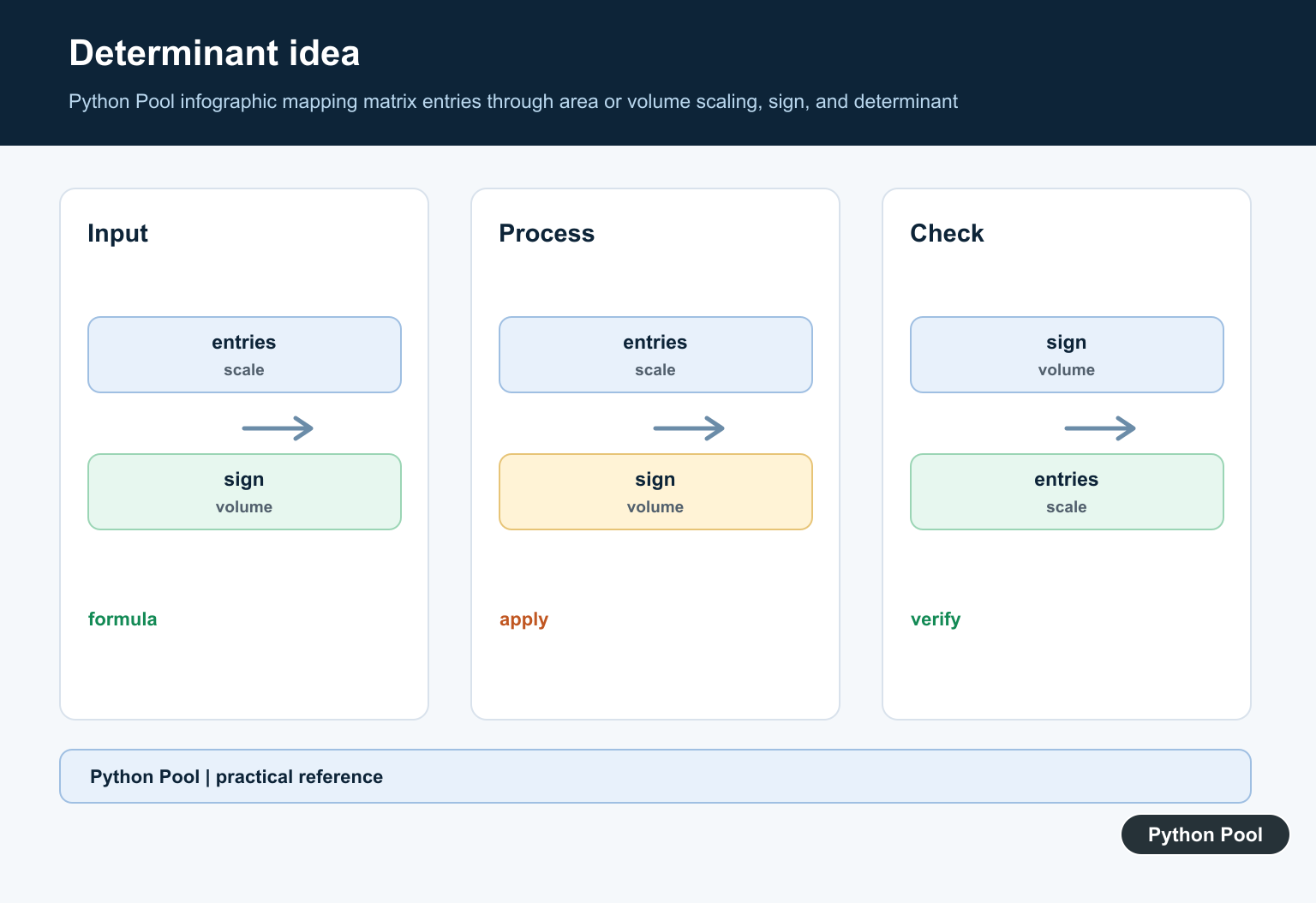
A nonzero determinant can indicate that a square system has a unique solution.
import numpy as np

matrix = np.array([
    [2.0, 1.0],
    [1.0, 3.0],
])
target = np.array([1.0, 2.0])

determinant = np.linalg.det(matrix)
solution = np.linalg.solve(matrix, target)

print(determinant)
print(solution)
Use solve() for the solution instead of manually using determinant formulas.
The determinant remains useful as a quick diagnostic for singular or nearly singular systems.
For production calculations, handle linear algebra errors explicitly. A diagnostic determinant can guide logging or validation, but solve() is still the right tool for computing the solution.
In short, use np.linalg.det() for square matrices, watch for near-zero results, use stacked inputs when the last two axes are square, and choose slogdet() when determinant magnitude is difficult to represent directly.
Prepare A Square Array
A determinant is defined for a square matrix. Validate the final two dimensions and choose a numeric dtype before calling the linear-algebra routine so shape errors are caught at the boundary.
Compute Single And Stacked Inputs
A two-dimensional array produces one determinant. Higher-dimensional input can represent a stack, with the leading dimensions identifying each matrix; test that your batch axis is where you expect it to be.
Interpret Near-Zero Results
A mathematically singular matrix may produce a tiny floating-point value rather than exact zero. Compare against a scale-aware tolerance and inspect conditioning when the distinction affects a decision.
Do Not Use det For Every Problem
If the goal is to solve Ax=b, use a solve or factorization routine instead of computing a determinant first. Determinants are useful for mathematical diagnostics, volume scaling, and certain model calculations.
Check Dtypes And Scale
Large or tiny values can overflow, underflow, or magnify rounding. Rescaling, choosing an appropriate dtype, and checking finite inputs can make the result easier to interpret.
Test Known Matrices
Test the identity, diagonal, triangular, singular, repeated-row, batch, and ill-conditioned cases. Compare against a hand-computable result and document the tolerance used for floating-point assertions.
The official NumPy determinant documentation describes input shape and returned values. Related Python Pool references include NumPy arrays and tests.
For related numerical workflows, compare NumPy array shapes, tolerance tests, and sequence inputs before evaluating a determinant.
Frequently Asked Questions
How do I calculate a determinant with NumPy?
Use numpy.linalg.det on a square array and inspect the returned floating-point value.
Can NumPy calculate determinants for a stack of matrices?
Yes. A higher-dimensional input can represent a stack of square matrices, and NumPy returns one determinant per matrix.
Why is my determinant close to zero instead of zero?
Floating-point arithmetic and an ill-conditioned matrix can produce a small residual, so use a tolerance appropriate to the scale of the data.
Should I use a determinant to solve a linear system?
Usually solve or factorization routines are more stable and useful than explicitly computing a determinant just to solve Ax=b.