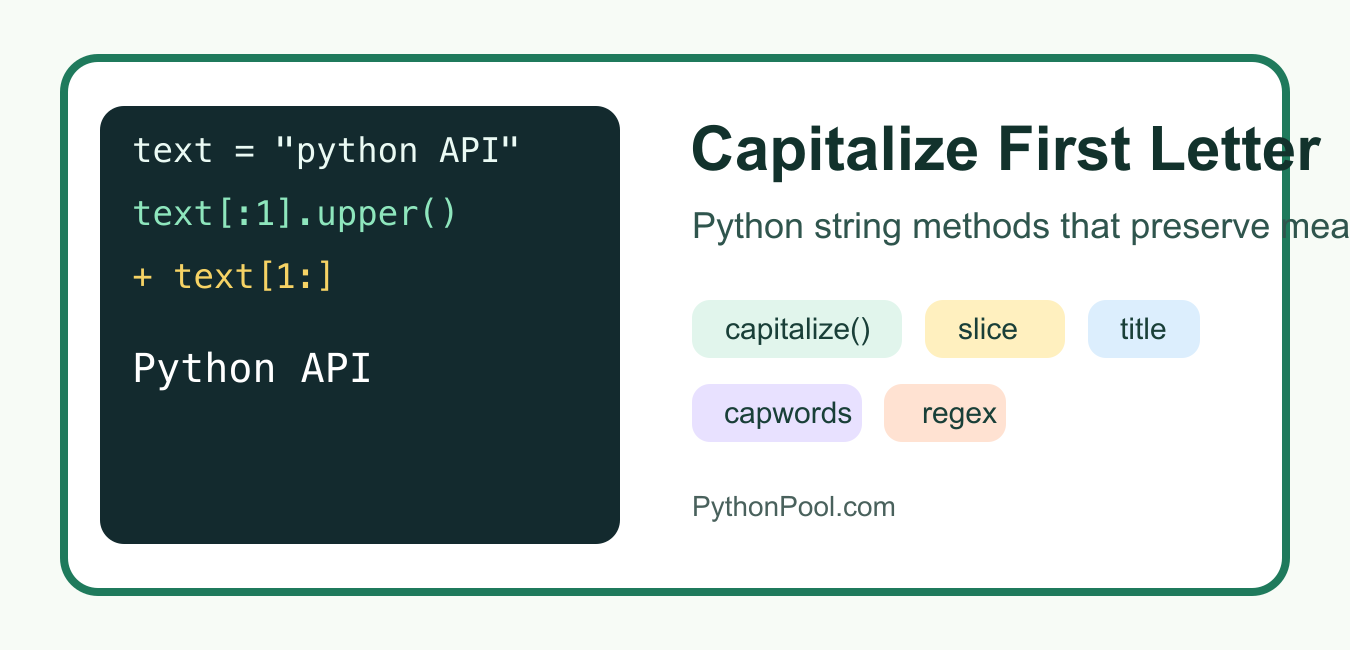
Quick answer: Use capitalize() for sentence-like text, slicing when the rest of the string’s existing case must be preserved, and title() only when you intentionally want word-level display formatting.
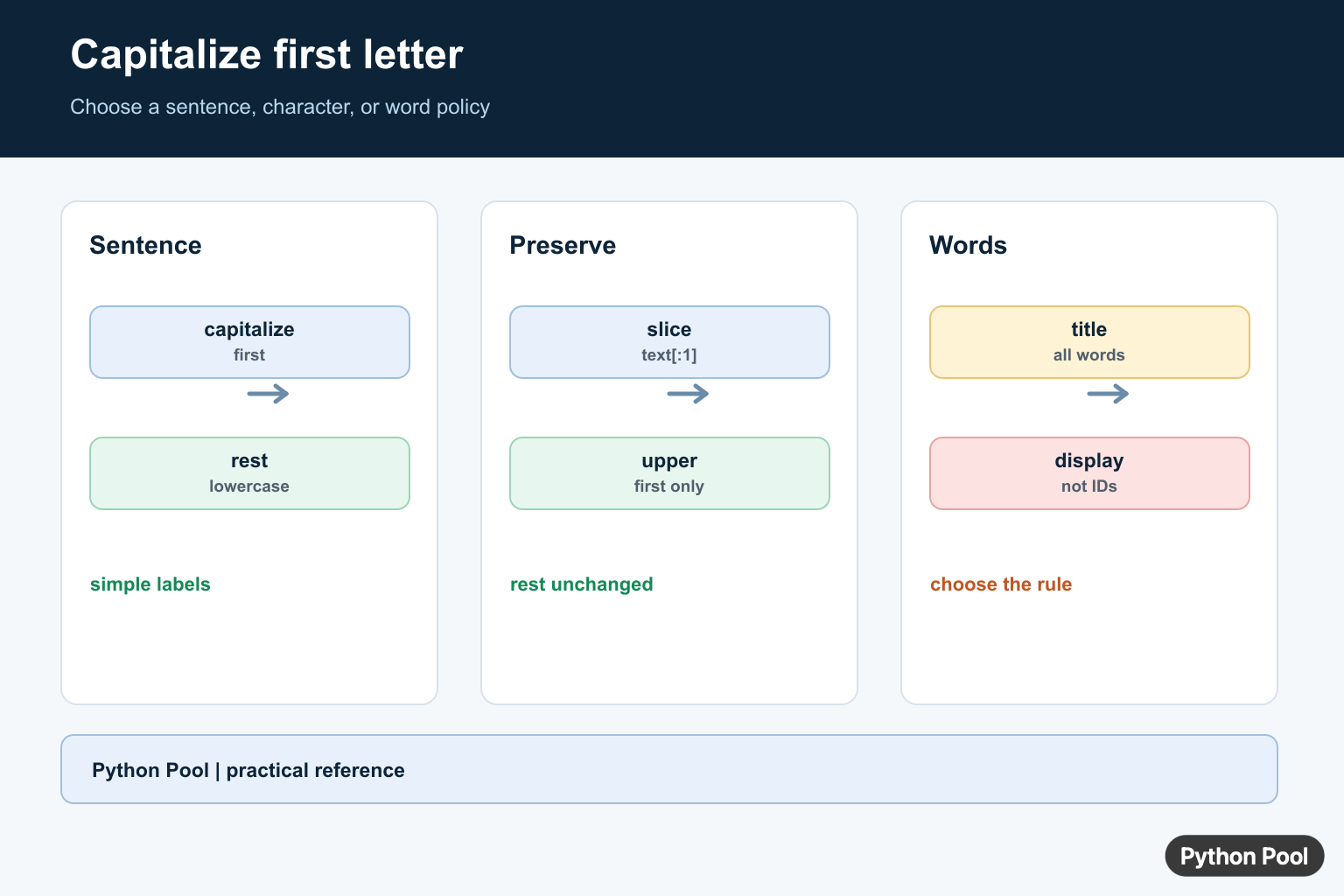
Need to capitalize the first letter in Python? The right method depends on whether you want to change only the first character, preserve the rest of the string, capitalize every word, or clean up a list of strings. This guide shows the safest options with examples you can copy into a script.
The short answer is: use str.capitalize() when you want Python to uppercase the first character and lowercase the rest. Use slicing when you need to keep the remaining characters exactly as they are.
Quick Comparison
| Goal | Best method | What to watch |
|---|---|---|
| Capitalize one simple string | capitalize() |
Lowercases the rest of the string |
| Keep existing casing after the first letter | Slicing with upper() |
Handle empty strings |
| Capitalize every word | title() or string.capwords() |
Apostrophes and spacing can change results |
| Capitalize many strings | List comprehension | Choose the helper that matches your casing rule |
| Capitalize sentence starts | re.sub() |
Regex examples here are for simple English text |
1. Use capitalize() for a Simple String
str.capitalize() returns a new string with the first character capitalized and the rest lowercased. It does not modify the original string because Python strings are immutable.
text = "python pool"
result = text.capitalize()

print(result)  # Python pool
print(text)    # python pool
This is the most readable answer when the input is a normal word or phrase and you are comfortable with the rest of the text becoming lowercase. Python documents this behavior in the official str.capitalize() reference.
2. Preserve the Rest of the String with Slicing
If the string already contains meaningful capitalization, capitalize() may be too aggressive. For example, it turns "python API" into "Python api". Use slicing when only the first character should change.
def capitalize_first(text):
    return text[:1].upper() + text[1:]

print(capitalize_first("python API"))
print(capitalize_first("already Fine"))
print(capitalize_first(""))
The text[:1] slice is safe for an empty string, so this helper does not need a separate length check. It is often the best general-purpose function for labels, headings, and values that may contain abbreviations.
3. Capitalize After Leading Spaces
Sometimes the first visible letter appears after spaces. If you want to preserve the original indentation or leading whitespace, find the first non-space position and capitalize from there.
def capitalize_after_leading_space(text):
    prefix_len = len(text) - len(text.lstrip())
    return text[:prefix_len] + text[prefix_len:prefix_len + 1].upper() + text[prefix_len + 1:]

print(capitalize_after_leading_space("   python pool"))
This is useful when you are formatting user-entered text but do not want to strip whitespace. For full whitespace cleanup, see PythonPool’s guide to removing whitespace in Python.
4. Capitalize the First Letter of Every Word
Use title() when every word should start with a capital letter. It is concise, but it applies titlecase rules to the whole string.
name = "python pool tutorial"
print(name.title())
The official str.title() documentation explains the method’s behavior.
5. Use string.capwords() for Word Capitalization
The string.capwords() helper splits text into words, capitalizes each word with capitalize(), and joins the result back together. It can also normalize repeated spaces.
from string import capwords

text = "python    pool"
print(capwords(text))
That spacing behavior can be helpful for display text, but it is not always what you want for raw data. Python’s official string.capwords() documentation covers the optional separator argument.
6. Capitalize Each Item in a List
For a list of names, labels, or column values, combine a helper function with a list comprehension. This keeps the rule in one place and makes the transformation easy to test.
def capitalize_first(text):
    return text[:1].upper() + text[1:]

items = ["python", "javaScript", "sql"]
capitalized = [capitalize_first(item) for item in items]

print(capitalized)
7. Capitalize the Start of Each Sentence
For simple English sentences, regular expressions can capitalize a lowercase letter at the beginning of the text or after punctuation. This is a formatting helper, not a full grammar engine.
import re

sentence_start = re.compile(r"(^|[.!?]s+)([a-z])")

def capitalize_sentences(text):
    return sentence_start.sub(lambda match: match.group(1) + match.group(2).upper(), text)

print(capitalize_sentences("python is fun. it is readable! is it fast?"))
For deeper pattern matching, use Python’s official re module reference. For simpler string splitting before formatting, see what split() does in Python.
Common Mistakes
- Using
capitalize()on abbreviations, then accidentally changingAPItoapi. - Using
title()for human names without checking apostrophes, hyphens, and locale-specific rules. - Forgetting that strings are immutable, so the result must be assigned to a variable.
- Assuming all capitalization rules are ASCII-only. Unicode text can have different casing behavior.
Which Method Should You Use?
For a plain string, start with capitalize(). For production code where the rest of the string must not change, use slicing with upper(). For every word, choose title() or capwords() after checking how they handle your real input. For many values, put the rule in a helper function and call it from a list comprehension.
FAQs
Does capitalize() change the original string?
No. It returns a new string. Assign the result if you want to keep it.
How do I capitalize only the first character and keep the rest unchanged?
Use text[:1].upper() + text[1:]. This works even when text is empty.
How do I capitalize every word in Python?
Use text.title() for a compact option, or string.capwords(text) when splitting and joining words fits your formatting needs.
Use capitalize For Sentence-Like Text
str.capitalize returns a new string, uppercases the first character, and lowercases the remaining characters according to Python’s string rules. It handles an empty string safely, making it a good default for simple labels or sentences.
values = ["python pool", "pYTHON", ""]

for value in values:
    print(value.capitalize())
Preserve The Remaining Case
If an acronym, code, or user-provided casing must stay unchanged, uppercase only the first character and append the untouched remainder. text[:1] also avoids indexing an empty string.
def upper_first(text):
    return text[:1].upper() + text[1:]

print(upper_first("pYTHON Pool"))
print(upper_first(""))
Do Not Use title Without A Display Rule
title() applies capitalization across words, which can be wrong for names such as APIClient, O’Reilly, or technical identifiers. Decide whether the input is a sentence, a heading, a proper name, or an identifier before choosing a transformation.
text = "python's HTTP API"

print(text.capitalize())
print(text.title())
print(upper_first(text))
Python’s capitalize() and title() references define their case transformations and return values.
For related string presentation, compare uppercase conversion, lowercase conversion, and string length before choosing a display rule.
Frequently Asked Questions
How do I capitalize the first letter in Python?
Call text.capitalize() when the first character should be uppercase and the remaining characters should be lowercased.
How do I uppercase only the first character?
Use text[:1].upper() + text[1:] when the existing case of the remainder must be preserved.
What happens with an empty string?
capitalize() safely returns an empty string, while indexing text[0] directly would raise IndexError.
Should I use title() to capitalize a sentence?
Usually no. title() applies word-level rules and can produce unexpected results for apostrophes, acronyms, or technical names.
show the results plz
The output is already shown as images. Make sure you don’t have any extensions that block images from the website.