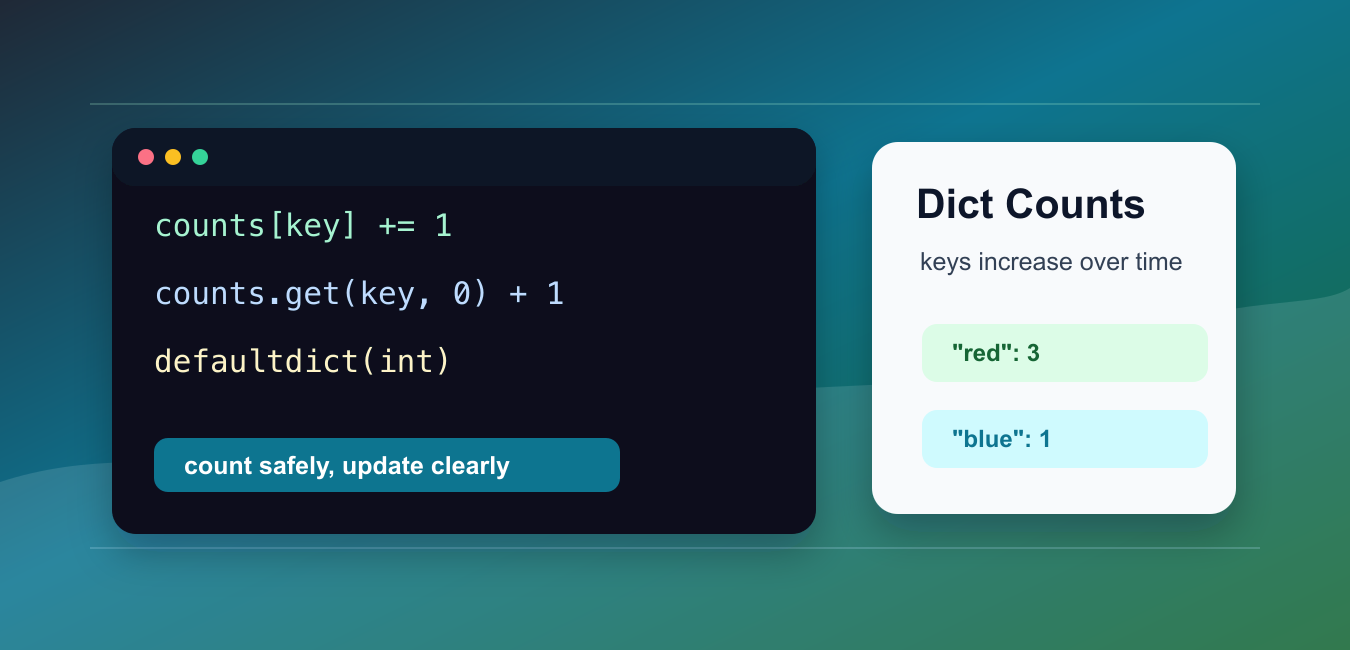
Quick answer: Increment a dictionary value with data[key] = data.get(key, 0) + amount when a missing key should start at zero. For repeated counting, defaultdict(int) or Counter makes that missing-key policy explicit and keeps the update readable.
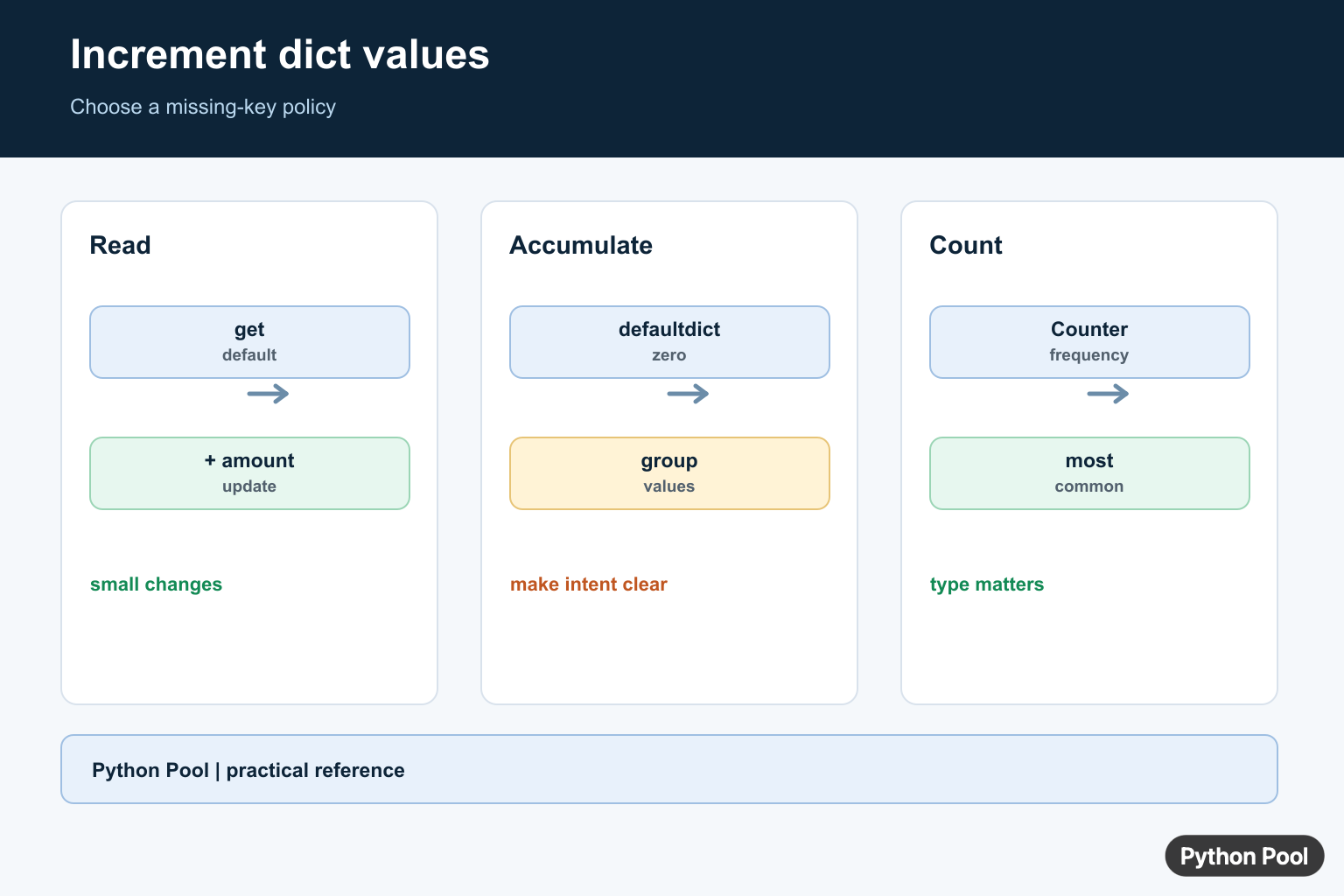
To increment a dictionary value in Python, read the current value, add to it, and store the result back under the same key. The cleanest method depends on whether the key already exists and whether you are counting many items.
Dictionaries are the natural structure for counters because each key points to a number. The official Python documentation covers dictionary mapping behavior, and collections includes defaultdict and Counter for common counting tasks.
Choose bracket update when the key must exist, get() when a missing key should start from zero, defaultdict(int) for repeated counting loops, and Counter when the whole task is counting items.
The important design choice is missing-key behavior. Some programs should fail when an unexpected key appears, while others should create a new count automatically. Decide that first, then choose the syntax that makes the behavior obvious to the next reader.
Also keep count values numeric. If a dictionary mixes strings, numbers, and nested data under the same set of keys, simple increments become harder to reason about. Store related counters together and keep labels or metadata in a separate structure when possible.
Increment An Existing Key
If the key already exists, use +=.
scores = {"team_a": 10, "team_b": 7}

scores["team_a"] += 1

print(scores)
This is short and clear, but it raises KeyError if the key is missing.
That behavior is useful when the dictionary should already contain every allowed key. It catches spelling mistakes and unexpected names instead of creating new entries silently.
This pattern is common for scoreboards, fixed categories, and configuration maps that are prepared before updates begin. Initialize the dictionary once, then increment only known keys.
Use dict.get For Missing Keys
dict.get() lets you provide a default starting value.
counts = {}

color = "red"
counts[color] = counts.get(color, 0) + 1

print(counts)
If color is not present, get() returns 0, then the code adds one.
This pattern is a good fit for small counting jobs where you only update one or two keys. It keeps the dictionary normal and avoids importing anything extra.
It also works well inside a short loop. The expression reads as “current count or zero, plus one,” which is exactly the rule most simple counters need.
Use setdefault Before Updating
setdefault() inserts a starting value if the key is absent.
visits = {}

page = "home"
visits.setdefault(page, 0)
visits[page] += 1

print(visits)
This works, but it takes two statements: one to ensure the key exists and one to increment it.
Use this style when creating a default entry is useful for more than one following operation. For a single increment, get() is usually shorter.
Be careful when the default value is a list, set, or another mutable object. In those cases, make sure each key receives its own object. For integer counts, setdefault() is straightforward because integers are replaced on each update.
Use defaultdict For Counting Loops
defaultdict(int) creates missing counts as zero automatically.
from collections import defaultdict

counts = defaultdict(int)

for color in ["red", "blue", "red"]:
    counts[color] += 1

print(dict(counts))
This is one of the cleanest choices when counting items in a loop.
The int factory returns zero for new keys. After that, += 1 works the same way as it does for existing keys.
Convert the result to a regular dictionary before serializing it or returning it from an API. That keeps the output plain and avoids surprising callers that do not expect a defaultdict.
Use Counter For Frequency Counts
Counter is built specifically for counting hashable items.
from collections import Counter

colors = ["red", "blue", "red", "green", "blue", "red"]

counts = Counter(colors)
counts.update(["green", "green"])

print(counts)
Counter can build counts from an iterable and can add more counts later with update().
Use it when the main task is frequency analysis, such as counting words, categories, events, or labels.
Counter also has useful helpers such as most_common(), arithmetic with other counters, and zero defaults for missing keys. Those features make it more expressive than a plain dictionary when counts are the main data.
Increment Nested Dictionary Values
For grouped counts, use a nested dictionary or nested defaultdict.
from collections import defaultdict

views = defaultdict(lambda: defaultdict(int))

views["mobile"]["home"] += 1
views["mobile"]["pricing"] += 1
views["desktop"]["home"] += 1

print({device: dict(pages) for device, pages in views.items()})
The outer key groups the counts, and the inner key tracks the item inside that group.
This pattern is useful for grouped analytics, per-user counts, or counts by category. Keep nested counters shallow; if the structure grows deeper, a small class or database table may be easier to maintain.
For reporting, flatten nested counts into rows such as device, page, and count. That shape is easier to sort, export, and chart than a deeply nested dictionary.
In short, use += for existing keys, get() for one-off missing keys, defaultdict(int) for repeated loops, and Counter for frequency counts. Each method is correct when it matches the missing-key behavior your code needs.
Use get() For A Small Update
dict.get() supplies a default only for the read, so the assignment still stores the new value. Pick a numeric default that matches the data and use an explicit amount when increments are not always one.
scores = {"ada": 2}
name = "grace"
scores[name] = scores.get(name, 0) + 1
scores["ada"] = scores.get("ada", 0) + 3
print(scores)
Accumulate With defaultdict
defaultdict(int) creates zero for an absent key when it is first accessed. This is convenient for grouped accumulation, but remember that reading a missing key mutates the mapping by creating it.
from collections import defaultdict

counts = defaultdict(int)
for letter in "banana":
    counts[letter] += 1
print(dict(counts))
Count With Counter
Counter communicates that values are frequencies and supplies operations such as most_common(). It is often the clearest choice when the input is an iterable of observations rather than arbitrary dictionary state.
from collections import Counter

counts = Counter(["red", "blue", "red", "green"])
counts["red"] += 1
print(counts.most_common())
Handle Types And Missing Keys
A default of zero does not repair an existing value with the wrong type. Validate or normalize values at the boundary, and choose whether a missing key should be created, ignored, or treated as an error.
def increment(mapping, key, amount=1):
    current = mapping.get(key, 0)
    if not isinstance(current, (int, float)):
        raise TypeError(f"{key!r} is not numeric")
    mapping[key] = current + amount

values = {}
increment(values, "jobs", 2)
print(values)
The Python documentation for dict mapping operations explains get() and indexing behavior. Use the standard Counter and defaultdict types when their semantics match the task.
For related mapping workflows, compare dictionary size, dictionary-to-list conversion, and hashmap fundamentals when the update grows into a broader data structure decision.
Frequently Asked Questions
How do I increment a dictionary value in Python?
Assign the old value plus one, commonly with data[key] = data.get(key, 0) + 1 when a missing key should start at zero.
How do I increment missing keys safely?
Use get(), defaultdict(int), or Counter depending on whether the operation is a one-off update, grouped accumulation, or frequency count.
Why does dict[key] += 1 raise KeyError?
The key is absent and ordinary dictionary indexing does not supply a default value.
When should I use Counter instead of a dict?
Use Counter when the dictionary represents counts and you want counting, most_common(), and related multiset operations.