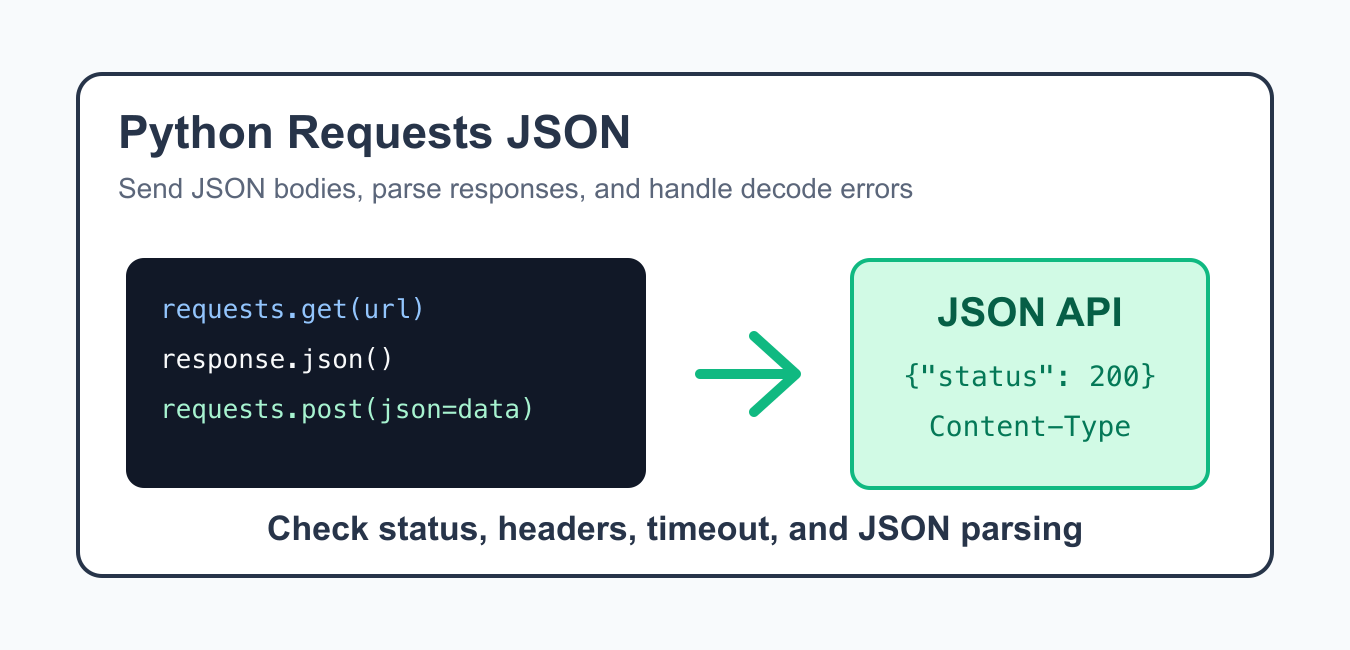
The Python Requests library makes JSON API calls concise. You can send JSON request bodies with the json= argument, read JSON responses with response.json(), and check HTTP status codes before using the returned data.
The important detail is that JSON handling has two sides. A request body must be encoded and labeled correctly, while a response body must actually contain JSON before your code treats it as data. Good code checks status, headers, timeouts, and decode errors instead of assuming every response is valid JSON.
This separation helps when debugging APIs. A request can fail before the server reads the JSON body, or the server can return a successful status with a response shape your code does not expect. Inspecting each layer keeps the failure small and understandable.
The official Requests JSON quickstart, Requests response.json API documentation, Python json module documentation, and MDN Content-Type header reference are the primary references. Related PythonPool guides include JSONDecodeError expecting value, Python HTTP server, and Python null and None.
Install Requests
Install Requests in the same environment that runs the script, notebook, or application.
import subprocess
import sys

subprocess.check_call([
    sys.executable,
    "-m",
    "pip",
    "install",
    "requests",
])
For applications, keep Requests in the project dependency file so local development and deployment use the same package set.
If a notebook or service cannot import Requests after installation, print the active Python executable and install into that exact environment. Package installs in a different interpreter will not help the running process.
Read A JSON Response
Use response.json() after a successful response when the body contains JSON.
import requests

response = requests.get(
    "https://httpbin.org/json",
    timeout=10,
)
response.raise_for_status()

data = response.json()
print(data.keys())
raise_for_status() catches HTTP error responses before your code tries to use the body as normal data.
After parsing, still validate the fields you plan to use. JSON only tells you the format is valid; it does not prove that a key is present, a value has the expected type, or the response matches your application contract.
Check Content Type
A server can return HTML, plain text, or an empty body. Check the content type when your code depends on JSON.
import requests

response = requests.get(
    "https://httpbin.org/json",
    timeout=10,
)
content_type = response.headers.get("content-type", "")

if "application/json" in content_type:
    print(response.json())
else:
    print("Response is not JSON")
The header is not perfect, but it is a useful guard. Pair it with decode error handling for robust clients.
Some APIs include extra information such as a charset in the content type. That is why the example checks whether application/json appears in the header instead of requiring an exact string match.
Send A JSON Request Body
Use the json= argument when sending JSON. Requests serializes the object and sets the correct content type.
import requests

payload = {
    "name": "Python Pool",
    "active": True,
}

response = requests.post(
    "https://httpbin.org/post",
    json=payload,
    timeout=10,
)
response.raise_for_status()

print(response.json()["json"])
Prefer json= over manually calling json.dumps() for ordinary JSON API calls. It keeps encoding and headers together.
Use the data= argument for form data or raw bytes, not for normal JSON objects. Mixing the two styles can create requests that look correct in Python but are interpreted differently by the server.
Handle JSON Decode Errors
If the response body is empty or not valid JSON, response.json() raises a decode error. Catch it near the request.
import requests
from requests.exceptions import JSONDecodeError

response = requests.get(
    "https://httpbin.org/html",
    timeout=10,
)

try:
    data = response.json()
except JSONDecodeError:
    data = None

print(data)
This is common when an API returns an error page, a redirect page, or no content. The status code and content type usually explain what happened.
When you catch a decode error, log the status code and a short response preview rather than printing a large body. That gives enough context without filling logs with unrelated HTML or sensitive response data.
Use A Session For Shared Settings
A session keeps headers and connection settings together across related requests.
import requests

session = requests.Session()
session.headers.update({
    "accept": "application/json",
    "user-agent": "pythonpool-example/1.0",
})

response = session.get(
    "https://httpbin.org/json",
    timeout=10,
)

print(response.status_code)
print(response.json())
Sessions are useful for clients that call the same API repeatedly. Keep timeouts explicit so a stalled request does not hang indefinitely.
A session is also a convenient place to store shared authentication headers, accepted content types, and user-agent text. Avoid scattering those details across every request call in a larger client.
Practical Checklist
Use json= for JSON request bodies, call raise_for_status(), check content type when needed, catch JSON decode errors, and set a timeout on network calls. If an API returns JSON null, Python reads it as None.
For production code, add a small adapter function around each API endpoint. The adapter can build the request, handle errors, parse JSON, and return a predictable Python object to the rest of the application.
The reliable pattern is to treat the HTTP response and the JSON payload as separate layers. First confirm the request succeeded, then confirm the body is JSON, then validate the fields your application needs.