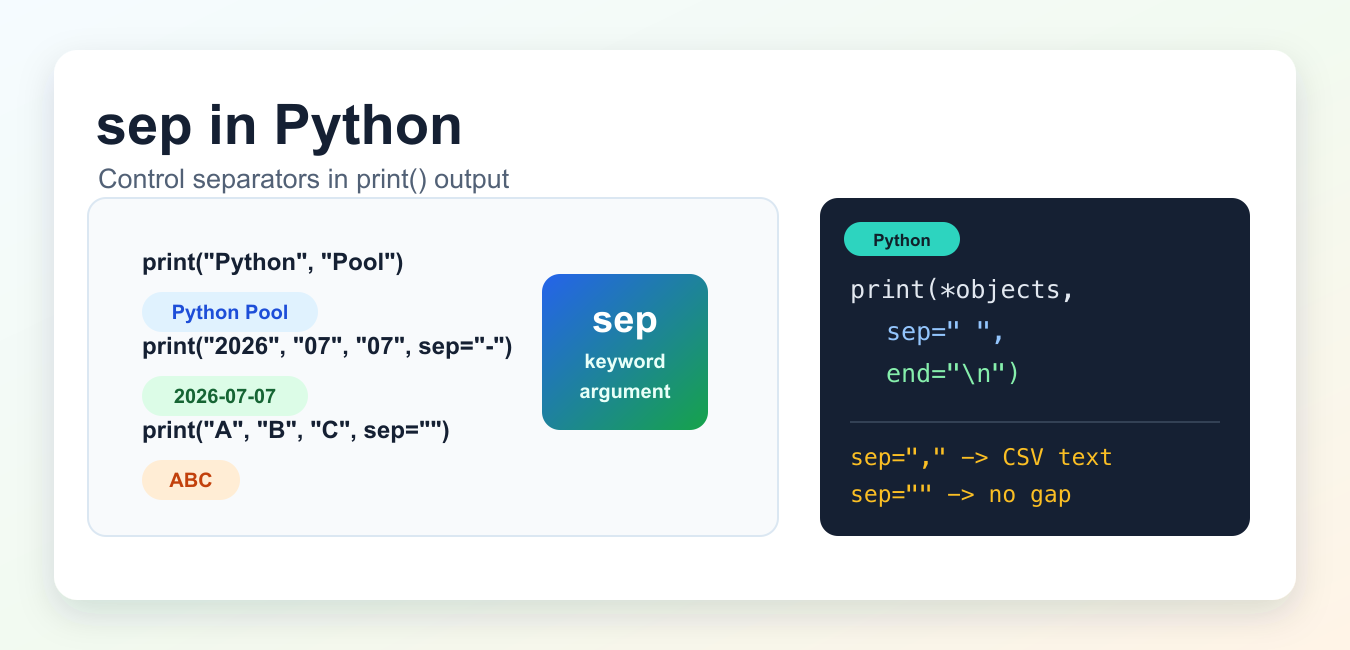
Quick answer: The sep keyword argument to print() controls what Python writes between positional values. It defaults to one space, accepts any string including an empty string, and is different from end, which is written after the final value.
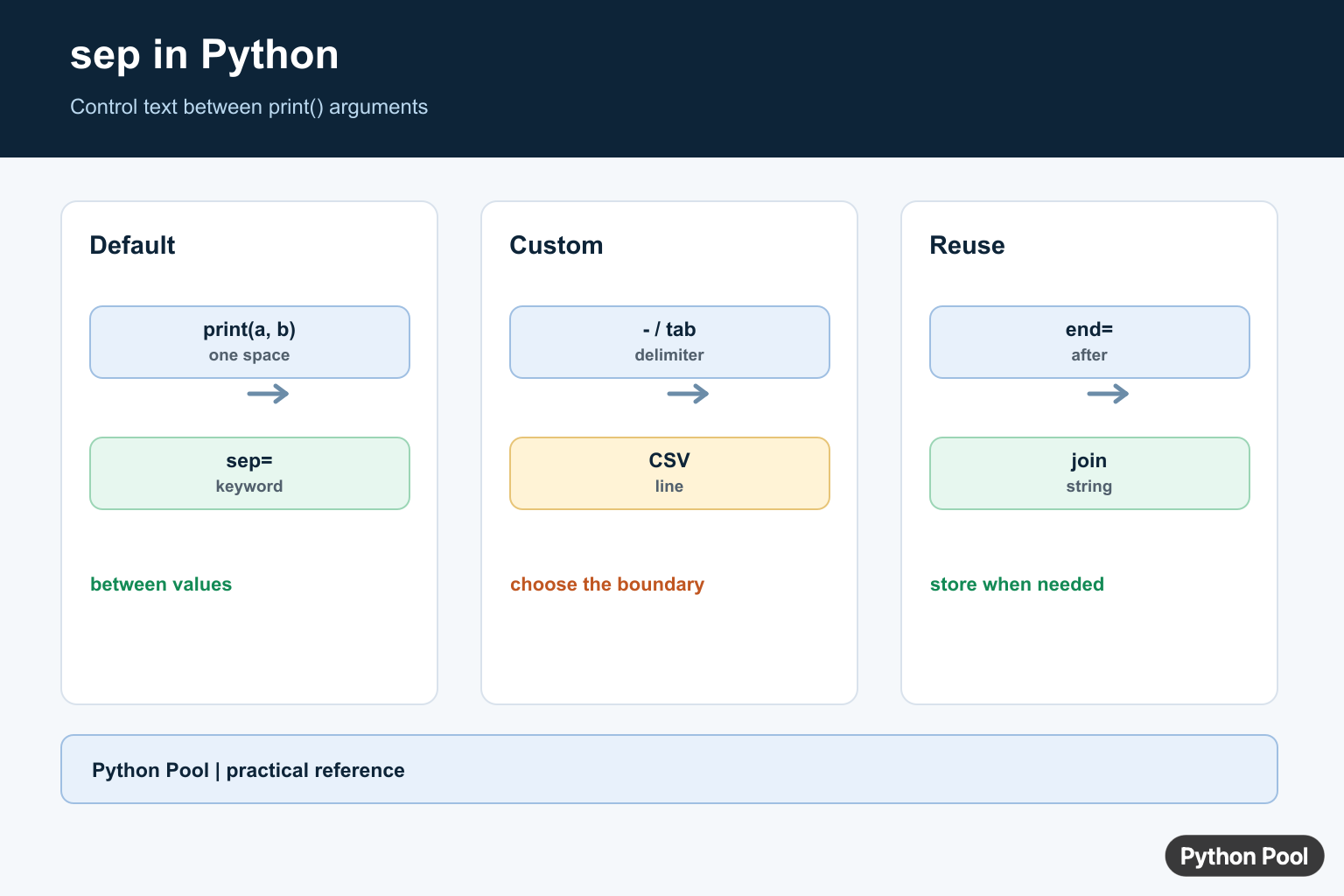
sep in Python is the keyword argument that tells print() what to place between multiple objects. By default, Python uses one space. Change sep when you want commas, tabs, hyphens, new lines, or no gap between printed values.
Syntax
print(*objects, sep=" ", end="\\n", file=None, flush=False)
The *objects part means print() can receive any number of non-keyword arguments. Python converts those objects to strings, writes them in order, places sep between them, and then writes end after the final object.
Default sep value
If you do not pass sep, Python inserts a single space between printed objects.
print("Python", "Pool")
Python Pool
This only applies between separate objects. It does not insert spaces inside a single string.
Use a custom separator
Pass sep="-", sep=",", or any other string to control the separator.
print("2026", "07", "07", sep="-")
print("red", "green", "blue", sep=", ")
2026-07-07
red, green, blue
This is useful for quick console output, simple logs, generated labels, and command-line formatting.
Use sep with unpacked lists
sep becomes more useful when you unpack a list or tuple into print(). The star operator passes each item as a separate printed object, so sep can appear between the items.
languages = ["Python", "JavaScript", "Go"]
print(*languages, sep=" | ")
Python | JavaScript | Go
Without the star operator, Python prints the list object itself, and sep has nothing to separate because there is only one printed object.
sep must be a string or None
The sep value must be a string or None. Passing an integer, list, or other non-string value raises a TypeError. If you want the number 1 as a separator, write sep="1", not sep=1.
print("a", "b", sep="1") # a1b
Use sep=”” for no gap
Set sep="" when the printed objects should touch each other.
print("A", "B", "C", sep="")
ABC
Use this carefully. If you are building a string for later use, join() or an f-string is usually clearer than relying on printed output.
Use tabs and newlines as separators
The separator can contain escape sequences. Use " " for tab-separated output and " to print each object on a separate line.
"
print("name", "score", sep="\\t")
print("one", "two", "three", sep="\\n")
name    score
one
two
three
If you are formatting rows for a real CSV or TSV file, prefer the csv module. sep is fine for display, but it does not handle quoting, escaping, or embedded separators.
sep vs end
sep goes between objects. end goes after the last object. They solve different formatting problems.
print("Loading", "data", sep="...", end=" done\\n")
Loading...data done
If you want to remove the newline after print(), change end, not sep. See our guide to Python print without newline for that case.
sep vs join()
Use sep when you are printing values directly. Use str.join() when you need to create a string value and store, return, compare, or write it later.
colors = ["red", "green", "blue"]

print(*colors, sep=", ")
text = ", ".join(colors)
The first line prints text to standard output. The second line creates the string "red, green, blue". For more string-building patterns, see append strings in Python.
sep vs split()
sep is for output formatting. split() is for breaking an existing string into pieces.
text = "red,green,blue"
parts = text.split(",")
print(*parts, sep=" | ")
red | green | blue
Read more in our guide on what split() does in Python.
Common mistakes
- Using
sepwith one object and expecting it to change the string.seponly appears between multiple printed objects. - Passing a non-string separator, such as
sep=1. Use a string likesep="1". - Using
sepwhenendis the argument that controls the final newline. - Using
septo build data that should be saved or reused. Usejoin()for that.
Related Python guides
Official references
- Python documentation for print()
- Python documentation for str.join()
- Python documentation for str.split()
The Default Separator
print() converts each positional value to text and places the default single space between values. This is convenient for readable debugging, but it is not the same as concatenating values because the conversion and spacing are controlled by print().
name = "Ada"
score = 98

print(name, score)
print(name, score, sep=" | ")
Use Custom Separators
Pass sep as a keyword argument when output needs a delimiter, tab, newline, or no separator. A separator is inserted only between the values in that call, so a one-value call does not insert it anywhere.
print("2026", "07", "11", sep="-")
print("name", "value", sep="=")
print("left", "right", sep="\t")
print("first", "second", sep="\n")
Keep sep Separate From end
sep controls boundaries between arguments, while end is appended once after the final argument. Combining them is useful for progress output or line-oriented output, but make the two responsibilities explicit so a later change does not alter both spacing and line termination.
for number in range(3):
    print(number, end=" ")
print("done")

print("A", "B", sep=" -> ", end=".\n")
Use join() When You Need A String
sep affects immediate output and returns None because print() is an I/O operation. If the delimited result must be stored, tested, logged through another system, or sent in a response, convert the values to strings and use str.join().
parts = ["python", "pool", "guide"]
line = " / ".join(parts)
print(line)

values = [1, 2, 3]
print(",".join(str(value) for value in values))
Python’s official print() documentation defines sep and end; the str.join() documentation covers reusable string construction.
For related text output, compare print without a newline, appending strings, and removing whitespace when formatting output.
Frequently Asked Questions
What is the default sep in Python print()?
The default separator is a single space, so print(‘A’, ‘B’) displays A B.
How do I use a custom separator with print()?
Pass sep as a keyword argument, such as print(‘2026′, ’07’, ’11’, sep=’-‘) for hyphen-separated output.
What is the difference between sep and end?
sep is inserted between values in one print() call, while end is appended after the final value.
When should I use join() instead of sep?
Use join() when you need a string value for later processing, storage, or reuse; use sep for immediate print output.
This article was very helpful, thank you !!
Perfectly explained! TY!
Glad you liked it!