Quick answer: A PyCaret create_api workflow is version-sensitive and should be treated as a deployment contract. Confirm the installed API, saved model format, preprocessing, request schema, security, runtime dependencies, and prediction tests before exposing it to clients.
PyCaret create_api() is a version-sensitive deployment helper, not a general promise that every PyCaret install can create a production API the same way. The current stable PyPI landing page for PyCaret lists the stable package as 3.3.2 and the package metadata supports Python 3.9, 3.10, and 3.11. PyPI also shows 4.0 alpha builds, while the PyCaret GitHub repository describes the main branch as a 4.0 work-in-progress line. That split is the detail older tutorials often miss.
In the PyCaret 3.x documentation, the deploy functions page includes create_api(). The helper saves the trained pipeline, writes a FastAPI app file, and expects you to run that file yourself. The 3.3.2 source checks for fastapi, uvicorn, and pydantic, then writes a /predict endpoint around load_model() and predict_model(). That is useful for a quick local endpoint, but it still needs review before shipping.
The 4.0 direction is different. The PyCaret 4.0 status notes say several old deployment helpers, including create_api, are on the removed list for that line. So the accurate advice is: use create_api() only when you have confirmed a PyCaret 3.x runtime and the MLOps extras you need. For new services, treat FastAPI or the newer PyCaret control-plane path as the reviewed deployment layer.
This guide keeps every example offline-safe. The snippets inspect the local runtime, build a small inference shape, guard the PyCaret call, and show how to keep prediction logic testable without requiring PyCaret to be installed.
Check The PyCaret Runtime First
Start with the interpreter that will run the API. A notebook, shell, and service manager can each point at a different Python install. Check the installed distribution and the module family before you call a deployment helper.
from importlib.metadata import PackageNotFoundError, version
from importlib.util import find_spec

def has_module(name):
    try:
        return find_spec(name) is not None
    except ModuleNotFoundError:
        return False

def pycaret_runtime_report():
    try:
        installed = version("pycaret")
    except PackageNotFoundError:
        installed = "not installed"

    return {
        "pycaret": installed,
        "classic_classification": has_module("pycaret.classification"),
        "classic_regression": has_module("pycaret.regression"),
        "revamp_tasks": has_module("pycaret.tasks"),
    }

print(pycaret_runtime_report())
If the report says PyCaret is absent, stop there and decide whether this project should install PyCaret 3.x, test a 4.0 alpha separately, or expose an already-trained model through a small service. If the classic classification or regression modules are visible, the old helper may exist, but you still need the optional MLOps packages.
Keep The Model Boundary Small
create_api() is convenient because it can wrap a fitted PyCaret pipeline. The same deployment principle works even when the helper is not available: keep a narrow prediction boundary that accepts rows and returns labels. This pure-Python example stands in for that boundary.
from dataclasses import dataclass

@dataclass
class PriceBandModel:
    cutoff: float = 500.0

    def predict(self, rows):
        labels = []
        for row in rows:
            amount = float(row["amount"])
            labels.append("high" if amount >= self.cutoff else "standard")
        return labels

model = PriceBandModel(cutoff=750.0)
rows = [{"amount": 720}, {"amount": 980}]
print(model.predict(rows))
That boundary is intentionally boring. A real PyCaret pipeline may contain preprocessing, encoders, and a trained estimator, but the API wrapper should still be easy to reason about: one row shape in, one prediction shape out. That makes later migration easier if the generated file changes or the project moves to a hand-written service.
Guard create_api()
Do not call the PyCaret generator just because an old notebook cell did. Put the call behind an explicit switch, catch import problems, and use a clear API name that does not collide with another file in the working directory.
def maybe_create_pycaret_api(model, api_name, enabled=False):
    if not enabled:
        return {
            "created": False,
            "reason": "review PyCaret version and extras before creating files",
        }

    try:
        from pycaret.regression import create_api
    except Exception as exc:
        return {
            "created": False,
            "reason": f"PyCaret create_api is not ready: {exc.__class__.__name__}",
        }

    create_api(model, api_name)
    return {"created": True, "file": f"{api_name}.py"}

print(maybe_create_pycaret_api(model=None, api_name="price_api"))
The guard is more than defensive style. PyCaret 3.x, optional extras, Pydantic behavior, and FastAPI generation details all affect the file that appears on disk. Treat the generated file as a scaffold that you read and test, not as a final deployment artifact.
Know What The Generated File Does
The 3.x source writes a FastAPI app with a /predict route. You can understand that shape without importing FastAPI locally by generating a small string preview. In a real project, write the file only after the model path, package pins, and input fields have been reviewed.
from textwrap import dedent

def fastapi_preview(api_name, task_module="regression"):
    return dedent(
        f"""
        from fastapi import FastAPI
        from pycaret.{task_module} import load_model, predict_model

        app = FastAPI()
        model = load_model("{api_name}")

        @app.post("/predict")
        def predict(payload: dict):
            frame = [payload]
            result = predict_model(model, data=frame)
            return {{"prediction": result["prediction_label"].iloc[0]}}
        """
    ).strip()

preview = fastapi_preview("price_api")
print(preview.splitlines()[0])
print("/predict" in preview)
This preview is deliberately simpler than PyCaret’s generated code. The important takeaway is the architecture: load the saved pipeline once, accept one request body, transform it to a tabular shape, call predict_model(), and return a compact response. After generation, inspect imports, field types, response labels, and package pins before running the app.
Validate Request Fields Before Prediction
The input contract is where many generated API demos become fragile. A service should fail early when a required field is missing or a numeric field cannot be converted. You can test that logic without PyCaret, FastAPI, or network access.
REQUIRED_FIELDS = {
    "amount": float,
    "account_age_days": int,
    "region": str,
}

def normalize_row(payload):
    clean = {}
    missing = [name for name in REQUIRED_FIELDS if name not in payload]
    if missing:
        raise ValueError(f"missing fields: {missing}")

    for name, caster in REQUIRED_FIELDS.items():
        clean[name] = caster(payload[name])
    return clean

row = normalize_row({"amount": "820.50", "account_age_days": "44", "region": "west"})
print(row)
Keep this validation layer close to the API boundary. It protects the model from vague input errors and gives callers a useful message. If you later use Pydantic models, the same field list can become typed request models instead of hand-written casting.
Test The Handler Offline
A small handler test catches most deployment mistakes before you start a server. It proves that input cleanup, model prediction, and response formatting work together. The test can run in continuous integration without PyCaret installed.
class DemoModel:
    def predict(self, rows):
        return ["review" if rows[0]["amount"] > 1000 else "approve"]

def normalize_row(payload):
    return {
        "amount": float(payload["amount"]),
        "account_age_days": int(payload["account_age_days"]),
        "region": str(payload["region"]).lower(),
    }

def predict_handler(payload, model):
    row = normalize_row(payload)
    label = model.predict([row])[0]
    return {"prediction": label}

payload = {"amount": "1240.00", "account_age_days": "12", "region": "East"}
print(predict_handler(payload, DemoModel()))
Use create_api() when it matches your actual stack: PyCaret 3.x, installed MLOps extras, reviewed generated code, and a local prediction test. If any of those checks fail, write the FastAPI layer yourself and call the saved model through a narrow adapter. That path is less flashy, but it makes the deployment version, request shape, and migration plan explicit.
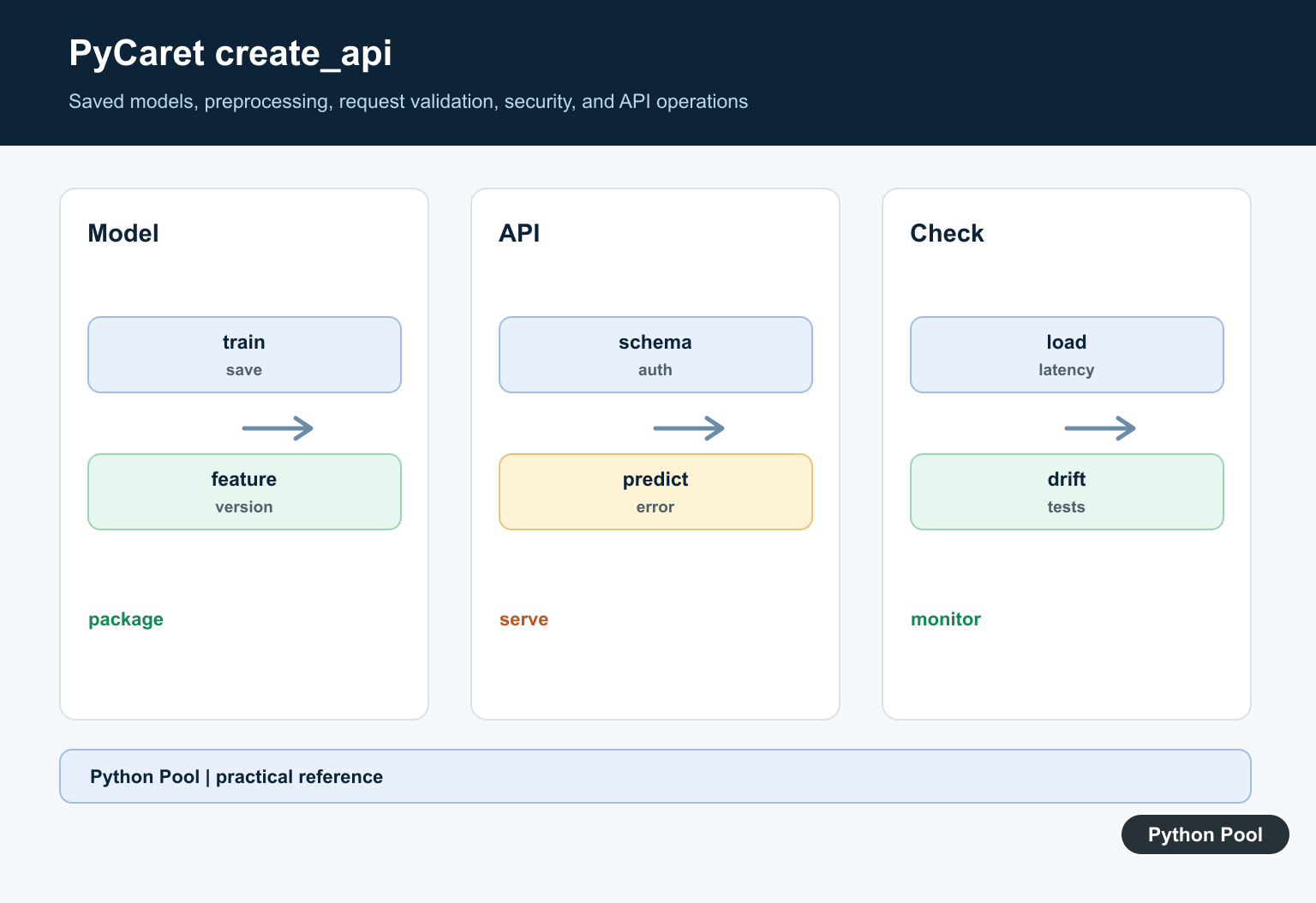
Confirm The Installed API
Locate create_api in the exact PyCaret module and version used by the project. Tutorials often target an older release, while serialization and deployment helpers change with major dependencies.
Save The Complete Pipeline
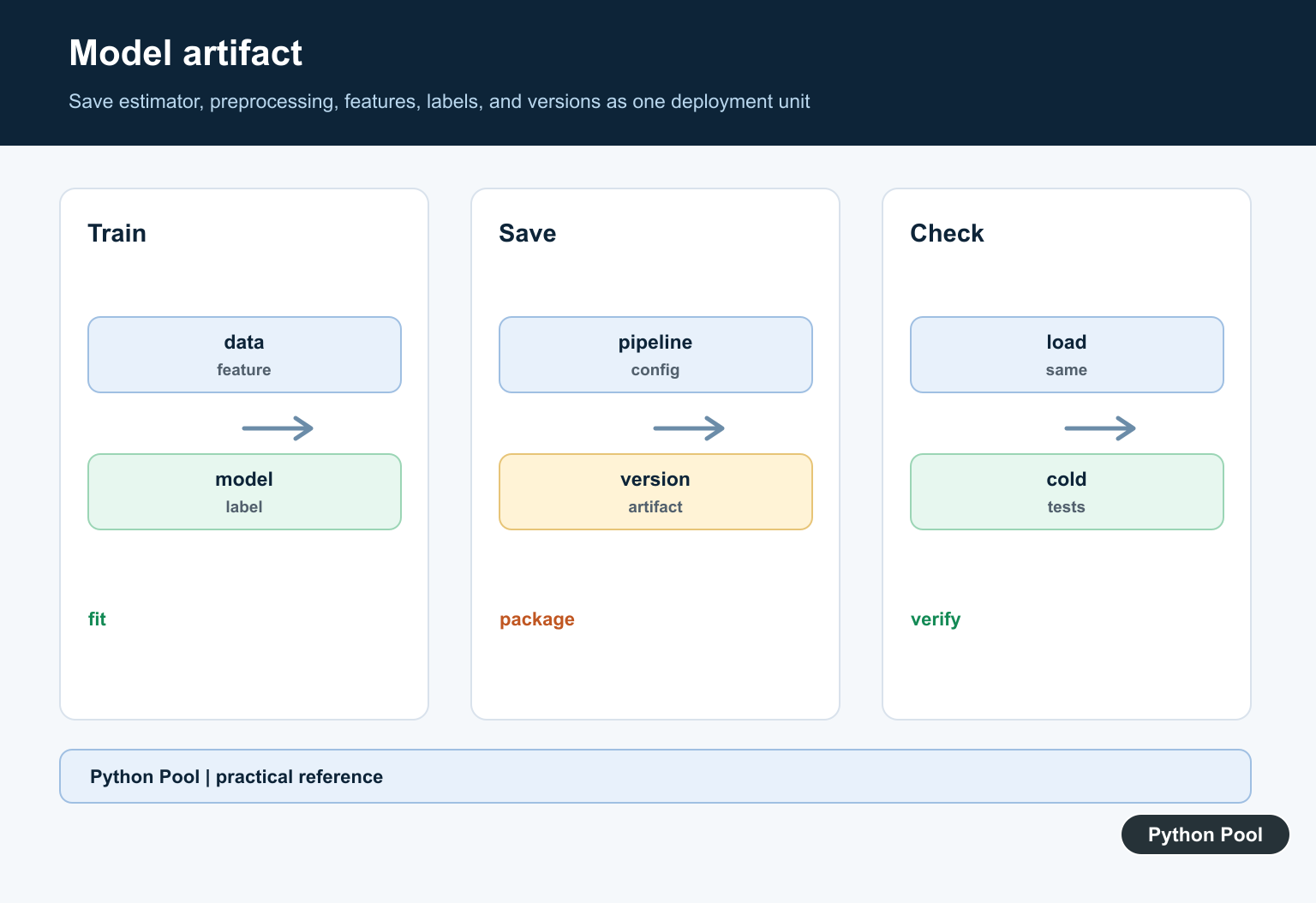
The deployed artifact must include preprocessing, feature order, estimator, label mapping, and any custom transformations. A model file without its preparation logic can produce plausible but wrong predictions.
Define The Request Schema
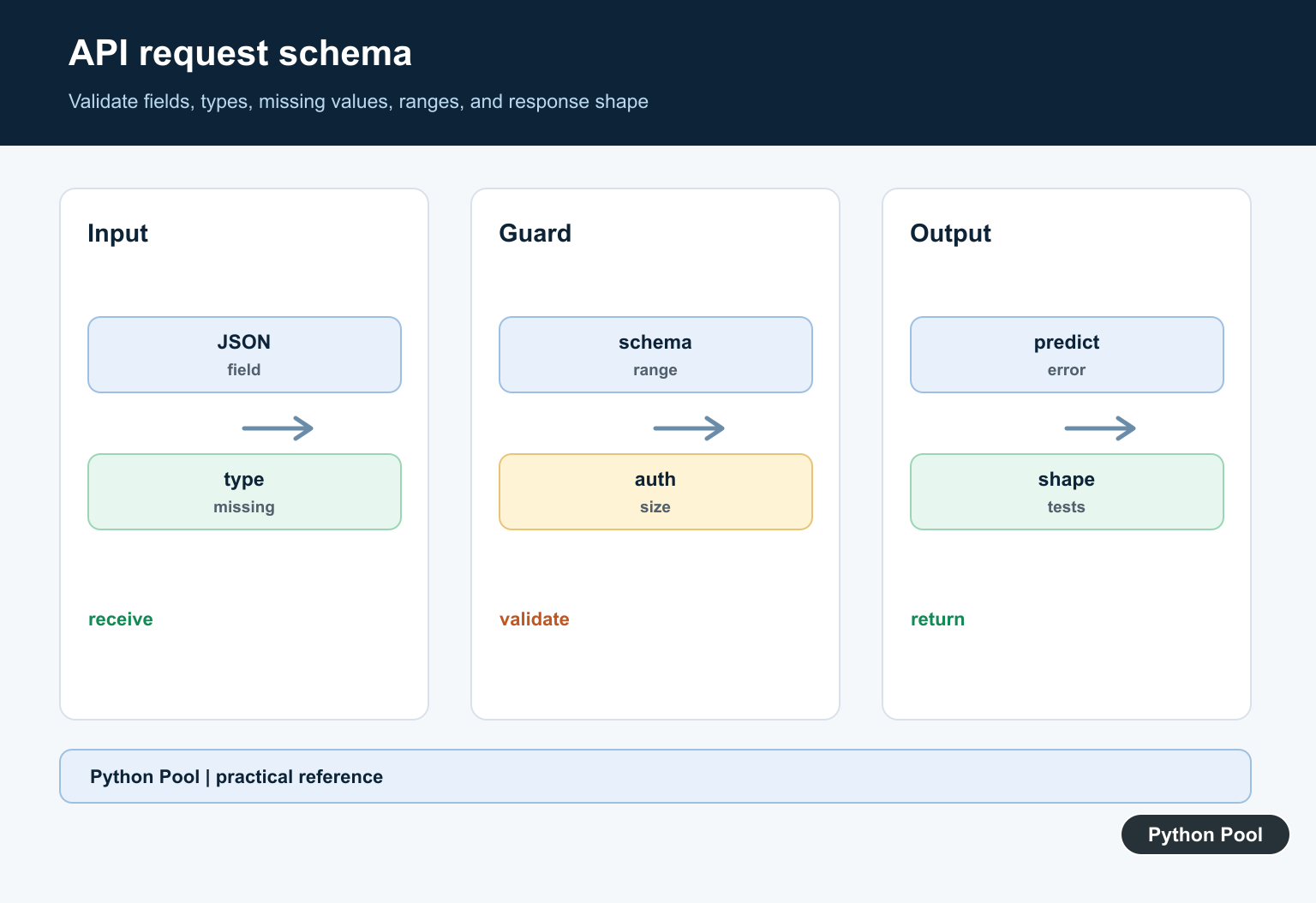
Validate required fields, types, missing values, ranges, categorical values, and unknown fields before prediction. Return stable error shapes rather than exposing a framework traceback.
Secure The Endpoint
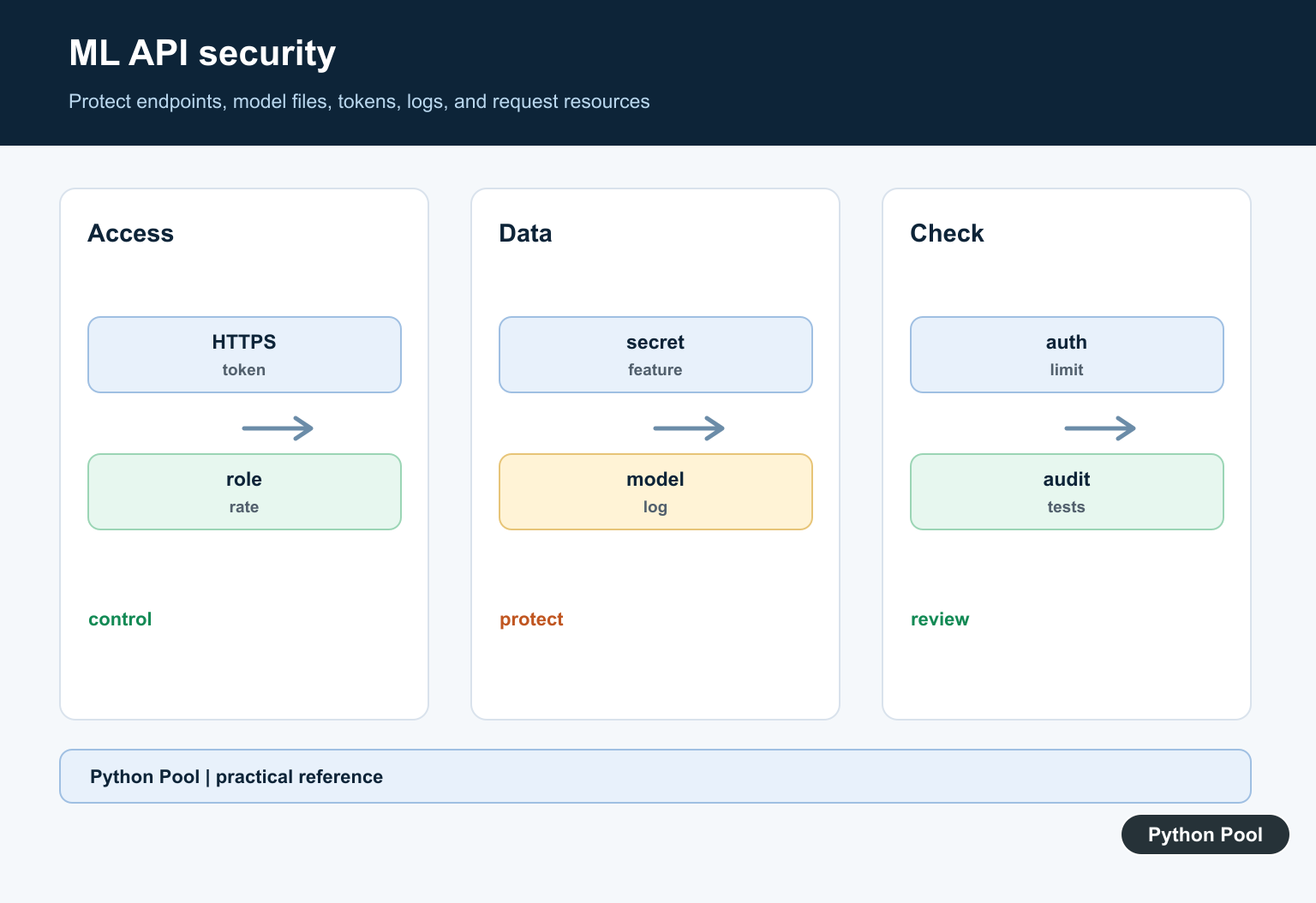
Require authentication where appropriate, use HTTPS, limit request size and rate, protect model files, and avoid logging sensitive feature values or credentials.
Test Version Parity
Run the API in the same Python and dependency environment used to train or export the model. Test model loading, preprocessing parity, known predictions, failures, and cold start behavior.
Operate And Monitor
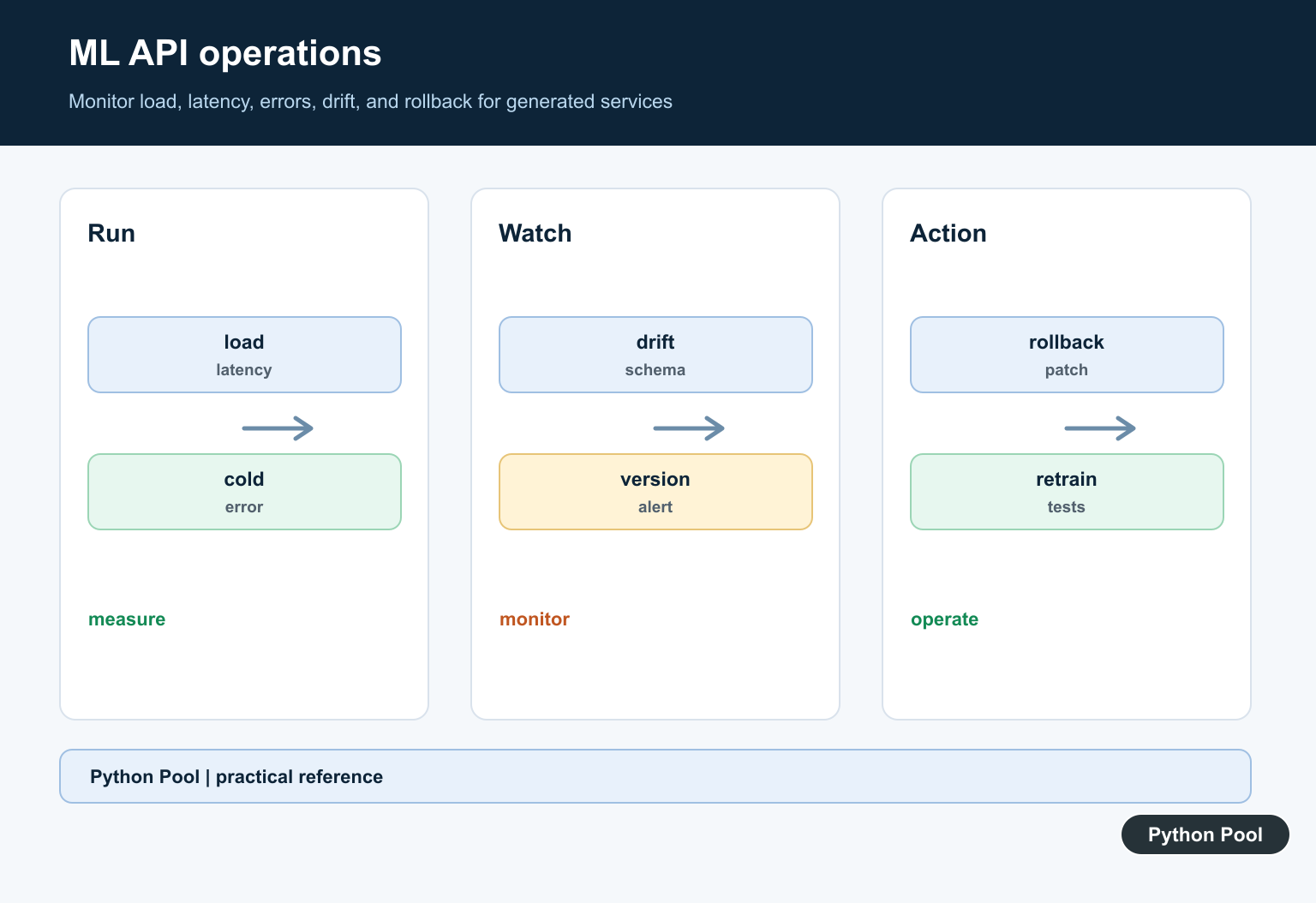
Record model version, request outcome, latency, and sanitized error categories. Monitor drift and schema failures, and define a rollback path for a bad artifact or dependency upgrade.
Use the official PyCaret documentation for the installed module and its deployment guidance. Related Python Pool references include testing and logging.
For related deployment work, compare API tests, safe logs, and request mappings before exposing a PyCaret model.
Frequently Asked Questions
What does PyCaret create_api do?
In PyCaret versions that provide it, create_api packages a saved model workflow behind an API endpoint; confirm the exact module and signature for the installed release.
Why can create_api fail after a PyCaret upgrade?
Deployment helpers and model serialization depend on PyCaret, Python, estimator, and dependency versions, so an old tutorial may not match the current environment.
What should an ML API validate?
Validate request fields, types, missing values, allowed ranges, authentication, model version, and response shape before running prediction.
How do I test a PyCaret API?
Test a known-good request, invalid schema, missing fields, authorization, model loading, preprocessing parity, error responses, latency, and a representative prediction.