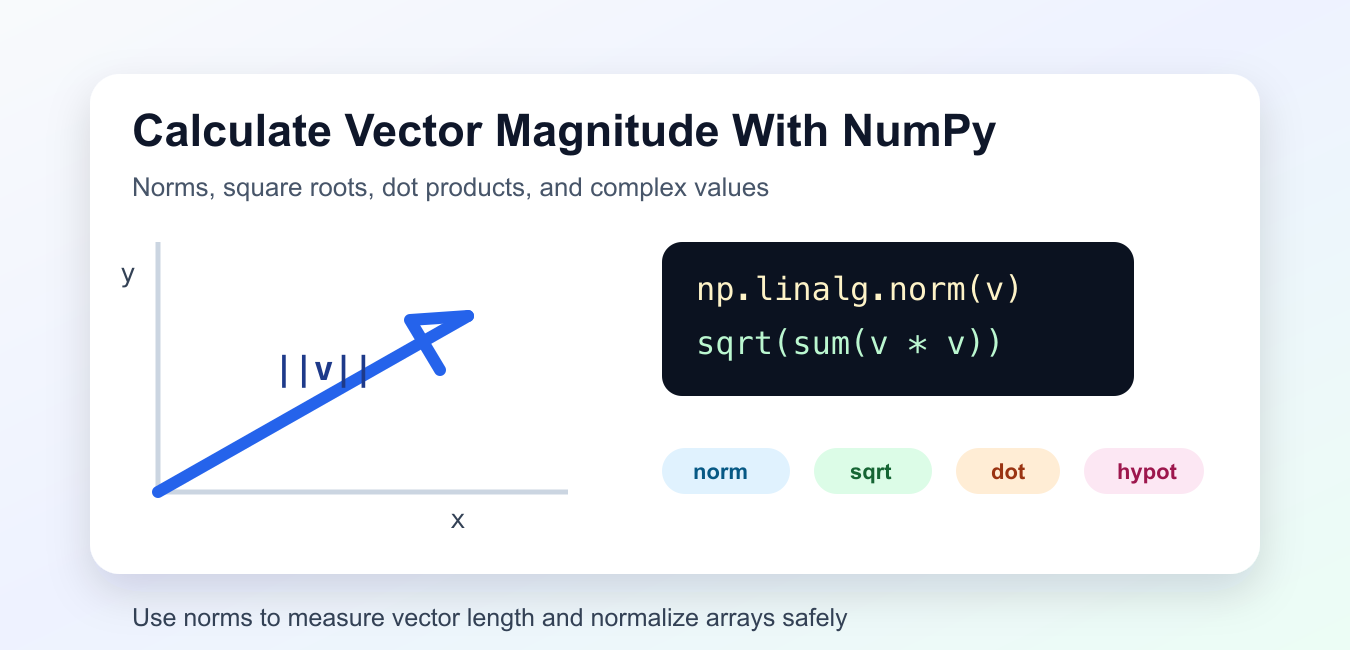
Quick answer: NumPy magnitude depends on the mathematical object. Use numpy.abs() for element-wise absolute values, numpy.linalg.norm() for a vector or selected axis, and an explicit axis and keepdims policy for matrices so the output shape matches the rest of the calculation.
Vector magnitude is the length of a vector. In NumPy, the most direct way to calculate it is np.linalg.norm(). For a vector such as [3, 4], the magnitude is 5 because the length is the square root of 3^2 + 4^2.
Magnitude is used in geometry, machine learning, physics, similarity calculations, normalization, and graphics. The official numpy.linalg.norm documentation covers vector and matrix norms, numpy.sqrt covers square roots, and numpy.hypot covers two-dimensional Euclidean distance.
Use numpy.linalg.norm
np.linalg.norm() calculates the Euclidean norm of a one-dimensional array by default.
import numpy as np

vector = np.array([3, 4])
magnitude = np.linalg.norm(vector)

print(magnitude)
The result is 5.0. This is the standard approach when you want the length of a vector.
Use linalg.norm() first unless you have a specific reason to spell out the formula manually.
Calculate Magnitude Manually
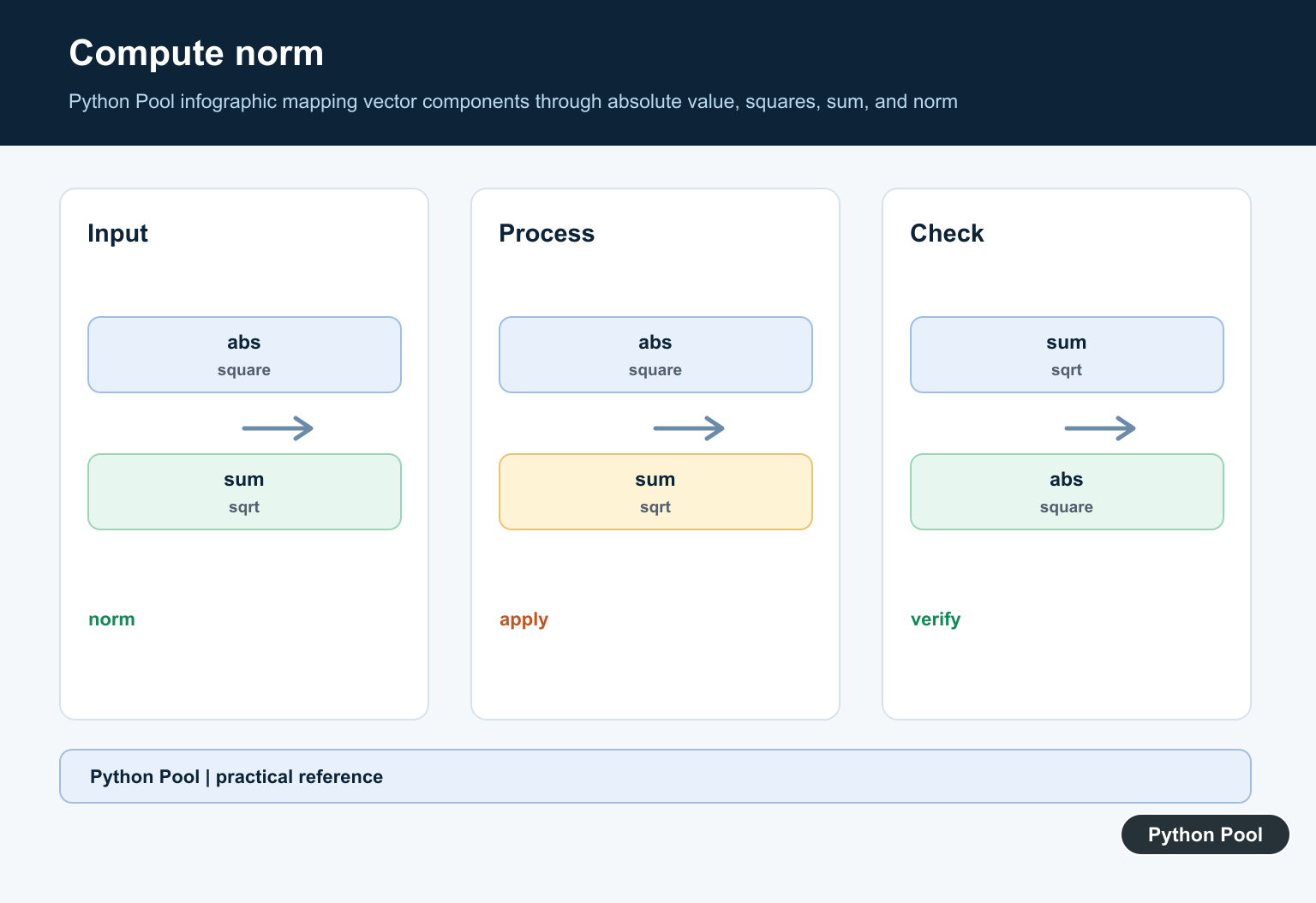
The manual formula squares each component, sums the squares, and takes the square root.
import numpy as np

vector = np.array([2, 3, 6])
magnitude = np.sqrt(np.sum(vector ** 2))

print(magnitude)
This shows exactly what the Euclidean magnitude does. It is useful for learning, debugging, or explaining the calculation.
For production code, the built-in norm function is usually clearer and handles more cases.
Use A Dot Product
The dot product of a vector with itself is the sum of its squared components. Taking the square root gives the magnitude.
import numpy as np

vector = np.array([1, 2, 2])
magnitude = np.sqrt(np.dot(vector, vector))

print(magnitude)
This returns 3.0. The dot-product form is common in linear algebra explanations because it connects length to inner products.
It is also easy to compare with formulas for cosine similarity and vector projection.
Calculate Row-Wise Magnitudes
When you have a two-dimensional array, each row may represent one vector. Use the axis argument to calculate one magnitude per row.
import numpy as np

vectors = np.array([
    [3, 4],
    [5, 12],
    [8, 15],
])

magnitudes = np.linalg.norm(vectors, axis=1)

print(magnitudes)
The output contains one magnitude for each row. This pattern is useful for batches of points, embeddings, and feature vectors.
Choose the axis carefully. A wrong axis can calculate column lengths when you intended row lengths.
Use numpy.hypot For 2D Values
np.hypot(x, y) calculates sqrt(x*x + y*y) for two components. It works with scalars and arrays.
import numpy as np

x = np.array([3, 5, 8])
y = np.array([4, 12, 15])

magnitudes = np.hypot(x, y)

print(magnitudes)
This is convenient for two-dimensional coordinates, pixel offsets, and geometry problems.
For three or more dimensions, use np.linalg.norm() or the manual square-sum formula.
Calculate Complex Magnitude
For complex numbers, magnitude is the distance from zero in the complex plane. NumPy’s absolute value handles that directly.
import numpy as np

values = np.array([3 + 4j, 5 + 12j])
magnitudes = np.abs(values)

print(magnitudes)
The results are 5 and 13. This works because the magnitude of a + bj is sqrt(a^2 + b^2).
Use np.abs() for complex arrays and np.linalg.norm() for vector lengths.
Practical Guidance
Use np.linalg.norm(vector) for a single vector. Use np.linalg.norm(array, axis=1) for row-wise vector magnitudes. Use np.hypot() for two-dimensional component pairs.
Before normalizing a vector, check that its magnitude is not zero. Dividing by zero produces invalid values and can break later numeric steps.
Large arrays should use vectorized NumPy operations instead of Python loops. Vectorized operations are shorter, faster, and easier to verify.
Choose The Right Norm
The default norm for a one-dimensional array is the Euclidean norm, also called the L2 norm. It measures straight-line distance from the origin. This is the common choice for geometry, embeddings, and physical vectors.
Other norms answer different questions. The L1 norm sums absolute component values, which can be useful in optimization and sparse-model discussions. The infinity norm reports the largest absolute component. NumPy supports these choices through the ord argument.
Do not switch norms only because the result looks convenient. The norm should match the math meaning of the task. If your code says magnitude without qualification, readers usually expect the Euclidean norm.
Use Magnitude For Normalization
Normalization divides a vector by its magnitude to create a unit vector. A unit vector has length one but keeps the same direction. This is useful when direction matters more than raw size.
Always guard against a zero vector before dividing. A zero vector has no direction, so a normalized version is not meaningful. In batch code, create a mask for nonzero magnitudes before division.
Magnitude can also help detect outliers. If one vector has a much larger magnitude than the rest, check whether the source data uses a different scale or contains an input error.
The practical default is to use linalg.norm() for clarity, and switch to manual formulas only when the formula itself is the point of the example.
Distinguish Absolute Value From Norm
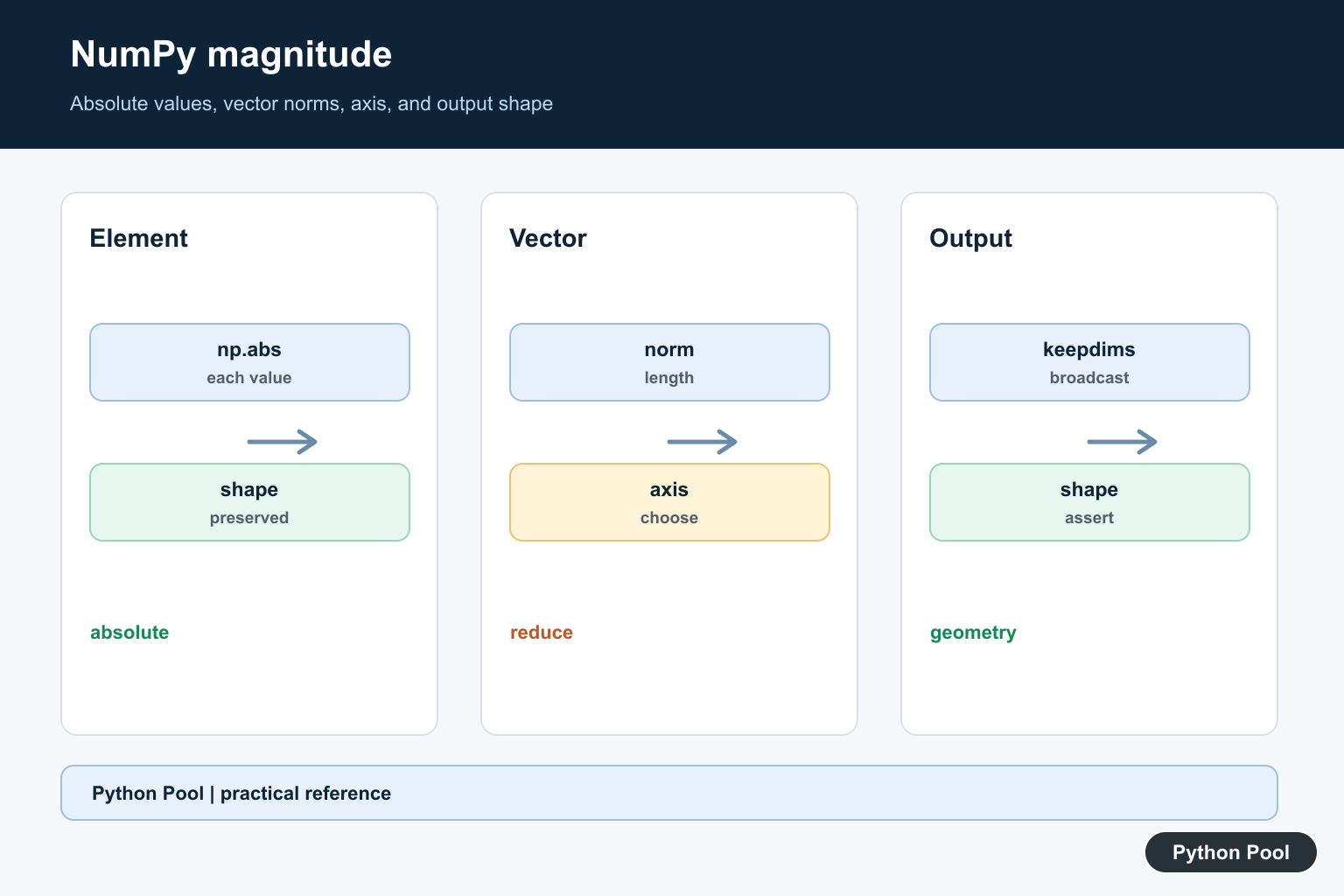
np.abs(array) returns one magnitude per element and preserves the array shape. A vector norm combines elements into one length, such as the Euclidean square root of the sum of squares. Using one where the other is intended can produce plausible but incorrect results.
Select The Correct Norm
numpy.linalg.norm(vector) gives the default Euclidean length for a vector. The ord argument selects alternatives such as L1 or infinity norms, while axis chooses whether rows, columns, or another dimension represents the vectors being measured.
Make Shape Changes Explicit
Reducing an axis removes that dimension by default. Use keepdims=True when the result must broadcast back over the original array, and inspect array.shape before and after the call. Shape assertions are more reliable than relying on visual output.
Handle Complex And Empty Data
Magnitude for complex values is based on distance from zero and should use NumPy’s documented behavior. Decide how empty vectors, NaN values, integer overflow risk, and zero-length axes should be represented before they reach a downstream normalization step.
Test Values And Geometry
Test a unit vector, zero vector, negative values, a matrix with row and column reductions, complex values where relevant, and NaN or empty inputs according to the contract. Assert both numeric tolerance and output shape.
The official numpy.linalg.norm reference defines norms, ord, axis, and keepdims. The numpy.absolute reference covers element-wise absolute values. Related guidance includes NumPy axes and shape tests.
For related numerical shape decisions, compare axis reductions, NumPy axes, and numeric tests when validating a magnitude result.
Frequently Asked Questions
How do I calculate a vector magnitude in NumPy?
Use numpy.linalg.norm(vector) for the default Euclidean norm, or supply ord and axis when the mathematical definition requires another norm or layout.
What is the difference between abs and a norm?
absolute values operate element by element, while a norm reduces a vector or selected axis to one magnitude.
How do I calculate row magnitudes?
Call numpy.linalg.norm(array, axis=1) when each row is a vector and the first dimension indexes observations.
Why is my NumPy magnitude shape unexpected?
The selected axis and keepdims setting control which dimensions are reduced; inspect array.shape before and after the operation.