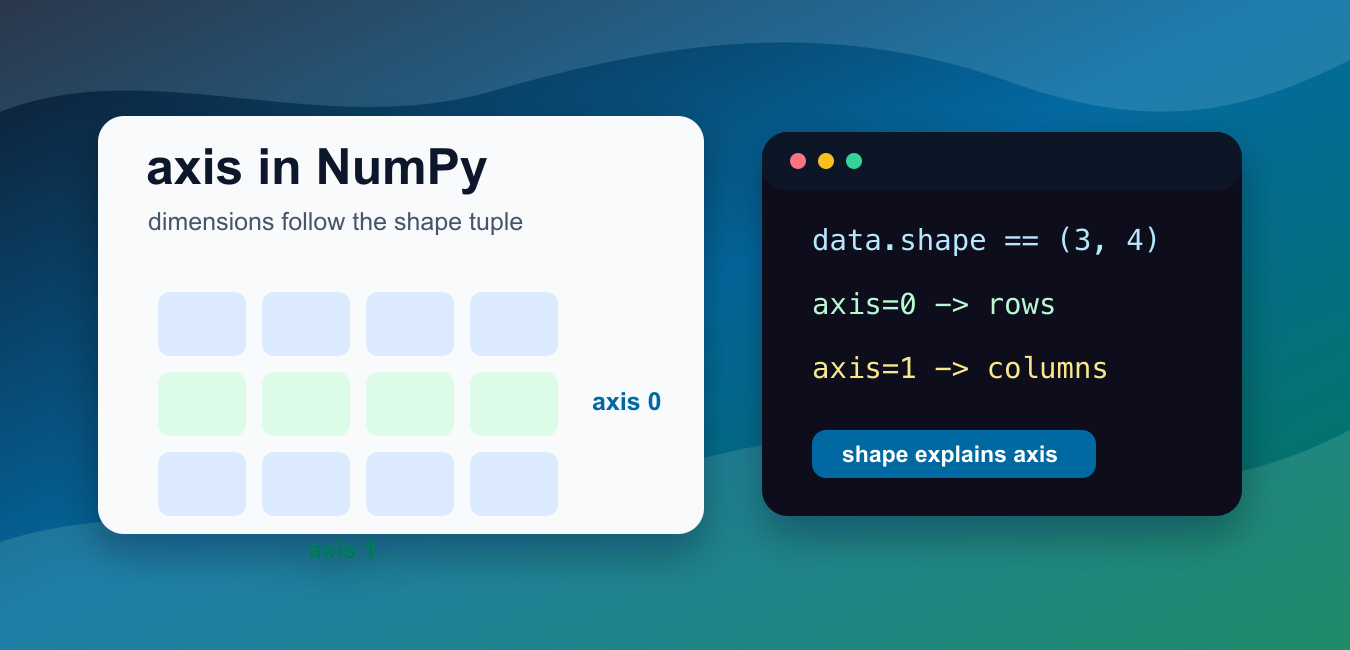
Quick answer: A NumPy axis identifies one dimension of an array. For a two-dimensional array, axis=0 reduces down rows and returns one value per column, while axis=1 reduces across columns and returns one value per row. Negative axes count from the end, and keepdims=True preserves a size-one dimension so the result can broadcast against the original array.
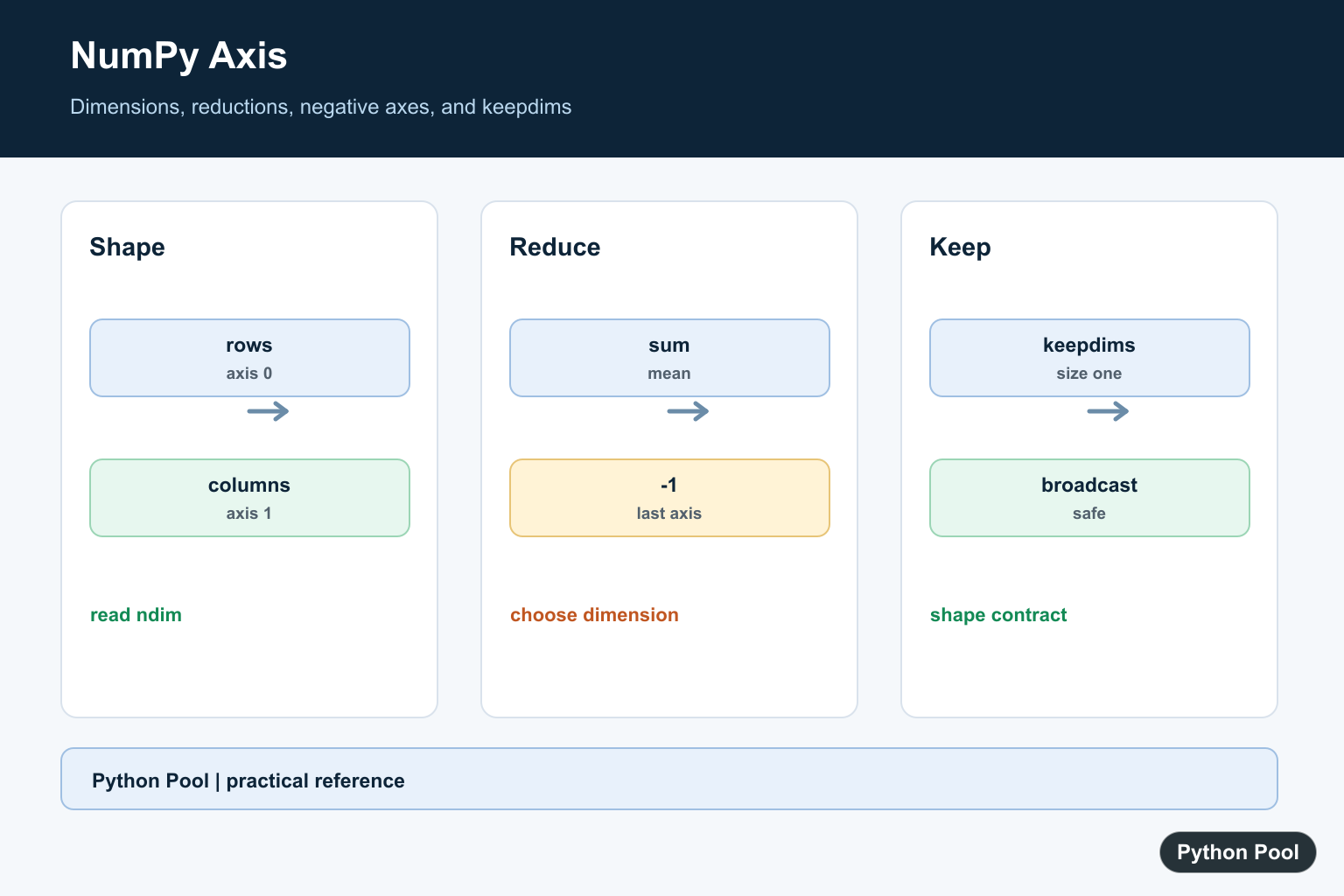
A NumPy axis is a dimension of an array. Axes are numbered from left to right in the array shape, so axis 0 is the first dimension, axis 1 is the second dimension, and so on. NumPy roll() Array Shift Guide uses the axis parameter to shift values with wraparound along one selected dimension. Most array work should stay vectorized, but NumPy nditer() for Array Iteration shows controlled multidimensional iteration when element-wise access is genuinely required.
The official NumPy documentation defines axis in the glossary and documents axis parameters for functions such as numpy.sum() and numpy.expand_dims().
The easiest way to understand axes is to look at array.shape. For a 2D array with shape (3, 4), axis 0 has length 3 and axis 1 has length 4. Many NumPy operations reduce, move, or add one of those dimensions.
When a function reduces an axis, that axis is the direction being collapsed. For example, sum(axis=0) collapses rows and leaves one value for each column. sum(axis=1) collapses columns and leaves one value for each row.
That language can feel backward at first because the result is described by what remains. A good habit is to say: “axis equals the dimension being operated over.” Then inspect the output shape to confirm the result.
Negative axes count from the end. Axis -1 means the last dimension, which is often the most convenient way to work with the final coordinate of arrays that may have different ranks.
There is no universal “horizontal axis” or “vertical axis” rule that works for every array. The right interpretation depends on the array shape and the operation. For 2D arrays, axis 0 often lines up with rows and axis 1 often lines up with columns, but the reliable source is still the shape tuple. For a 2D array, NumPy fliplr: Flip Arrays Left to Right applies the axis concept by reversing columns while preserving row order.
When debugging axis code, print both the input shape and output shape. If the dimension you expected to collapse is still present, the axis value is probably wrong or keepdims=True is preserving it intentionally.
Check Axis From Shape
The shape tuple shows the length of each axis.
import numpy as np

data = np.array([
    [1, 2, 3, 4],
    [5, 6, 7, 8],
    [9, 10, 11, 12],
])

print(data.shape)
The shape is (3, 4).
Axis 0 has length 3 because there are three rows.
Axis 1 has length 4 because there are four columns.
For higher-dimensional arrays, keep reading the shape tuple from left to right.
This shape-first approach also works after reshaping. If a reshape changes (12,) into (3, 4), the new array has two axes even though the values came from a one-dimensional sequence.
Sum Along Axis 0
axis=0 collapses the first dimension.
import numpy as np

data = np.array([
    [1, 2, 3],
    [4, 5, 6],
])

result = np.sum(data, axis=0)

print(result)
The result contains one sum for each column.
Rows were collapsed because axis 0 was the dimension being reduced.
The output shape is (3,), matching the column count from the original array.
Another way to say it: each column contributes a result, because rows were combined along axis 0.
Sum Along Axis 1
axis=1 collapses the second dimension.
import numpy as np

data = np.array([
    [1, 2, 3],
    [4, 5, 6],
])

result = np.sum(data, axis=1)

print(result)
The result contains one sum for each row.
Columns were collapsed because axis 1 was the dimension being reduced.
The output shape is (2,), matching the row count from the original array.
This is the row-sum pattern many readers expect from spreadsheets: each row becomes one total.
Use Axes With 3D Arrays
A 3D array has axes 0, 1, and 2.
import numpy as np

data = np.arange(24).reshape(2, 3, 4)

print(data.shape)
print(np.sum(data, axis=2).shape)
The original shape is (2, 3, 4).
Reducing axis 2 collapses the last dimension and returns shape (2, 3).
This is the same rule as 2D arrays: the selected axis is the one removed by the reduction.
For a 3D array, axis 0 might represent batches, axis 1 might represent rows, and axis 2 might represent columns. The names depend on your data model, but the axis numbers still follow the shape order.
Use Negative Axis Values
Negative axes count backward from the end.
import numpy as np

data = np.arange(24).reshape(2, 3, 4)

last_axis_sum = np.sum(data, axis=-1)

print(last_axis_sum.shape)
Axis -1 is the last axis, so this example also returns shape (2, 3).
Negative axes are helpful when you care about the last dimension but do not want to hard-code the exact number of dimensions.
Use them carefully in tutorials so readers can still connect the value back to the shape tuple.
In libraries and reusable functions, negative axes can make code more flexible. For example, reducing the last axis can work for both 2D and 3D input as long as the last dimension has the same meaning.
Keep Dimensions After Reduction
keepdims=True leaves the reduced axis in the result with length 1.
import numpy as np

data = np.array([
    [1, 2, 3],
    [4, 5, 6],
])

result = np.sum(data, axis=1, keepdims=True)

print(result)
print(result.shape)
This keeps the result two-dimensional with shape (2, 1).
Keeping the dimension can make later broadcasting steps easier.
Without keepdims, the reduced dimension disappears. With keepdims, that dimension stays in place with length 1, so the result can often broadcast back against the original array.
In short, read axes from the shape tuple, remember that the chosen axis is the dimension being operated over, use negative axes for end-relative indexing, and use keepdims=True when preserving rank helps the next operation.
Read The Shape First
Axis numbers are positions in the shape tuple, not labels such as x or y. Print the shape and ndim before choosing an axis, especially when code accepts arrays with different ranks.
import numpy as np

values = np.array([[1, 2, 3], [4, 5, 6]])
print(values.shape)
print(values.ndim)
print(values.sum(axis=0))
print(values.sum(axis=1))
Use Negative Axes
axis=-1 means the final dimension and axis=-2 means the dimension before it. This is useful for code that should work for batches with extra leading dimensions.
import numpy as np

values = np.ones((2, 3, 4))
print(values.sum(axis=-1).shape)
print(values.sum(axis=-2).shape)
Preserve Dimensions With keepdims
A reduction normally removes the reduced axis. keepdims leaves it at length one, which makes subtraction or division against the original array broadcast in the intended direction.
import numpy as np

values = np.array([[1.0, 2.0], [3.0, 4.0]])
row_totals = values.sum(axis=1, keepdims=True)
normalized = values / row_totals
print(row_totals.shape)
print(normalized)
Validate Axis Inputs
An axis outside the array rank raises an error. A helper can expose a clear message and keep the reduction operation close to the shape contract rather than hiding the mistake in a later broadcast failure.
import numpy as np


def mean_along(values, axis):
    array = np.asarray(values)
    if not -array.ndim <= axis < array.ndim:
        raise ValueError("axis is outside the array rank")
    return array.mean(axis=axis)

print(mean_along([[1, 2], [3, 4]], 0))
NumPy’s reduction documentation explains axis and keepdims behavior. Related references include minimum reductions, array operations, and reshape and rank changes.
For related array reductions, compare minimum reductions, array operations, and reshape and rank changes when selecting an axis.
Frequently Asked Questions
What does axis 0 mean in NumPy?
For a two-dimensional array, axis 0 reduces down rows and returns one result per column.
What does axis 1 mean?
Axis 1 reduces across columns and returns one result per row.
Why use a negative axis?
Negative axes count from the last dimension, so axis=-1 means the final dimension regardless of array rank.
What does keepdims do?
It leaves the reduced dimension at size one so the result can broadcast against the original array.